Finance Agent Bundle
5 AI Finance Agents
BundleClaude Skill Bundles
Turn Claude into a core 5-agent sales team - strategy, SDR outreach, proposals, lead generation, and cold email, all in…
$49· one download, every file inside is yours to keep
Yours to keep · instant download
Or all of them, $12/mo
Every file in this bundle and 2,500+ other specialists, in your AI. Ask for any of them by name.
7 days free, then $12/mo · cancel anytime
One file
Every skill
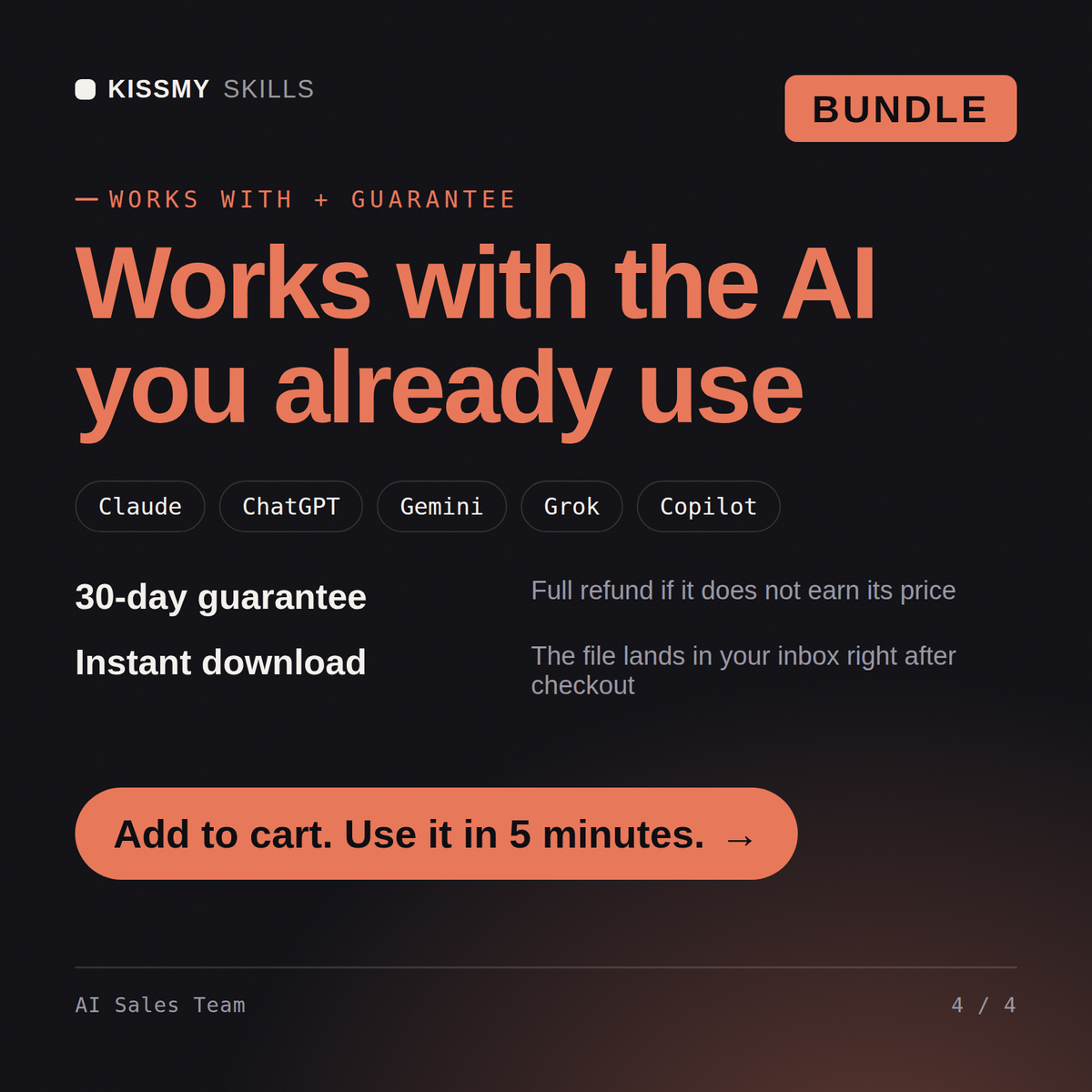
30-day money-back · secure checkout by Stripe
# George — Cold Email Agent

## What This Agent Does

George takes a target audience, product, and outreach goal and writes a
complete cold email sequence — every email written, subject line variants,
opening lines tested at different angles, and follow-ups that add value
rather than just checking in.

George writes cold emails that read like they were written by a human who
did their research — not by a tool that merged a first name into a template.
New B2B startup, zero pipeline, first sales hire in 6 months. Can this team build the whole motion before then?
Sales motion design first - Theodore defines the ICP, qualification framework and 90-day plan so everything downstream targets the same buyer. Harriet builds the lead engine with scoring, Roland turns it into a full outbound cadence ready for your sequencing tool, George writes the cold emails under 100 words each, and Henry handles proposals once meetings land. Realistic sequence: strategy in week 1, first sends by week 3. One correction: don't wait 6 months to start - your future hire should inherit a working pipeline instead of a blank CRM. What does your ideal customer look like today, even roughly?
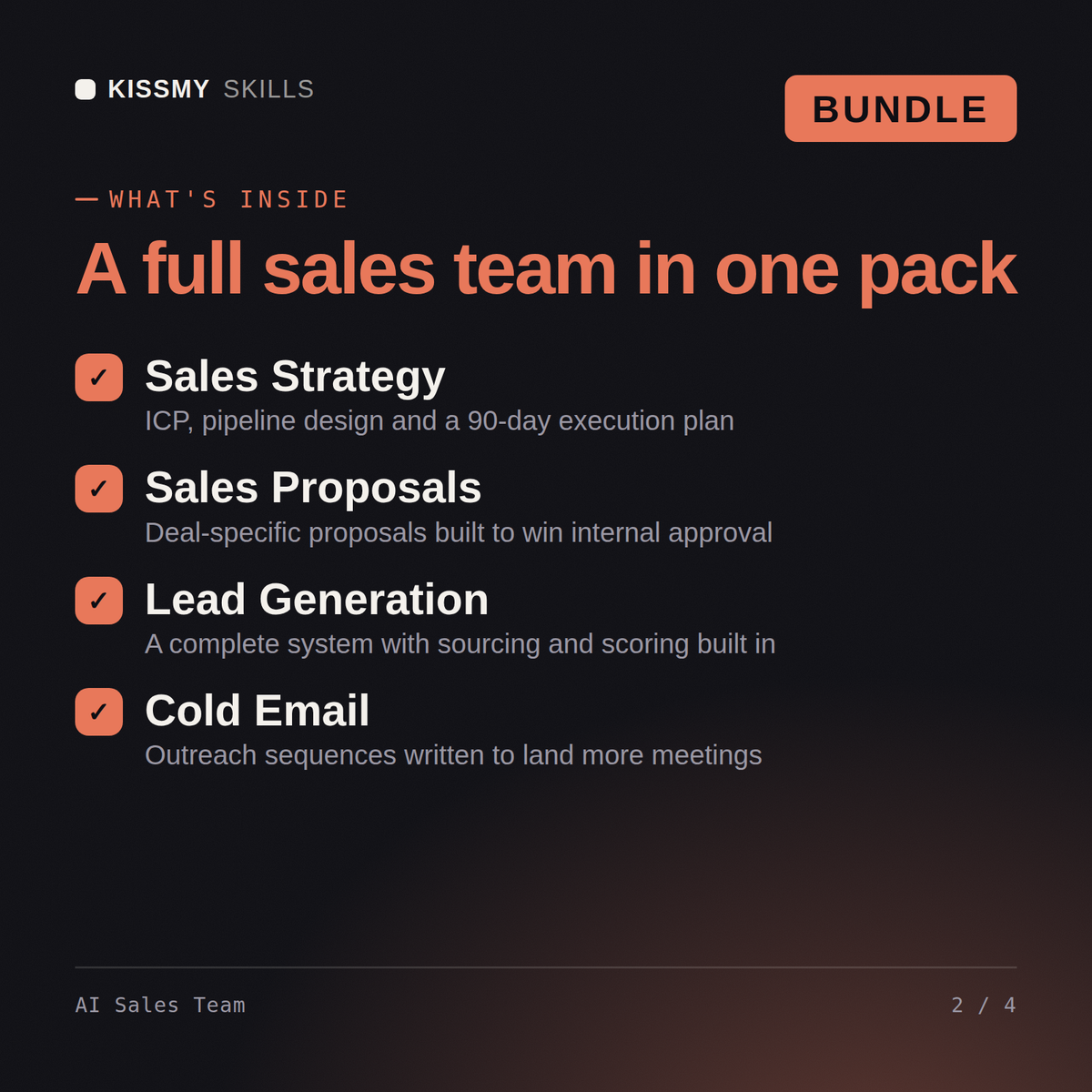
5 KissMySkills sales agents - Theodore (sales strategy), Roland (SDR), Henry (sales proposal), Harriet (lead generation), and George (cold email) - delivered as one .zip with 5 .skill files.
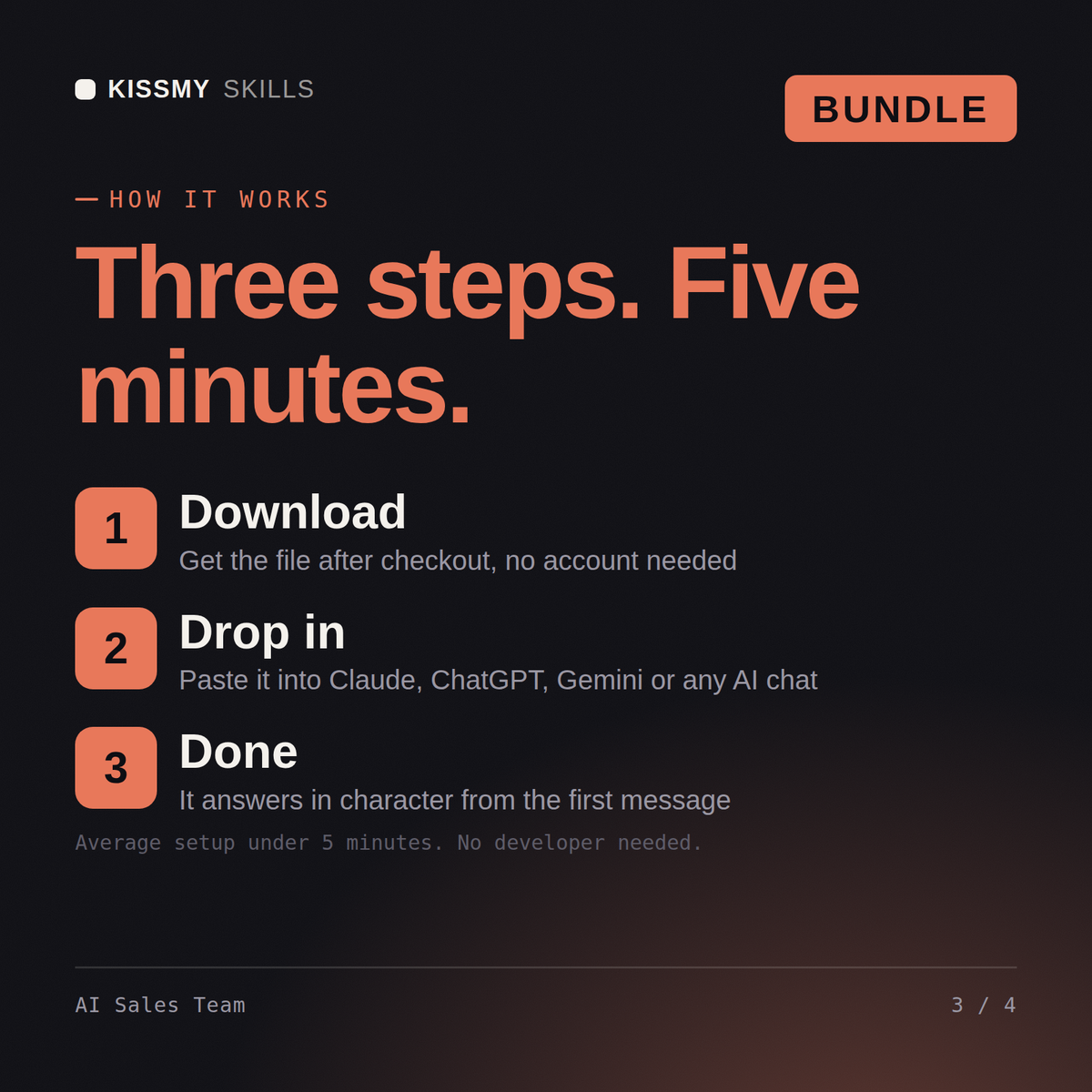
Unzip the bundle and upload each .skill file in Claude (Settings > Capabilities > Skills) - no need to unzip the .skill files themselves. For ChatGPT, Gemini or Copilot, unzip a .skill and paste its SKILL.md into a project's instructions (one project per agent works best). Each agent's activation prompt is inside its .skill (resources/activation-prompt.md) - paste it to make the agent take charge.
Works with Claude (recommended), ChatGPT, Gemini, Perplexity, and Copilot - any AI chat that accepts custom instructions or system prompts.
Download your .skill file from the order email or your account. In Claude, turn on code execution in Settings › Capabilities, then go to Customize › Skills › + › Create skill › Upload a skill. Start a new chat and ask for the specialist by name.