SEO Agent Bundle
5 AI SEO Agents
BundleClaude Skill Bundles
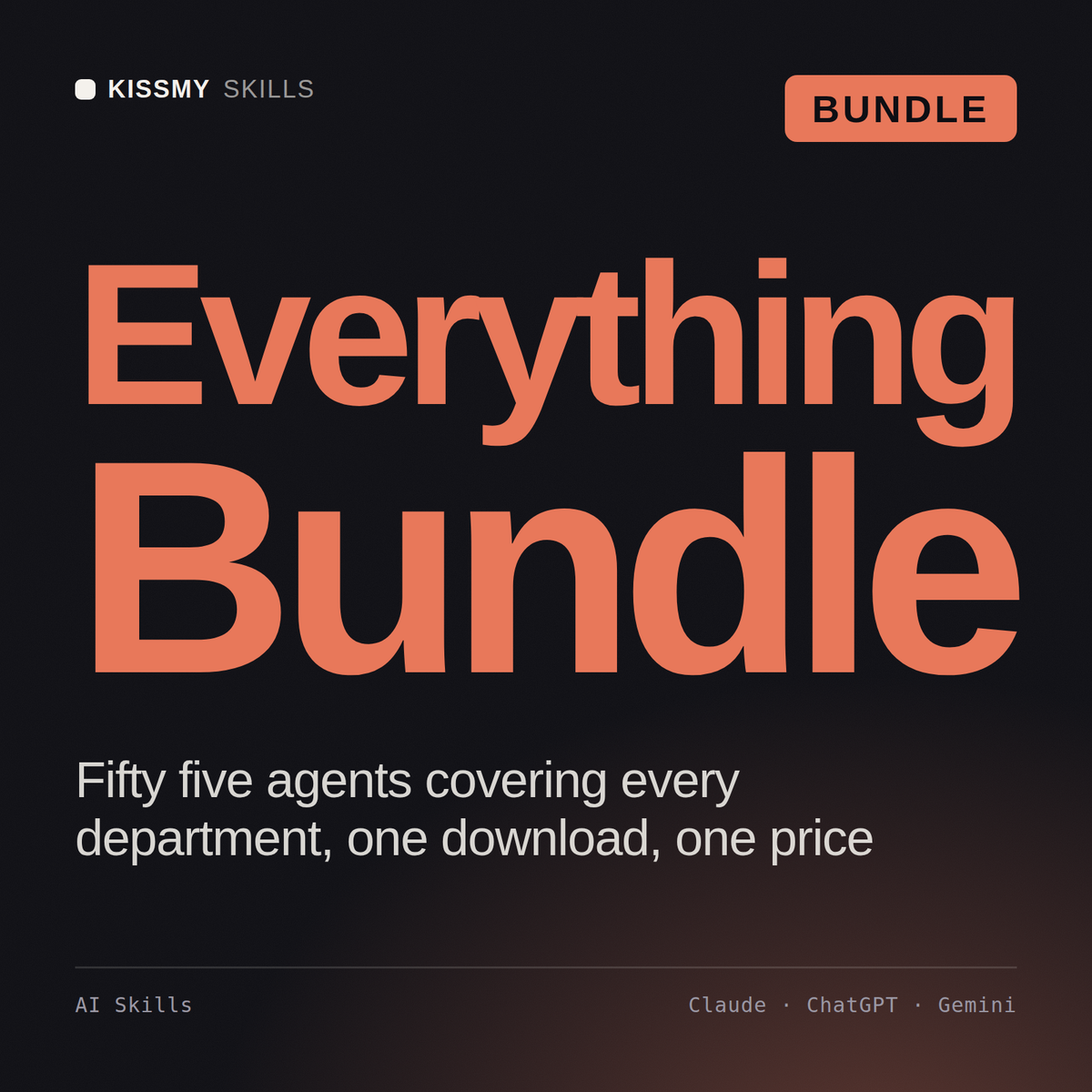
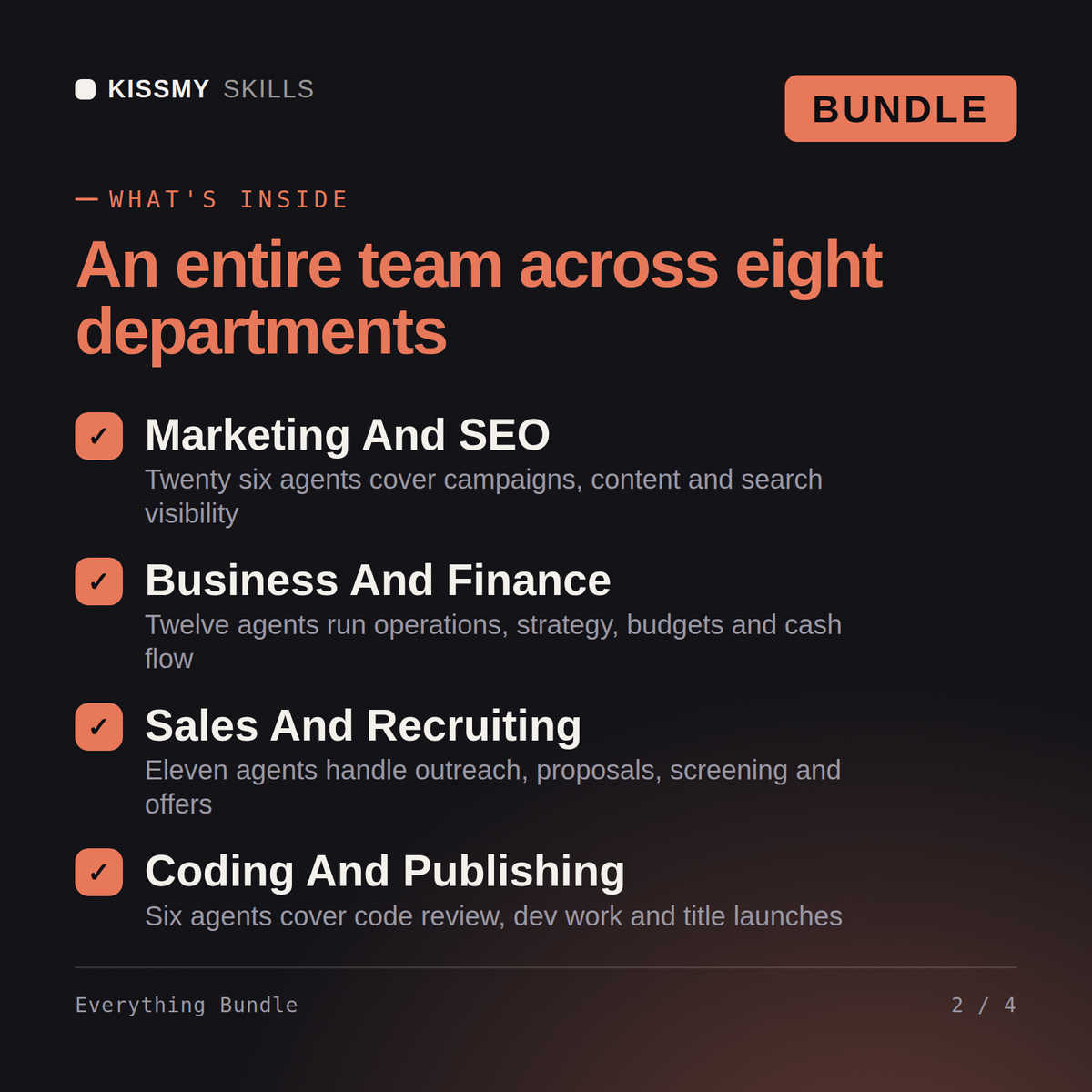
Turn Claude into a 55-agent team - eight business functions covered, one download.
$39· one download, every file inside is yours to keep
Yours to keep · instant download
Or all of them, $6.99/mo
Every file in this bundle and 2,500+ other specialists, in your AI. Ask for any of them by name.
$6.99/mo · 30-day money-back · cancel anytime
One file
All-in-one
30-day money-back · secure checkout by Stripe
# Simon — Onboarding Agent

## What This Agent Does

Simon takes a new hire, role, and company context and builds a complete
onboarding programme — everything the HR team, manager, and new hire need
from offer acceptance through to the end of the 90-day ramp period.

Simon writes every document in the programme: the pre-boarding welcome,
first week schedule, 30/60/90-day plan, manager guide, and new hire
FAQ — so onboarding is consistent, warm, and effective regardless of
which manager delivers it.
Buying for my 30-person agency - do 55 agents make sense, or am I paying for shelf-ware half the team never opens?
Coverage across all eight departments is the point - the 14 marketing and 12 SEO agents alone map to the daily work of most agencies, and the finance, sales, business, recruiting, coding and publishing desks cover the functions you staff thin. Realistic adoption: each seat uses 4-6 agents weekly, different ones per role - the account team leans on marketing and sales, ops on business and finance. Shelf-ware happens when a bundle replaces a plan, so let's correct the framing: don't roll out 55 at once, pick one workflow per team and wire the matching agent into it first. Which department loses the most hours to work an agent could run?
55 KissMySkills AI agents across eight categories - Business (6), Coding (5), Finance (6), Marketing (14), Publishing (1), Recruiting (5), Sales (6), and SEO (12) - delivered as one .zip with 43 .skill files and 12 agents as .md with a .txt activation prompt.
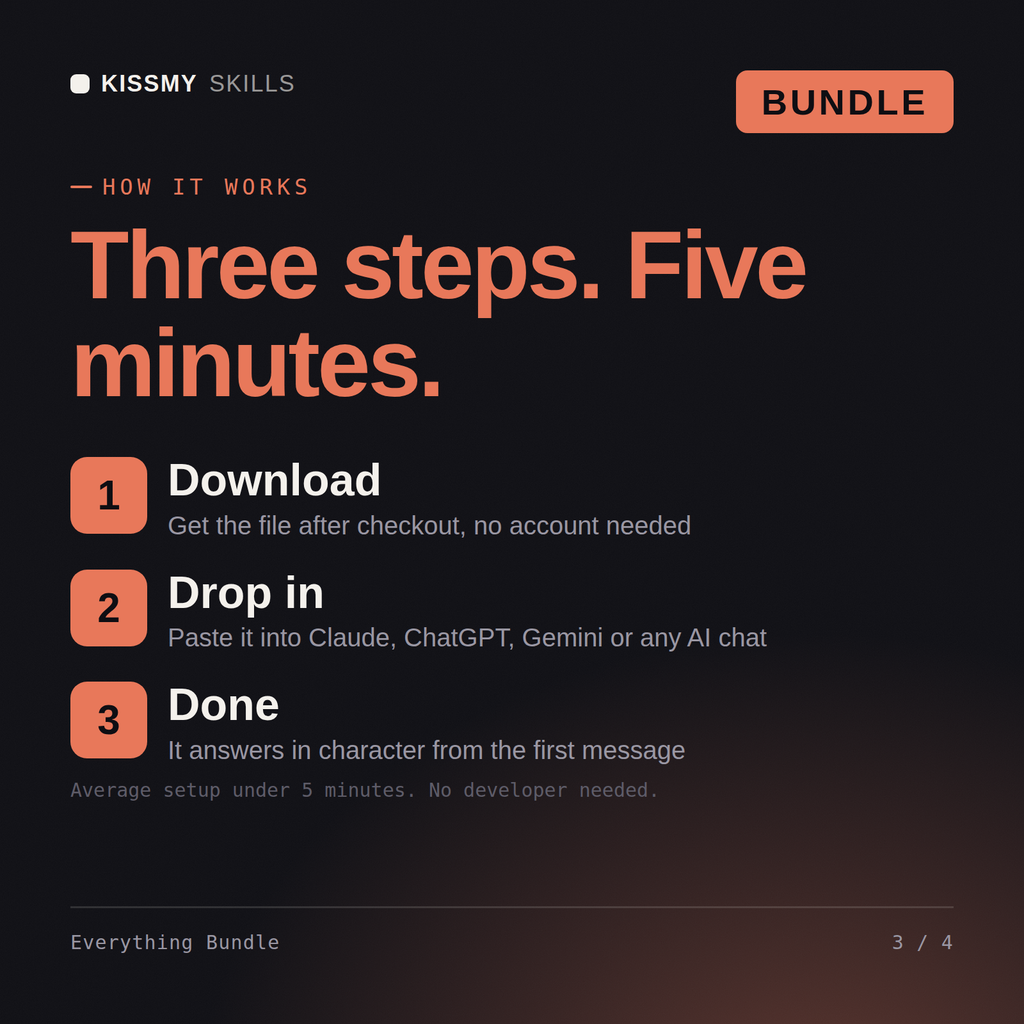
Unzip the bundle and upload each .skill file in Claude (Settings > Capabilities > Skills) - no need to unzip the .skill files themselves. For ChatGPT, Gemini or Copilot, unzip a .skill and paste its SKILL.md into a project's instructions (one project per agent works best). Each agent's activation prompt is inside its .skill (resources/activation-prompt.md) - paste it to make the agent take charge.
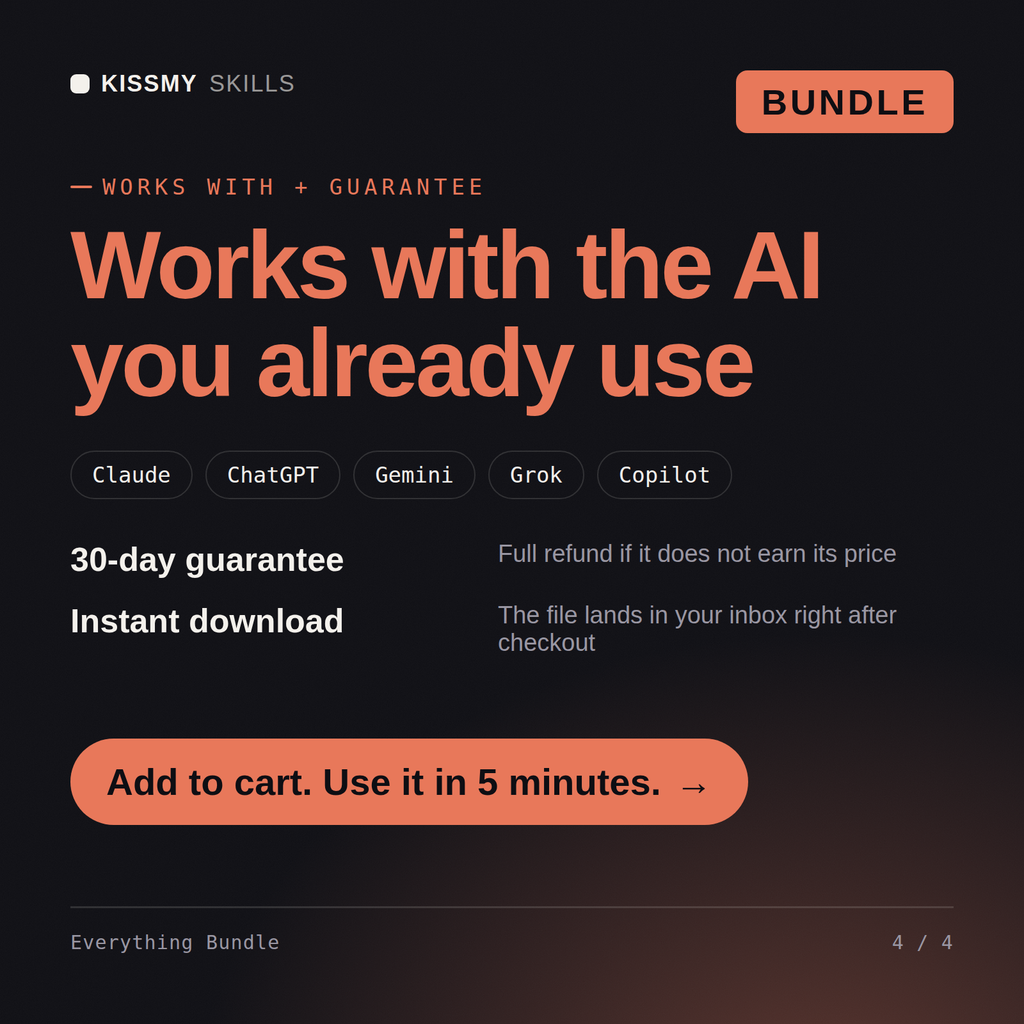
Works with Claude (recommended), ChatGPT, Gemini, Perplexity, and Copilot - any AI chat that accepts custom instructions or system prompts.
Download your .skill file from the order email or your account. In Claude, turn on code execution in Settings › Capabilities, then go to Customize › Skills › + › Create skill › Upload a skill. Start a new chat and ask for the specialist by name.