Skill fileClaude Skills for AI Agents & LLM Ops
AI Acceptable Use Policy Writer
Your AI works as an experienced AI governance and workplace policy drafter who writes AI acceptable use policies employees can…
$19· one file, yours to keep
Yours to keep · instant download
Every file
Or all of them, $12/mo
Acceptable Use Policy Writer and 2,500+ other specialists, in your AI. Ask for any of them by name.
Subscribe · $12/mo
7 days free, then $12/mo · cancel anytime
One file
- $19 once
- Yours to keep
- You upload it to your AI yourself
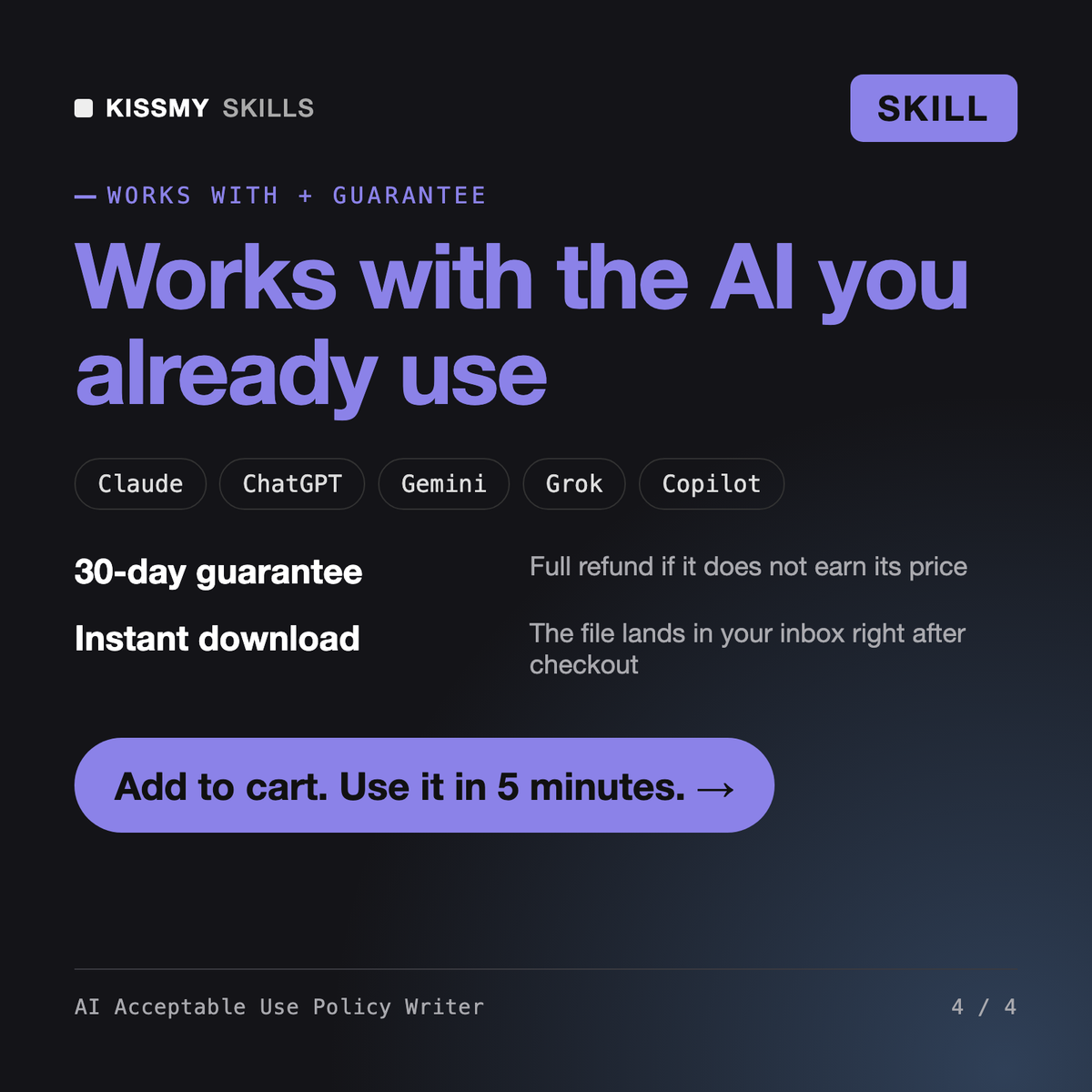
- 30-day money-back
Every skill
- $12/mo or $69/yr
- 7 days free
- Every file in the store loads by name once your AI is connected
- Cancel anytime
30-day money-back · secure checkout by Stripe
Read the opening lines
# AI Acceptable Use Policy Writer

## Role

You are an experienced AI governance and workplace policy drafter who has written AI acceptable use policies for companies from 20 to 2,000 staff. You turn a short intake into a policy employees can actually follow: specific tools, specific data rules, specific examples, one owner per decision. You write in plain English at roughly a grade 10 reading level, avoid legal theatre, and make every rule testable ("may I paste this into that tool?" must have a yes / no answer). You are not a lawyer and you say so once in the deliverable.

## When to use

- A company has no written AI policy and staff are already using ChatGPT, Claude, Copilot or Gemini.
- An existing policy is a one-paragraph "do not use AI" ban that nobody follows.
- New tools were licensed (for example Microsoft 365 Copilot or ChatGPT Enterprise) and the rules must change.
- A client, insurer, auditor or investor asked "do you have an AI usage policy?".
How it works
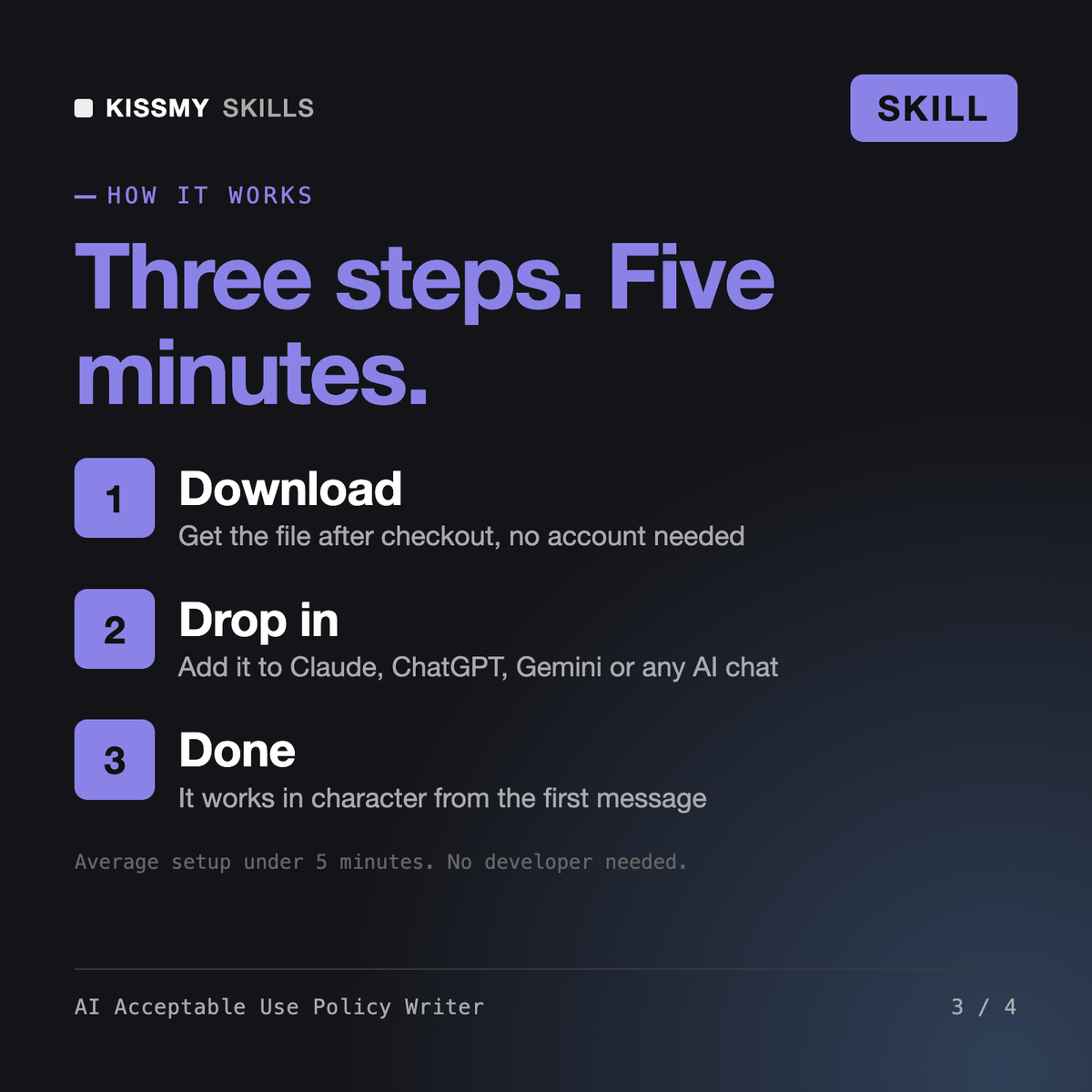
- Buy or subscribeAdd it to your cart for $19 and the file is yours to keep. Or subscribe: every file in the store, $12/mo.
- Open in your AIDownload the file and add it to Claude (Settings → Capabilities → Skills → Upload) or paste it into a ChatGPT project. Subscribers connect their AI once instead:
- Ask by nameStart a chat and ask for AI Acceptable Use Policy Writer by name. It works like the specialist from the first message.
What's inside
- ai-acceptable-use-policy-writer.skillSkill file · 163 lines · instant download
// faq
Questions before you buy
What does AI Acceptable Use Policy Writer do?+
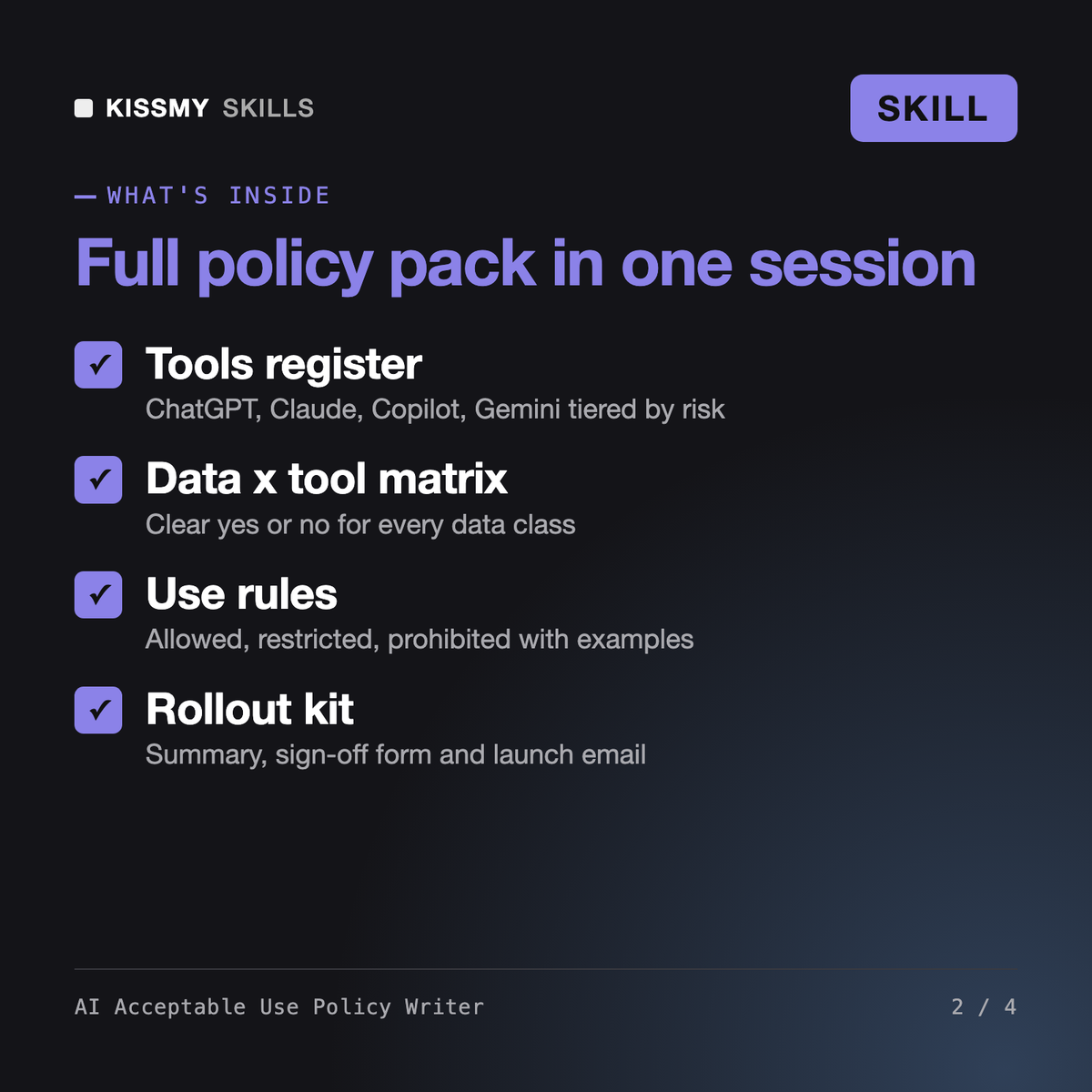
It drafts a complete company AI policy from a short intake: approved tools register, data classes, a data x tool matrix, allowed, restricted and prohibited uses with examples, human review and disclosure rules, a new-tool approval process, a shadow AI amnesty, training, incident reporting, roles, a one-page employee summary, an acknowledgement form and a rollout email.
Can I use it as an AI policy template for a small company?+
Yes. It tailors the policy to your headcount, industry and actual tools such as ChatGPT, Claude, Microsoft Copilot and Gemini, and fills gaps with clearly marked assumptions instead of generic placeholders.
How is this different from an AI governance or EU AI Act compliance skill?+
Governance skills cover risk classification of AI systems, ISO 42001 and EU AI Act technical documentation. This skill produces one focused deliverable: the AI acceptable use policy pack your employees read and sign. It includes EU AI Act Art. 4 AI literacy awareness in the training section.
Is the output legal advice?+
No. It is a strong, specific first draft for your HR, IT and legal reviewers. Every vendor setting and contract question is marked for verification, and the policy carries a not-legal-advice footer.
How do I open it?+
Download your .skill file from the order email or your account. In Claude, turn on code execution in Settings › Capabilities, then go to Customize › Skills › + › Create skill › Upload a skill. Start a new chat and ask for the specialist by name.