AI Nursing Care Plan Generator
Impaired Physical Mobility
Prompt setAI Care Plan & Clinical Document Generators
Your AI works as a senior medical scribe and clinical documentation specialist who writes SOAP, DAP and encounter notes in…
$9· one file, yours to keep
Yours to keep · instant download
Or all of them, $6.99/mo
SOAP Note Generator and 2,500+ other specialists, in your AI. Ask for any of them by name.
7 days free, then $6.99/mo · cancel anytime
One file
All-in-one
30-day money-back · secure checkout by Stripe
================================================================================
  KISSMYSKILLS.COM
  1. AI Clinical Note Writer
  Claude Prompt — Instant Use
================================================================================

IMPORTANT: All outputs are draft clinical documentation requiring review,
amendment, and sign-off by the responsible clinician before entering any
patient record. These outputs do not constitute medical advice or clinical
decision support.
Write a SOAP note: 46 year old, 3 day productive cough, temp 37.9, chest clear, plan amoxicillin plus safety netting.
You get: Subjective → objective → assessment with coding prompts → plan with safety netting and clinician completion flags
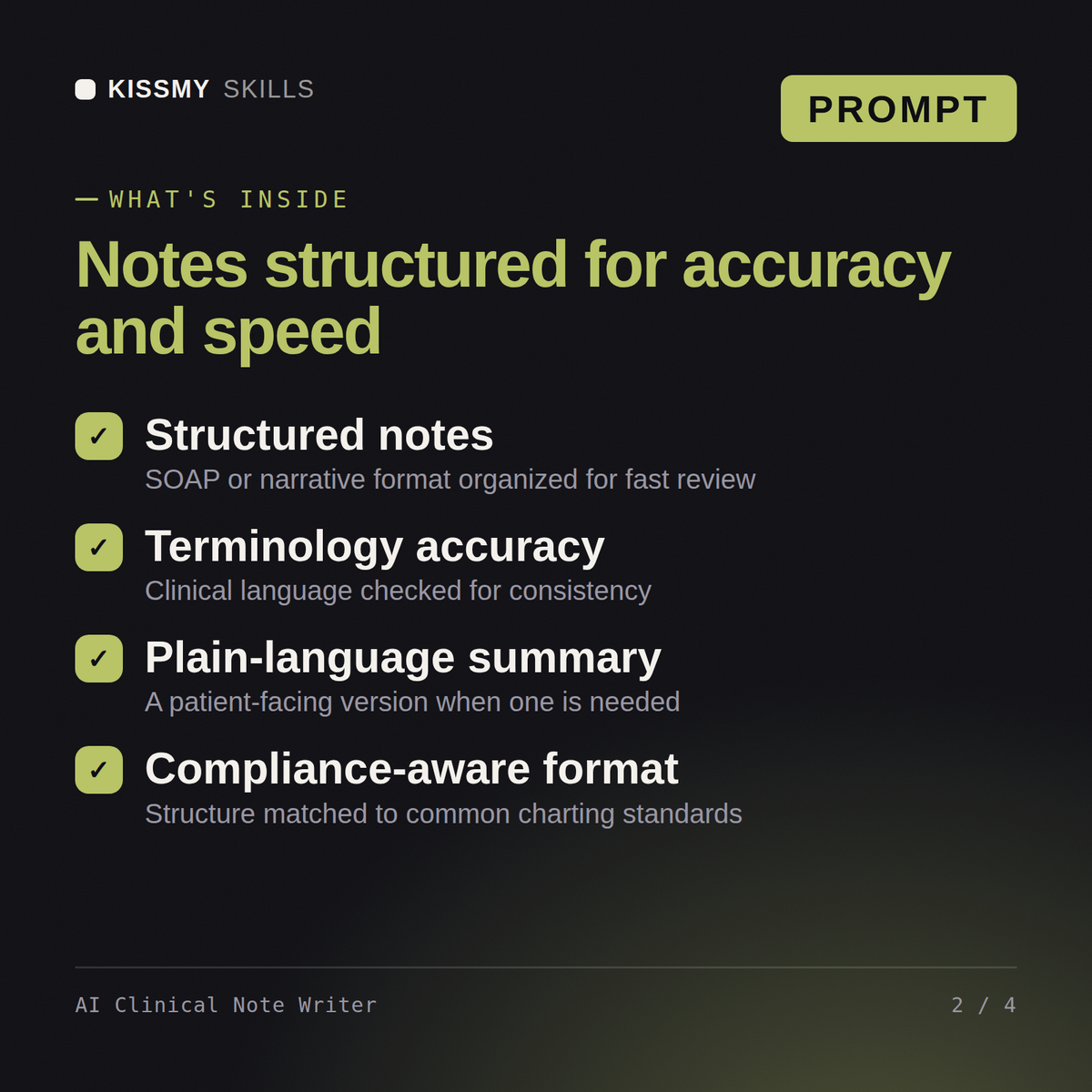
The AI Clinical Note Writer produces structured clinical notes from consultation details - SOAP or specialty-appropriate format - for qualified clinician review and amendment before filing. Paste it into Claude, ChatGPT, or any AI chat, fill in the bracketed fields, and get structured professional output in minutes.
Yes. A follow-up prompt turns the drafted note into a treatment plan table with goals, measurable objectives, interventions, responsible person, frequency and review date, using only what you provide and marking gaps [CLINICIAN TO COMPLETE]. A second prompt updates the plan at review. The clinician reviews and signs every plan.
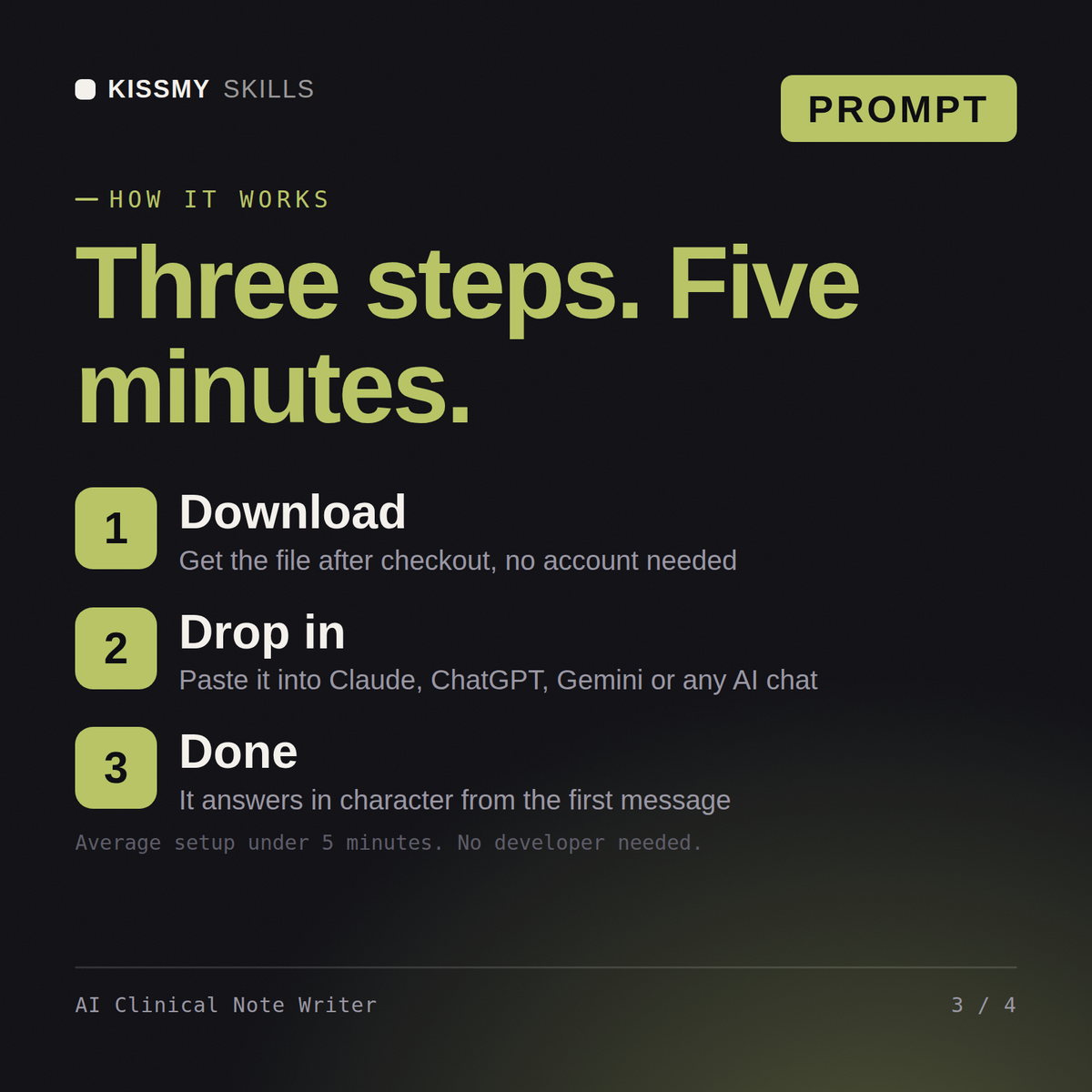
Download the .txt file, copy the prompt, fill in the bracketed placeholders with your specific details, paste into Claude or any AI chat, and send. No technical setup required.
Works with Claude, ChatGPT, Gemini, and any AI chat accepting text input. Claude is recommended for the best output quality and instruction-following.
Download your .skill file from the order email or your account. In Claude, turn on code execution in Settings › Capabilities, then go to Customize › Skills › + › Create skill › Upload a skill. Start a new chat and ask for the specialist by name.