
55 AI Agents Bundle
For founders, agencies & teams who want full AI coverage, not one department
BundleClaude Skill Bundles
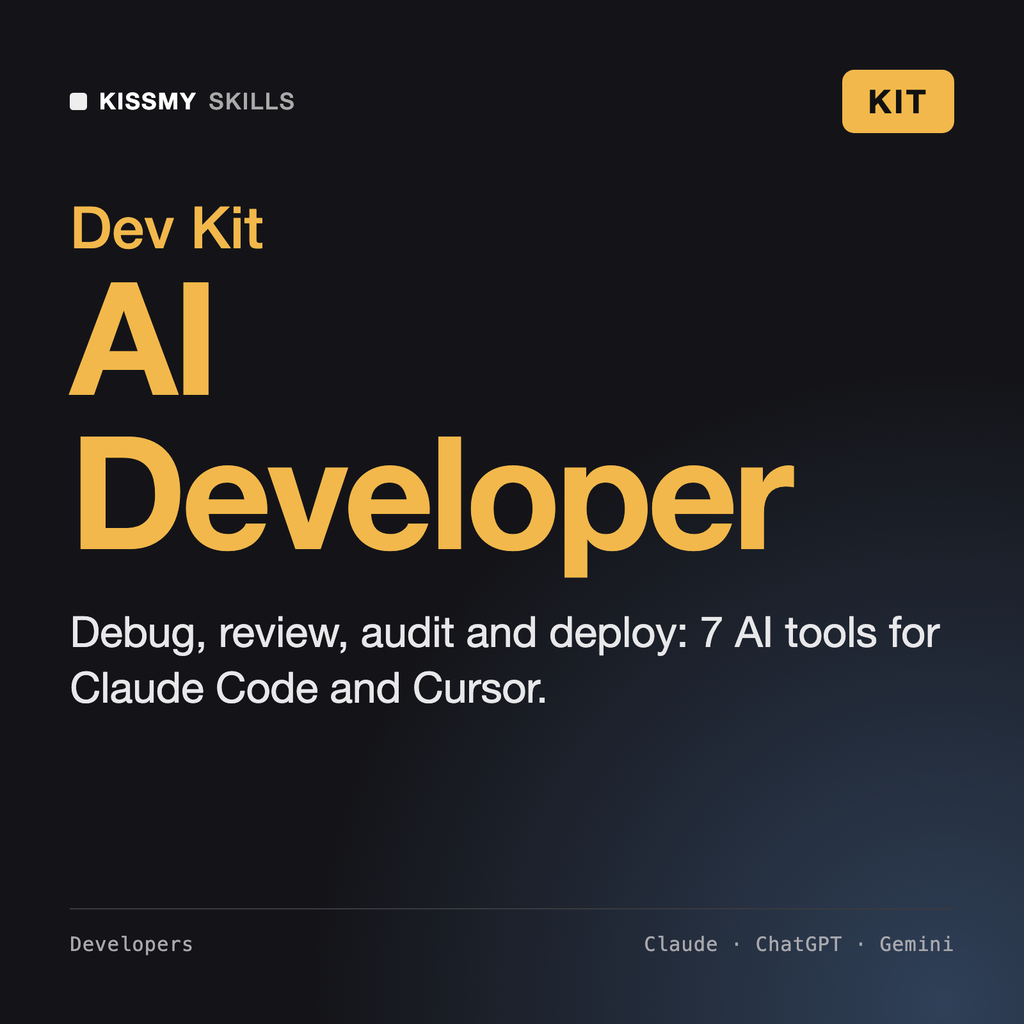
Ship faster with AI without shipping bugs: clean git history, real debugging, reviews, audits, deploys and postmortems in one kit.…
$49· one download, every file inside is yours to keep
Yours to keep · instant download
Or all of them, $12/mo
Every file in this bundle and 2,500+ other specialists, in your AI. Ask for any of them by name.
7 days free, then $12/mo · cancel anytime
One file
Every skill
30-day money-back · secure checkout by Stripe
AI-Assisted Developer Kit - 7 AI Tools for Claude Code & Cursor
============================================================

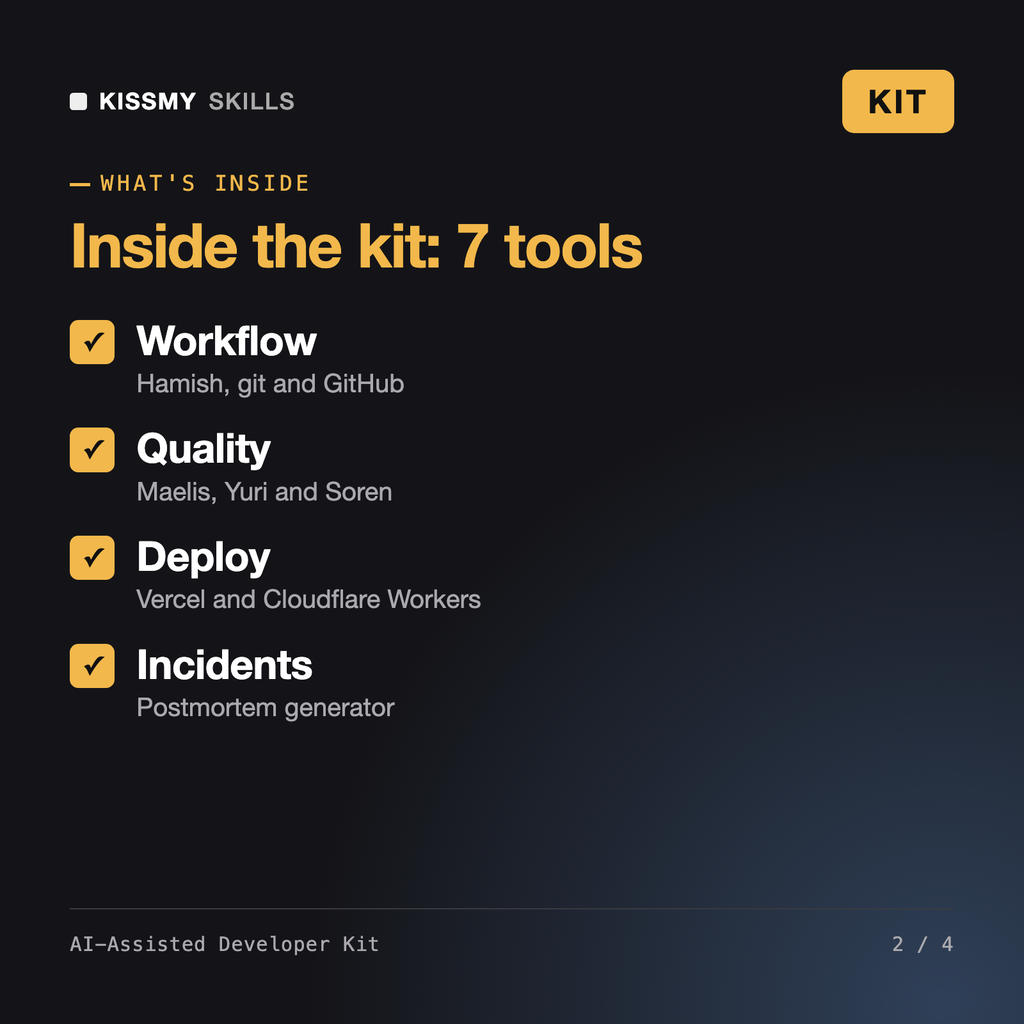
The senior teammates an AI-assisted developer needs: a git and GitHub workflow specialist, a debugging specialist, a code reviewer, a code auditor, a Vercel expert, a Cloudflare Workers expert and an incident postmortem generator. Install as skills in Claude Code or paste into Cursor rules, ChatGPT or any AI chat.

WHAT'S INSIDE
------------------------------------------------------------
* Hamish - Git & GitHub Workflow AI Skill (skill)
  File: hamish-git-github-workflow-specialist.skill
  Branches, commits, rebases, PRs and GitHub Actions without drama

* Maelis - Debugging Specialist AI Skill (skill)
After my last deploy to Vercel, the checkout API returns 500 about 5% of the time. Logs show a timeout. Help.
Maelis: reproduce with 50 parallel requests; the 5% pattern points to cold starts plus a slow DB connection. Vercel skill: move the route to a region next to the DB and reuse the client across invocations. Yuri: the PR that added retries has no timeout cap; flag it. Soren: the error handler leaks the stack trace to clients. Hamish: hotfix branch, one commit per fix, revert plan. Postmortem: timeline, root cause, and 3 action items.
7 products in one zip: Hamish - Git & GitHub Workflow AI Skill, Maelis - Debugging Specialist AI Skill, Yuri - Code Reviewer AI Skill, Soren - Code Auditor AI Skill, AI Skill for Vercel, AI Skill for Cloudflare Workers, AI Incident Report & Postmortem Generator. Plus a kit README with the order to use them in.
Yes. The .skill files install directly as Claude Code skills; for Cursor, paste SKILL.md into a rule or project instructions.
The workflow skills are language-agnostic; the deploy skills target JavaScript and TypeScript on Vercel and Cloudflare Workers.
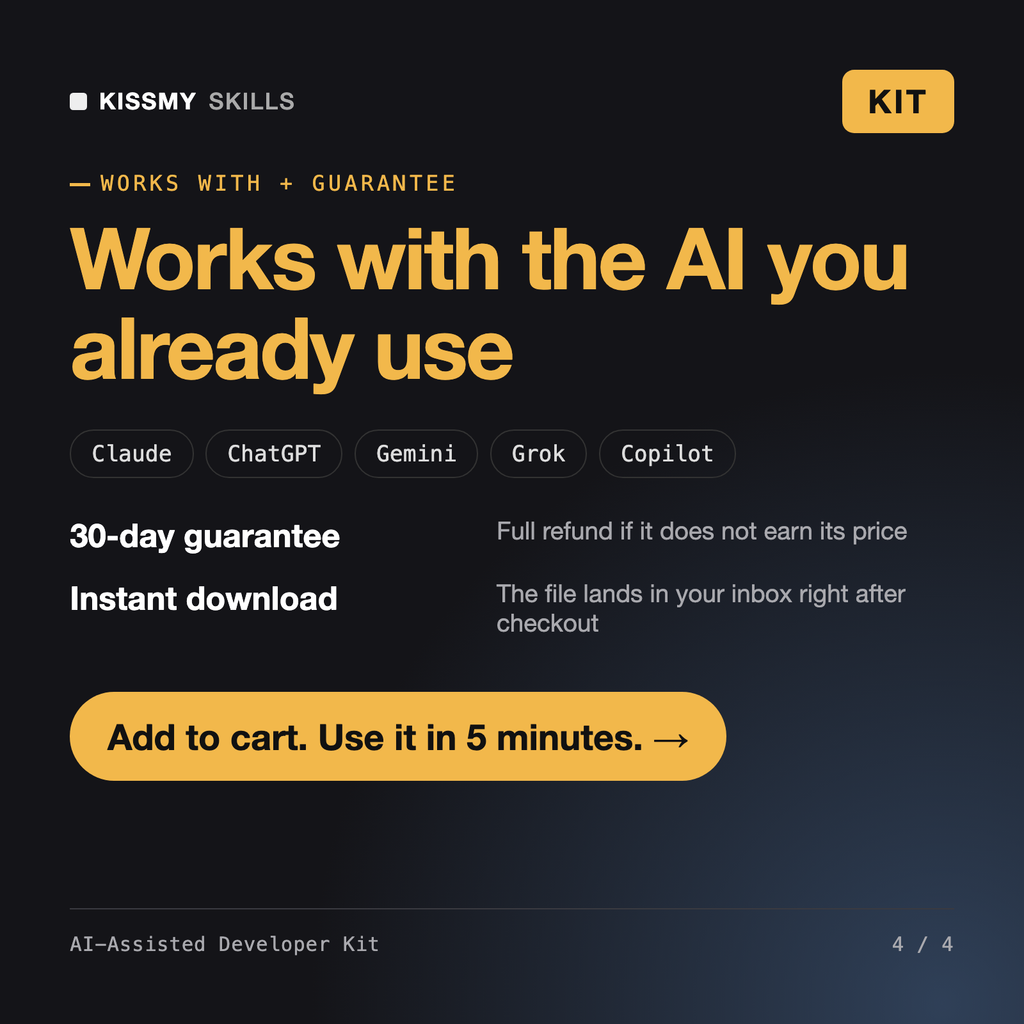
Claude (recommended), ChatGPT, Gemini, Copilot, Perplexity and Grok: any AI chat that accepts custom instructions, a project or a system prompt.
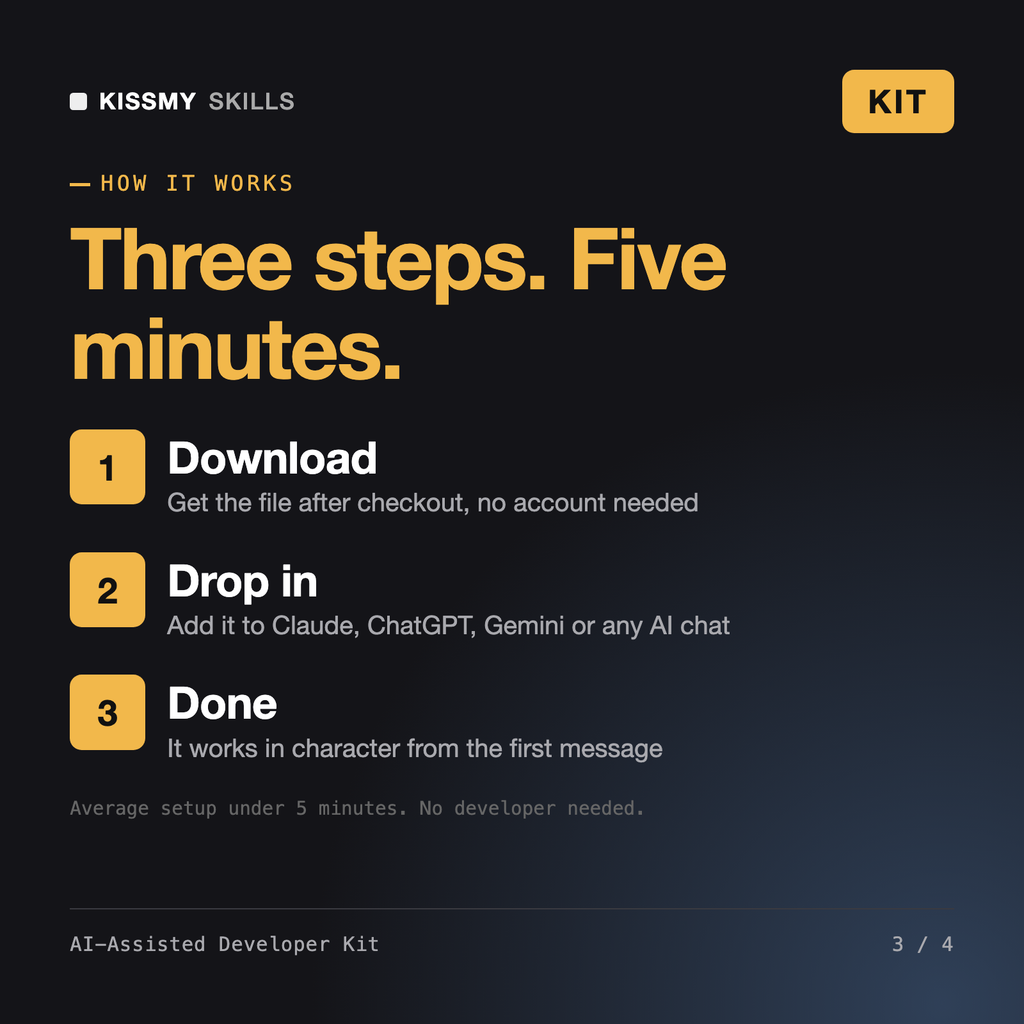
Download your .skill file from the order email or your account. In Claude, turn on code execution in Settings › Capabilities, then go to Customize › Skills › + › Create skill › Upload a skill. Start a new chat and ask for the specialist by name.