Prompt setClaude Skills for Healthcare & Science
AI Educational Comic Generator
Turns one lesson into an accurate 4-8 panel comic with consistent characters and alt text.
$9· one file, yours to keep
Yours to keep · instant download
Every file
Or all of them, $12/mo
Educational Comic Generator and 2,500+ other specialists, in your AI. Ask for any of them by name.
Subscribe · $12/mo
7 days free, then $12/mo · cancel anytime
One file
- $9 once
- Yours to keep
- You upload it to your AI yourself
- 30-day money-back
Every skill
- $12/mo or $69/yr
- 7 days free
- Every file in the store loads by name once your AI is connected
- Cancel anytime
30-day money-back · secure checkout by Stripe
Read the opening lines
================================================================================
  KISSMYSKILLS.COM
  AI Educational Comic Generator
  Prompt Pack - Instant Use
================================================================================


WHAT YOU JUST BOUGHT
--------------------------------------------------------------------------------
A prompt pack that turns any lesson, concept or training point into a
4-8 panel educational comic: a script with consistent characters, a
balloon-by-balloon dialogue plan, and an image prompt for every panel.
How it works
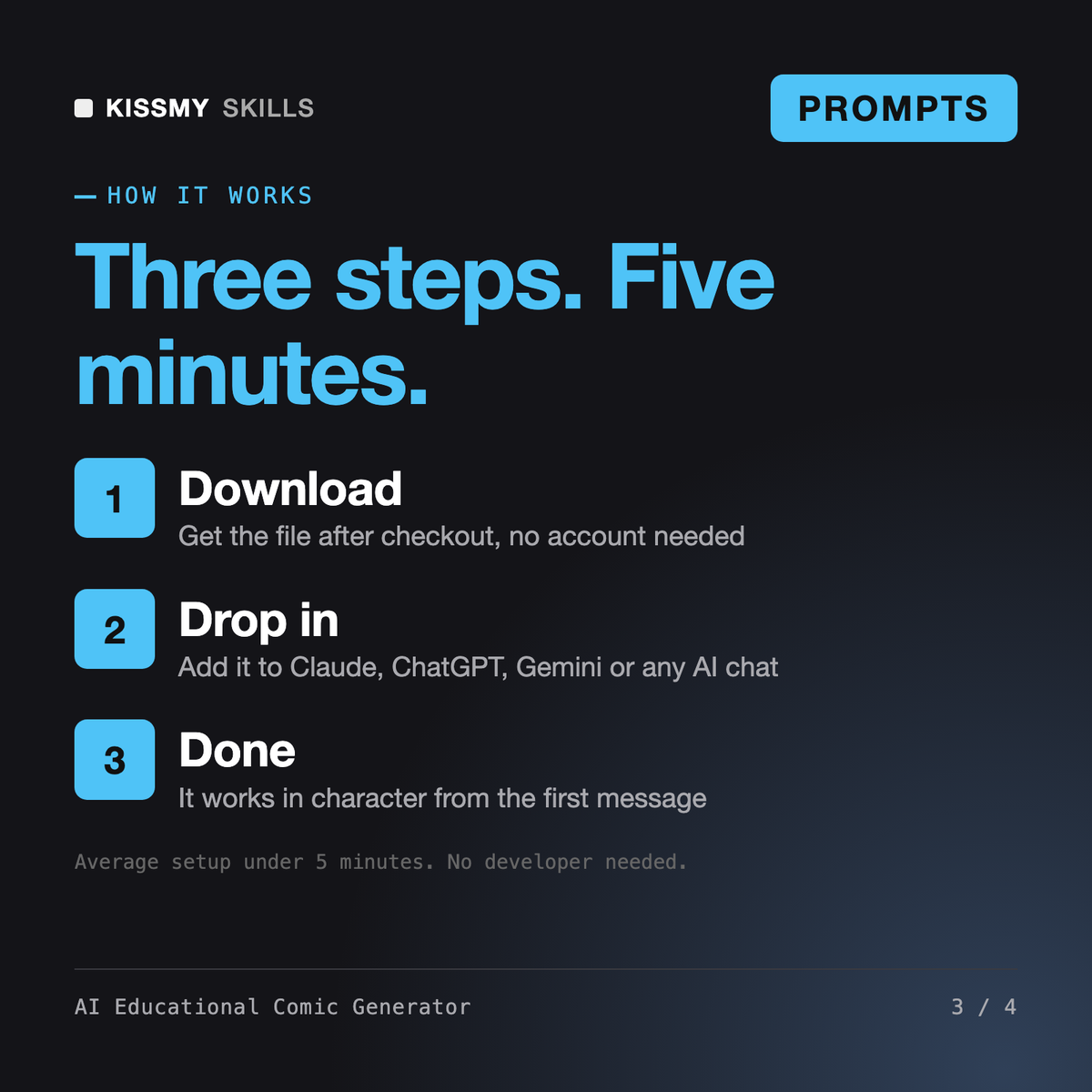
- Buy or subscribeAdd it to your cart for $9 and the file is yours to keep. Or subscribe: every file in the store, $12/mo.
- Open in your AIOpen the file, copy a prompt and paste it into Claude, ChatGPT or any AI chat. Subscribers connect their AI once instead:
- Ask by nameAsk your AI for AI Educational Comic Generator by name, or fill in the parts in brackets and send.
What's inside
- ai-educational-comic-generator.txtPrompt set · 640 lines · instant download
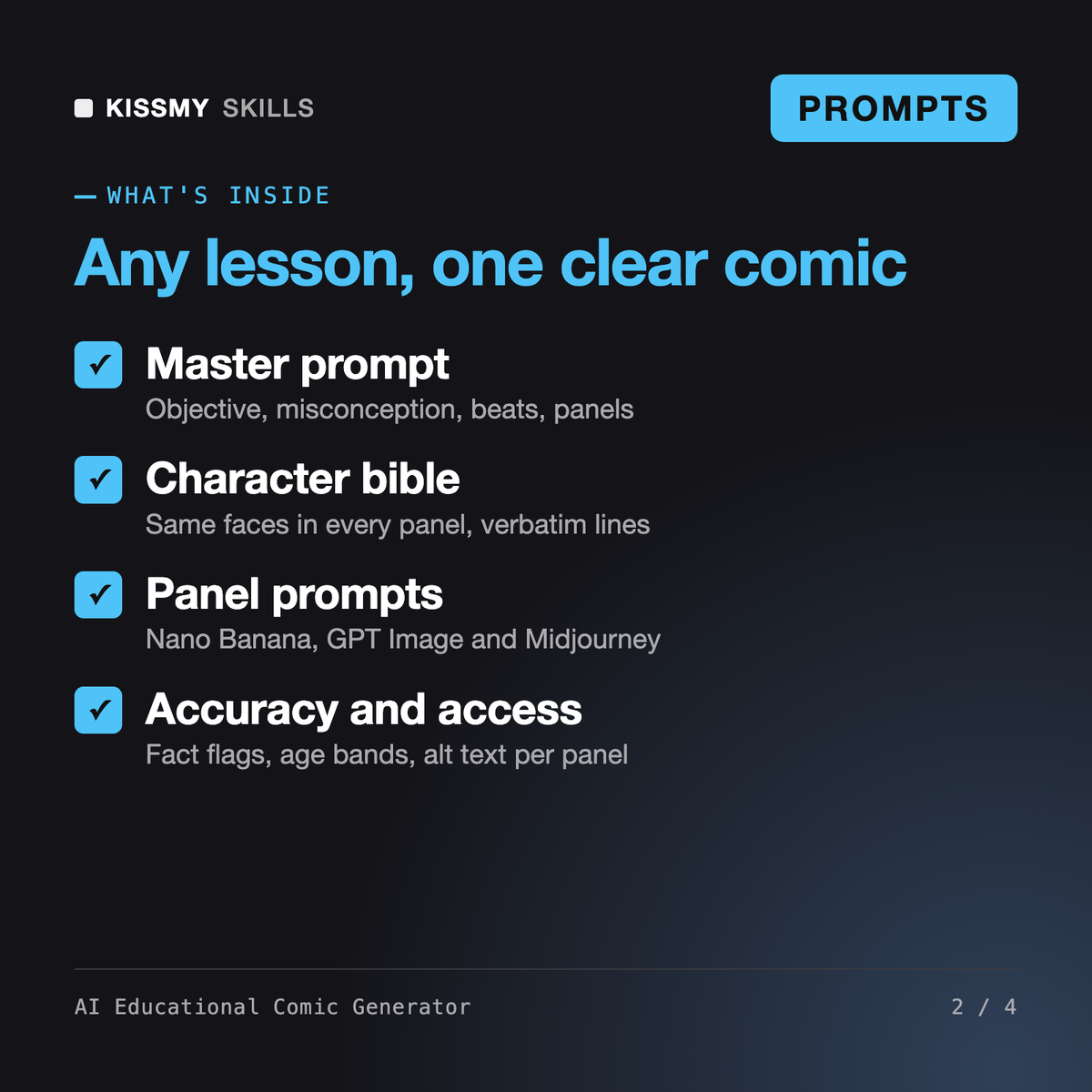
- Master prompt: objective, misconception, story beats, 4-8 panel script
- Character bible and reference workflow for consistent faces
- Image prompts per panel for Nano Banana, GPT Image and Midjourney
- 40 ready prompts, accuracy check, age bands K-2 to adult, alt text
What your AI will do
See a real example
You ask
Make a 6-panel comic for grade 7 on why we have seasons. Two students, a globe and a flashlight. I will draw the panels in Nano Banana.
Your AI answers
You get: a learning objective and the misconception to fix (Earth closer to the Sun) → a character bible line for each student to repeat verbatim → a 6-panel script with captions and balloons of 25 words max → a Nano Banana image prompt per panel with empty space for balloons and no text → fact flags for the teacher to verify → alt text per panel and 2 quick-check questions.
// faq
Questions before you buy
What does AI Educational Comic Generator do?+
It is a prompt pack that turns a lesson or training rule into a 4-8 panel comic. You get a master prompt (objective, misconception, story beats, captions and balloons), a character bible for consistent characters, image prompts per panel for Nano Banana, GPT Image or Midjourney, an accuracy check, alt text and 40 ready prompts by subject.
Is it an app that draws the comic for me?+
No. It is a .txt file of prompts. You paste the script prompts into Claude, ChatGPT or Gemini and the panel prompts into the image tool you already use. Then you assemble the panels and add the words in Canva, Google Slides or PowerPoint, which keeps the text readable and editable.
How does it keep characters consistent?+
Each character gets one fixed description line that is pasted word for word into every panel prompt. You first make a character sheet, then attach it as a reference image to each panel in Nano Banana or GPT Image; in Midjourney you use a fixed seed with a character or omni reference, depending on your version.
How is it different from your cartoonist, storyboard and lesson plan products?+
Femke is a cartoonist persona for jokes and punchlines, Tobiah storyboards shots for film and video, and the AI Lesson Plan Generator plans a full class period. This pack produces a teaching comic: objective, misconception, panel script, image prompts, fact flags and alt text.
How do I open it?+
Download your .skill file from the order email or your account. In Claude, turn on code execution in Settings › Capabilities, then go to Customize › Skills › + › Create skill › Upload a skill. Start a new chat and ask for the specialist by name.