55 AI Agents Bundle
For founders, agencies & teams who want full AI coverage, not one department
BundleClaude Skill Bundles
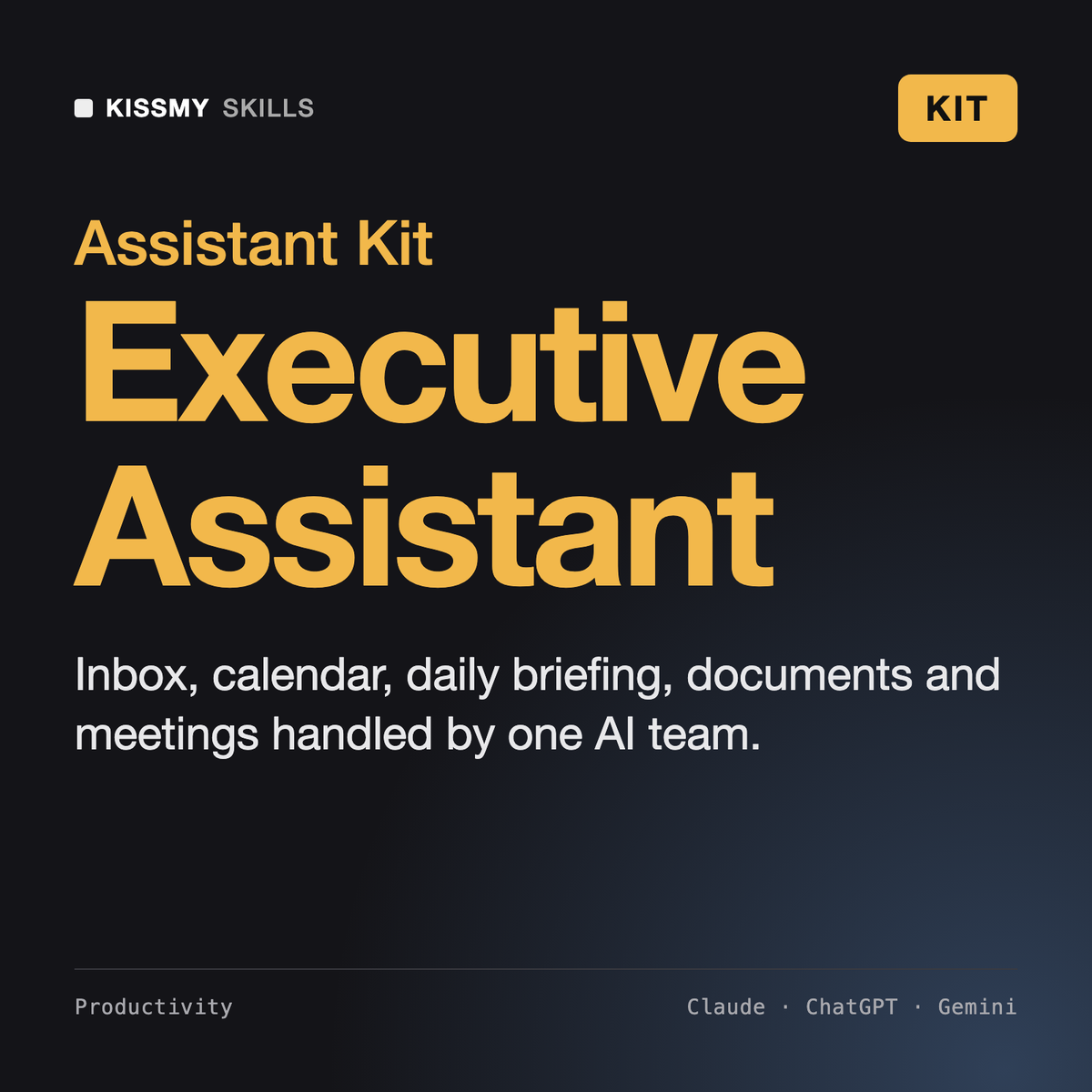
Hand the inbox, calendar, morning briefing, documents and meetings to one AI executive assistant team and get hours of admin…
$39· one download, every file inside is yours to keep
Yours to keep · instant download
Or all of them, $6.99/mo
Every file in this bundle and 2,500+ other specialists, in your AI. Ask for any of them by name.
7 days free, then $6.99/mo · cancel anytime
One file
All-in-one
30-day money-back · secure checkout by Stripe
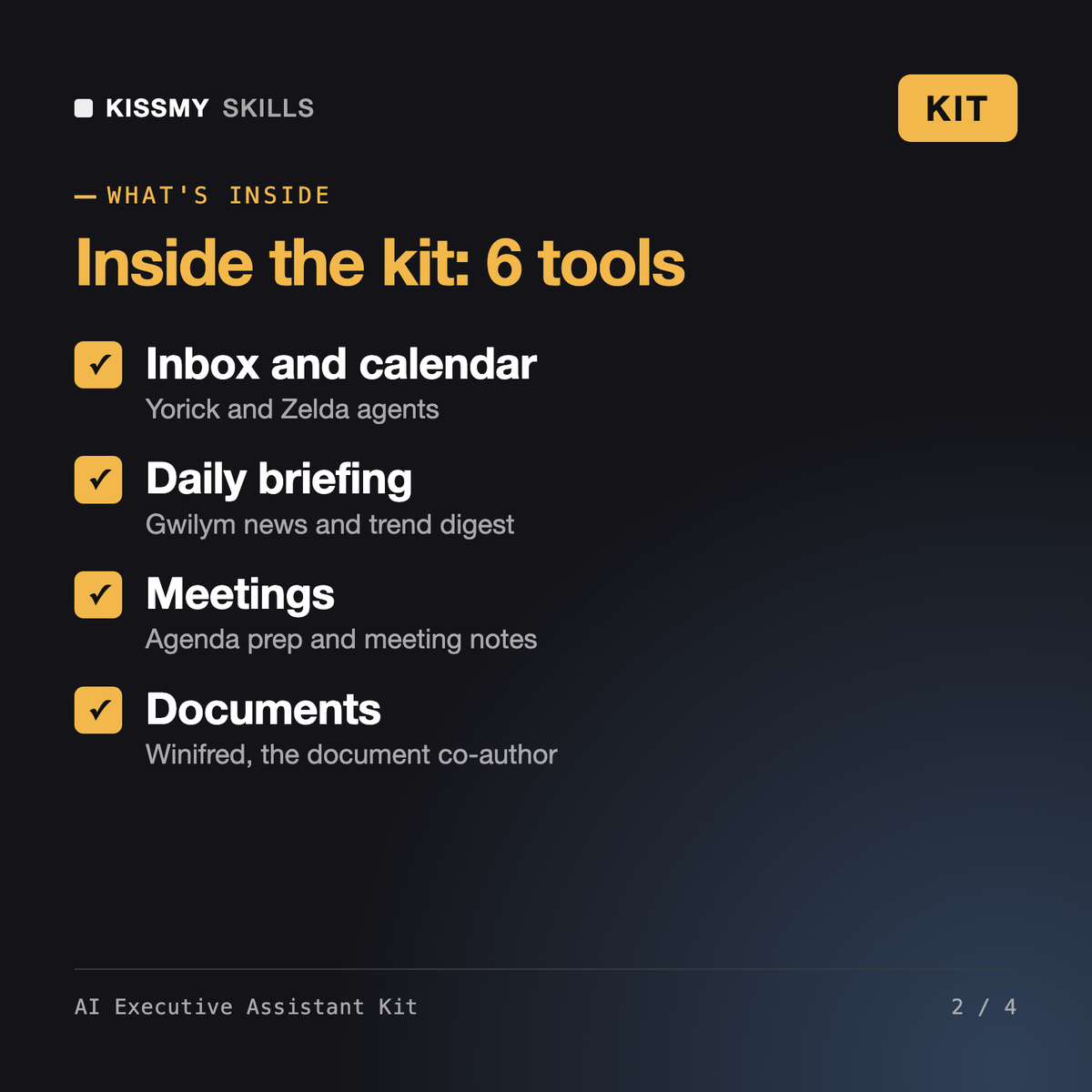
AI Executive Assistant Kit - 3 Agents + 3 AI Skills
============================================================

A full AI executive assistant in one download: agents for inbox triage, scheduling and a daily news digest, plus skills for business documents, meeting agendas and meeting notes. Works in Claude, ChatGPT, Gemini or any AI chat.

WHAT'S INSIDE
------------------------------------------------------------
* Yorick - Inbox Triage & Email Agent (agent)
  File: yorick-inbox-triage-email-agent.skill
  Sorts the inbox, flags what matters and drafts replies

* Zelda - AI Scheduling Assistant Agent (agent)
Here are my 40 unread emails and tomorrow's calendar. Get me through tomorrow.
Yorick: 6 need you today, 11 can be answered from drafts below, 23 archive or read later. Zelda: two conflicts at 10:00 and 14:30; proposed moves and reply drafts, plus a protected 90-minute focus block. Agenda generator: agenda and prep notes for the 11:00 vendor review. Gwilym: three items in your sector worth 2 minutes. After the 11:00, paste the transcript and the notes skill returns decisions and owners; Winifred turns them into a one-page follow-up memo.
6 products in one zip: Yorick - Inbox Triage & Email Agent, Zelda - AI Scheduling Assistant Agent, Gwilym - Daily News & Trend Digest Agent, Winifred - Business Document Co-Author AI Skill, AI Meeting Agenda & Prep Generator, AI Meeting Notes Generator Skill. Plus a kit README with the order to use them in.
They work with what you give them: paste emails, calendar details or transcripts into the chat, or use your AI tool's own connectors if it has them. Nothing is sent anywhere by the files themselves.
Both. Executives use it as their own assistant; EAs use it to move faster on triage, scheduling, briefings and meeting follow-up.
Claude (recommended), ChatGPT, Gemini, Copilot, Perplexity and Grok: any AI chat that accepts custom instructions, a project or a system prompt.
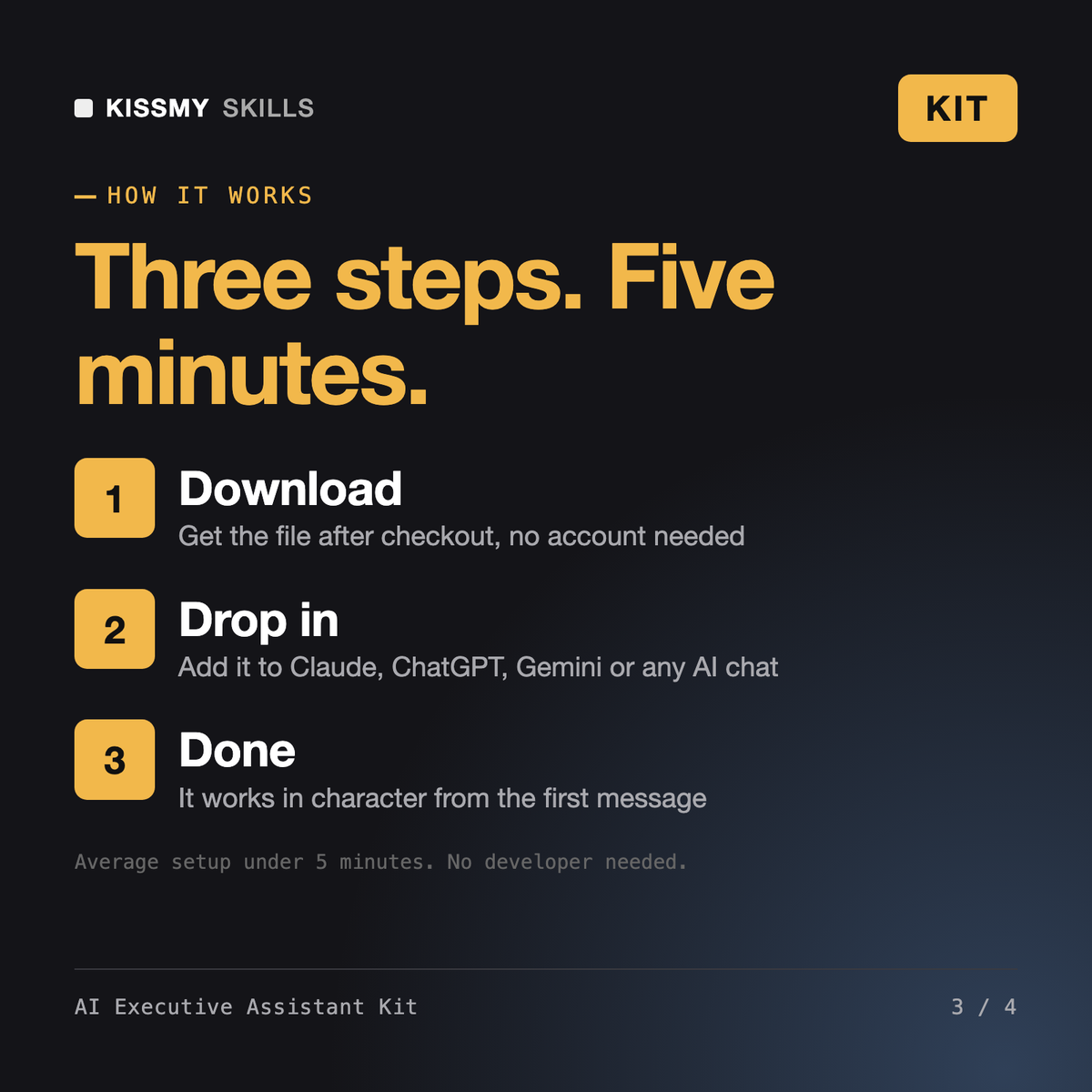
Download your .skill file from the order email or your account. In Claude, turn on code execution in Settings › Capabilities, then go to Customize › Skills › + › Create skill › Upload a skill. Start a new chat and ask for the specialist by name.