
Prompts for Sales
Sales reps, account executives and sales managers who own pipeline, negotiation and the number
Prompt setClaude Skills for Marketing & Sales
Writes LinkedIn messages built on a real signal, with one clear ask, that read like a person wrote them.
$9· one file, yours to keep
Yours to keep · instant download
Or all of them, $6.99/mo
LinkedIn Outreach Message Writer and 2,500+ other specialists, in your AI. Ask for any of them by name.
7 days free, then $6.99/mo · cancel anytime
One file
All-in-one
30-day money-back · secure checkout by Stripe
================================================================================
  KISSMYSKILLS.COM
  AI LinkedIn Outreach Message Writer
  Prompt Pack - Instant Use
================================================================================


WHAT YOU JUST BOUGHT
--------------------------------------------------------------------------------
A copy-paste prompt pack that turns Claude, ChatGPT or any AI chat into a
careful LinkedIn outreach writer: connection notes, first messages after
someone accepts, follow-up sequences, InMail, warm intro requests, event
Write a connection note to Maria, Head of Support, who posted about adding a weekend support shift in Lisbon. I run support ops at a small SaaS. No pitch.
You get: 3 connection notes, each built on one idea from Maria's post in your own words → a label on each with the signal used and the character count → no pitch, no link, two sentences at most → a reminder to check the current note limit in the invite box → a first message to send after she accepts that asks one question about shift handovers → and a note on which variant to send and why.
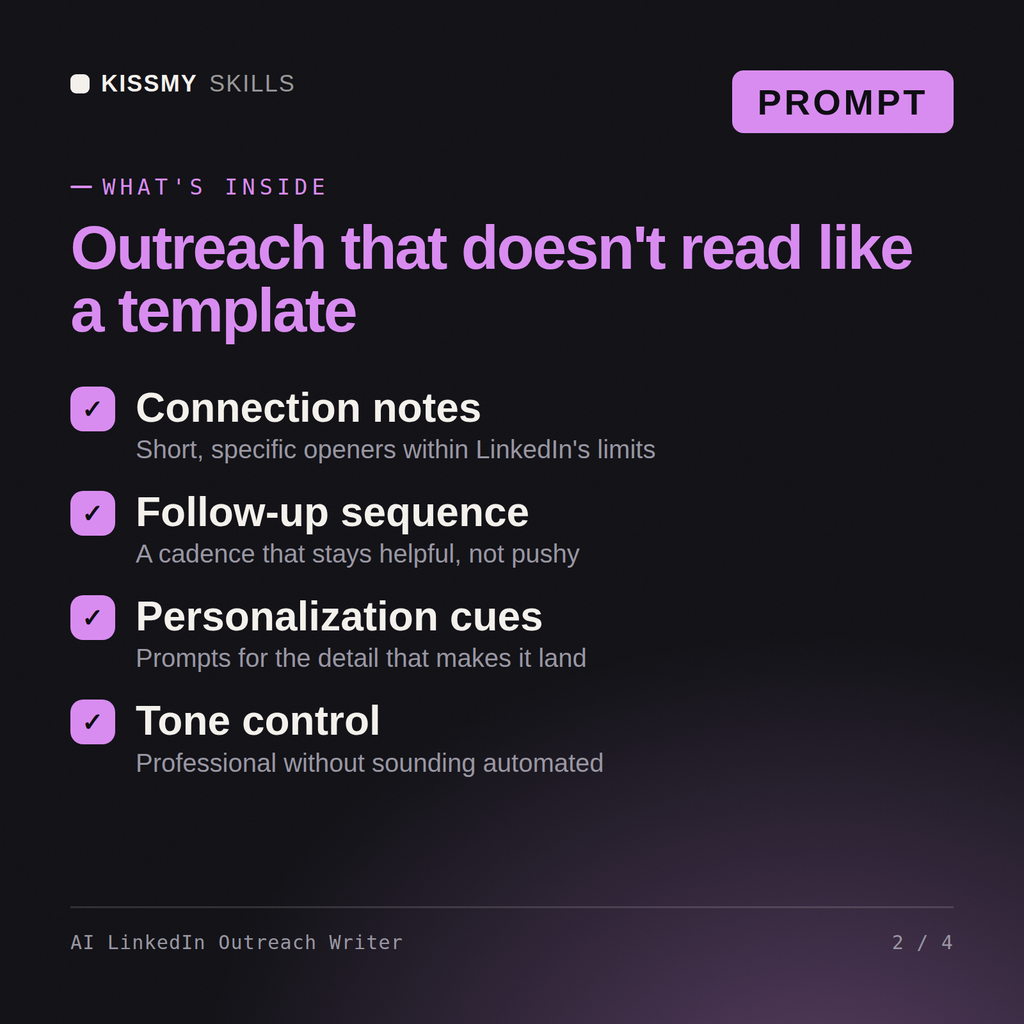
It gives you 38 ready prompts for Claude, ChatGPT or any AI chat that write LinkedIn connection notes, first messages, follow-up sequences, InMail, intro requests, event follow-ups, replies to common answers and a closing breakup note. Each message is built from a real signal you paste in, uses one ask, and follows 9 anti-spam rules. An assistant prompt sets those rules once per chat.
LinkedIn Recruiter Outreach Copilot is for recruiters writing to candidates. Dex - LinkedIn Growth Agent focuses on content, posting and profile growth. This pack is only about one-to-one messages for sales, partnerships, founders and job seekers: what you send to a specific person, how you follow up, and how you answer when they reply.
No. LinkedIn's User Agreement prohibits bots and automated methods for adding contacts or sending messages, so the pack is built for manual use. You read the profile and posts yourself, paste the real details into a prompt, edit the draft and send it from LinkedIn by hand.
Short: two sentences is plenty. LinkedIn has changed the note length limit and the monthly number of personalized notes for free accounts more than once, so the prompts ask you to check the counter in the invite box and keep every note well under it. Every draft shows its character count.
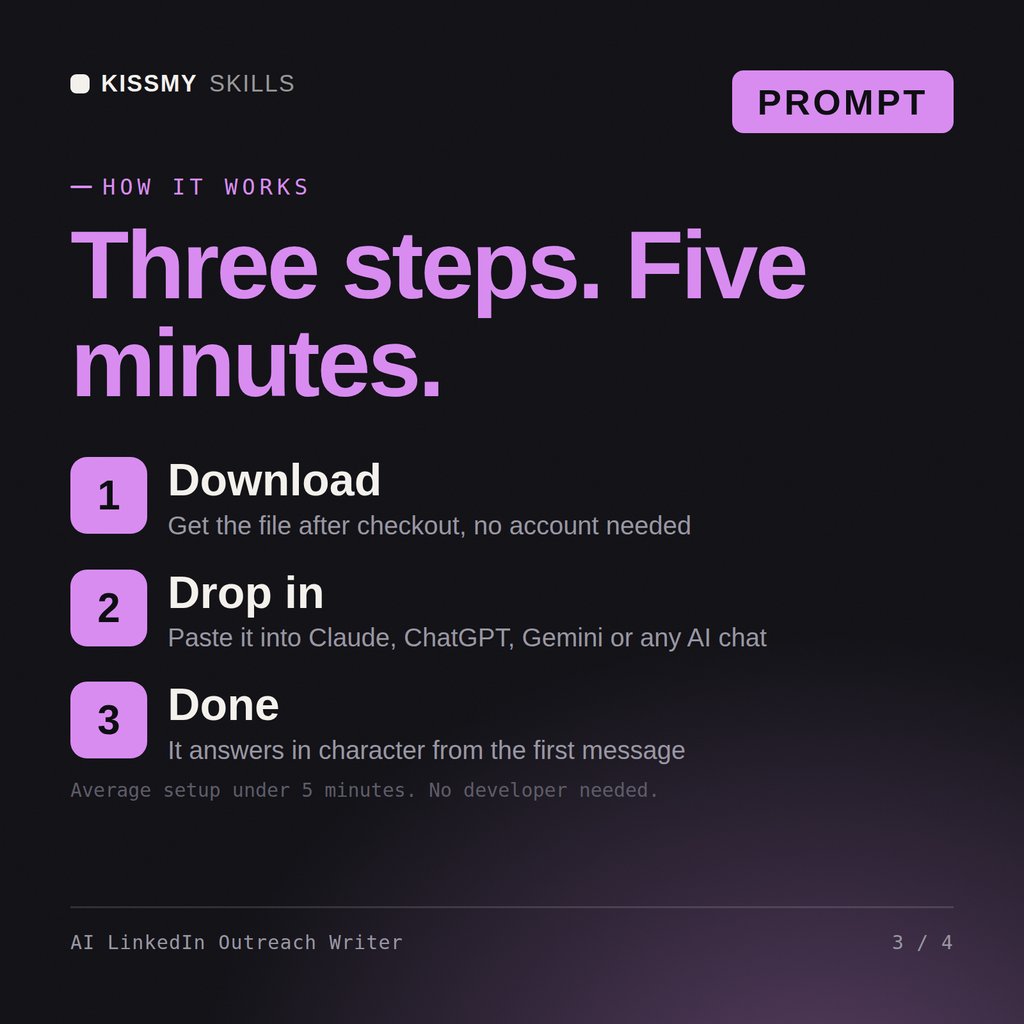
Download your .skill file from the order email or your account. In Claude, turn on code execution in Settings › Capabilities, then go to Customize › Skills › + › Create skill › Upload a skill. Start a new chat and ask for the specialist by name.
Sales reps, account executives and sales managers who own pipeline, negotiation and the number

Marketers and marketing managers who own positioning, content, paid, email and the number
Marketers, founders and sales reps who need prompts that produce sellable copy.

For content marketers, SEO managers and founders