AI Nursing Care Plan Generator
Impaired Physical Mobility
Skill fileAI Care Plan & Clinical Document Generators
Your AI works as a drafting assistant for a letter of medical necessity covering a home treadmill, writing in the…
$9· one file, yours to keep
Yours to keep · instant download
Or all of them, $6.99/mo
Medical Necessity Letter Generator and 2,500+ other specialists, in your AI. Ask for any of them by name.
7 days free, then $6.99/mo · cancel anytime
One file
All-in-one
30-day money-back · secure checkout by Stripe
# AI Medical Necessity Letter Generator - Treadmill

## What this skill does

This skill drafts a letter of medical necessity supporting insurance, HSA/FSA, or employer wellness program coverage for a home treadmill or similar home exercise equipment. It organizes the medical rationale, connects the requested equipment to the patient's diagnosis and treatment plan, and produces a clean draft letter formatted the way payers and administrators expect.

This skill drafts the letter. It does not replace a licensed provider's medical judgment, does not diagnose anything, and does not guarantee coverage or reimbursement - insurers and HSA/FSA administrators make their own eligibility determinations, and most require the letter to come from and be signed by a licensed physician or other qualified provider, not from a patient alone. The output here is a draft to bring to that provider, not a finished, submittable medical document until a licensed provider reviews, edits as needed, and signs it.

## How to use it

1. Say who this is for: the patient (preparing a draft for their provider) or a provider/clinical staff member drafting on behalf of a patient.
2. Share the relevant medical facts: the diagnosis or condition, why home-based treadmill exercise specifically is appropriate (mobility limitations making a gym impractical, a specific rehab protocol requiring controlled-pace walking, home-based cardiac or pulmonary rehab, etc.), and any relevant provider recommendation already given verbally.
Draft a letter of medical necessity for a home treadmill for a cardiac rehab patient with mobility limits.
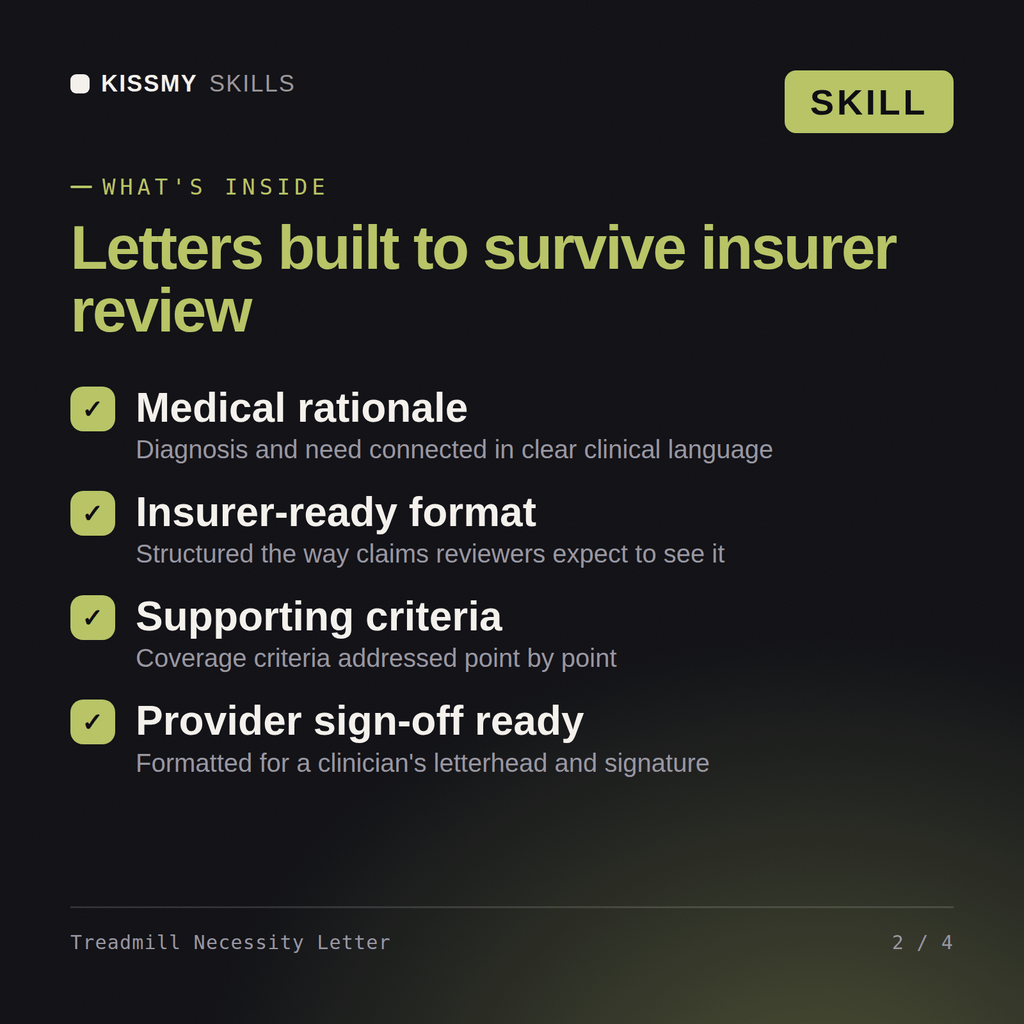
You get: a letter of medical necessity with diagnosis and functional limitations → the clinical rationale for a home treadmill over alternatives → payer criteria addressed point by point → an evidence and signature block.
This skill drafts a home treadmill letter of medical necessity in Claude - diagnosis and functional limitations, the clinical rationale for a home treadmill over alternatives, payer criteria addressed point by point, and an evidence and signature block. Load once into Claude Projects and draft letters for insurance or HSA/FSA requests without rebuilding the structure every time.
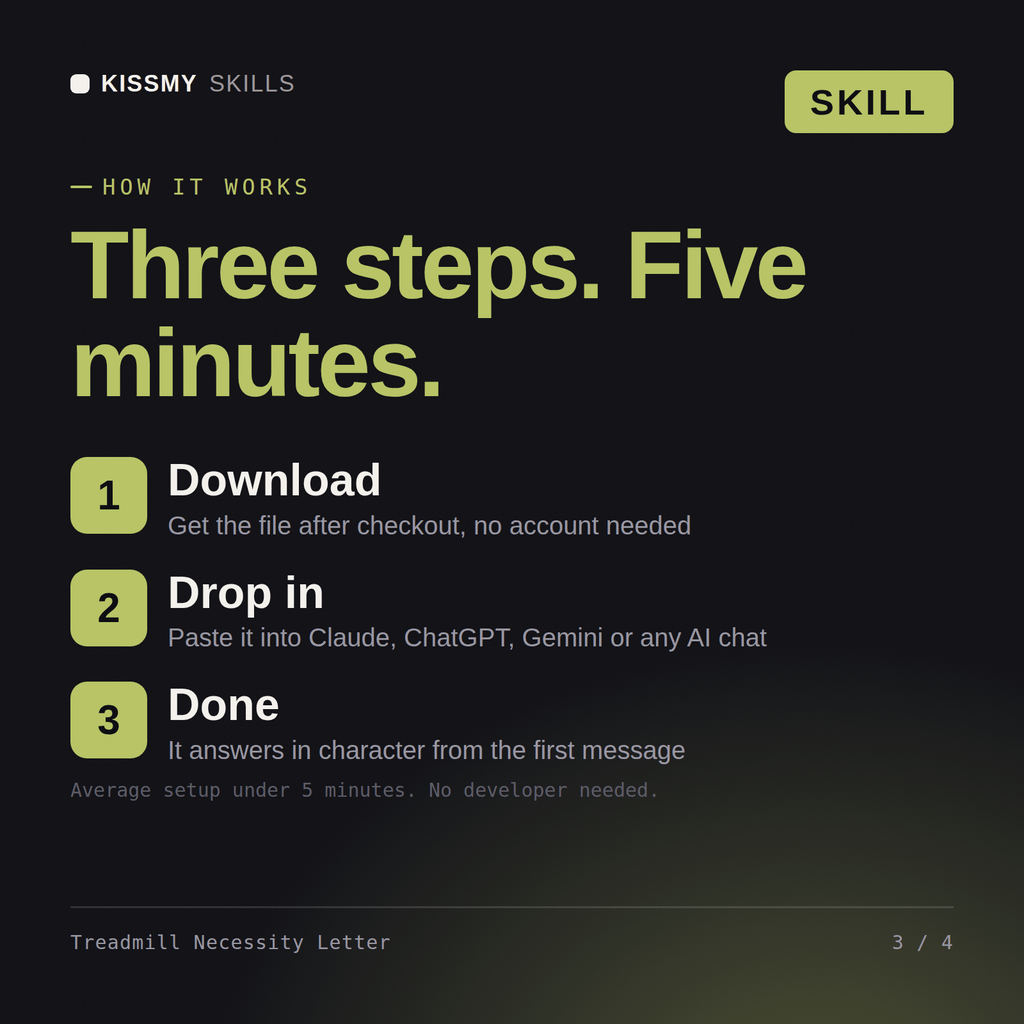
Download the .skill package (it contains SKILL.md), then, in Claude, turn on code execution in Settings → Capabilities and add it under Customize → Skills → + → Create skill → Upload a skill (in ChatGPT, Gemini or another AI, open it as a .zip and paste SKILL.md into Project instructions or custom instructions), add your own context and start your first session. Works with Claude, ChatGPT, or any AI chat that accepts system prompts.
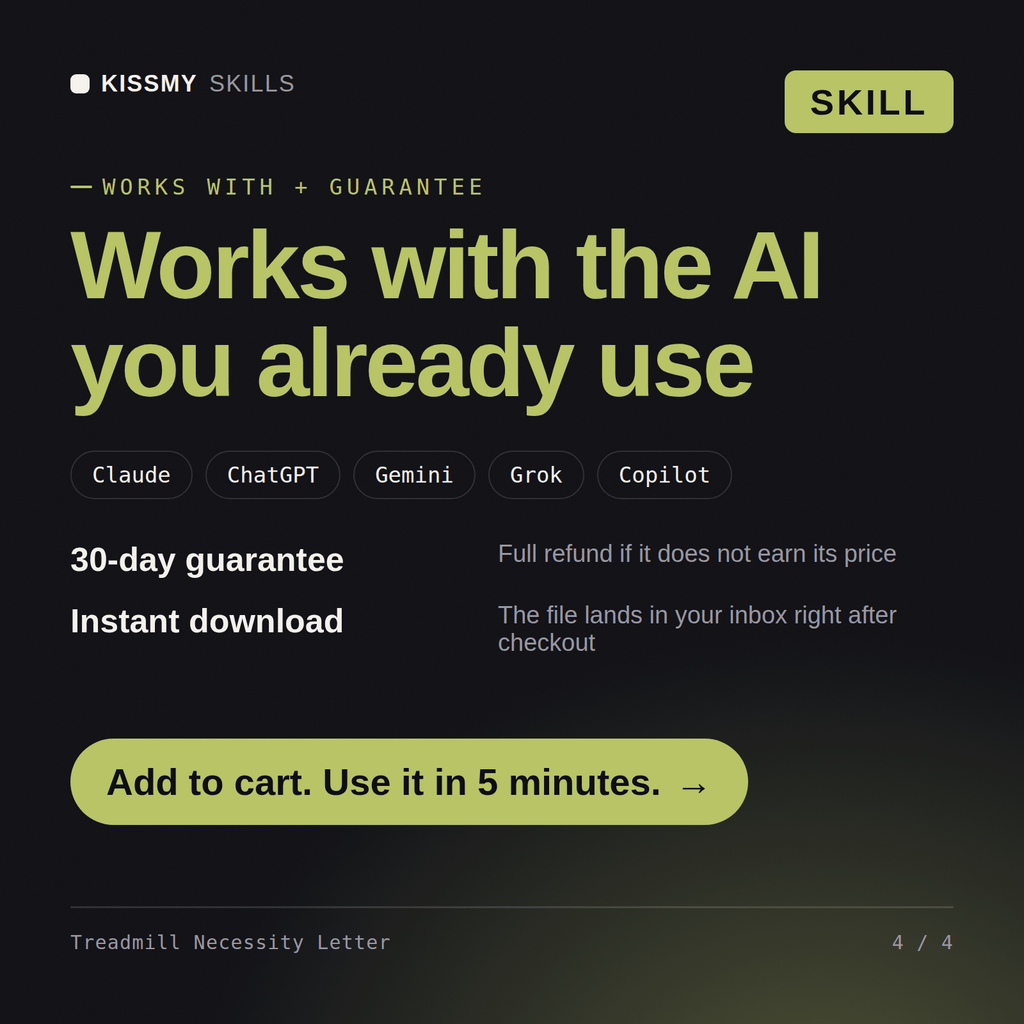
Works with Claude (recommended), ChatGPT, and any AI chat accepting system prompts. Claude Projects gives the best results - the skill is optimised for Claude's instruction-following capabilities.
Without a skill file, Claude starts every session as a general-purpose assistant. With the generator loaded, Claude structures the letter around diagnosis, the clinical rationale for a home treadmill, the criteria met and the evidence a payer expects from the first message - no re-explaining, consistent quality every time.
Download your .skill file from the order email or your account. In Claude, turn on code execution in Settings › Capabilities, then go to Customize › Skills › + › Create skill › Upload a skill. Start a new chat and ask for the specialist by name.