AI Nursing Care Plan Generator
AV Fistula
Skill fileAI Care Plan & Clinical Document Generators
Your AI works as a nursing care plan generator for amputation, covering phantom limb pain, residual limb edema, body image…
$19· one file, yours to keep
Yours to keep · instant download
Or all of them, $12/mo
Nursing Care Plan Generator and 2,500+ other specialists, in your AI. Ask for any of them by name.
7 days free, then $12/mo · cancel anytime
One file
Every skill
30-day money-back · secure checkout by Stripe
# AI Nursing Care Plan Generator: Amputation

## Purpose

This skill helps nursing students and working nurses draft a clear, structured nursing care plan for a patient with amputation. It follows the standard nursing process (assessment, diagnosis, planning, implementation, evaluation) and produces a document that can be adapted for a school assignment, clinical documentation practice, or a study reference.

IMPORTANT DISCLAIMER: This skill is an educational and documentation drafting aid only. It is not a substitute for clinical judgment, institutional policy, or a physician's or advanced practice provider's orders. All generated content must be reviewed, verified, and individualized by a licensed clinician before being used in actual patient care. Do not use this output as the sole basis for a clinical decision.

## When to use this skill

Use this skill when you need to:
- Draft a nursing care plan for amputation as a class assignment or clinical prep exercise
Draft a care plan for a patient on post-op day three from a below-knee amputation with phantom limb pain.
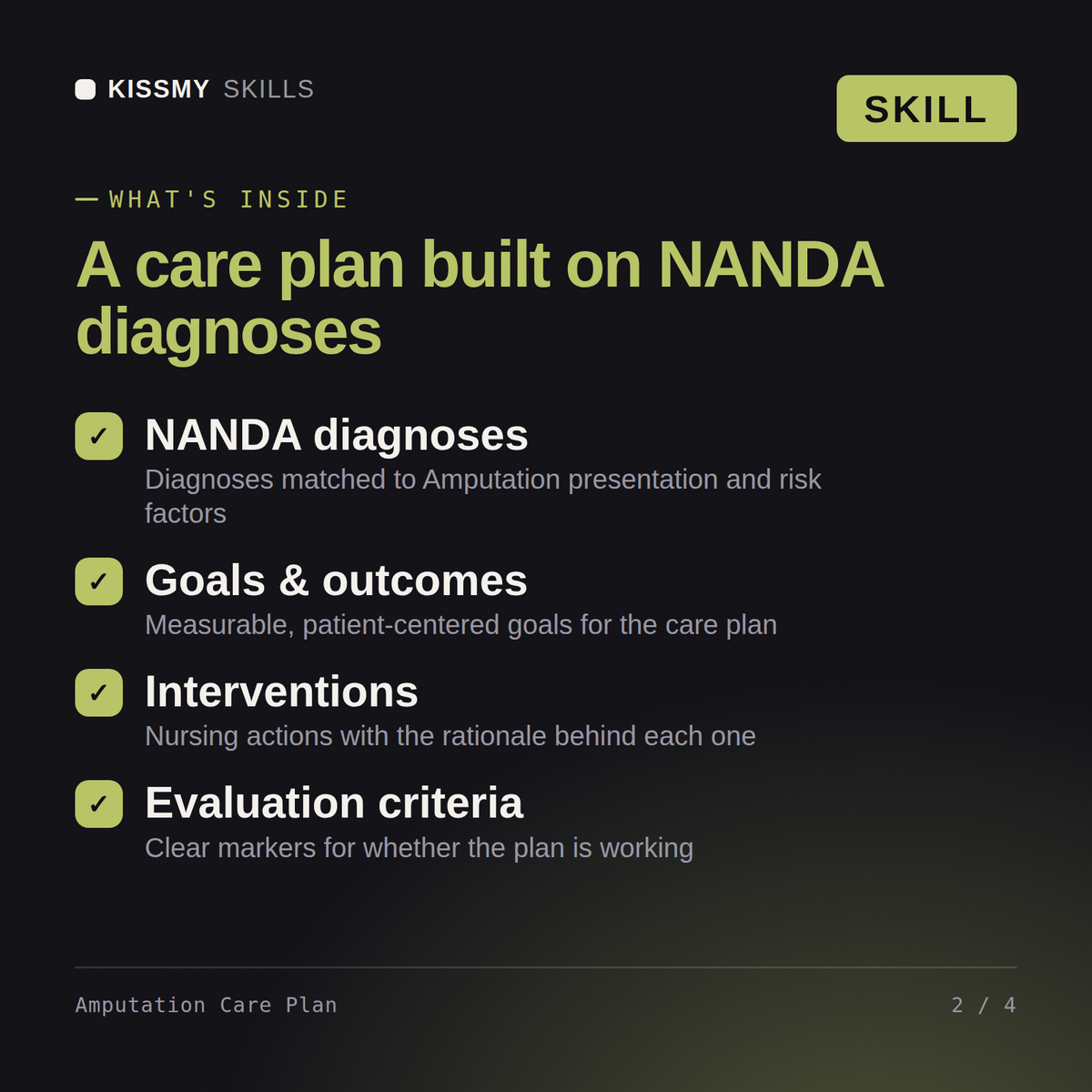
You get: a stump and pain assessment with incision, phantom-pain and body-image cues → prioritized NANDA diagnoses → SMART goals → stump-wrapping, pain-management and prosthetic-prep interventions with rationale → evaluation criteria for pain scores and stump healing.
No - this tool does not replace clinical judgment or provider orders. This is an educational and documentation drafting aid only. It does not provide medical advice, does not diagnose, and is not a substitute for clinical judgment, facility protocols, or a physician's or advanced practice provider's orders. Every plan it produces must be reviewed and approved by a qualified nurse or clinician before use in real patient care.
Yes. Install it in Claude (Claude Skill) or drop the instructions into ChatGPT as a system prompt. Both produce the same Amputation care plan structure, so pick whichever assistant you already use.
You get a structured draft covering assessment, prioritized nursing diagnoses, measurable goals, evidence-informed interventions, and evaluation criteria for Amputation, ready to adapt to your specific patient.
Yes. Many nursing students use it to get a structured starting draft for an Amputation case study, then revise it with their own assessment data and course-specific rubric requirements.
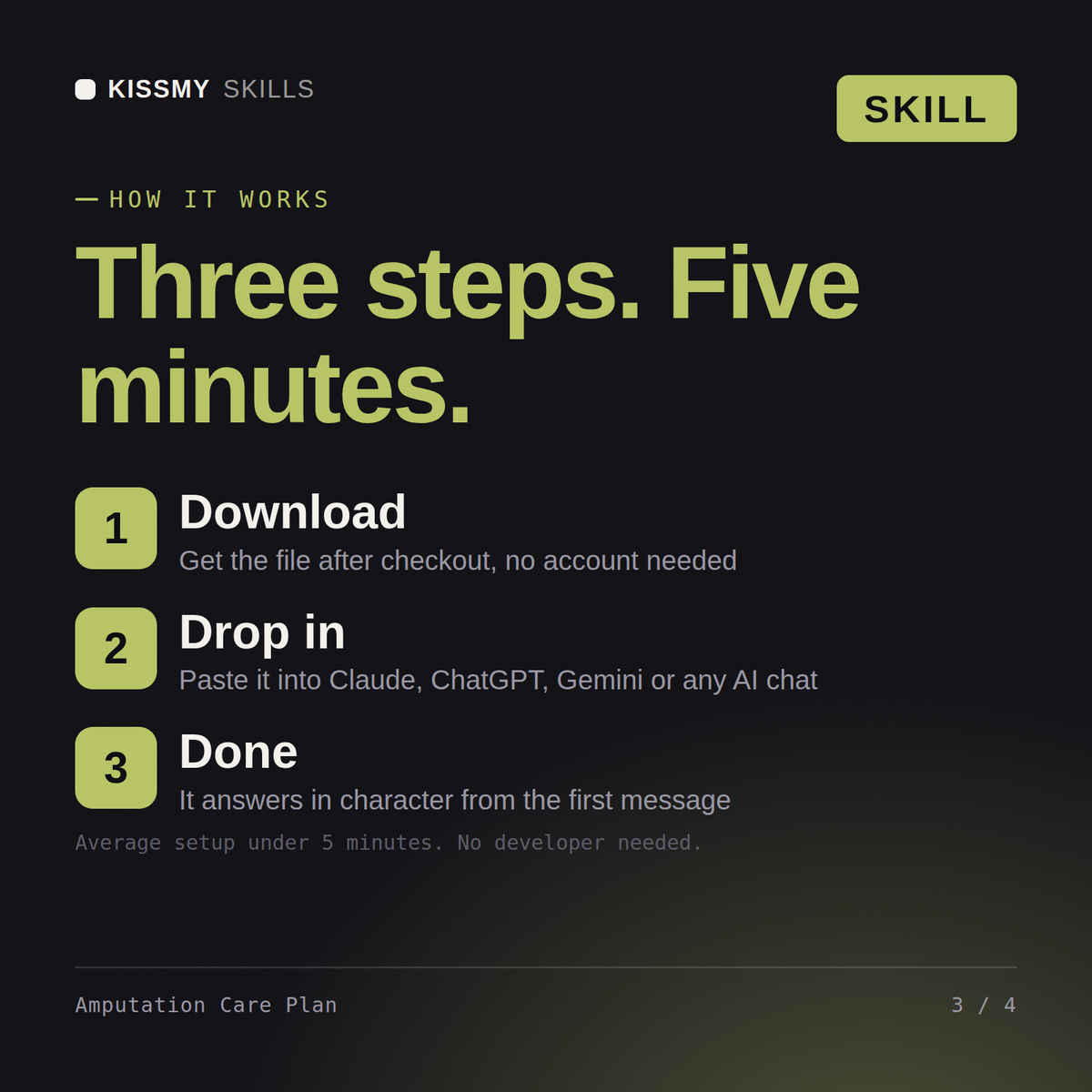
Download your .skill file from the order email or your account. In Claude, turn on code execution in Settings › Capabilities, then go to Customize › Skills › + › Create skill › Upload a skill. Start a new chat and ask for the specialist by name.