AI Nursing Care Plan Generator
Impaired Physical Mobility
Skill fileAI Care Plan & Clinical Document Generators
Your AI works as a nursing care plan generator for pneumonia, working from assessment through NANDA-style diagnoses, goals, interventions and…
$9· one file, yours to keep
Yours to keep · instant download
Or all of them, $6.99/mo
Nursing Care Plan Generator and 2,500+ other specialists, in your AI. Ask for any of them by name.
7 days free, then $6.99/mo · cancel anytime
One file
All-in-one
30-day money-back · secure checkout by Stripe
# AI Nursing Care Plan Generator - Pneumonia

## Purpose

This skill helps draft a nursing care plan for a patient diagnosed with pneumonia (community-acquired, hospital-acquired, or aspiration pneumonia), following the standard assessment, nursing diagnosis, goals, interventions, and evaluation format used in nursing programs and clinical documentation.

IMPORTANT DISCLAIMER: This is an educational and documentation drafting aid only. It does not provide medical advice, does not diagnose, and is not a substitute for clinical judgment, respiratory/infection protocols, or physician orders. A qualified nurse or clinician must review and adapt any plan before it is used in real patient care, and signs of sepsis or respiratory failure must be escalated immediately.

## How to use this skill

Provide what you know: pneumonia type/setting (community-acquired, hospital-acquired, aspiration), symptoms (fever, productive cough, pleuritic chest pain, dyspnea), vital signs and oxygen saturation, chest imaging findings if available, age and comorbidities (COPD, immunosuppression, recent hospitalization), and current treatment (antibiotics, oxygen therapy). If you only say "pneumonia," the skill builds a general care plan and flags where patient-specific findings are needed.
Draft a care plan for a 72-year-old admitted with community-acquired pneumonia and SpO2 88% on room air.
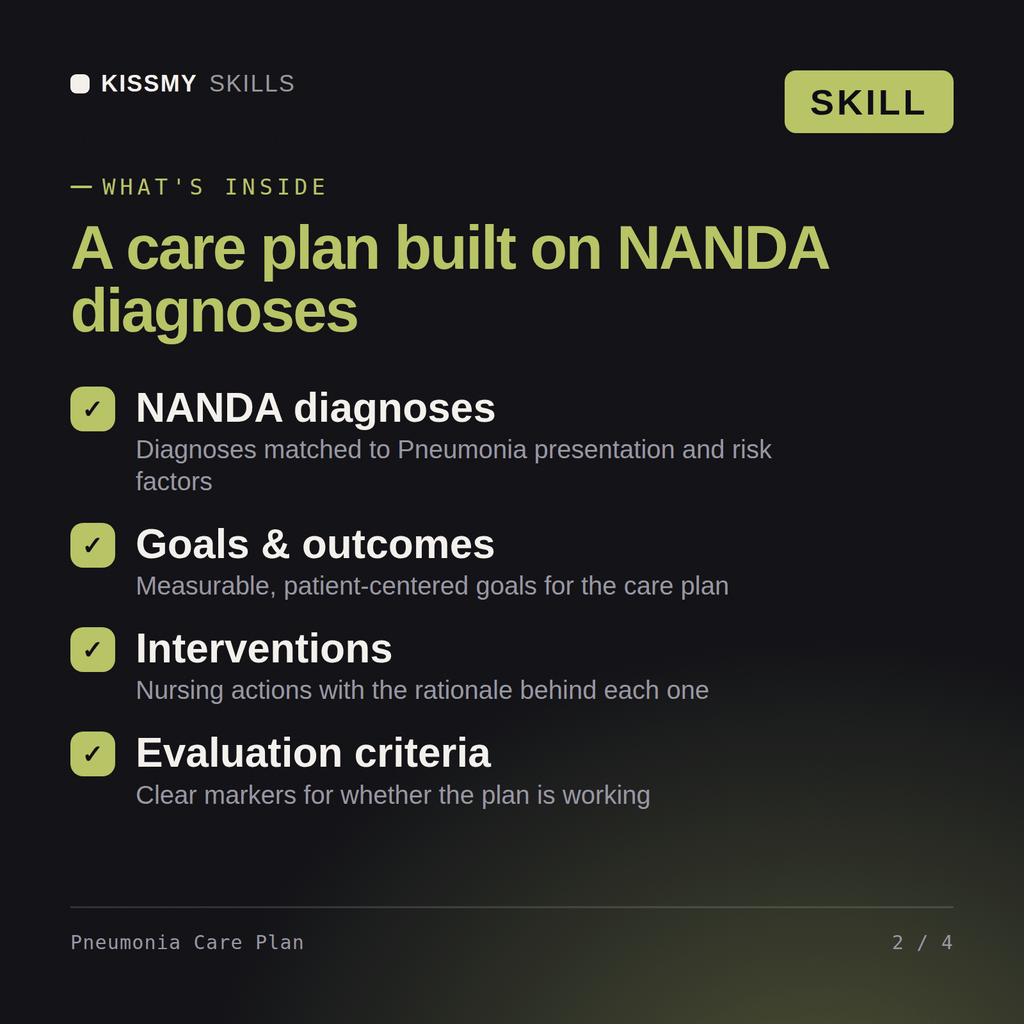
You get: a respiratory assessment with breath sounds, SpO2 and sputum cues → prioritized NANDA diagnoses → SMART goals with time frames → airway-clearance, oxygen and early-mobility interventions with rationale → evaluation criteria keyed to oxygen saturation and lung sounds.
No, and it is not meant to. This is an educational and documentation drafting aid only. It does not provide medical advice, does not diagnose, and is not a substitute for clinical judgment, facility protocols, or a physician's or advanced practice provider's orders. Every plan it produces must be reviewed and approved by a qualified nurse or clinician before use in real patient care.
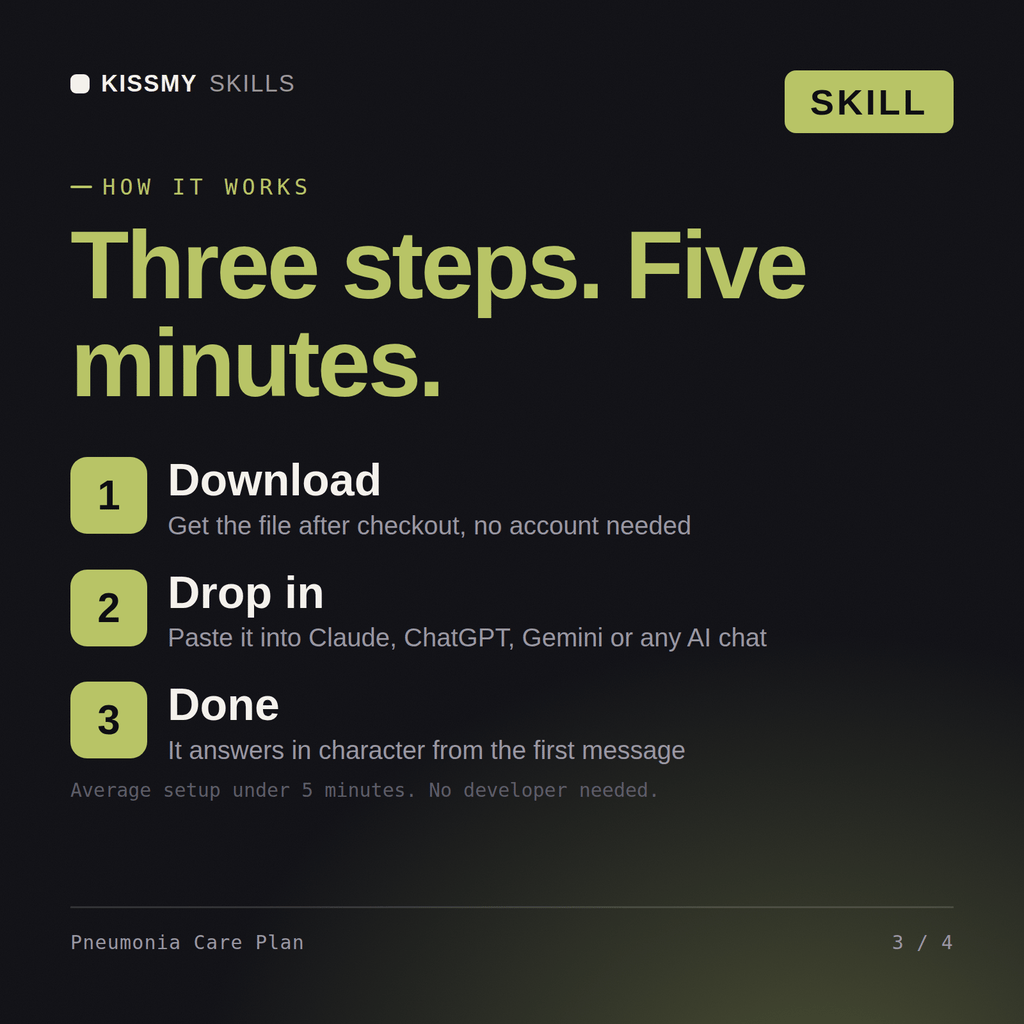
Yes. No separate version is needed for each platform - the same skill file works in Claude and in ChatGPT as a custom prompt.
Output follows the conventional nursing care plan structure: assessment findings, nursing diagnoses, goals/outcomes, interventions with rationale, and evaluation, tailored to the Pneumonia patient details you provide.
Yes. It works well for coursework: describe the Pneumonia scenario from your assignment and the draft follows the standard care-plan structure your program expects.
Download your .skill file from the order email or your account. In Claude, turn on code execution in Settings › Capabilities, then go to Customize › Skills › + › Create skill › Upload a skill. Start a new chat and ask for the specialist by name.