AI Nursing Care Plan Generator
Colostomy Care
Skill fileAI Care Plan & Clinical Document Generators
Your AI works as a care plan writer for patients at increased risk for falls, following the nursing process from…
$19· one file, yours to keep
Yours to keep · instant download
Or all of them, $12/mo
Nursing Care Plan Generator and 2,500+ other specialists, in your AI. Ask for any of them by name.
7 days free, then $12/mo · cancel anytime
One file
Every skill
30-day money-back · secure checkout by Stripe
# AI Nursing Care Plan Generator - Risk for Falls

## Purpose

This skill helps nursing students and working nurses draft a clear, structured nursing care plan for a patient identified as being at increased risk for falls, ready to adapt for coursework, clinical documentation practice, or care planning review. It follows the standard nursing process format: assessment, nursing diagnoses, goals, interventions, and evaluation.

## Disclaimer

This is an educational and documentation drafting aid only. It is not a substitute for clinical judgment, facility policy, or physician and provider orders. All care plans generated with this skill must be reviewed, verified, and individualized by a licensed nurse or nursing instructor before use in any real patient care setting. Do not use output from this skill as the sole basis for clinical decisions.

## When to use this skill
Write a care plan for a confused 85-year-old on furosemide with a Morse fall score of 65.
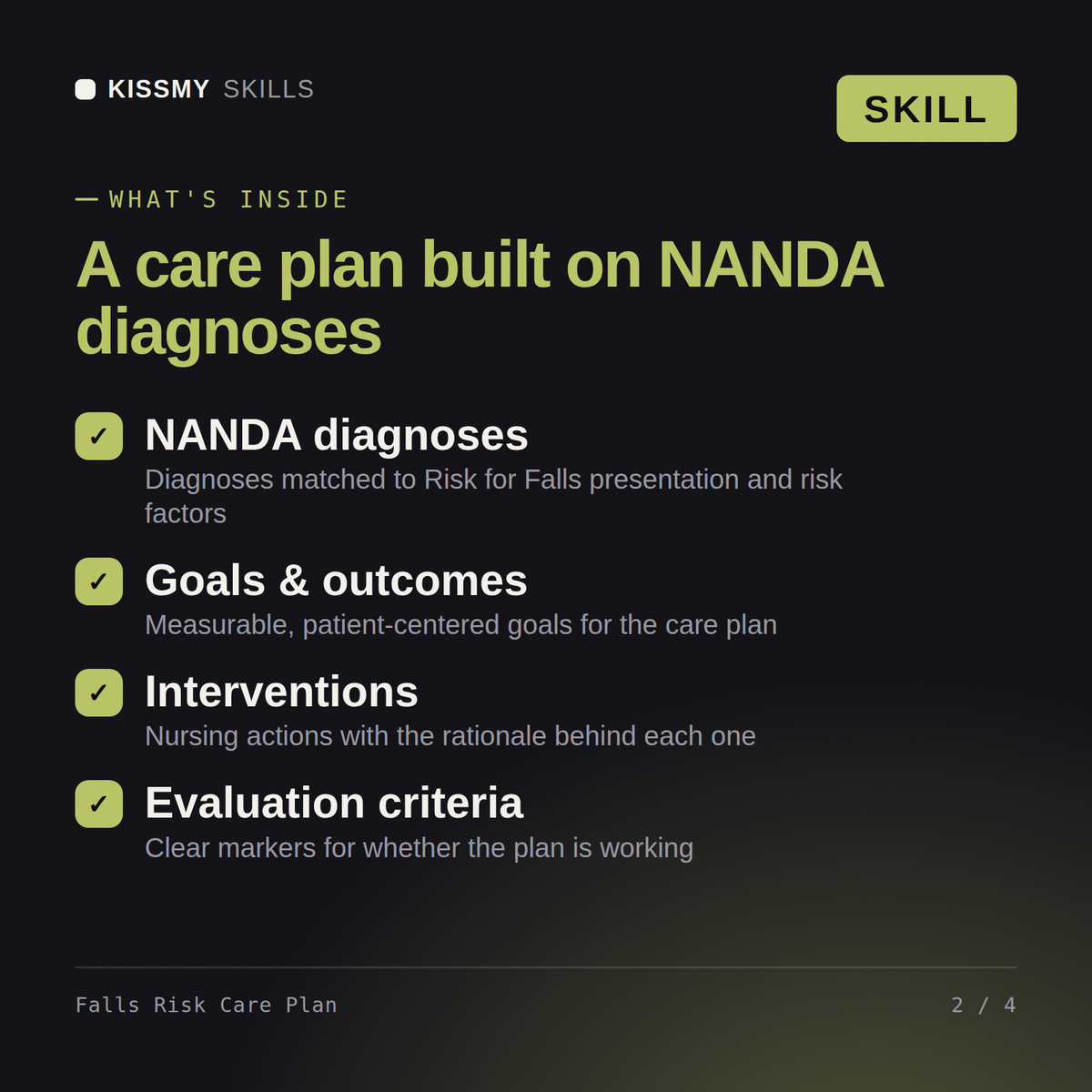
You get: a fall-risk assessment with Morse scoring, gait and medication review → prioritized NANDA diagnoses → SMART goals with time frames → bed-alarm, toileting-round and environment interventions with rationale → evaluation criteria keyed to fall-free days and Morse rescoring.
No - this tool does not replace clinical judgment or provider orders. This is an educational and documentation drafting aid only. It is not a substitute for clinical judgment, facility policy, or physician and provider orders. Every care plan generated with this skill must be reviewed, verified, and individualized by a licensed nurse or nursing instructor before any use in real patient care.
Yes. Install it in Claude (Claude Skill) or drop the instructions into ChatGPT as a system prompt. Both produce the same Risk for Falls care plan structure, so pick whichever assistant you already use.
You get a structured draft covering assessment, prioritized nursing diagnoses, measurable goals, evidence-informed interventions, and evaluation criteria for Risk for Falls, ready to adapt to your specific patient.
Yes. Many nursing students use it to get a structured starting draft for a Risk for Falls case study, then revise it with their own assessment data and course-specific rubric requirements.
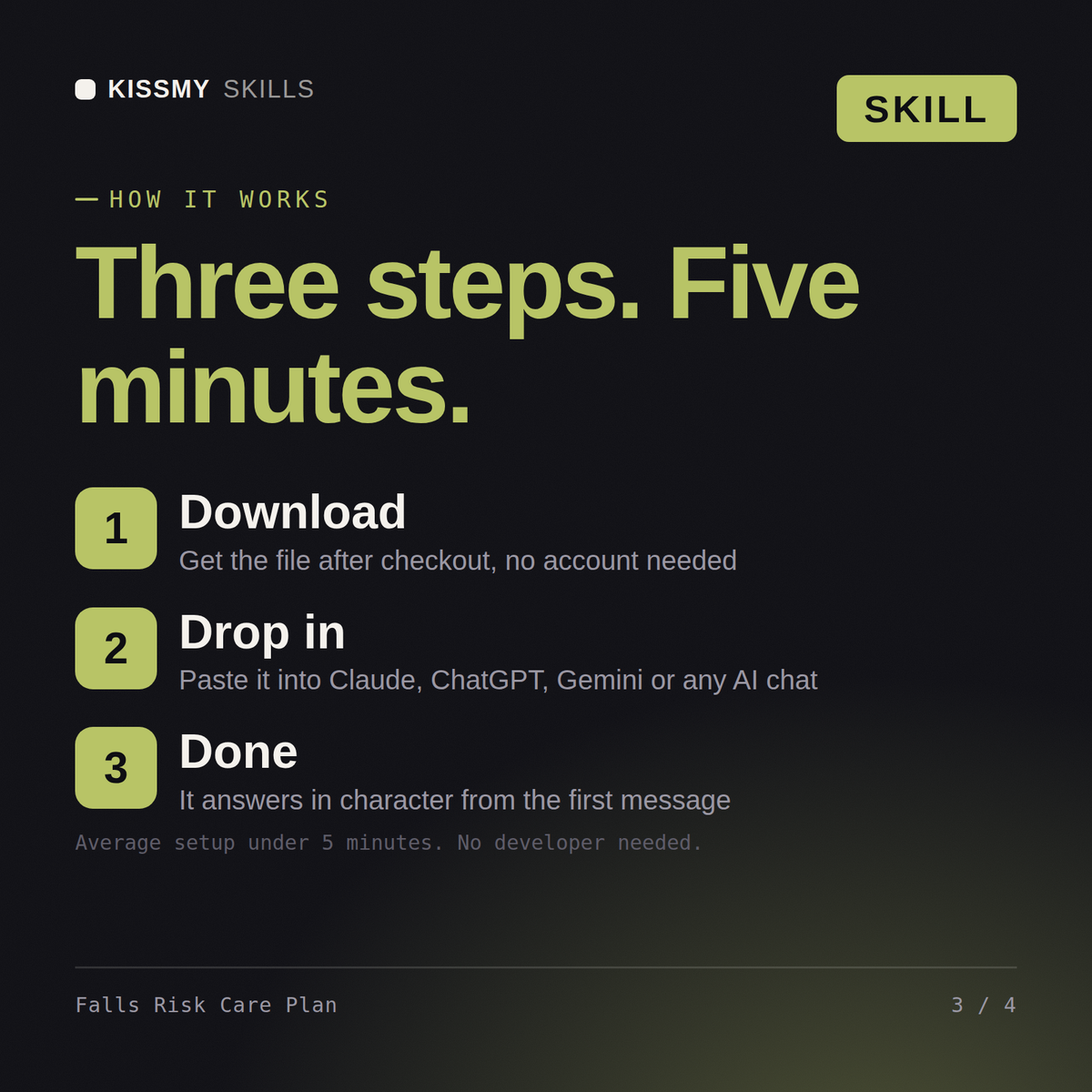
Download your .skill file from the order email or your account. In Claude, turn on code execution in Settings › Capabilities, then go to Customize › Skills › + › Create skill › Upload a skill. Start a new chat and ask for the specialist by name.