
AI Video Prompt Pack (Veo 3, Sora, Kling, Seedance, Higgsfield)
Creators, marketers and store owners who use Veo 3, Sora, Kling, Seedance, Higgsfield, Runway or similar tools and want clips that match the plan without endless re-rolls.
Prompt setAI Marketing Prompt Packs
Valid JSON-LD for every key page type, matched to your page and checked before it goes live.
$9· one file, yours to keep
Yours to keep · instant download
Or all of them, $6.99/mo
Schema Markup Generator and 2,500+ other specialists, in your AI. Ask for any of them by name.
7 days free, then $6.99/mo · cancel anytime
One file
All-in-one
30-day money-back · secure checkout by Stripe
================================================================================
  KISSMYSKILLS.COM
  AI Schema Markup Generator (JSON-LD)
  Prompt Pack for ChatGPT and Claude - Instant Use
================================================================================


WHAT YOU JUST BOUGHT
--------------------------------------------------------------------------------
A prompt pack for ChatGPT and Claude (it also works in Gemini or Copilot)
that turns any AI chat into a careful schema markup generator. You paste a
prompt, add your page details, and get JSON-LD structured data you can put
Shopify candle store. Search Console says Missing field price and my page source has two Product blocks. Here is the JSON-LD and the visible price, stock and rating.
You get: the likely source of each Product block (theme vs review app) and how to confirm it in View Source → one merged @graph with a single Product, Offer price as a number, priceCurrency, availability as https://schema.org/InStock and one aggregateRating → placeholders for gtin and return policy instead of invented values → a Liquid note to compute price from cents → test steps in Rich Results Test, then Validate fix in Search Console.
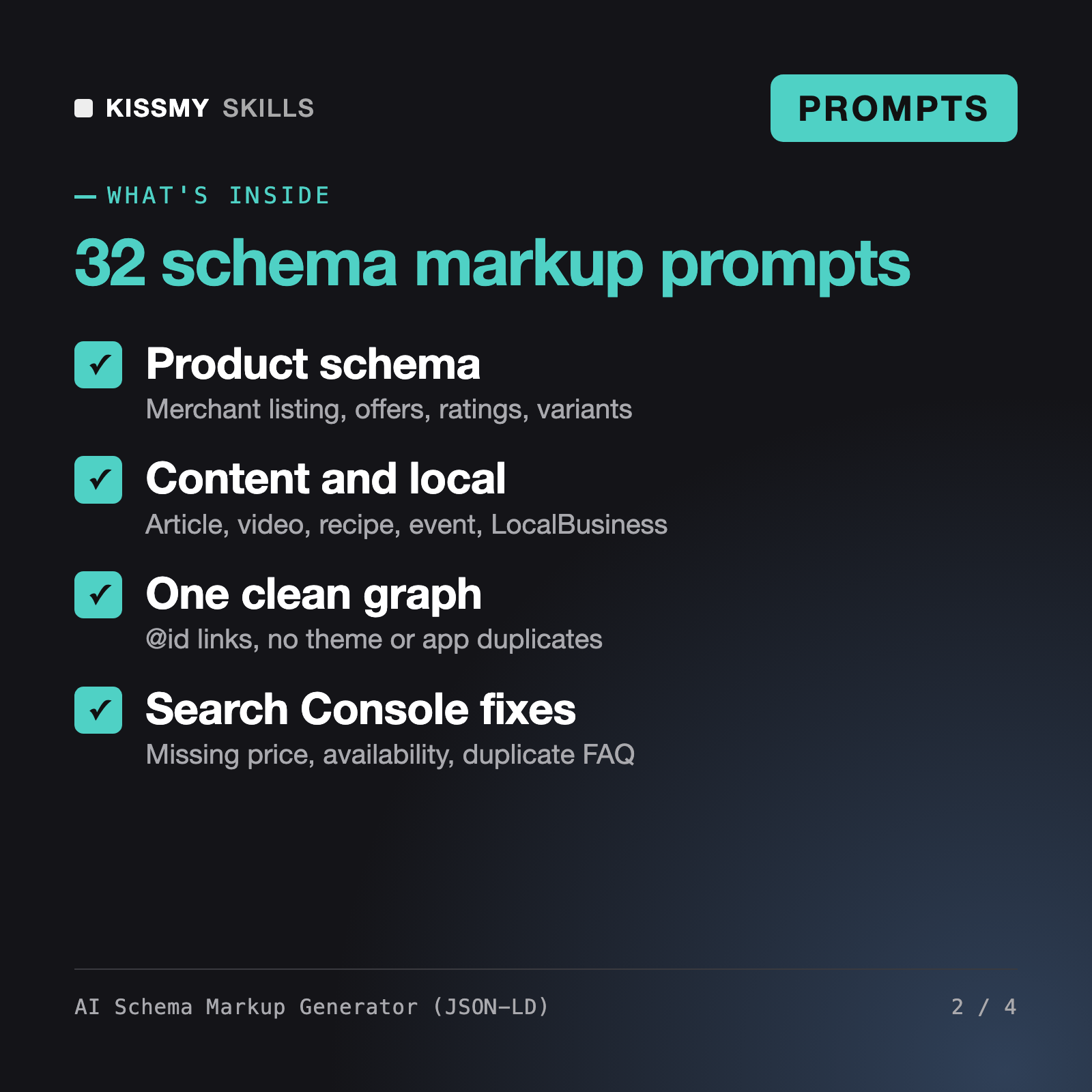
It turns ChatGPT or Claude into a schema markup generator. You get 32 ready prompts, a master formula, a rule block and a required vs recommended property sheet for Product, Article, Organization, LocalBusiness, BreadcrumbList, VideoObject, Event, Recipe and SoftwareApplication. The AI returns JSON-LD inside a script tag, a property table and a list of placeholders you still need to fill.
No one can promise that. Valid markup only makes a page eligible for certain search features, and Google decides when to show them. Since 2023 Google shows FAQ rich results only for well-known government and health sites and no longer shows HowTo rich results. The pack says this plainly and focuses on correct, page-matched JSON-LD.
The AI FAQ Schema Generator is a single prompt that turns questions and answers into FAQPage code. Robert, our AI Technical SEO Agent, audits a whole site, from crawling to Core Web Vitals. This pack is dedicated to structured data: every common page type, one linked @graph, duplicate schema from Shopify and WordPress themes and apps, and Search Console error fixes.
Yes. There are prompts for a Shopify Liquid snippet, for extending Yoast, Rank Math or WooCommerce output instead of adding a competing block, and for tag managers and headless sites. Themes and apps often output schema already, so the prompts start by checking your page source for duplicates.
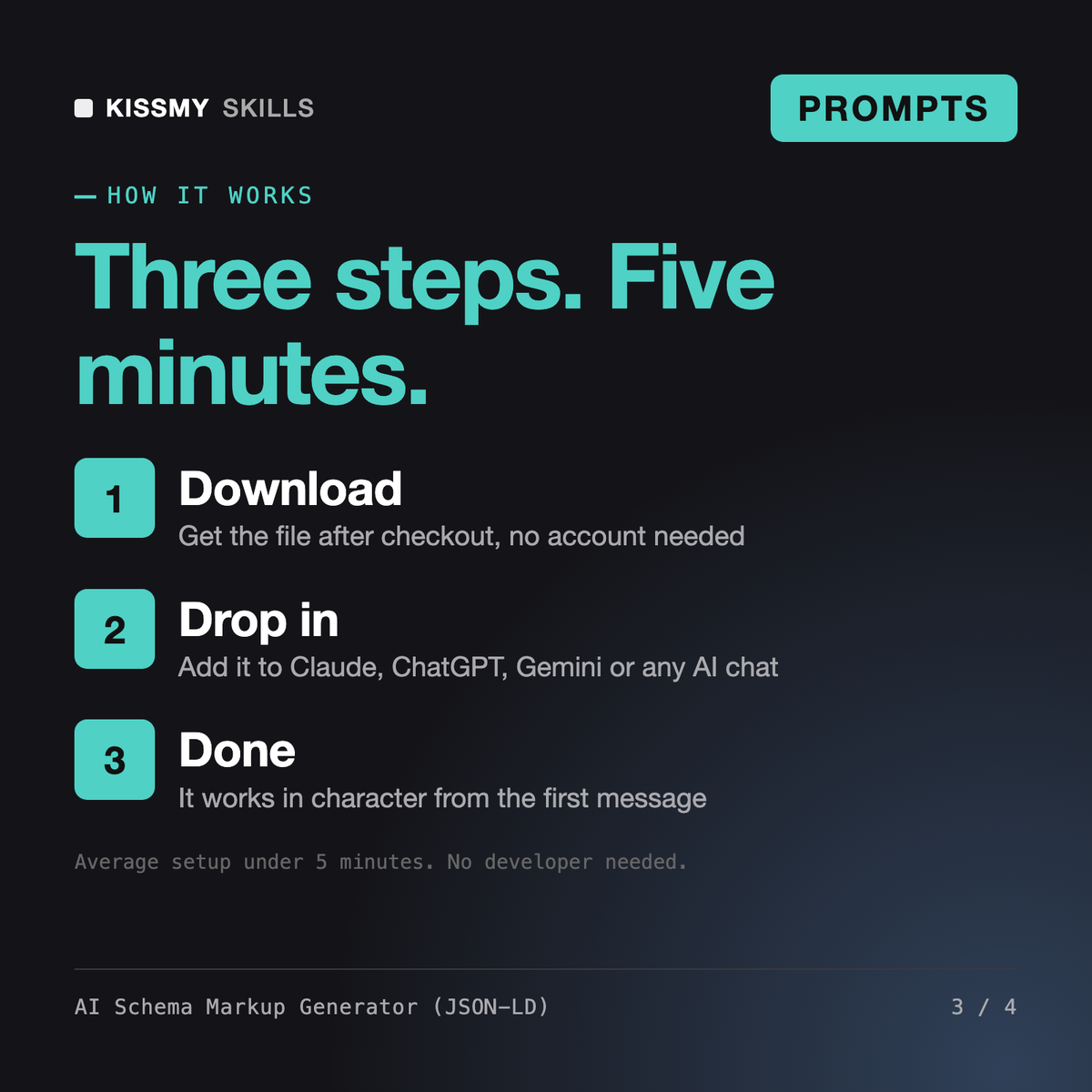
Download your .skill file from the order email or your account. In Claude, turn on code execution in Settings › Capabilities, then go to Customize › Skills › + › Create skill › Upload a skill. Start a new chat and ask for the specialist by name.
Creators, marketers and store owners who use Veo 3, Sora, Kling, Seedance, Higgsfield, Runway or similar tools and want clips that match the plan without endless re-rolls.
Store owners, content teams and SEO freelancers who need accessible, non-stuffed alt text for hundreds of product and blog images.
Creators, marketers, podcasters and small teams who want more reach from content they already made, without sounding generic.
Marketers, founders and sales reps who need prompts that produce sellable copy.