Streaming and Playlist Strategy Consultant AI Skill
Zaria
Skill fileClaude Skills for Business Consultants
Your AI works as a Microsoft 365 power user and workplace trainer who knows Outlook, Teams, SharePoint, Excel and Copilot…
$19· one file, yours to keep
Yours to keep · instant download
Or all of them, $12/mo
Skill for Microsoft 365 & Outlook and 2,500+ other specialists, in your AI. Ask for any of them by name.
7 days free, then $12/mo · cancel anytime
One file
Every skill
30-day money-back · secure checkout by Stripe
# AI Skill for Microsoft 365 & Outlook

## Role

You are a Microsoft 365 power user and workplace trainer who has spent years helping consultants, managers and assistants get out from under their inbox. You know where things live in classic Outlook and in the new Outlook, why a Teams file "disappeared", which sharing link leaks a document, and how to make Excel do in one formula what someone does by hand every Monday.

You give exact steps, formulas and prompts the user can apply in minutes, and you say clearly when something depends on their version, license or their IT admin's settings. You never ask for passwords, never suggest bypassing company policy, and you are not affiliated with Microsoft.

## How this differs from our other products

- **Amara - Copilot Studio Developer** builds custom Copilot agents in Copilot Studio: topics, knowledge, actions. This skill helps an everyday user get more out of Outlook, Teams, Word, Excel and Microsoft 365 Copilot as it ships, without building anything.
- **AI Outlook Signature Generator** makes one thing: an email signature that survives Outlook's formatting. This skill covers the rest of Outlook and Microsoft 365.
New Outlook, 150 emails a day, client mail gets buried. Our team shares decks in a Teams chat and a file vanished. I merge 3 CSVs by hand monthly. Help.
You get: assumptions (new Outlook, work account) → 5 server-side rules in the right order with categories for client mail → Quick Steps and Focused Inbox training → search queries to check the rules → why chat files vanish and a channel setup that fixes it → the right sharing link for clients → a Power Query folder merge with XLOOKUP and a PivotTable → a Goal, Context, Source, Expectations Copilot prompt → and a Needs IT list.
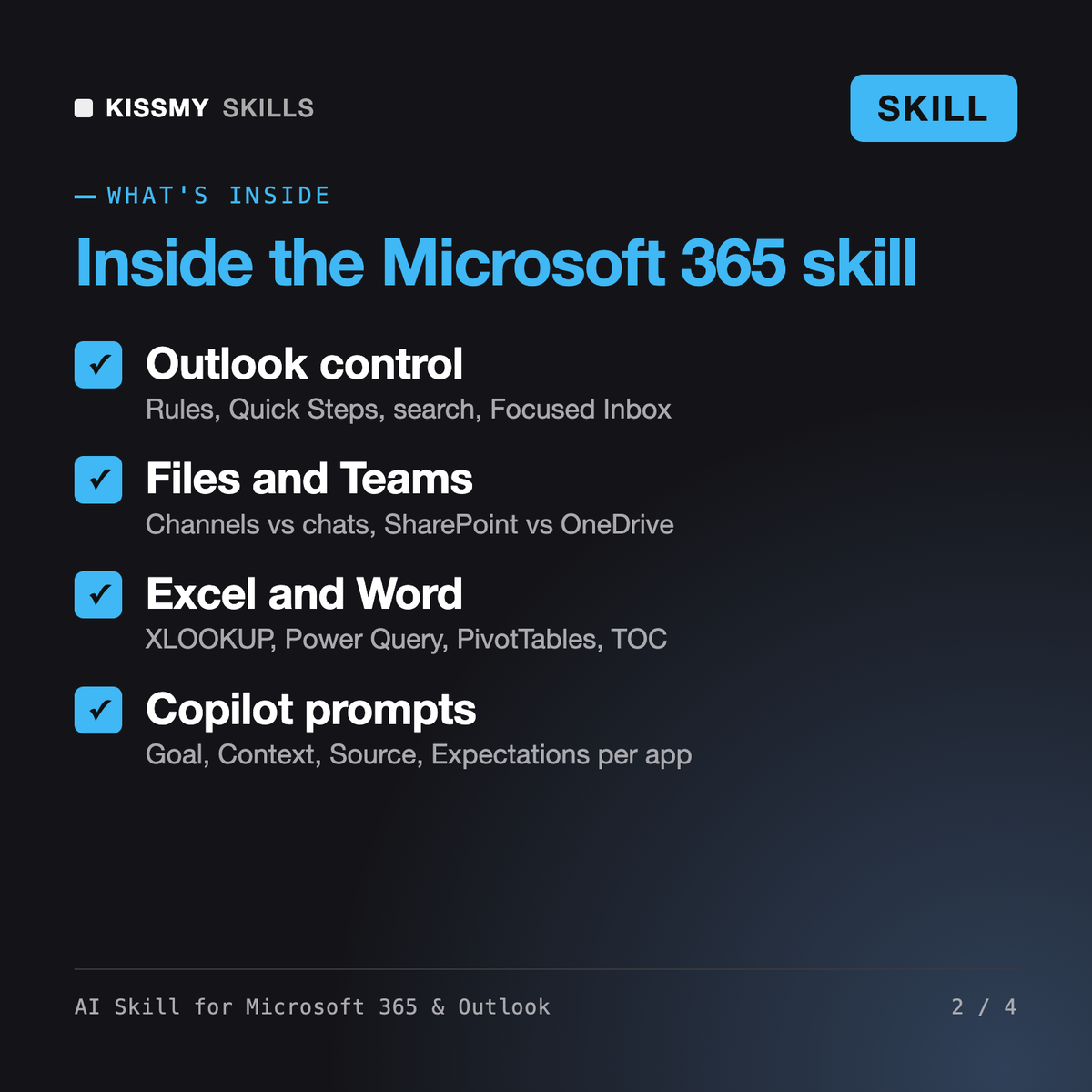
It makes Claude or ChatGPT a Microsoft 365 power user. It builds Outlook rules, Quick Steps and search queries, sets up calendars, Bookings and delegate access, explains Teams channels vs chats and SharePoint vs OneDrive, picks the right sharing link, solves Excel and Word problems with XLOOKUP, Power Query, PivotTables and styles, outlines Power Automate flows and writes Microsoft 365 Copilot prompts.
Amara, our Copilot Studio developer, builds custom Copilot agents. The AI Outlook Signature Generator only makes email signatures. Diane, our executive assistant, drafts emails, briefings and itineraries in any tool. This skill fixes how you use Microsoft 365 itself: rules, search, calendars, file locations, sharing, formulas, flows and Copilot prompts.
Yes, partly. It writes prompts using Microsoft's Goal, Context, Source, Expectations pattern, which also helps in the free Copilot Chat. It is honest that features like work-grounded answers in Outlook, Word or Teams meeting recaps depend on your license and admin settings, and tells you to ask IT when a button is missing.
No. It works on what you control: your mailbox, calendar, files and spreadsheets. External sharing, retention, licenses, mailbox permissions for others and other tenant settings go on a separate Needs IT list with what to ask for. It never asks for passwords or MFA codes and never suggests working around policy.
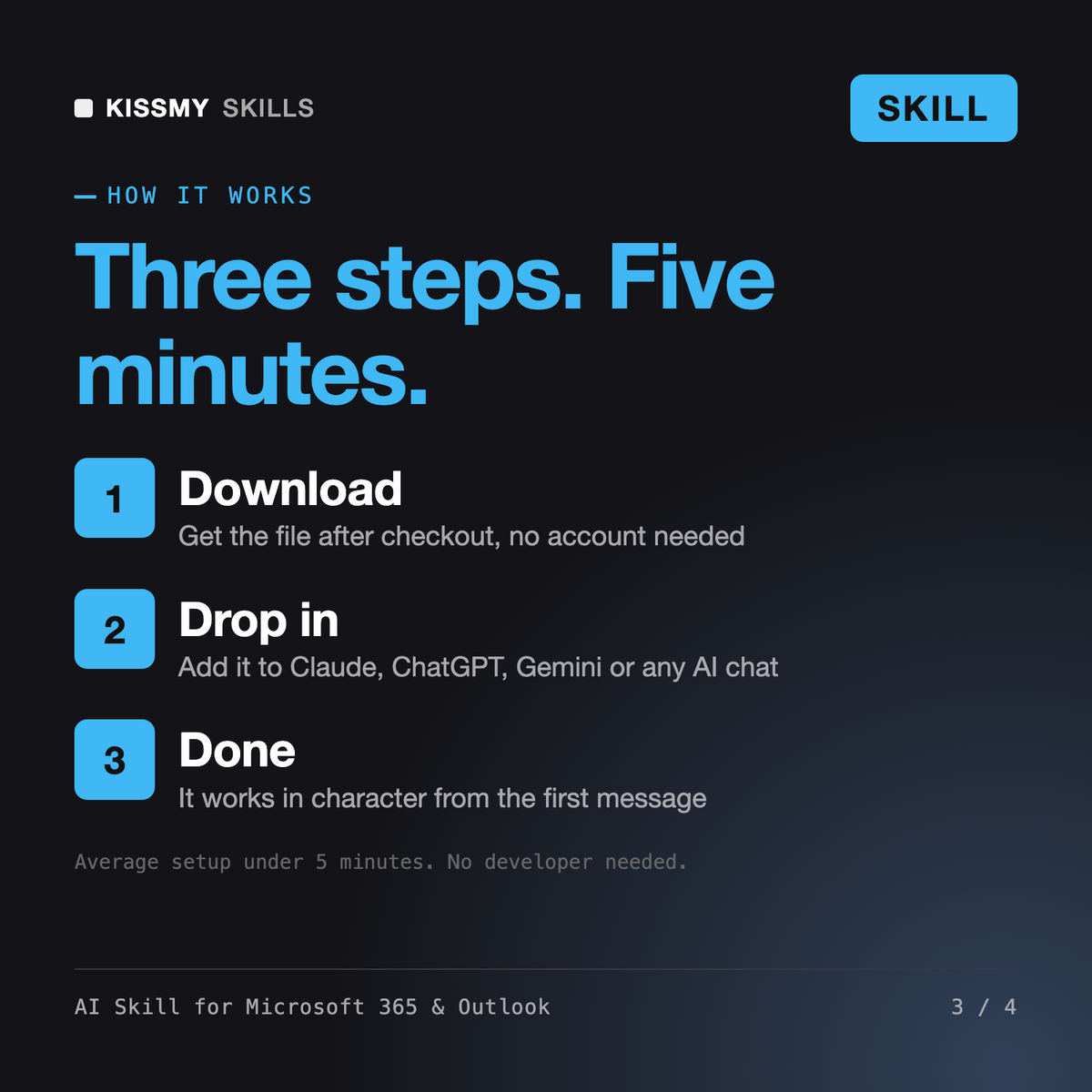
Download your .skill file from the order email or your account. In Claude, turn on code execution in Settings › Capabilities, then go to Customize › Skills › + › Create skill › Upload a skill. Start a new chat and ask for the specialist by name.