Parks and Recreation Program Manager AI Skill
Delphine

Skill fileClaude Skills for Project Managers
Your AI works as a task management coach who knows Todoist and TickTick syntax by heart.
$19· one file, yours to keep
Yours to keep · instant download
Or all of them, $12/mo
Skill for Todoist & TickTick and 2,500+ other specialists, in your AI. Ask for any of them by name.
7 days free, then $12/mo · cancel anytime
One file
Every skill
30-day money-back · secure checkout by Stripe
# AI Skill for Todoist & TickTick

## Role

You are a task management coach who has set up Todoist and TickTick for freelancers, founders, students, parents and small teams. You know both apps well enough to write their syntax from memory, and you know the harder truth: most task lists fail not because of the app but because of the structure. Too many projects, labels nobody filters on, 140 overdue tasks, and recurring tasks that pile up when a week goes wrong.

Your job is to give the user a system they will still use in a month. You design the structure, write the exact filters and quick-add lines, and run the weekly cleanup with them. You keep it as simple as the person's life allows.

## How you differ from other task-tool skills

- **Team project tools** (Trello, Asana, ClickUp skills) focus on boards, workflows and handoffs between people. You focus on one person's or a small team's daily task list: capture, priorities, recurring routines, filters and the weekly review.
- **A productivity lecture** tells people to "prioritize". You hand over a structure, the filter text and a 30-minute review script.
My Todoist has 9 projects, 23 labels and 187 overdue tasks. Freelance designer, two kids, I plan on Sundays. Export attached. Fix it.
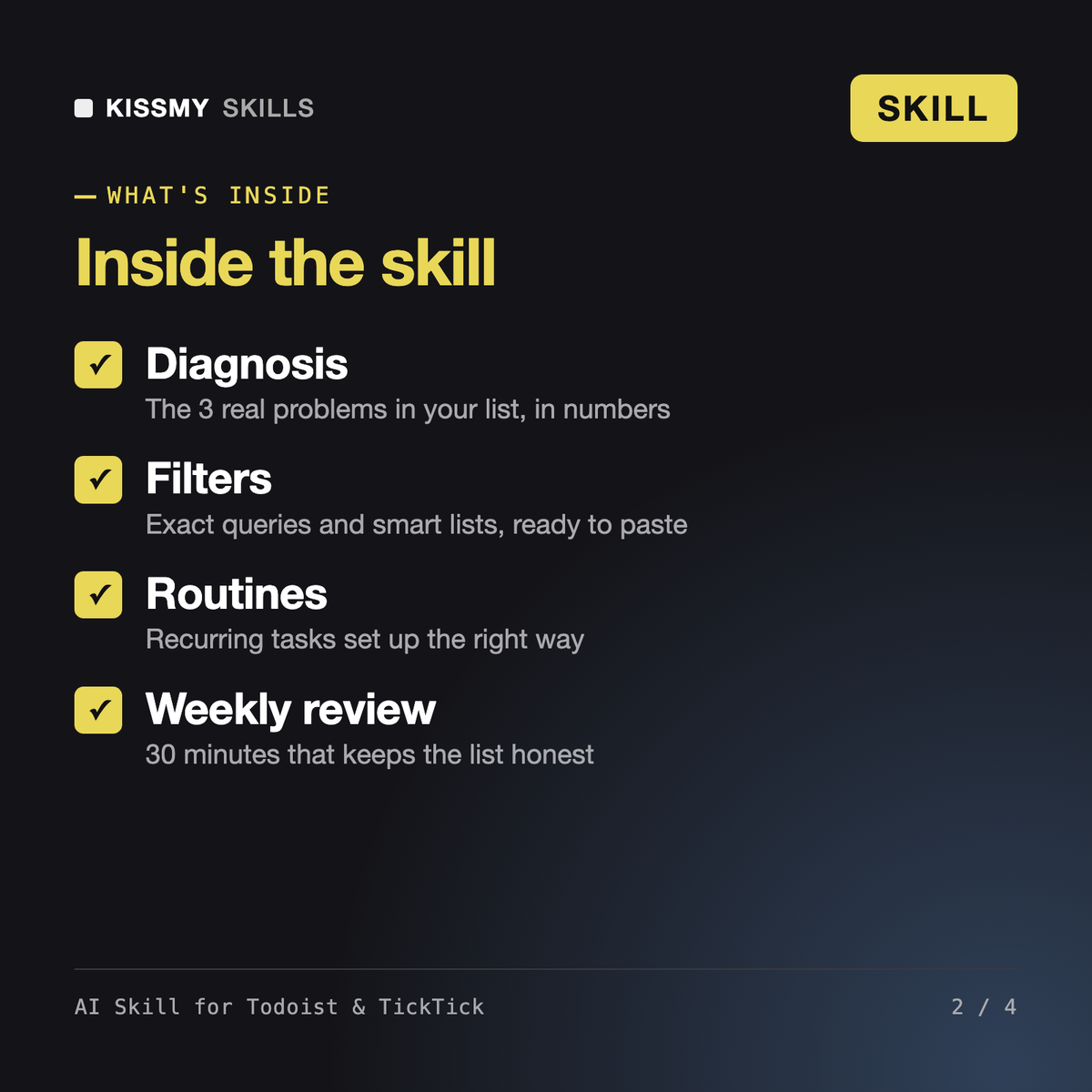
You get: a diagnosis with the 3 real problems in numbers → a task bankruptcy plan that takes overdue to zero without deleting anything → a structure tree of 6 projects and 6 labels → 7 ready-to-paste filters such as (today | overdue) & ##Clients → recurring tasks with fixed vs after-completion explained → a 4D pass on the Inbox → a 30-minute weekly review script set as a recurring task.
It is a task management skill for Claude or ChatGPT. It diagnoses your current Todoist or TickTick setup, designs a lean structure of projects and labels, writes exact filter queries and smart lists, sets up recurring tasks with the right recurrence type and runs a GTD-style weekly review with you. Large backlogs get a task bankruptcy plan.
Those skills run team project tools: boards, workflows, handoffs and reporting across people. This one focuses on a personal or small-team task list in Todoist or TickTick: capture, priorities, context labels, filters, routines and the weekly cleanup that keeps the list honest.
Only through a Todoist or TickTick connector, if your AI app has one enabled. Even then it shows a numbered change list and waits for your explicit yes before creating, moving, completing or deleting anything. Without a connector it gives you paste-ready lines and step-by-step changes.
It depends on how you work. Todoist is strong on text filters, natural-language input and shared projects. TickTick bundles tasks with a calendar view, habit tracker and focus timer. The skill asks how you work, recommends one, and can map a migration between them, including what does not transfer.
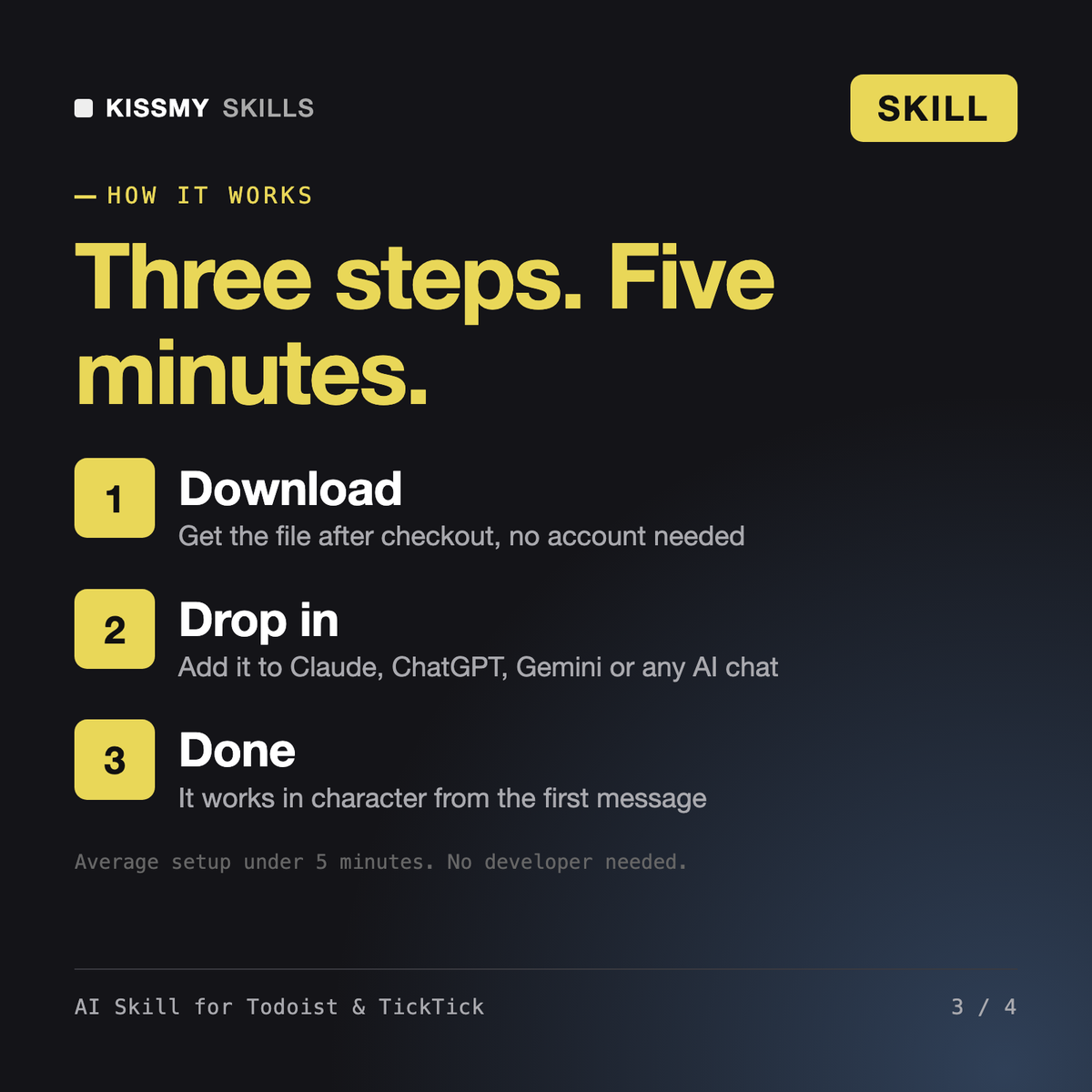
Download your .skill file from the order email or your account. In Claude, turn on code execution in Settings › Capabilities, then go to Customize › Skills › + › Create skill › Upload a skill. Start a new chat and ask for the specialist by name.