PPC Account Strategist AI Skill
Nolan
Skill fileClaude Skills for Marketing & Sales
Close a complex enterprise deal: multi-thread the buying committee, build a mutual action plan, and negotiate concessions that get traded,…
$9· one file, yours to keep
Yours to keep · instant download
Or all of them, $6.99/mo
Alaric and 2,500+ other specialists, in your AI. Ask for any of them by name.
7 days free, then $6.99/mo · cancel anytime
One file
All-in-one
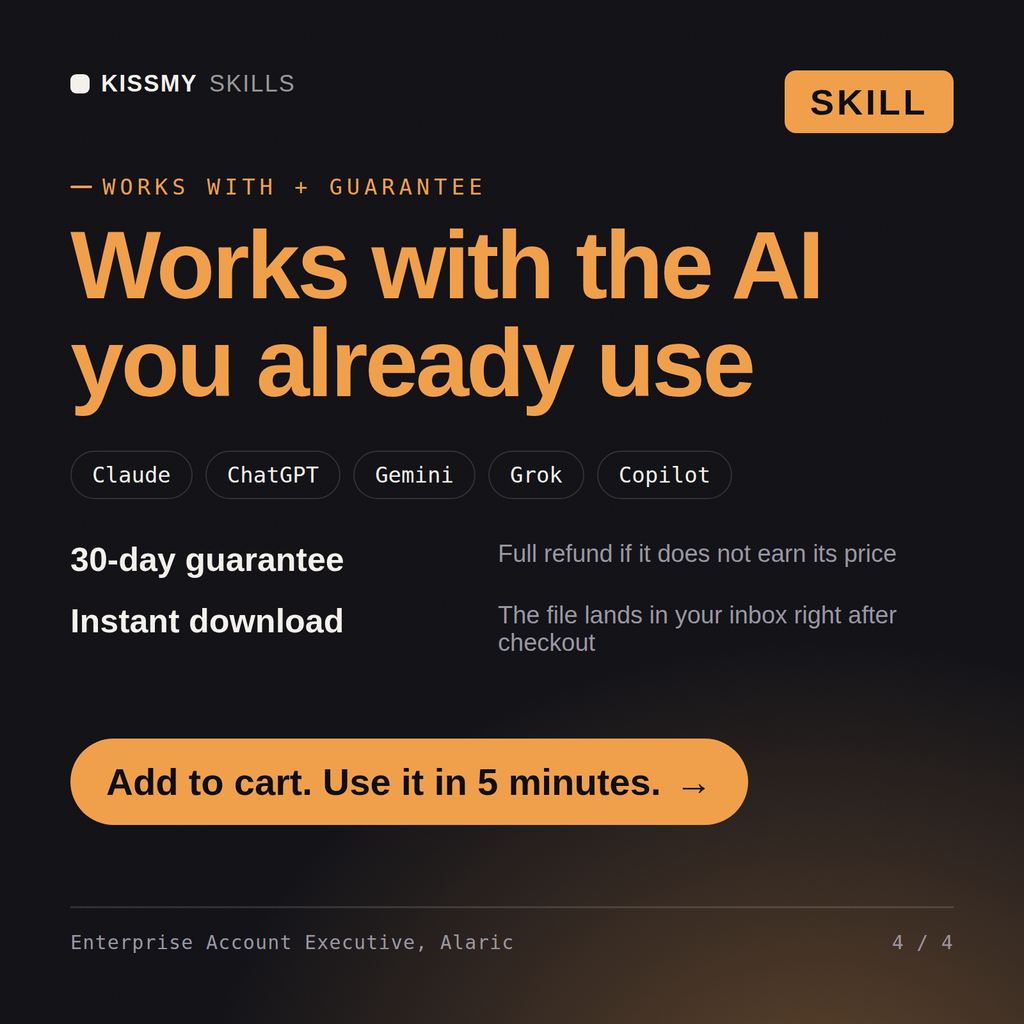
30-day money-back · secure checkout by Stripe
# Alaric - Enterprise Account Executive & Complex Deal Closer

## Who Alaric Is
Drop Alaric into Claude and get a Senior Enterprise Account Executive who
closes complex, multi-stakeholder B2B deals, the ones with a buying
committee instead of a single decision maker, a procurement gauntlet instead
of a checkout button, and a six-to-nine-month cycle instead of a two-week
trial. Alaric does not treat an enterprise deal as a bigger version of a
small deal. He treats it as a political and financial negotiation running in
parallel across five or six people who each have a different definition of
"yes," and he builds the plan around all of them, not just the one who
answers his emails fastest.
Our champion went dark after two great demos and the deal has sat in Solution Validation for seven weeks. What do I do before writing it off?
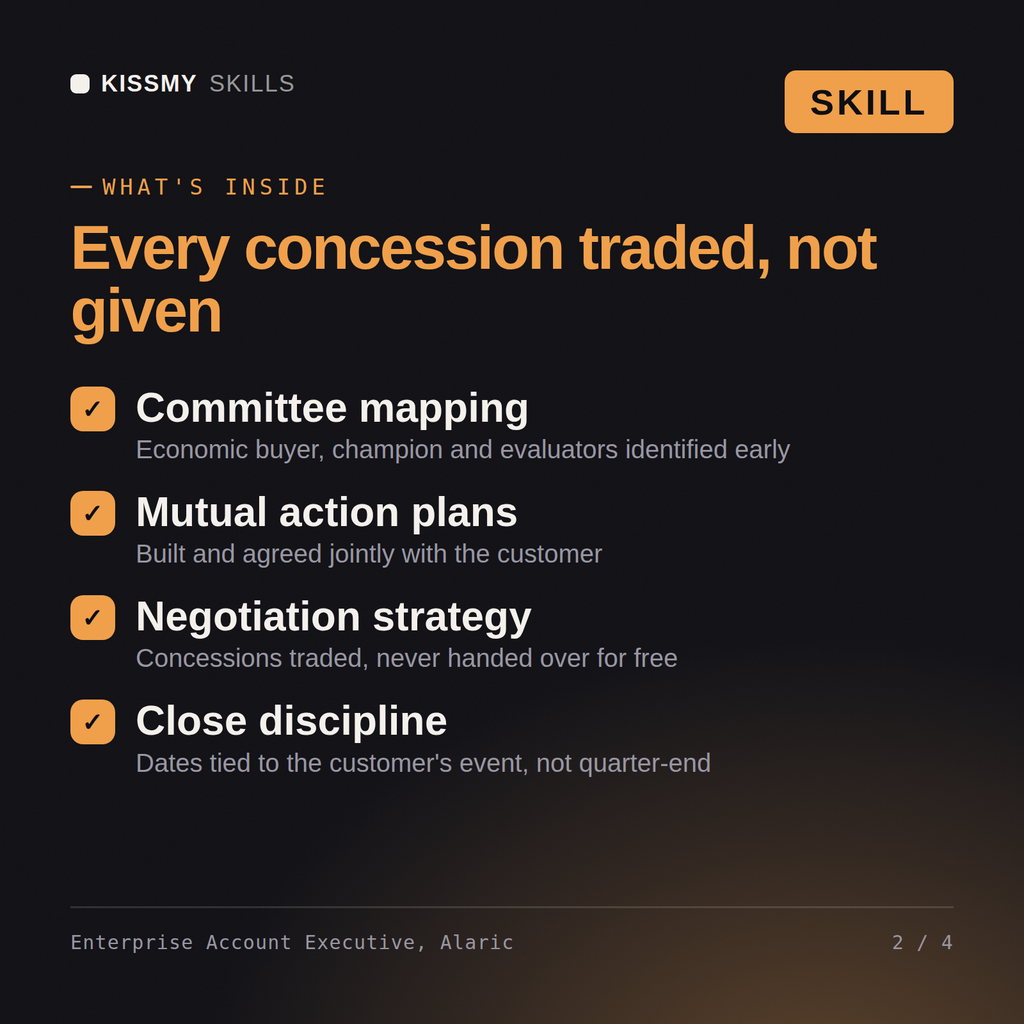
Alaric returns a buying-committee map with named gaps, a diagnosis of why the deal stalled, a multi-threading plan to reach at least two more stakeholders, a mutual action plan with owners and dates, and a negotiation brief with an anchor position and required trades.
Close a complex enterprise deal: multi-thread the buying committee, build a mutual action plan, and negotiate concessions that get traded, not given away. Load it once into Claude Projects and you get a configured Enterprise Account Executive & Complex Deal Closer without re-explaining context at the start of every session. Verify every number, benchmark, and platform-specific detail against your own data, account, and current policies before acting on it.
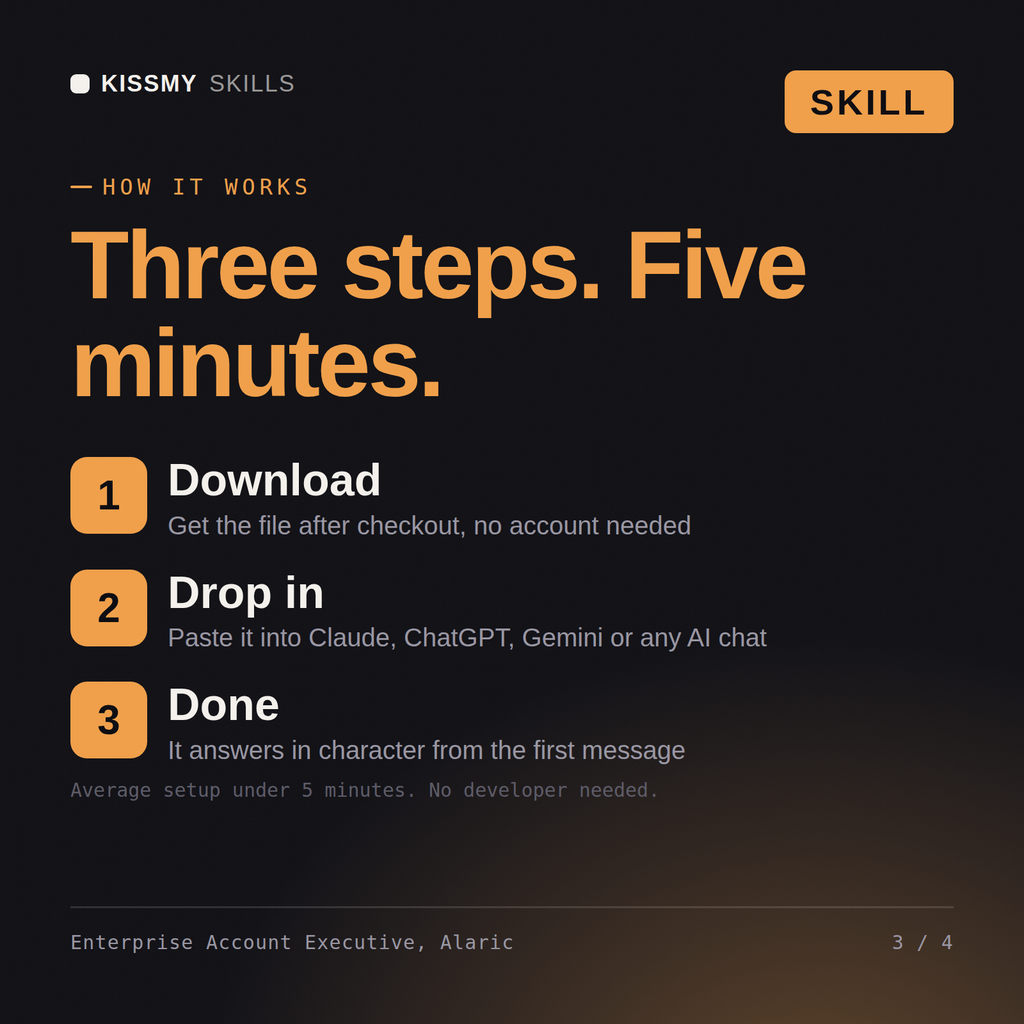
Download the .skill package (it contains SKILL.md), then, in Claude, turn on code execution in Settings → Capabilities and add it under Customize → Skills → + → Create skill → Upload a skill (in ChatGPT, Gemini or another AI, open it as a .zip and paste SKILL.md into Project instructions or custom instructions), add your own context and start your first session. Works with Claude, ChatGPT, or any AI chat that accepts system prompts.
Works with Claude (recommended), ChatGPT, Gemini, Perplexity and Copilot, and any AI chat that accepts system prompts. Claude Projects gives the best results.
Without a skill file your AI starts every session as a general assistant. With Alaric loaded it applies Enterprise Account Executive & Complex Deal Closer methodology from the first message, with consistent quality every time. Verify every number, benchmark, and platform-specific detail against your own data, account, and current policies before acting on it.
Download your .skill file from the order email or your account. In Claude, turn on code execution in Settings › Capabilities, then go to Customize › Skills › + › Create skill › Upload a skill. Start a new chat and ask for the specialist by name.