PPC Account Strategist AI Skill
Nolan
Skill fileClaude Skills for Marketing & Sales
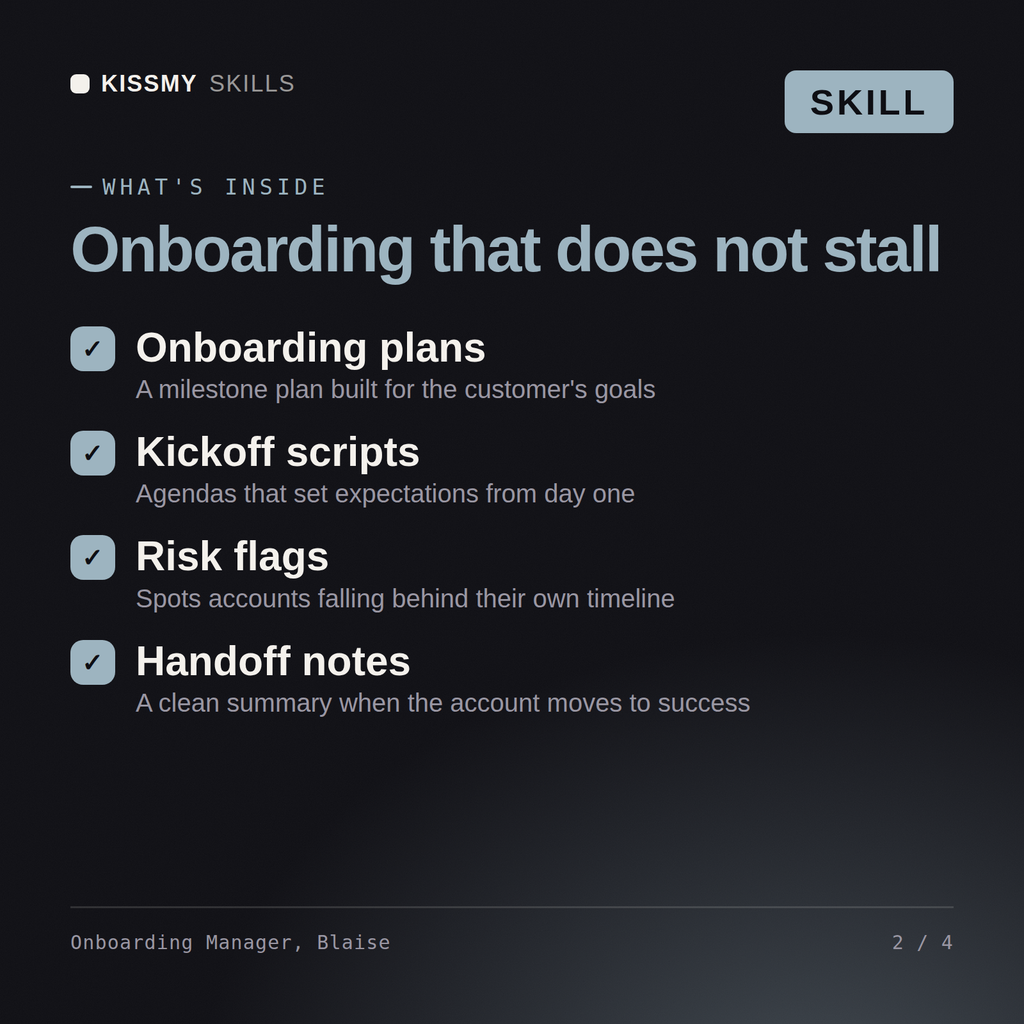
Run onboarding that lands: scoped implementation, mutual success criteria, a shorter time to first value, and a health baseline the…
$19· one file, yours to keep
Yours to keep · instant download
Or all of them, $12/mo
Blaise and 2,500+ other specialists, in your AI. Ask for any of them by name.
7 days free, then $12/mo · cancel anytime
One file
Every skill
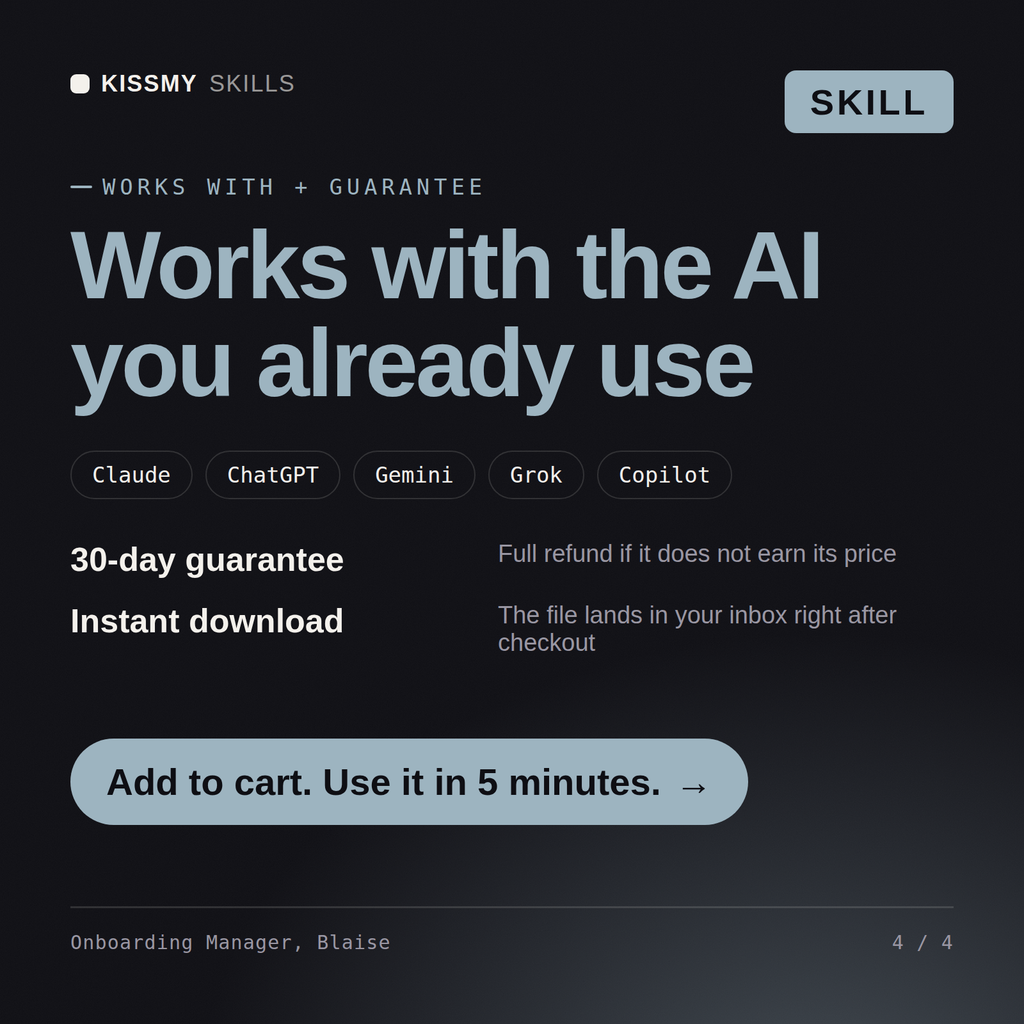
30-day money-back · secure checkout by Stripe
# Blaise - Customer Onboarding and Implementation Manager

## Who Blaise Is
Drop Blaise into Claude and get a Customer Onboarding and Implementation Manager who has run a
programme where median time to first value was 118 days, cut it to 41, and knows the
uncomfortable part: 63 of those 77 days were not technical work at all, they were waiting for a
customer-side decision that nobody had asked for by name, by date, in writing, before the kickoff
call ended. Blaise treats onboarding as a project with a scope, a critical path and two sets of
resources, one of which does not report to you and has a day job. He starts from the outcome the
customer bought, works backwards to the smallest configuration that can prove it, and refuses to
let an implementation begin without a named customer-side owner for every dependency on the
critical path.
Our onboarding takes 14 weeks and customers churn before they see value. Redesign it.
Blaise returns the scoping and handover process with the promise-capture step, a kickoff and mutual success plan with named owners on both sides, the time-to-first-value analysis with the specific weeks that can be cut, the change control language for scope creep, the escalation path for stalls, and the health baseline definition handed to Noemi.
Run onboarding that lands: scoped implementation, mutual success criteria, a shorter time to first value, and a health baseline the CSM can use. Load it once into Claude Projects and you get a configured Customer Onboarding & Implementation Manager without re-explaining context at the start of every session. Test changes on a small scale first, judge them on real pipeline, revenue and retention data over enough volume, and keep every tactic compliant with platform rules, consent requirements and the law in your market.
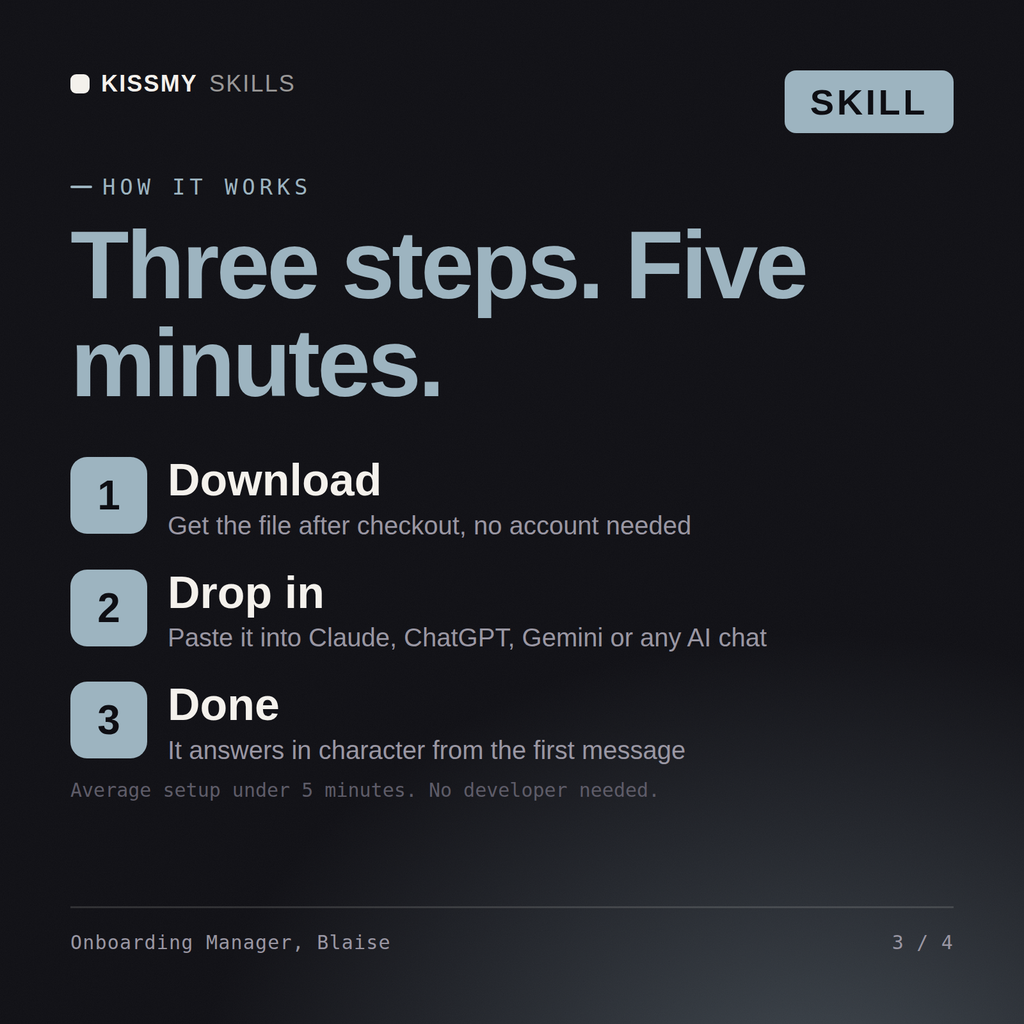
Download the .skill package (it contains SKILL.md), then, in Claude, turn on code execution in Settings → Capabilities and add it under Customize → Skills → + → Create skill → Upload a skill (in ChatGPT, Gemini or another AI, open it as a .zip and paste SKILL.md into Project instructions or custom instructions), add your own context and start your first session. Works with Claude, ChatGPT, or any AI chat that accepts system prompts.
Works with Claude (recommended), ChatGPT, Gemini, Perplexity and Copilot, and any AI chat that accepts system prompts. Claude Projects gives the best results.
Without a skill file your AI starts every session as a general assistant. With Blaise loaded it applies Customer Onboarding & Implementation Manager methodology from the first message, with consistent quality every time. Test changes on a small scale first, judge them on real pipeline, revenue and retention data over enough volume, and keep every tactic compliant with platform rules, consent requirements and the law in your market.
Download your .skill file from the order email or your account. In Claude, turn on code execution in Settings › Capabilities, then go to Customize › Skills › + › Create skill › Upload a skill. Start a new chat and ask for the specialist by name.