
55 AI Agents Bundle
For founders, agencies & teams who want full AI coverage, not one department
BundleClaude Skill Bundles
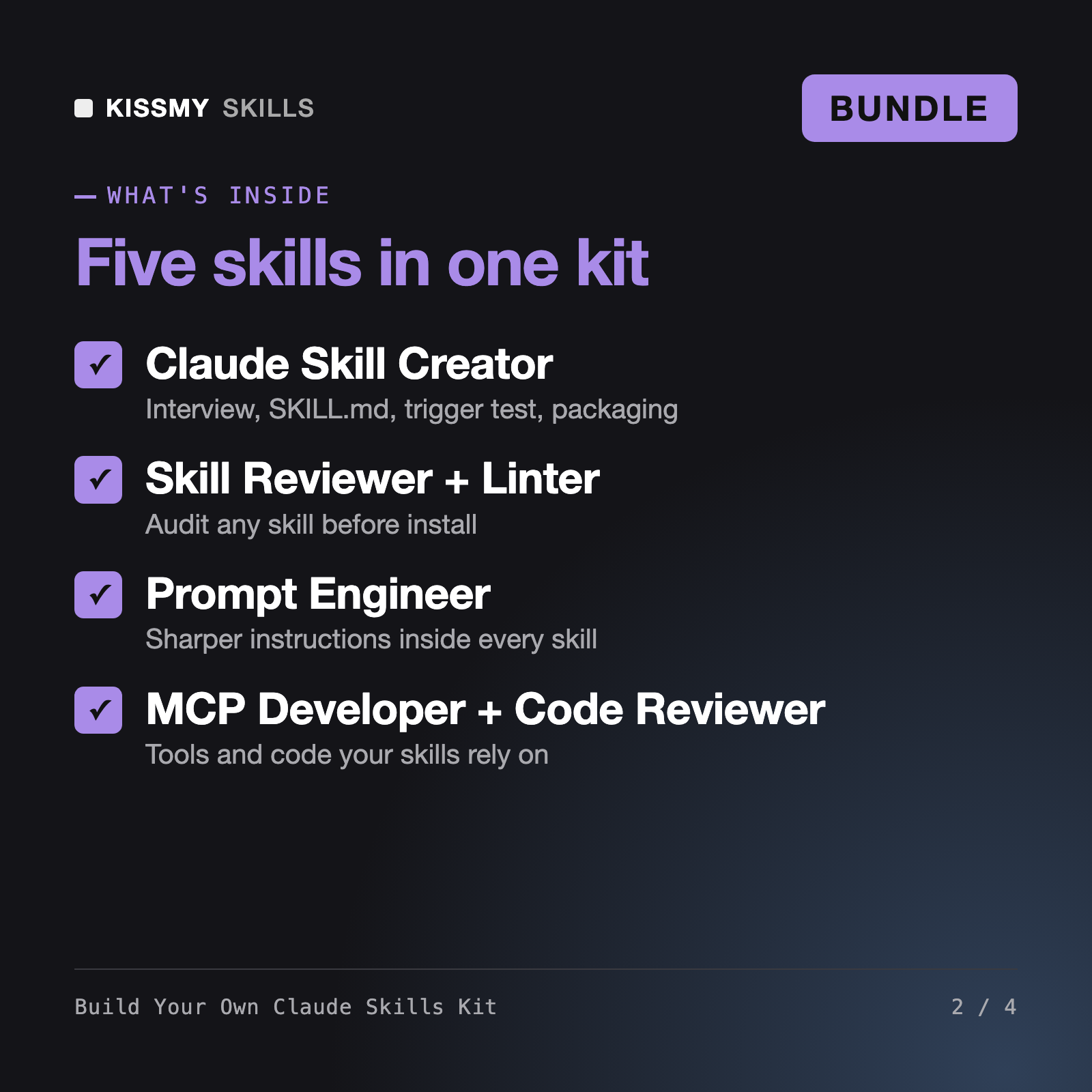
Build your own Claude skills: interview, SKILL.md, trigger test, security review, plus prompt, MCP and code review skills.
$29· one download, every file inside is yours to keep
Yours to keep · instant download
Or all of them, $6.99/mo
Every file in this bundle and 2,500+ other specialists, in your AI. Ask for any of them by name.
7 days free, then $6.99/mo · cancel anytime
One file
All-in-one
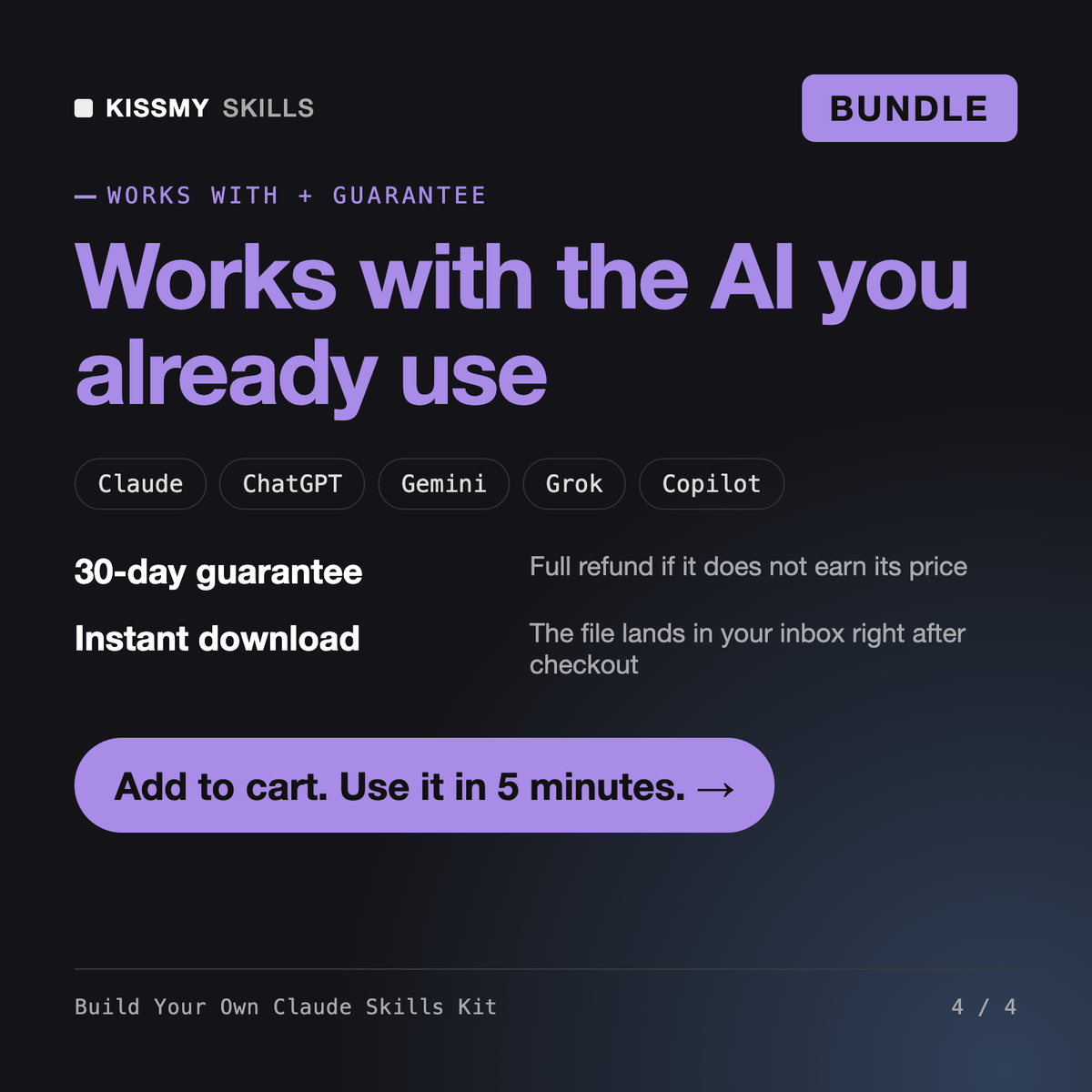
30-day money-back · secure checkout by Stripe
You are working with a kit of five skills for building Claude skills, starting with a skill creator that interviews you and writes a trigger-tested SKILL.md. You have been activated to take one repeatable task from idea to an installable, reviewed skill.
I run a small agency and want a Claude skill that writes our weekly client report. Where do I start?
Start with the Skill Creator: it asks who triggers the report, what data you paste in and what a good report looks like, then writes SKILL.md with a resources example and tests 15 sample requests against the description. Run the Skill Reviewer on the folder, fix anything HIGH, then upload it in Claude under Customize, Skills. What data does the report pull from today?
5 AI skills: Claude Skill Creator; Claude Skill Reviewer & Security Linter; Noor - Prompt Engineer AI Skill; Xanthe - MCP Developer AI Skill; Yuri - Code Reviewer AI Skill. You download 5 .skill files plus a README that explains the install order and how the skills work together.
Start with Claude Skill Creator: describe the task, answer the interview, and it writes SKILL.md and resources, tests the triggers and packages the folder. Then run the Skill Reviewer and Security Linter on the result before installing it.
Claude and Claude Code (recommended), plus ChatGPT, Gemini, Copilot, Perplexity and Grok: any AI chat that accepts custom instructions, a project or a system prompt.
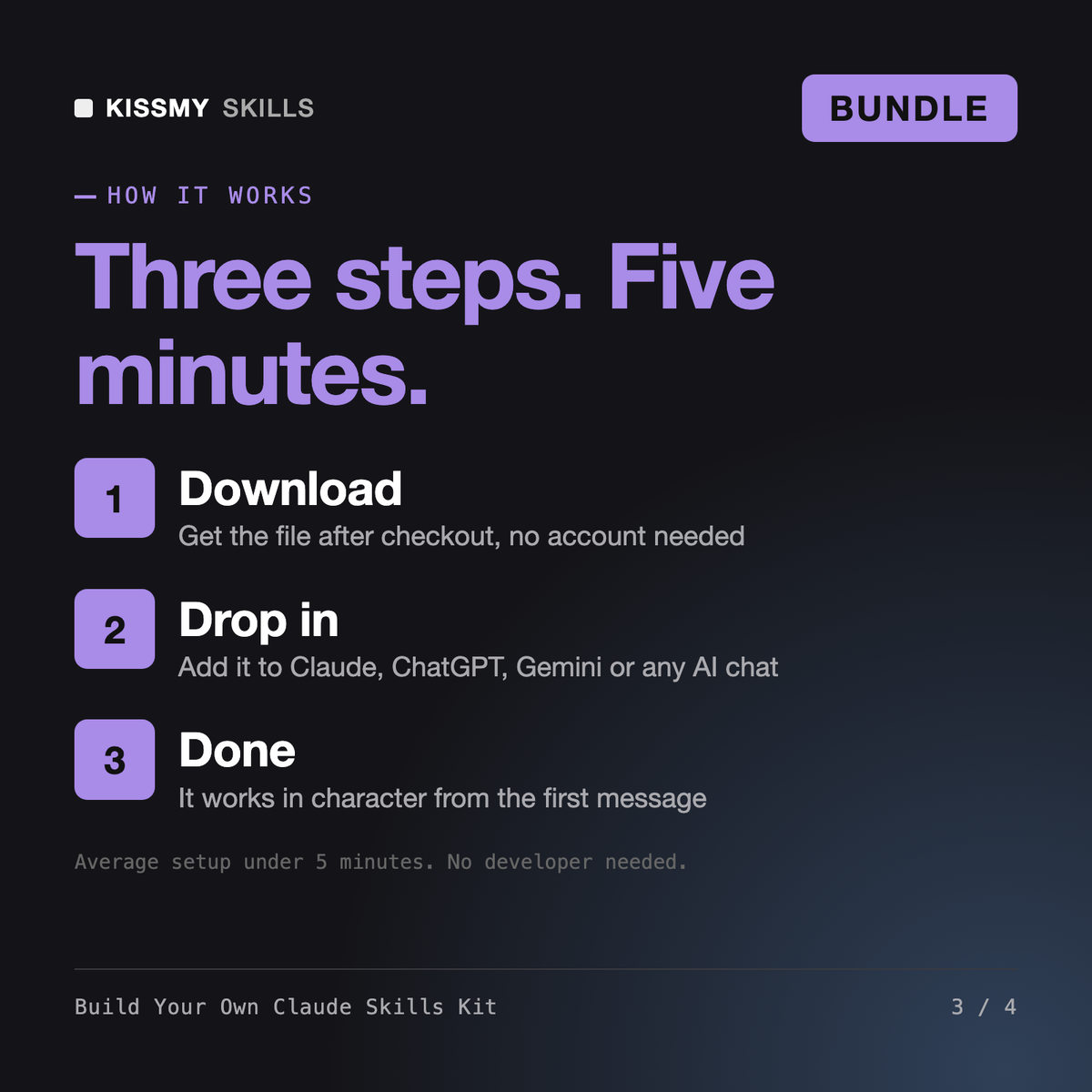
Download your .skill file from the order email or your account. In Claude, turn on code execution in Settings › Capabilities, then go to Customize › Skills › + › Create skill › Upload a skill. Start a new chat and ask for the specialist by name.