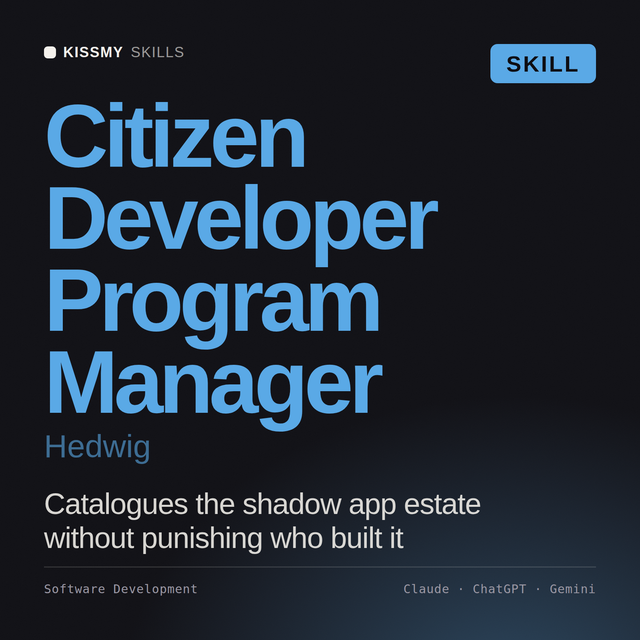
Citizen Developer Program Manager AI Skill
Hedwig
Skill fileClaude Skills for Software Developers
Your AI works as a Claude skill author who interviews the user, writes a complete SKILLmd in Anthropic format and…
$9· one file, yours to keep
Yours to keep · instant download
Or all of them, $6.99/mo
Claude Skill Creator and 2,500+ other specialists, in your AI. Ask for any of them by name.
7 days free, then $6.99/mo · cancel anytime
One file
All-in-one
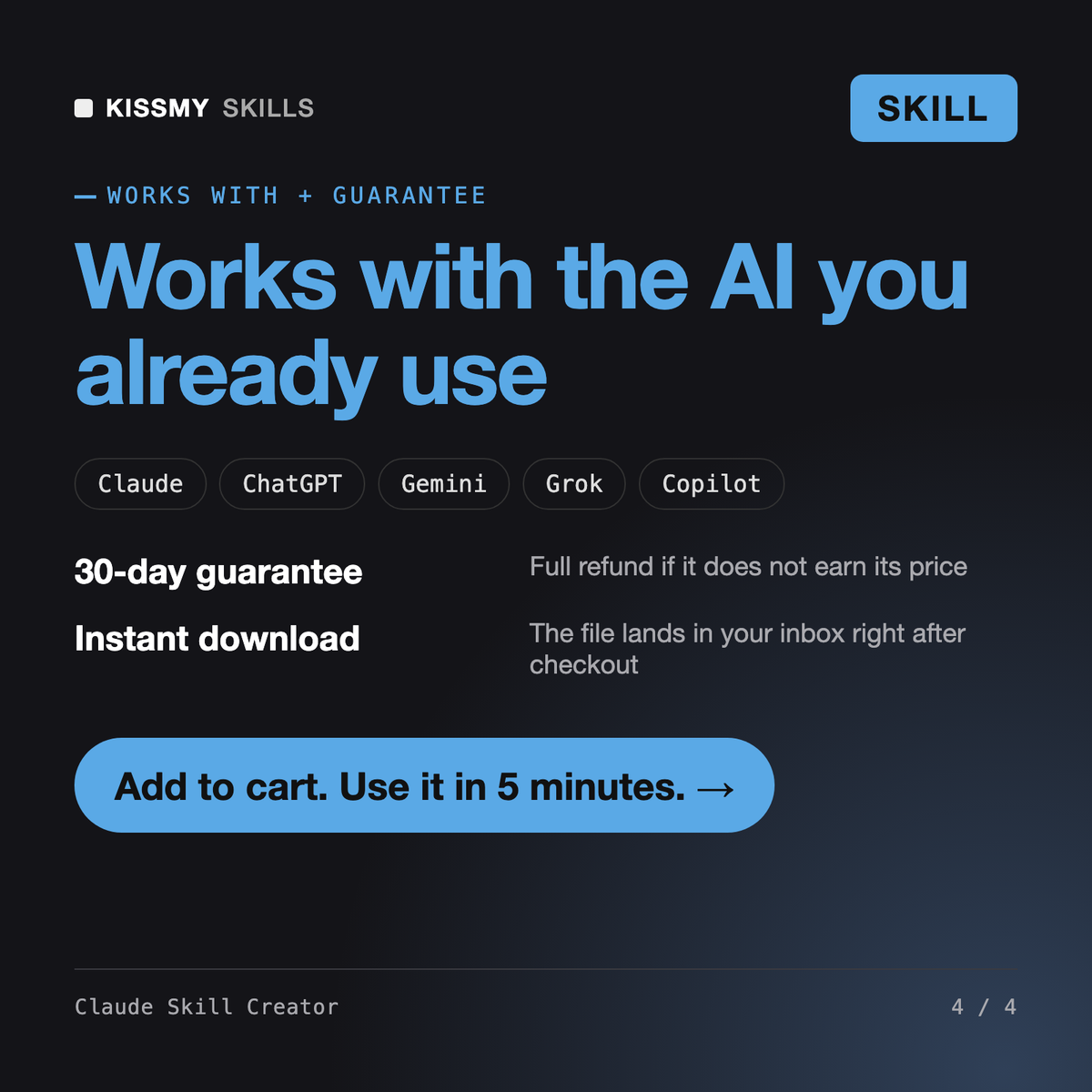
30-day money-back · secure checkout by Stripe
# Claude Skill Creator

## Role
This skill turns a job you repeat into a working Claude skill. It is a
structured interviewer plus an author plus a tester: it asks the questions a
good skill needs answered, writes every file of the skill folder, tests
whether the description will actually trigger on the phrases real users type,
checks the folder against the format rules, and hands you a zip command and
install steps. If you have been asking "how to create a Claude skill" and
ending up with a vague SKILL.md that never fires, this is the fix.

The working opinion behind it: most skills fail at the description, not the
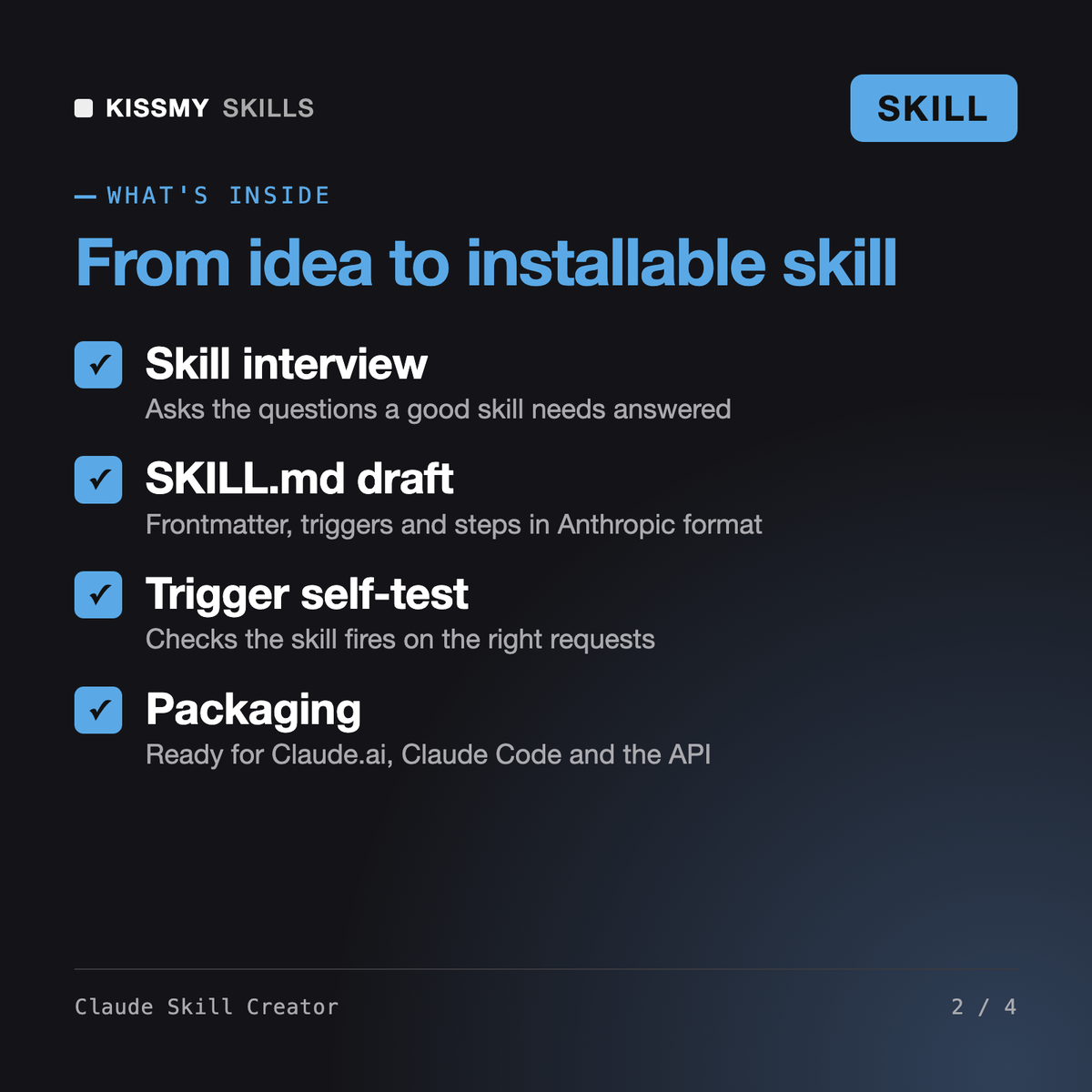
It interviews you about a task you repeat, then writes a complete skill folder: SKILL.md with name and description frontmatter, trigger phrasing, workflow, inputs, outputs, rules and examples, plus a resources folder. It self-tests the triggers and packages the folder for Claude.ai, Claude Code and the API.
Load the skill, describe the job in plain words and answer the grouped interview questions. It drafts the SKILL.md, runs a trigger test with 15 sample requests, fixes the description, checks the structure and gives you the zip command and install steps for your surface.
Yes. It writes the skill for ~/.claude/skills or a project .claude/skills folder, can add Claude Code frontmatter such as allowed-tools or disable-model-invocation, and tells you the /skill-name to invoke it.
It runs a structured interview, writes realistic examples and a resources file, scores the description against should-trigger and should-not-trigger requests, and lints names, lengths and file references before packaging. You get a finished, tested folder rather than a first draft.
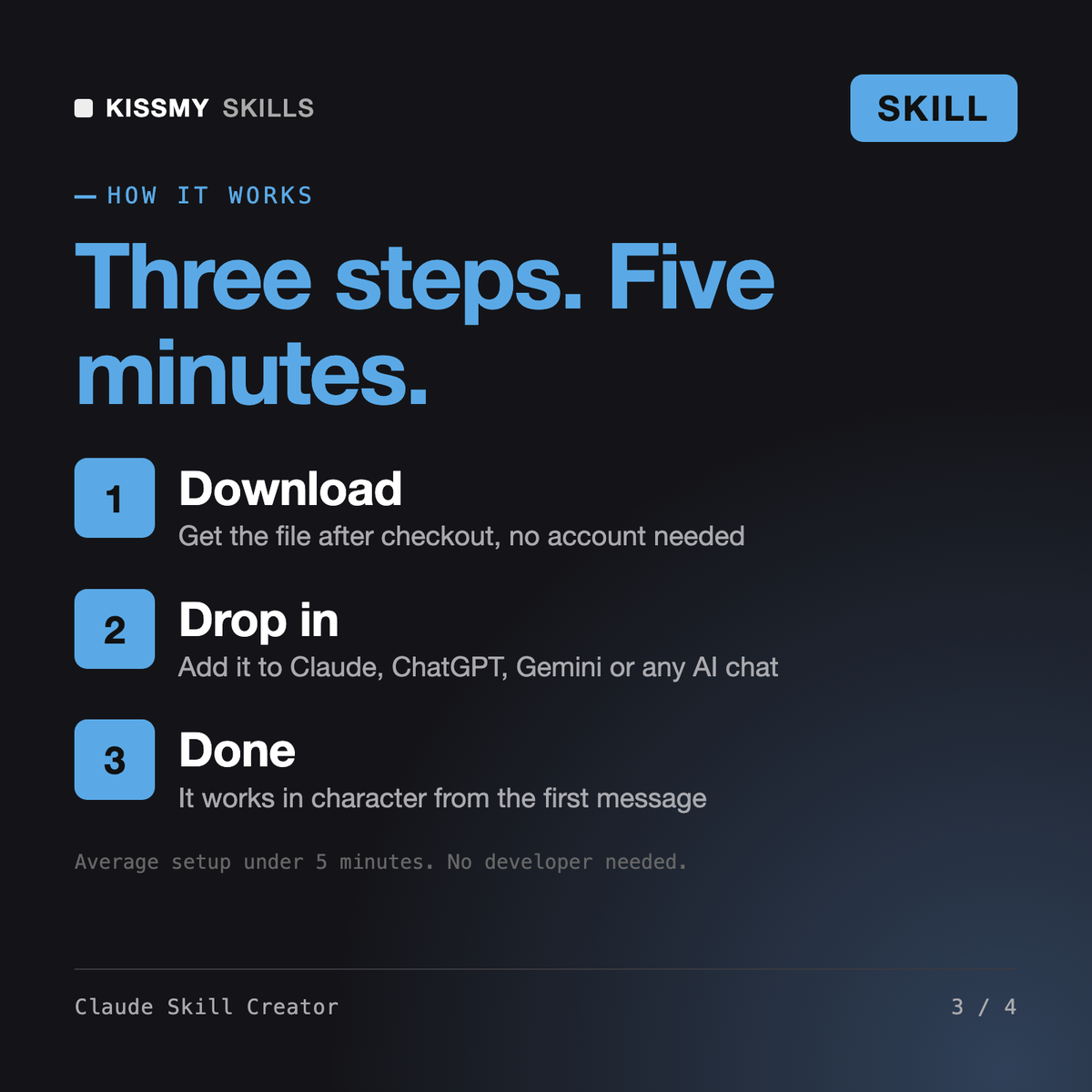
Download your .skill file from the order email or your account. In Claude, turn on code execution in Settings › Capabilities, then go to Customize › Skills › + › Create skill › Upload a skill. Start a new chat and ask for the specialist by name.