
Product Manager Tool Bundle
1 + 3 Tools
BundleClaude Skill Bundles
Turn Claude into a full content team - blog writing, SEO writing, copywriting, content strategy, brand voice, plus Canva and…
$39· one download, every file inside is yours to keep
Yours to keep · instant download
Or all of them, $6.99/mo
Every file in this bundle and 2,500+ other specialists, in your AI. Ask for any of them by name.
7 days free, then $6.99/mo · cancel anytime
One file
All-in-one
30-day money-back · secure checkout by Stripe
# AI Skill for Canva

## Purpose

This skill helps you plan and execute design work in Canva by generating the pieces Canva itself cannot: a clear design brief, on-brand copy that fits the layout, and a step-by-step workflow for building or editing the template inside Canva. It does not control Canva directly; it prepares everything you need so the actual editing in Canva is fast and low-decision.

## When to use this skill

Use this skill when the user is creating something in Canva, such as a social post, presentation, flyer, resume, or brand kit item, and wants help planning the design and writing the copy that goes into it. Trigger phrases include "help me design this in Canva", "I need a Canva template for", or "write the copy for my Canva flyer".

## Instructions
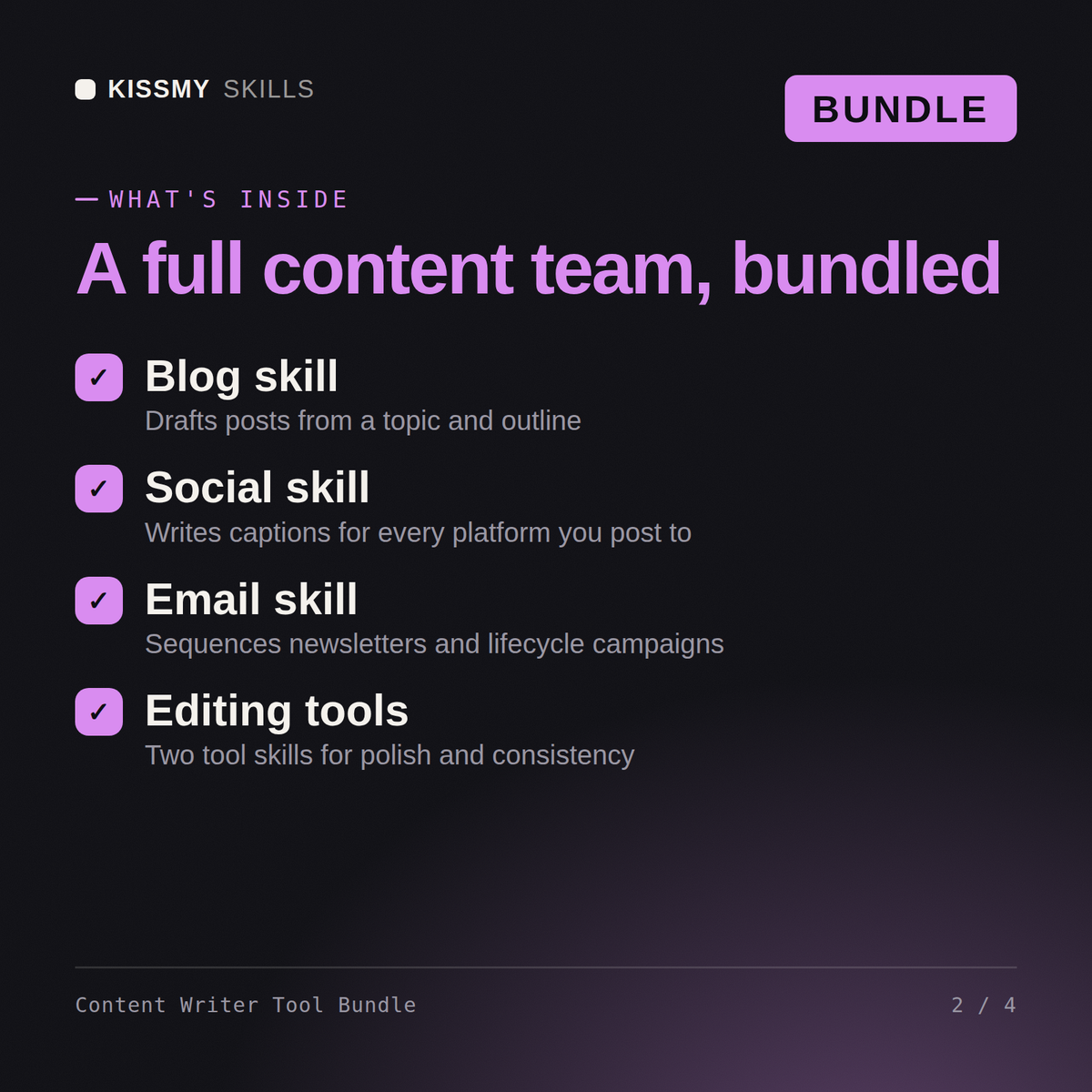
One-person content team for a B2B SaaS - blog, landing pages, brand voice, all of it. Which of these skills does what?
Strategy first or the writing scatters - Rachel builds the content plan so every piece has a target query and a job. Chloe defines the brand voice guide once, and everything downstream inherits it: Emma drafts the blog posts, James handles the SEO-led pieces with on-page structure, Olivia takes the conversion copy - landing pages, headlines, CTAs. The Perplexity tool skill covers the research pass and the Canva skill turns finished posts into visuals without a designer. Realistic solo output on this system: 6-8 finished pieces a month instead of 3. One correction: don't start with the blog - start with the 5 pages that sell. Which pages convert today?
All 7 items: Emma (Blog Writer AI Skill), James (SEO Writer AI Skill), Olivia (Copywriter AI Skill), Rachel (Content Strategist AI Skill), Chloe (Brand Voice Strategist AI Skill), AI Skill for Canva (tool skill), AI Skill for Perplexity (tool skill) - delivered as 7 individual files in one order.
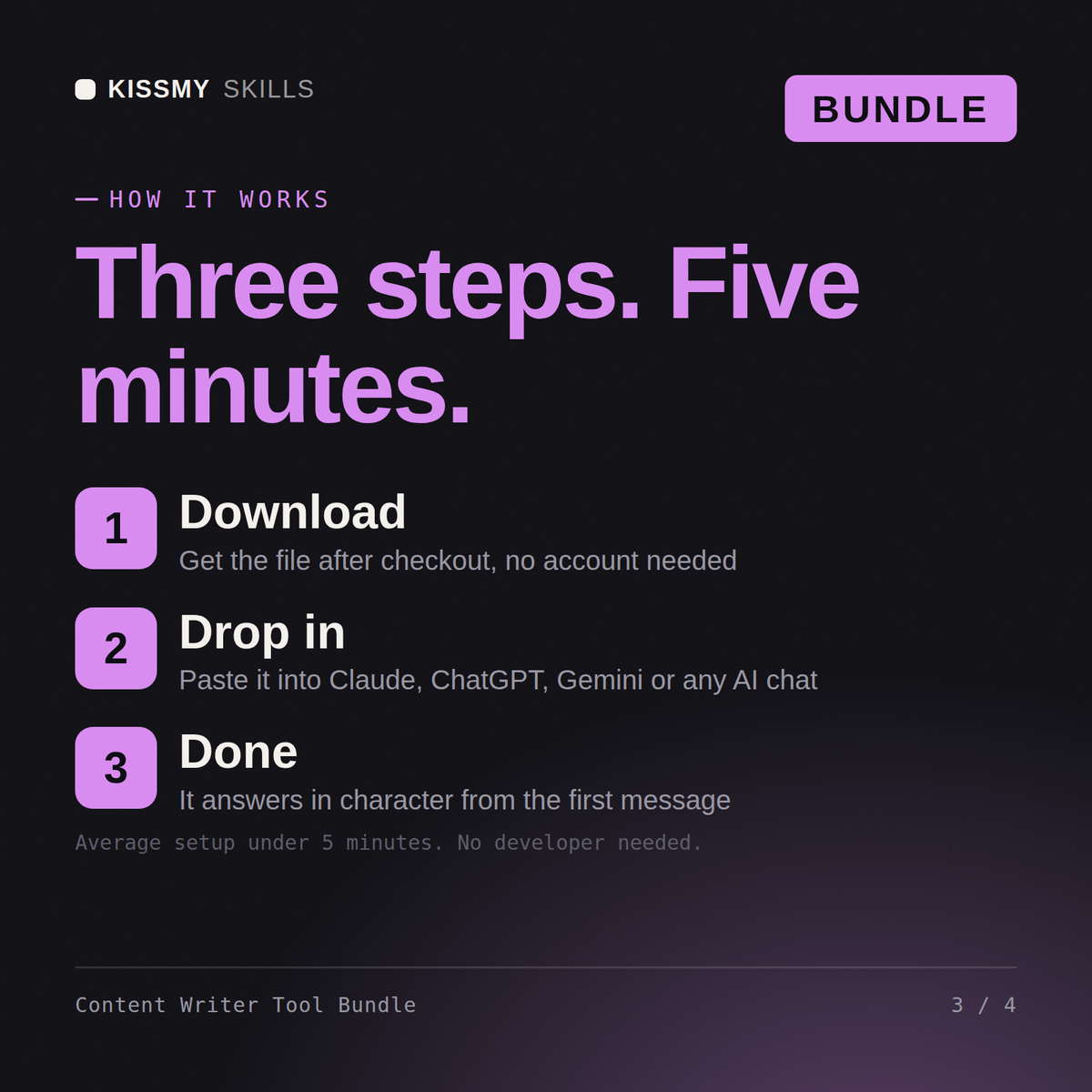
Download the bundle, then paste each file's contents into a separate Claude Projects instructions (one project per skill works best), or add them to your preferred AI tool's system prompt.
Works with Claude (recommended), ChatGPT, and Gemini - any AI chat that accepts custom instructions or system prompts.
Download your .skill file from the order email or your account. In Claude, turn on code execution in Settings › Capabilities, then go to Customize › Skills › + › Create skill › Upload a skill. Start a new chat and ask for the specialist by name.
1 + 3 Tools
Anyone running a household who wants the admin on paper instead of in their head
YouTubers, short form creators and small brands publishing across several platforms
Job seekers and career changers applying for a specific role