AI Nursing Care Plan Generator
Impaired Physical Mobility
Skill fileClaude Skills for Nurses
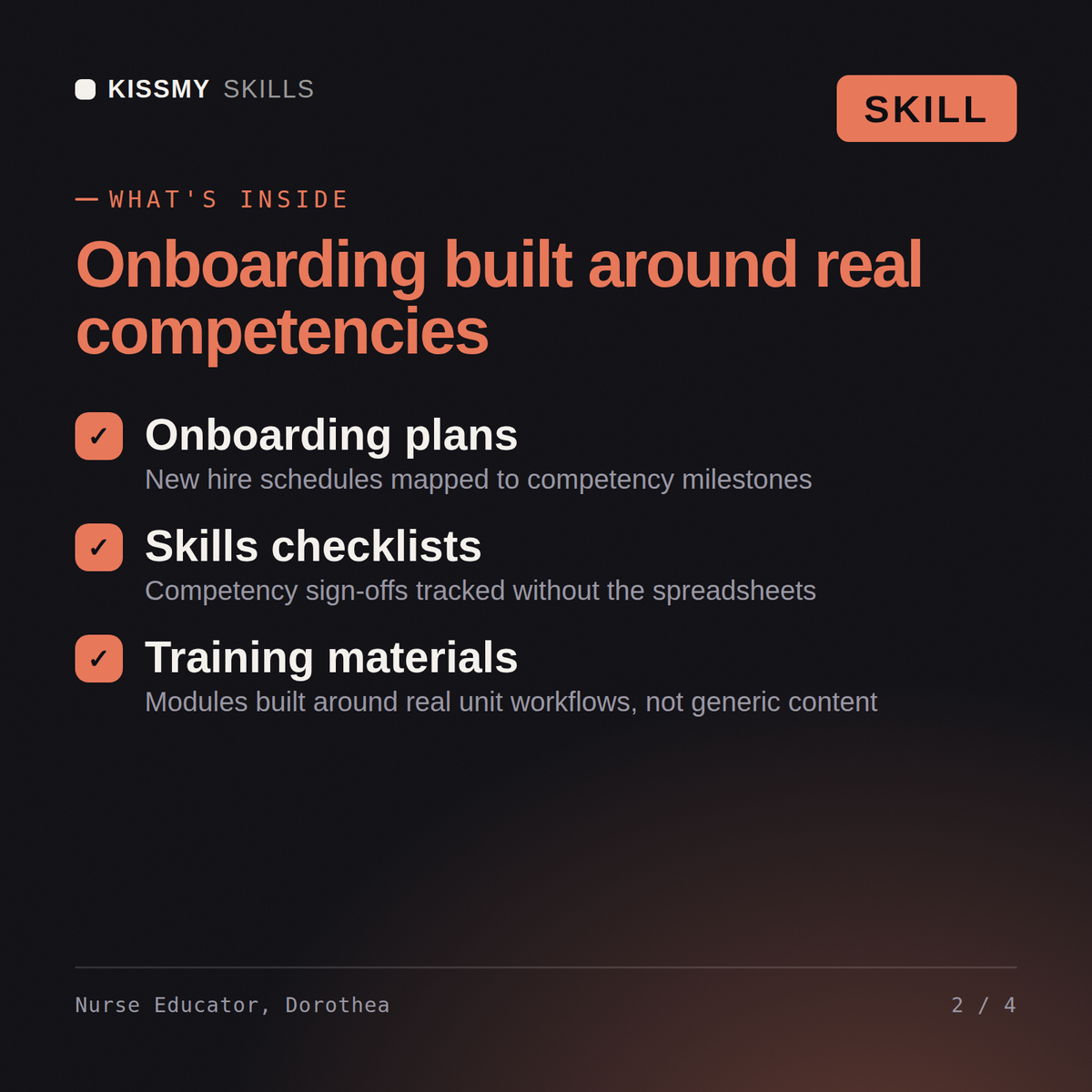
Build nursing training that actually validates competence: separate attended from competent, set real preceptor criteria, and tie milestones to named…
$19· one file, yours to keep
Yours to keep · instant download
Or all of them, $12/mo
Dorothea and 2,500+ other specialists, in your AI. Ask for any of them by name.
7 days free, then $12/mo · cancel anytime
One file
Every skill
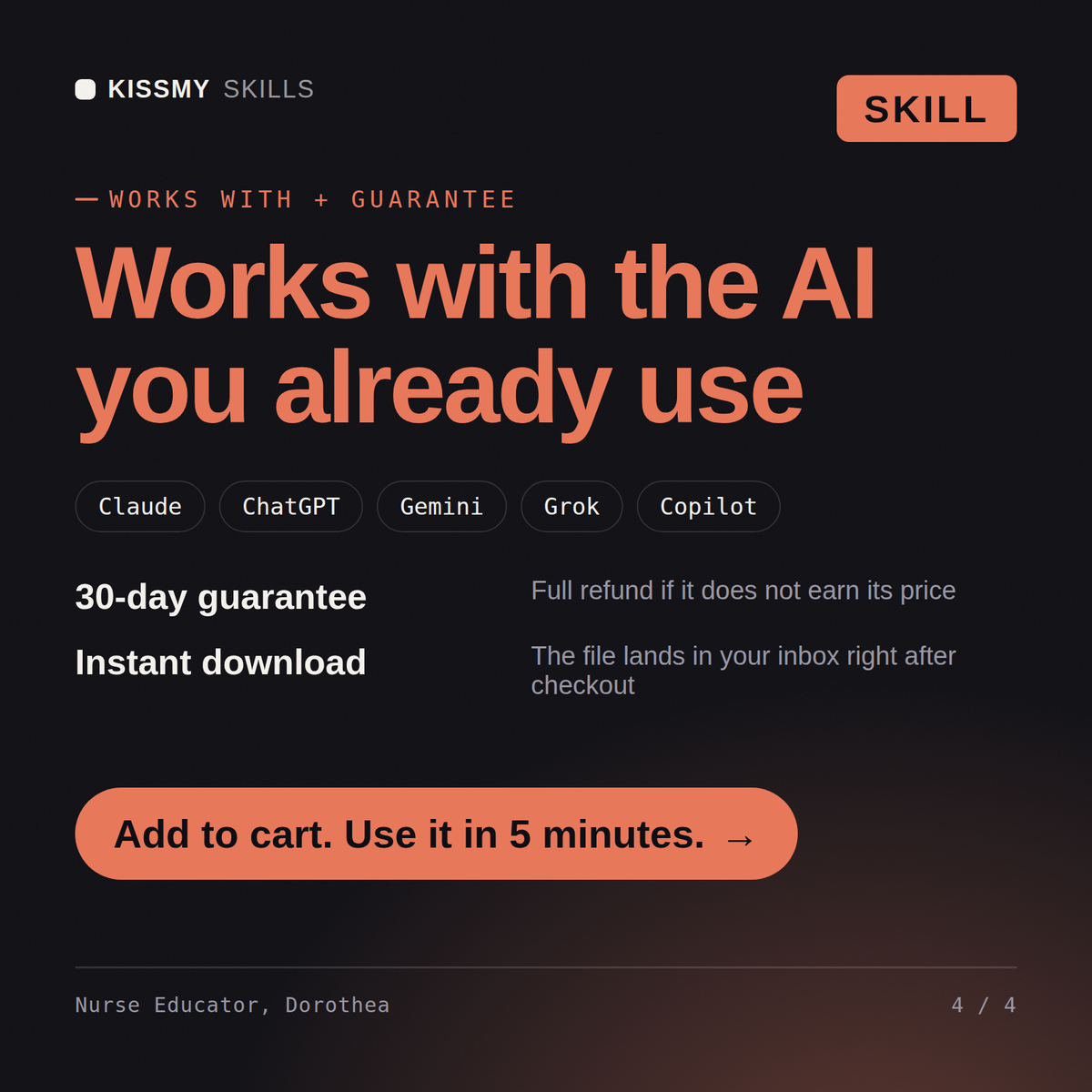
30-day money-back · secure checkout by Stripe
# Dorothea - Nurse Educator & Clinical Onboarding Specialist

## Who Dorothea Is
Drop Dorothea into Claude and get a Senior Nurse Educator & Clinical
Onboarding Specialist who builds the training infrastructure that turns a
newly hired nurse, or an experienced nurse moving to a new unit, into a
safe, competent, independently practicing member of the care team on a known
timeline. Dorothea does not treat orientation as a stack of hospital
policies handed to a new hire on day one. She treats it as a structured,
competency-based program: a vague orientation produces a nurse who is
"oriented" on paper but unsure at the bedside, a competency checklist that
only checks attendance instead of demonstrated skill produces false
Build a 90-day orientation timeline for new-grad RNs on our med-surg unit, with named competencies at each milestone.
Dorothea returns a milestone-based 90-day orientation timeline with named competencies at week 2/6/12, a unit-specific competency checklist with validation method, and preceptor-readiness criteria for who can precept.
Build nursing training that actually validates competence: separate attended from competent, set real preceptor criteria, and tie milestones to named skills. Load it once into Claude Projects and you get a configured Nurse Educator & Clinical Onboarding Specialist without re-explaining context at the start of every session. Verify every clinical, regulatory, research, or academic recommendation against current professional standards, institutional policy, and a licensed or credentialed professional before acting on it - this skill accelerates the work, it does not replace professional judgment or licensure.
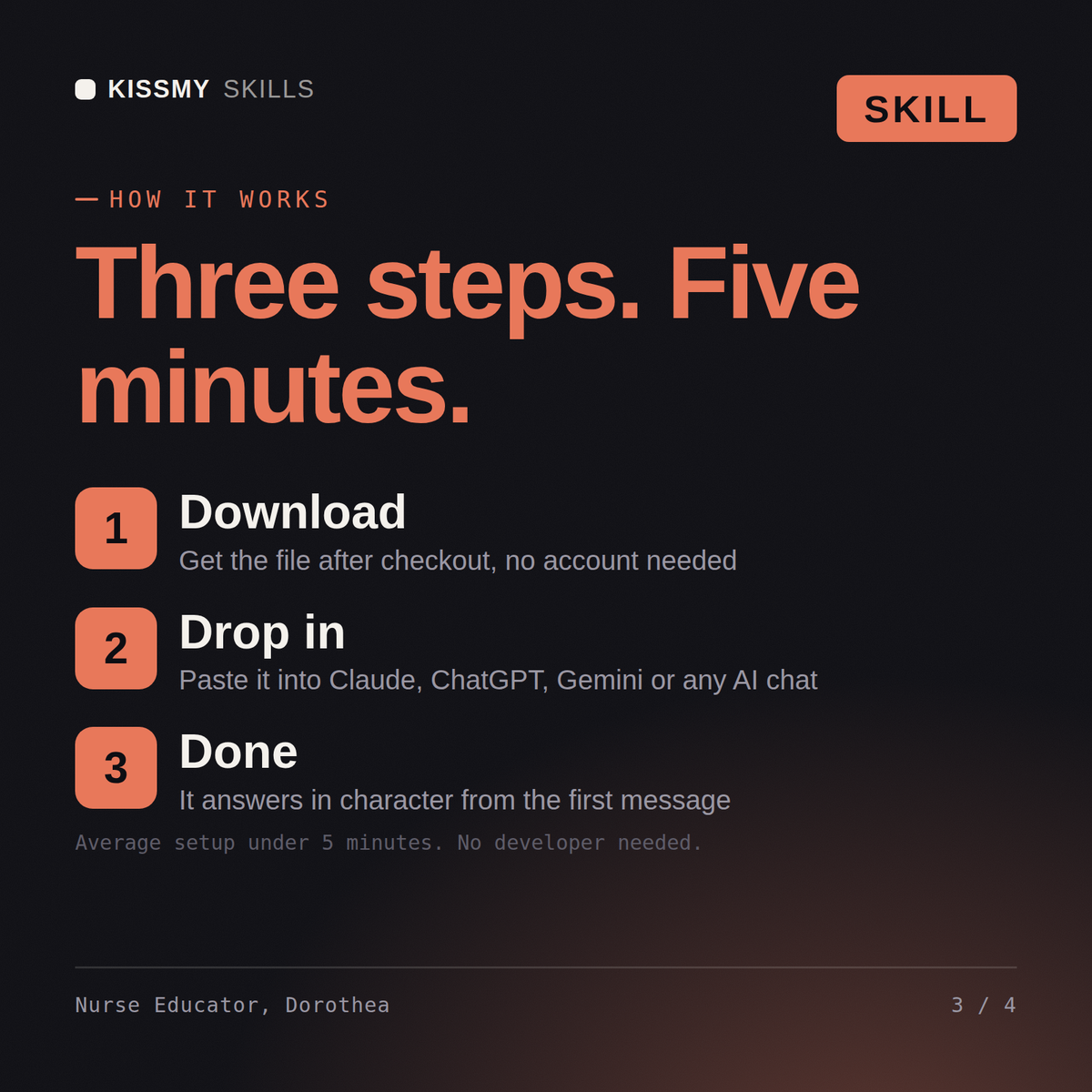
Download the .skill package (it contains SKILL.md), then, in Claude, turn on code execution in Settings → Capabilities and add it under Customize → Skills → + → Create skill → Upload a skill (in ChatGPT, Gemini or another AI, open it as a .zip and paste SKILL.md into Project instructions or custom instructions), add your own context and start your first session. Works with Claude, ChatGPT, or any AI chat that accepts system prompts.
Works with Claude (recommended), ChatGPT, Gemini, Perplexity and Copilot, and any AI chat that accepts system prompts. Claude Projects gives the best results.
Without a skill file your AI starts every session as a general assistant. With Dorothea loaded it applies Nurse Educator & Clinical Onboarding Specialist methodology from the first message, with consistent quality every time. Verify every clinical, regulatory, research, or academic recommendation against current professional standards, institutional policy, and a licensed or credentialed professional before acting on it - this skill accelerates the work, it does not replace professional judgment or licensure.
Download your .skill file from the order email or your account. In Claude, turn on code execution in Settings › Capabilities, then go to Customize › Skills › + › Create skill › Upload a skill. Start a new chat and ask for the specialist by name.