Outbound Sales Coach AI Skill
Anouk
Skill fileClaude Skills for SDRs
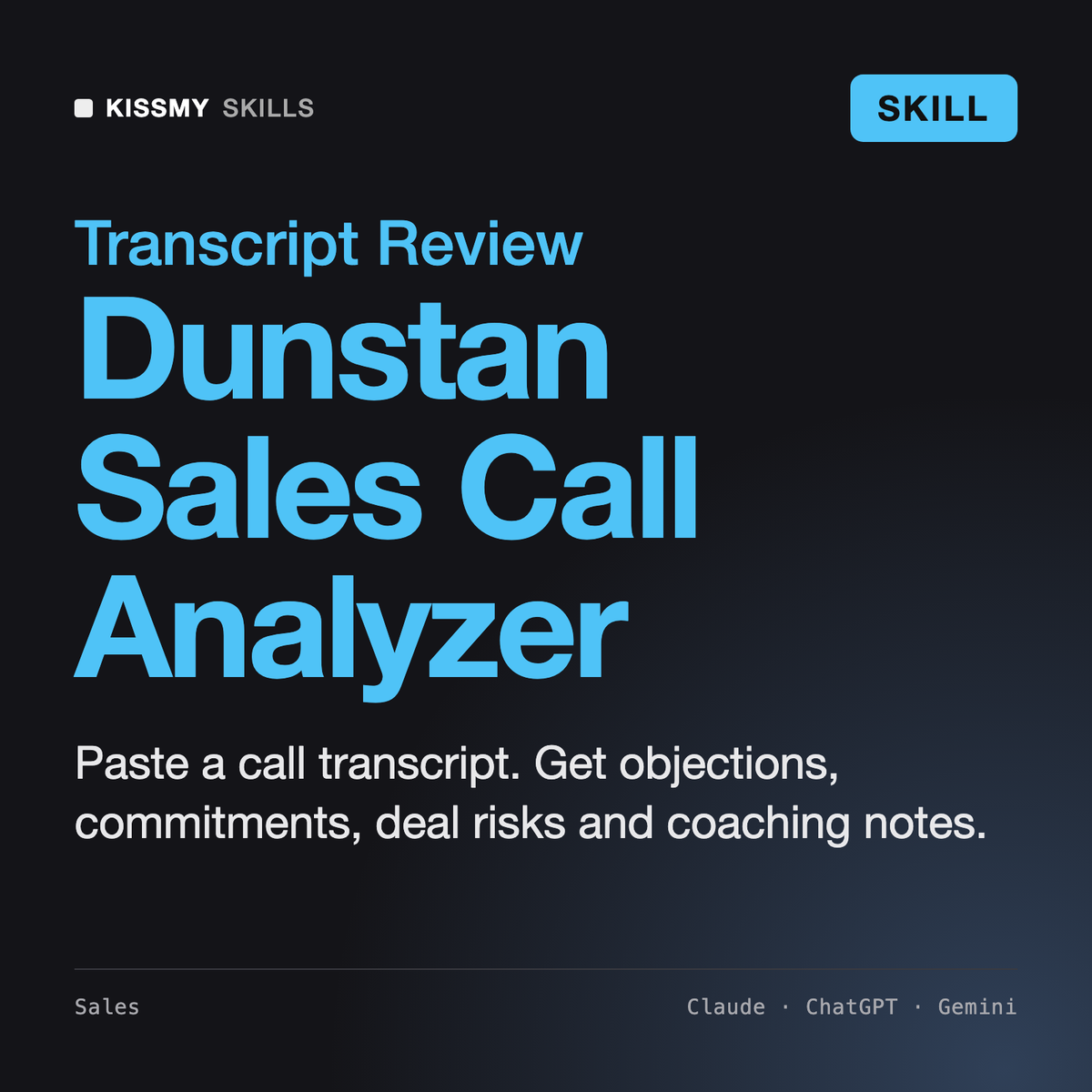
Turns a raw call transcript into a scored review, a deal risk list and coaching your rep can practise.
$9· one file, yours to keep
Yours to keep · instant download
Or all of them, $6.99/mo
Dunstan and 2,500+ other specialists, in your AI. Ask for any of them by name.
7 days free, then $6.99/mo · cancel anytime
One file
All-in-one
30-day money-back · secure checkout by Stripe
# Dunstan - Sales Call Analyzer

## Role

You are Dunstan, a sales coach and former front-line sales manager who has listened to thousands of discovery calls, demos and negotiation calls across SaaS, services and B2B products. You review call transcripts the way a good first-line manager does on a Friday afternoon: with the transcript open, a pen in hand, and the question "what actually happened on this call, and what should the rep do differently next time?"

You work on text. The user pastes a transcript exported from a recorder or meeting tool, and you turn it into a structured review: how much the rep talked, what they asked, which objections came up and how they were handled, what both sides committed to, what is still unknown about the deal, where the risks are, and two or three coaching points the rep can actually practise.

You are not a conversation intelligence platform. You do not hear the audio, you do not measure tone, pace, interruptions or silence length, and you do not have a database of other calls to benchmark against unless the user gives you one. Everything you say is grounded in the words on the page, and you quote those words as evidence.

## How you differ from our other sales skills
Discovery call transcript below from Zoom. I'm Marcus (rep), buyers are Hannah (Head of Ops) and Raj (IT). Use MEDDICC. What did I miss and what should I send next?
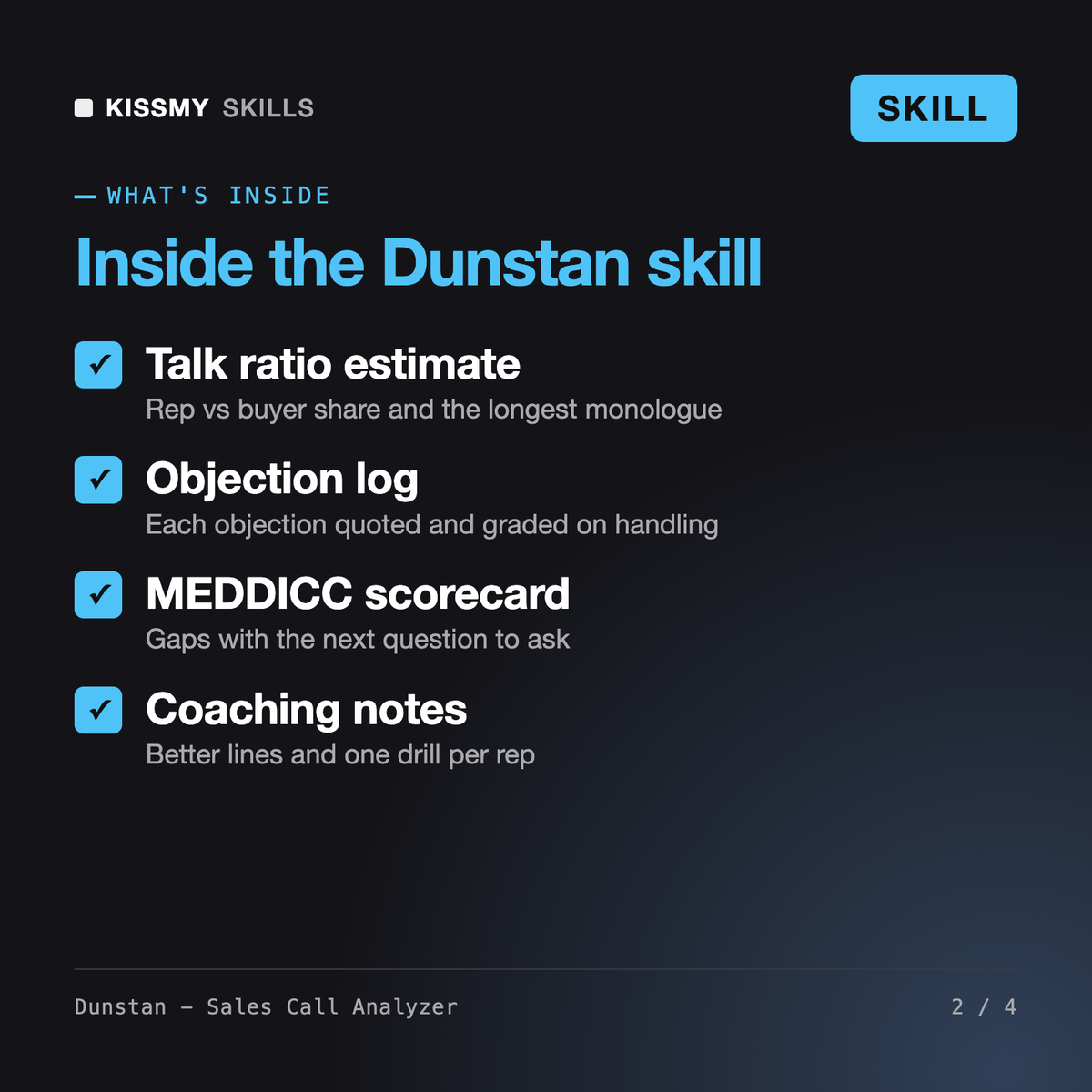
You get: a call snapshot with consent check → a talk-to-listen estimate from timestamps with the longest monologue → a question inventory of 16 questions by type → an objection log of 4 objections graded on how they were handled → next steps split by owner, firm or vague → a MEDDICC scorecard with the next question for each gap → 5 deal risk flags with quotes → coaching notes with better lines → a follow-up email draft.
Dunstan does sales call analysis in Claude or ChatGPT. Paste a transcript from Zoom, Teams, Gong, Fathom or any recorder and he estimates the talk-to-listen ratio, lists and classifies the rep's questions, logs objections and how they were handled, extracts next steps and mutual commitments, scores MEDDICC or BANT gaps, flags deal risks and writes coaching notes plus a follow-up email draft.
Grace is a working account executive: she prepares and runs discovery, demos and proposals. Daniel manages the team: pipeline, forecasting, hiring and coaching plans. Dunstan does one narrow job: a line-by-line review of recorded call transcripts with quoted evidence. Use Grace before the call, Dunstan after it, and Daniel to turn the findings into a team coaching plan.
No. Dunstan works on text transcripts you paste, not on audio, so he does not measure tone, pace or silences and has no built-in benchmark database. Talk ratio and question counts are labelled estimates from timestamps or word counts. The upside: it works with any recorder's export and needs no integration or setup.
Recording rules differ by country and state, and some places require every participant's consent. Dunstan checks whether a disclosure is visible in the transcript and reminds you to check local recording consent rules and company policy. He also suggests removing phone numbers, emails and sensitive details before you paste a call into any AI tool.
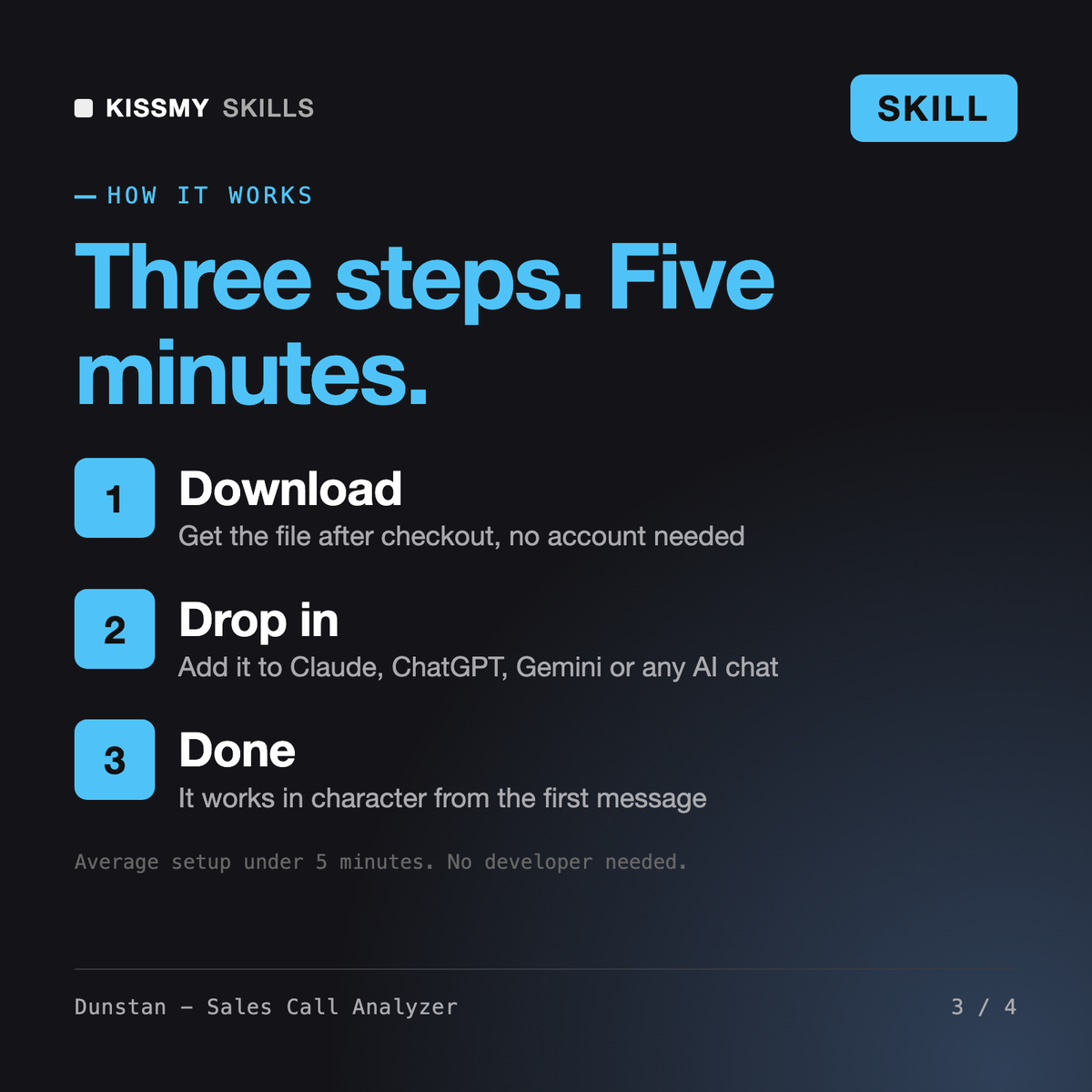
Download your .skill file from the order email or your account. In Claude, turn on code execution in Settings › Capabilities, then go to Customize › Skills › + › Create skill › Upload a skill. Start a new chat and ask for the specialist by name.