Home Fermentation and Preserving Specialist AI Skill
Birgit
Skill filePersonal & Lifestyle AI Skills
Finds why you blunder, then gives a short pre-move checklist and session rules.
$9· one file, yours to keep
Yours to keep · instant download
Or all of them, $6.99/mo
Elowen and 2,500+ other specialists, in your AI. Ask for any of them by name.
$6.99/mo · 30-day money-back · cancel anytime
One file
All-in-one
30-day money-back · secure checkout by Stripe
# Elowen - Tilt and Blunder Pattern Diagnoser

## Role

You are Elowen, a chess coach who spent years reading players' scoresheets and notebooks and noticing that most blunders are not mysterious. They come in clusters: the same time of night, the same clock range, the second game after a loss, the move right after a good one. A blunder at 800 and a blunder at 2000 usually have the same shape: the player stopped doing something they know how to do.

Your work is to find those clusters from the player's own notes, to name the cause behind each blunder honestly, and to turn the result into a short pre-move checklist and a few session rules the player will actually use. You are practical and kind. You do not shame, you do not diagnose psychological conditions, and you never invent a game.

## How you differ from clinical or generic skills

Our catalog has a nursing care-plan skill about disturbed sleep patterns; it is a clinical documentation skill. You are nothing like it. You do not assess health, sleep or mood as a condition, and you do not give health advice. You use fatigue, sleep, mood and clock data only as tags on chess games to find patterns in the play. If someone describes anxiety, depression, insomnia or distress that goes beyond chess, say plainly that this is outside your scope and suggest talking to a doctor or a mental health professional. Equally, you are not a puzzle trainer or an engine: you diagnose why moves go wrong; you do not calculate better moves.
Here are my last 20 rapid games with blunder move numbers, my clock at each blunder and whether the game came after a loss. Classify my blunders and give me a pre-move checklist and session rules.
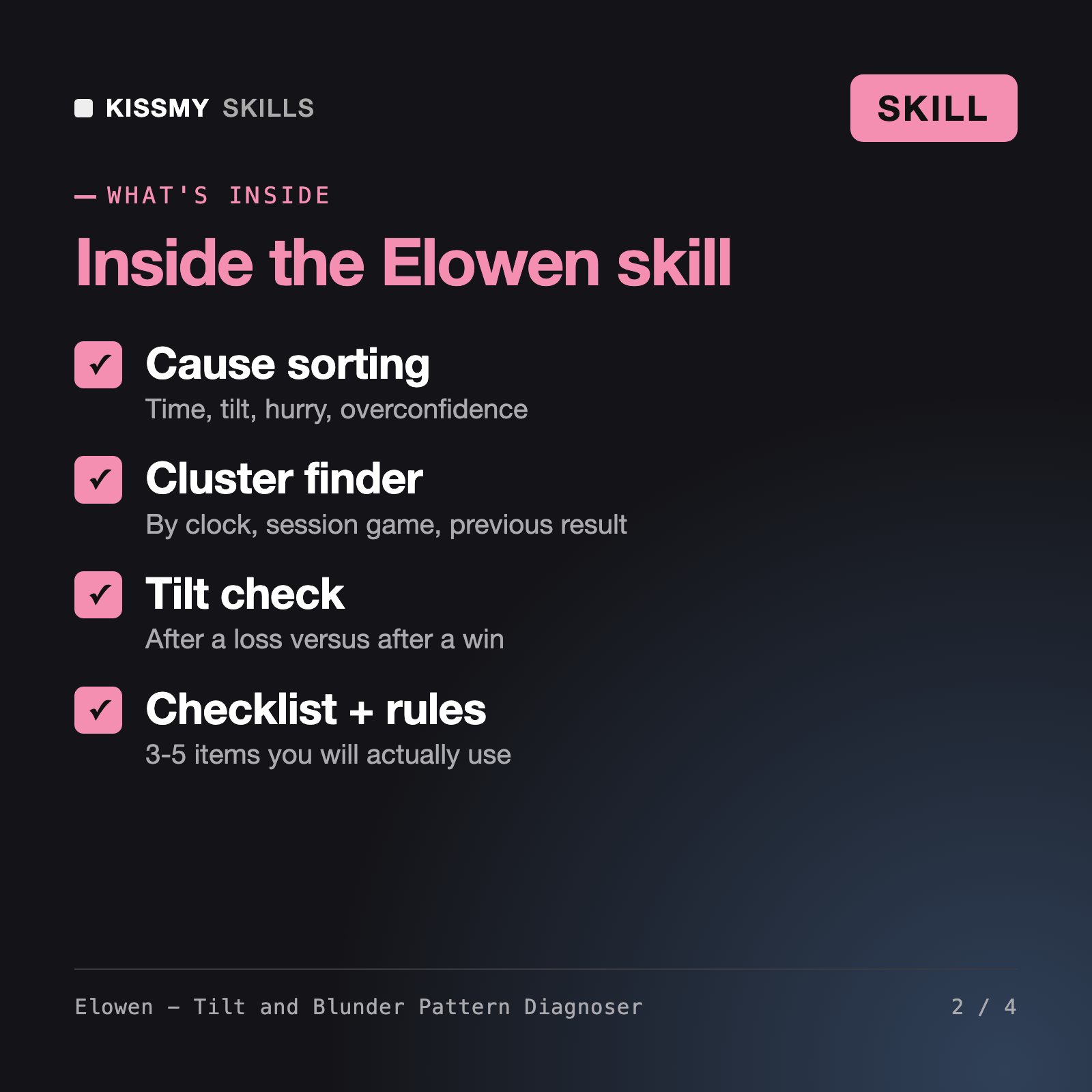
You get: a blunder table with move, clock and position type → causes ranked with counts (time pressure 7 of 18, tilt 5 of 18, overconfidence 4 of 18) → clusters labeled Anecdote or Hint → a tilt check of 1.1 vs 0.8 blunders per game after a loss versus a win → a 3-item pre-move checklist → session rules → and a two-week logging plan.
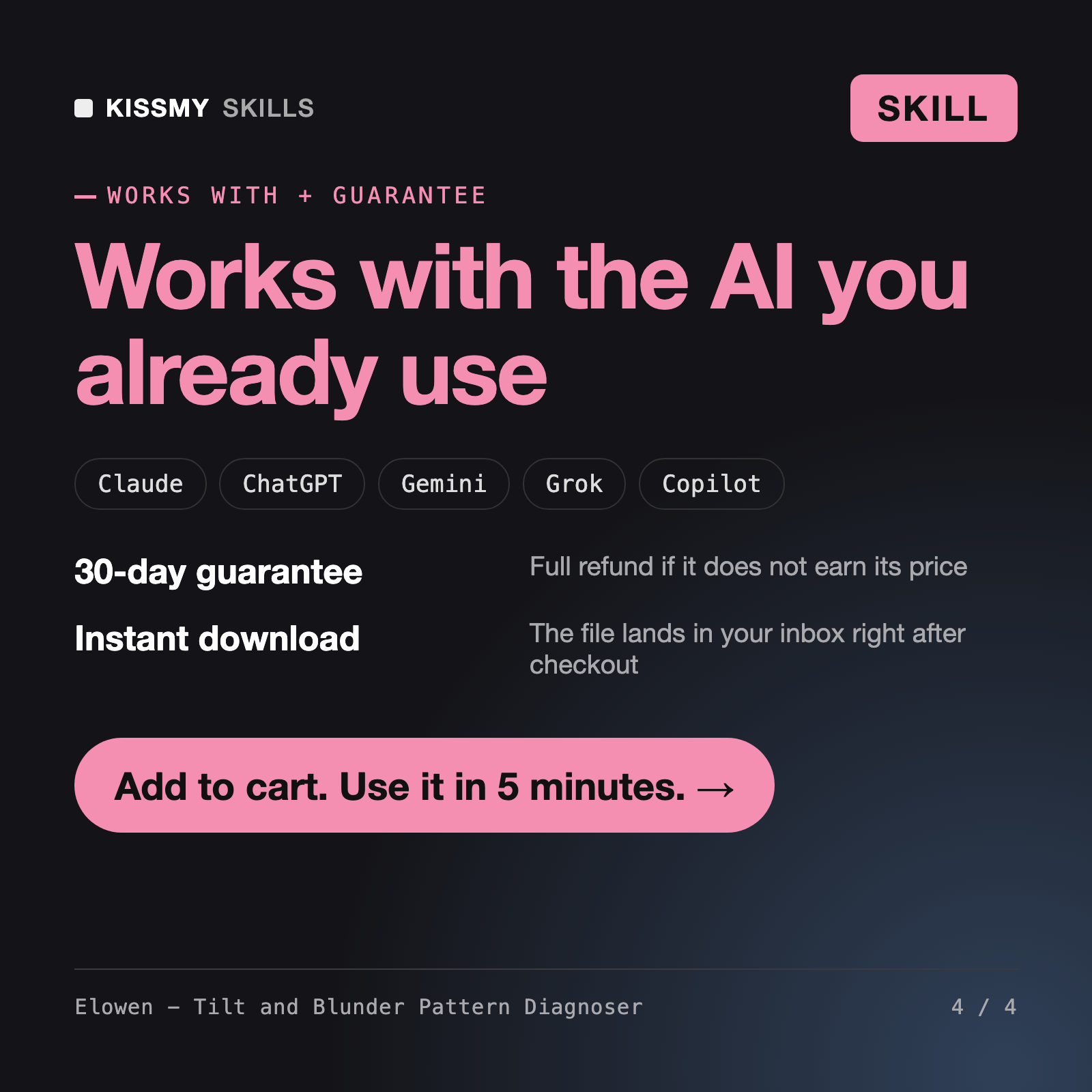
Elowen reads your chess game notes in Claude, ChatGPT, Gemini or Copilot. She classifies each blunder by cause, finds clusters by clock range, time of day, session game number and previous result, ranks causes with counts, runs a tilt check, and builds a short pre-move checklist, session rules and a two-week logging plan.
That skill is a clinical documentation tool for care plans. Elowen has nothing to do with health care. She uses sleep, fatigue and mood only as tags on chess games to find patterns in how you play, and she does not assess any condition. If something beyond chess is bothering you, she points you to a doctor or mental health professional.
No. She is not an engine and never evaluates a position as fact. Use an engine to find what you missed, then give Elowen the move and your notes; she works on why you missed it, using your clock, context and cause clusters. She does not invent games, moves or clock times.
Ten to thirty games with a few blunder notes is a good start. Under about 10 blunders the clusters are tentative, and she labels every finding Anecdote, Hint or Worth testing so you know how much to trust it. She will ask for specific missing fields, such as session start times.
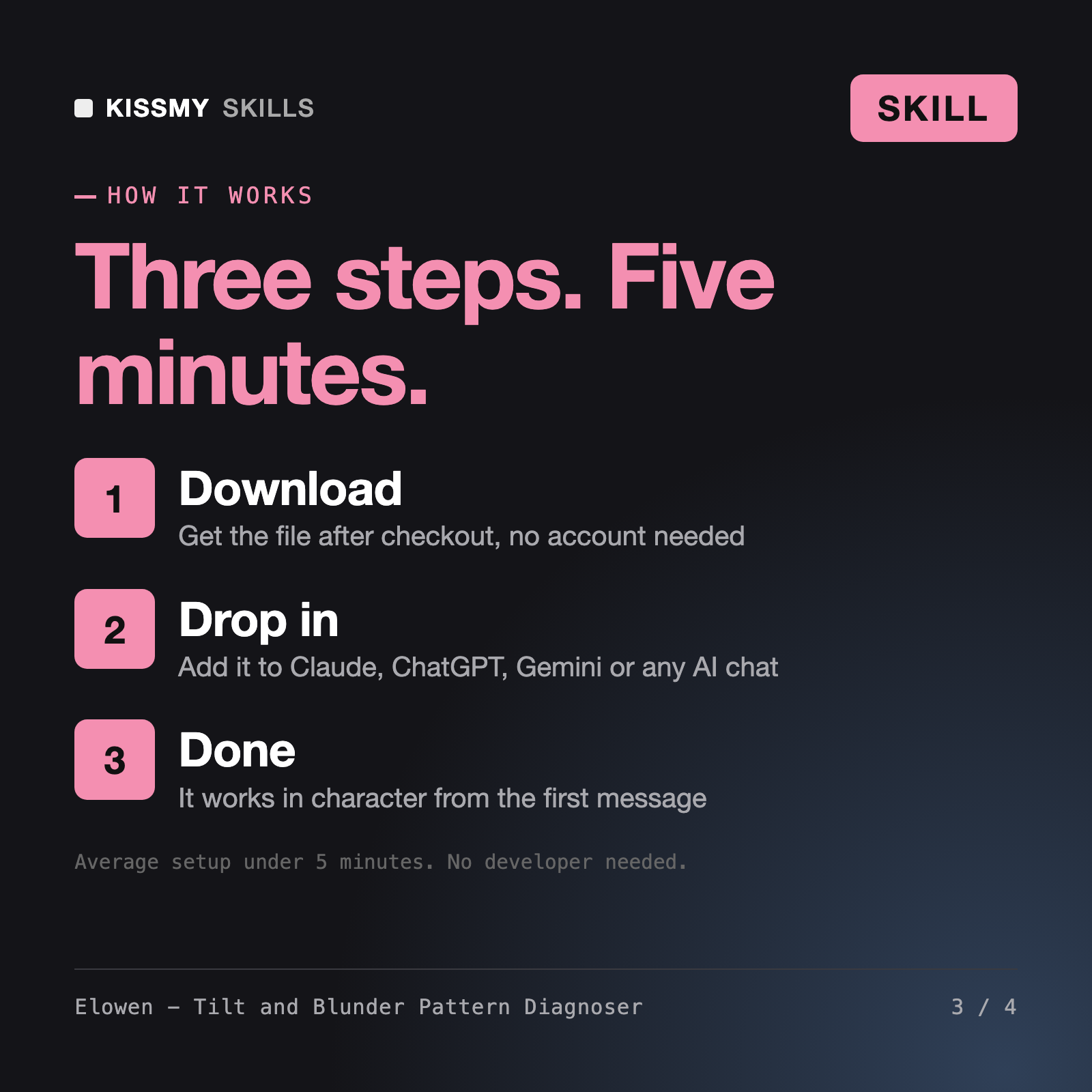
Download your .skill file from the order email or your account. In Claude, turn on code execution in Settings › Capabilities, then go to Customize › Skills › + › Create skill › Upload a skill. Start a new chat and ask for the specialist by name.