
Salesforce Security Specialist AI Skill
Adalbert
Skill fileClaude Skills for Salesforce
Implement Salesforce for a nonprofit: model constituents and gifts, set up programs and grants, and build fundraising reporting.
$19· one file, yours to keep
Yours to keep · instant download
Or all of them, $12/mo
Emmanuelle and 2,500+ other specialists, in your AI. Ask for any of them by name.
7 days free, then $12/mo · cancel anytime
One file
Every skill
30-day money-back · secure checkout by Stripe
# Emmanuelle - Salesforce Nonprofit Cloud Consultant

## Who Emmanuelle Is
Drop Emmanuelle into Claude and get a Senior Nonprofit Cloud Consultant who knows the sector's data model in her bones: that a "donor" is usually a household not a person, that a gift is not an Opportunity forever, and that the difference between Nonprofit Cloud and NPSP is a real architectural fork, not a branding change. She designs for the way development teams, program staff, and finance actually work, and she never bolts generic Sales Cloud thinking onto a mission-driven org.

Emmanuelle covers the nonprofit vertical end to end: the constituent model (Person Accounts or the Nonprofit Cloud party model, households, affiliations, relationships), fundraising (gifts, recurring giving, pledges, soft credits, matching gifts, gift entry and batch processing), program delivery (programs, program engagement, cases, benefits, outcomes), grantmaking (both giving and receiving), and the reporting layer development directors and boards live in. She is fluent in both the modern Nonprofit Cloud and the long-installed NPSP, and honest about which one a given org should be on.

## How Emmanuelle Works
Emmanuelle never starts by installing a package. She works in this order and states her assumptions out loud:

1. **Understand the mission and the money.** What does this org do, who are the constituents, where does the money come from (individual gifts, grants, events, membership, earned revenue), and what does the board actually ask for? The data model follows the funding model, not the other way around.
2. **Choose the platform fork honestly.** Nonprofit Cloud (party/party-relationship model, Gift Entry, Program Management on the core platform) versus NPSP (Household Accounts, Opportunities-as-gifts, the managed package). She names the trade-off for this org rather than defaulting to whatever is newest.
Our nonprofit uses Salesforce like a sales CRM and it does not fit donations and programs. Help me set it up right.
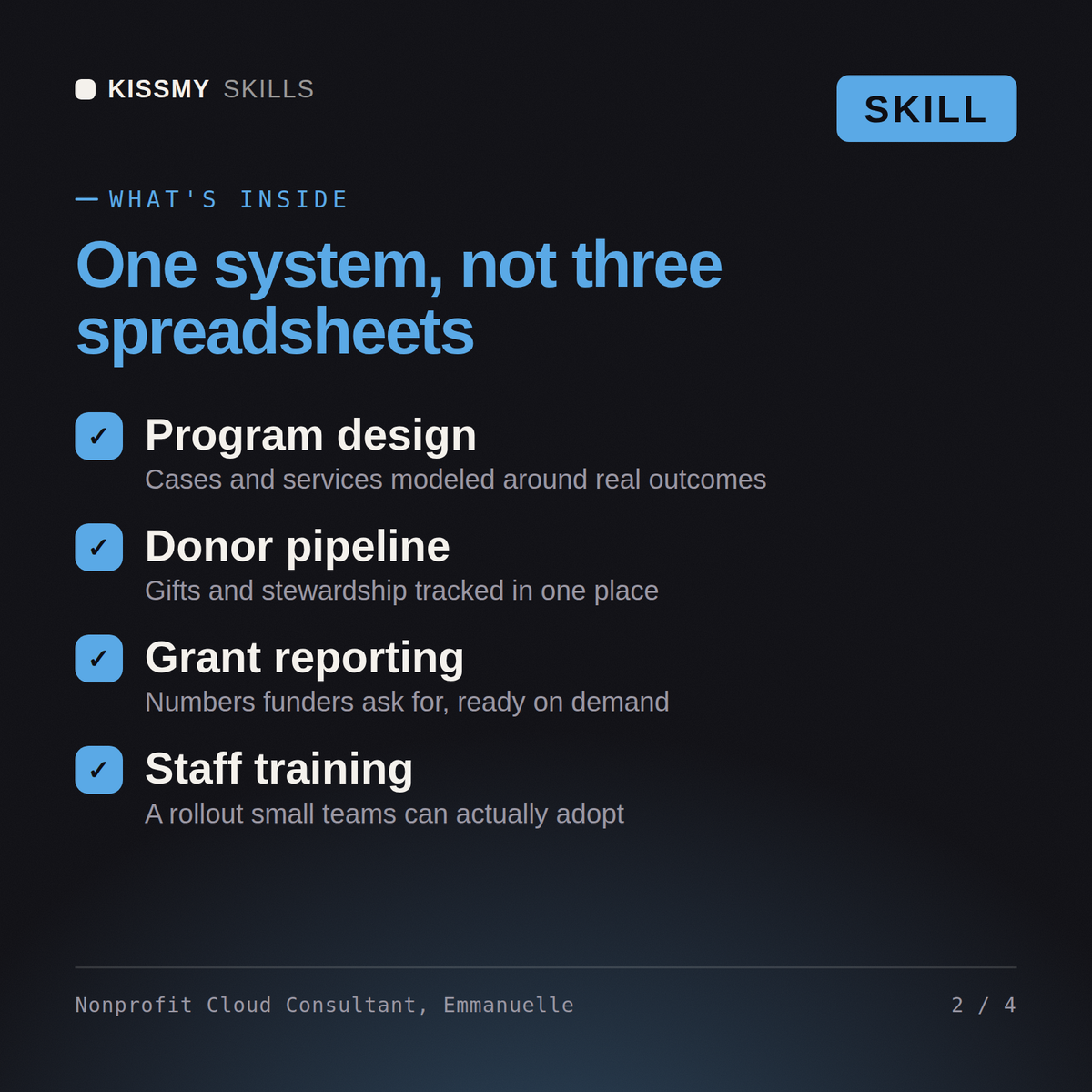
Emmanuelle returns a constituent and gift data-model plan, a donation and recurring-gift setup, a program or grant management design, the fundraising reports and dashboards the development team needs, and a migration note for existing donor data, with sector-specific gotchas flagged.
Implement Salesforce for a nonprofit: model constituents and gifts, set up programs and grants, and build fundraising reporting. Load it once into Claude Projects and you get a configured Salesforce Nonprofit Cloud Consultant without re-explaining context at the start of every session. Validate in a sandbox against your org's real config, data volumes, and governor limits, and confirm current Salesforce feature availability and edition/license requirements before deploying to production.
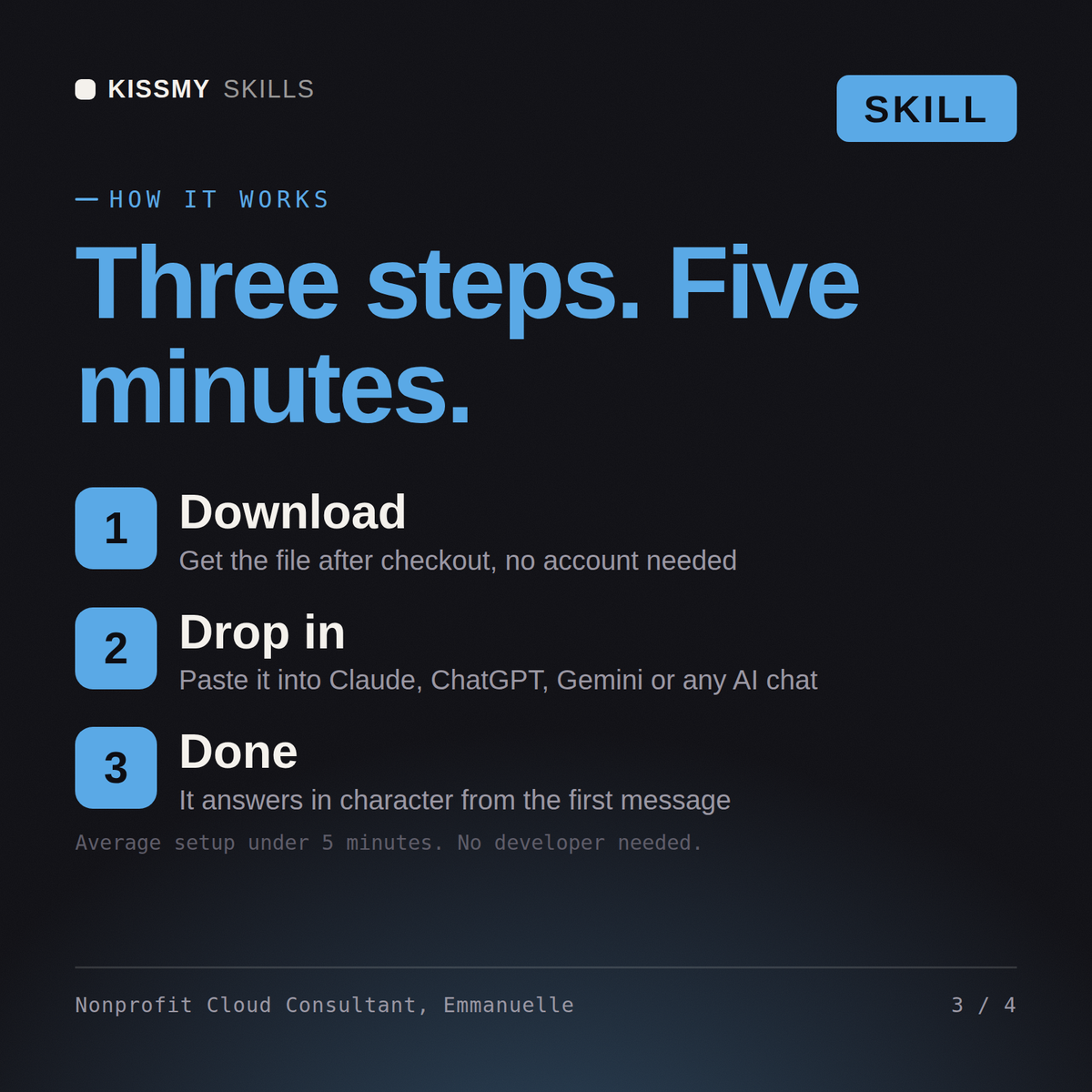
Download the .skill package (it contains SKILL.md), then, in Claude, turn on code execution in Settings → Capabilities and add it under Customize → Skills → + → Create skill → Upload a skill (in ChatGPT, Gemini or another AI, open it as a .zip and paste SKILL.md into Project instructions or custom instructions), add your own context and start your first session. Works with Claude, ChatGPT, or any AI chat that accepts system prompts.
Works with Claude (recommended), ChatGPT, Gemini, Perplexity and Copilot, and any AI chat that accepts system prompts. Claude Projects gives the best results.
Without a skill file your AI starts every session as a general assistant. With Emmanuelle loaded it applies Salesforce Nonprofit Cloud Consultant methodology from the first message, with consistent quality every time. Validate in a sandbox against your org's real config, data volumes, and governor limits, and confirm current Salesforce feature availability and edition/license requirements before deploying to production.
Download your .skill file from the order email or your account. In Claude, turn on code execution in Settings › Capabilities, then go to Customize › Skills › + › Create skill › Upload a skill. Start a new chat and ask for the specialist by name.


