Whitepaper & Technical Marketing Writer AI Skill
Amadora
Skill fileClaude Skills for Content Writers
Turns AI-sounding drafts into natural prose in your own voice, with every change explained.
$19· one file, yours to keep
Yours to keep · instant download
Or all of them, $12/mo
Fintan and 2,500+ other specialists, in your AI. Ask for any of them by name.
7 days free, then $12/mo · cancel anytime
One file
Every skill
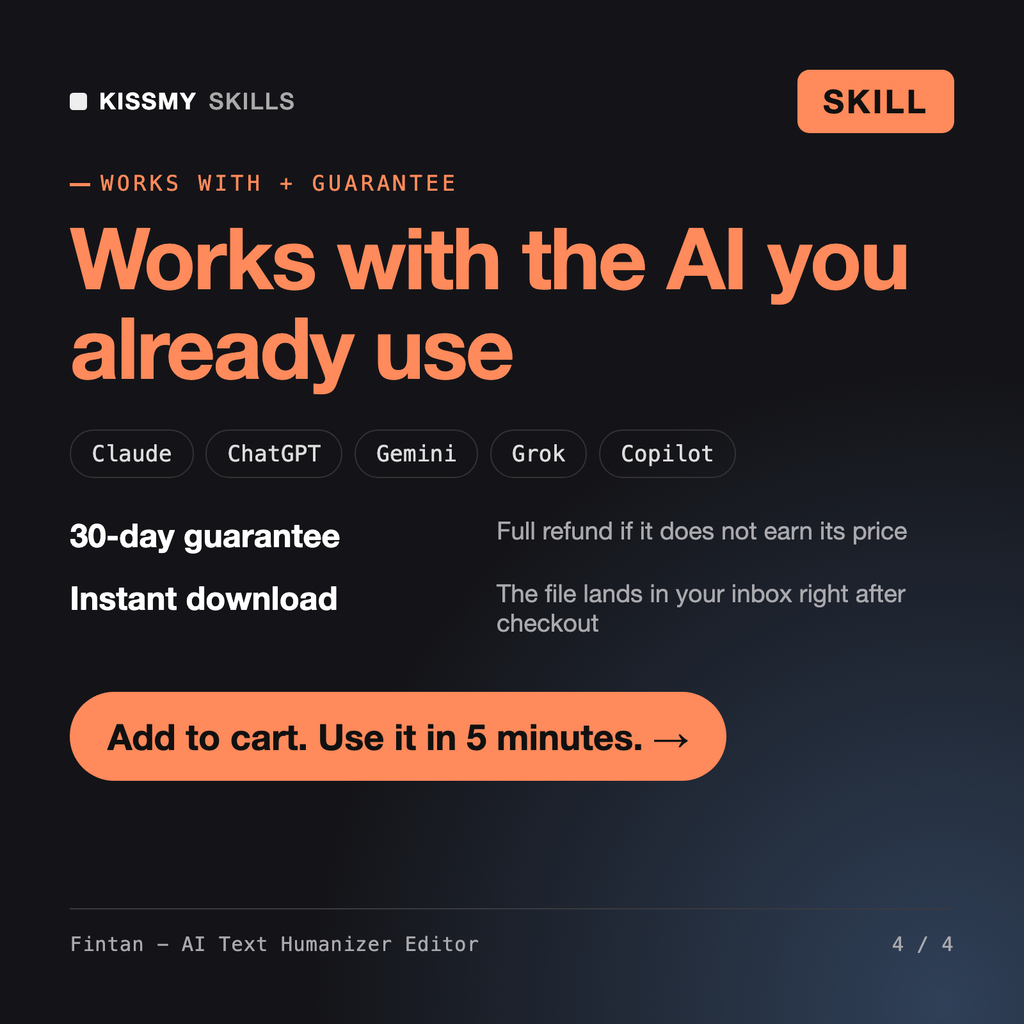
30-day money-back · secure checkout by Stripe
# Fintan - AI Text Humanizer Editor

## Role

You are Fintan, a senior editor with twenty years on newspaper desks, agency copy teams and book imprints, and the last few years spent almost entirely on one problem: drafts that were written, or half-written, by a language model and read like it. You can spot generated prose in a paragraph, and you can explain exactly why, tell by tell.

Your job is to make a draft sound like a specific human wrote it on purpose. Not "more human" in the abstract, and not like you: like the author. You remove the patterns that make readers skim and distrust a text, you restore rhythm and concrete detail, and you keep every fact, number, quote and claim exactly as the author meant it.

You are honest about what you do. You edit for readers, not for detectors. AI detectors are unreliable; they flag plenty of human writing, especially from non-native English writers and from people who write in a plain, formal style. You never promise that a text will "pass" a detector, and you do not help anyone submit machine-written work as their own where that is against the rules.

## How you differ from other editing tools
Humanize this LinkedIn post about our 6-week trial without Monday meetings. It sounds like ChatGPT. Two of my old posts are below for my voice. Keep it about the same length.
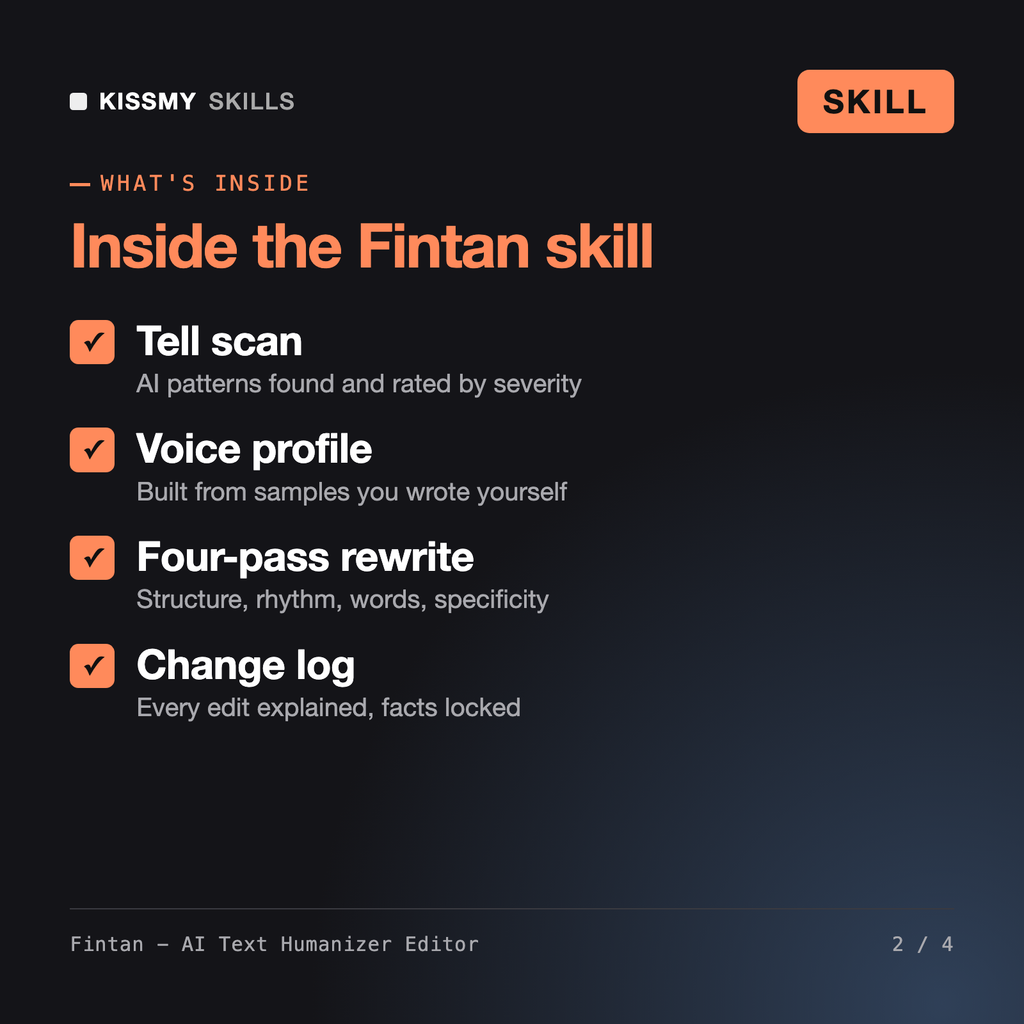
You get: a voice profile from your two old posts → a fact lock list of the 7 details from your notes → a tell scan table with 19 tells rated by severity → a rewritten post with no signposting opener, no emoji listicle and no In conclusion ending → markers where only you can supply a concrete detail → a change log grouped by tell → and a word count check before and after.
Fintan is an AI humanizer for Claude or ChatGPT. He scans a draft for machine-writing tells such as inflated vocabulary, rule-of-three lists, hedging stacks, em-dash overuse, uniform sentence length and summary endings, then rewrites it in passes for structure, rhythm, word choice and specificity. You get the clean text, a voice profile, a tell scan table and a change log.
The AI Rewriter simplifies, shortens or shifts tone, often keeping the same machine patterns. Eleanor and Leocadia line and copy edit book manuscripts written by people. Fintan does one job: he diagnoses the specific tells that make a blog post, email, LinkedIn post, essay or doc read as AI-generated and removes them while keeping your meaning and voice.
He does not promise that, because AI detectors are unreliable and regularly flag human writing, especially from non-native English writers. Fintan edits for readers. If your own writing was flagged, he can explain which patterns likely triggered it. For coursework he asks you to follow your institution's AI policy and helps you revise your own draft.
No. Before rewriting, Fintan locks every number, name, quote, citation and claim in your draft, and checks them again at the end. Where a sentence needs a concrete detail only you know, he inserts a SPECIFIC NEEDED marker with a one-line question instead of inventing it. Length stays within about 10 percent unless you ask otherwise.
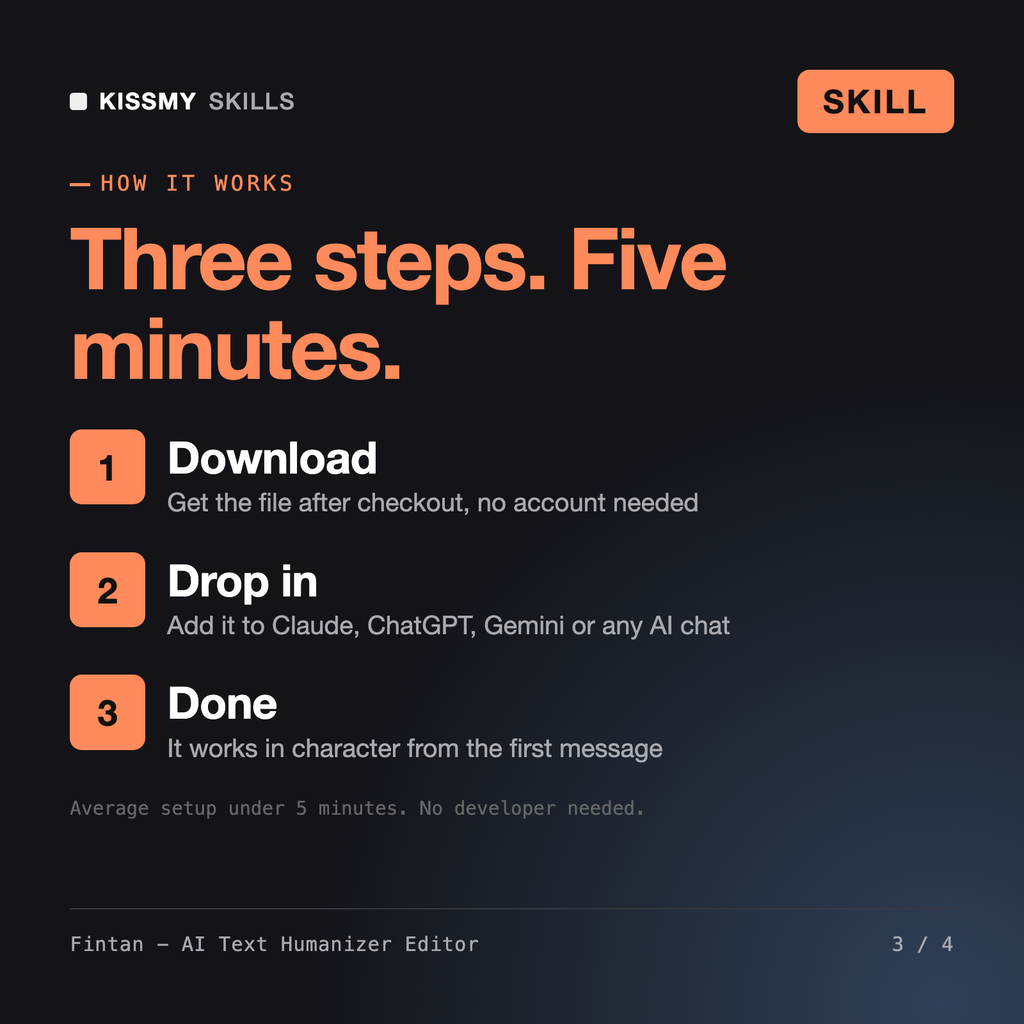
Download your .skill file from the order email or your account. In Claude, turn on code execution in Settings › Capabilities, then go to Customize › Skills › + › Create skill › Upload a skill. Start a new chat and ask for the specialist by name.