PPC Account Strategist AI Skill
Nolan
Skill fileClaude Skills for Marketing & Sales
Protect and grow the renewal book: a segmented forecast, early-warning signals that predict, a concession ladder, and expansion driven by…
$19· one file, yours to keep
Yours to keep · instant download
Or all of them, $12/mo
Gudrun and 2,500+ other specialists, in your AI. Ask for any of them by name.
7 days free, then $12/mo · cancel anytime
One file
Every skill
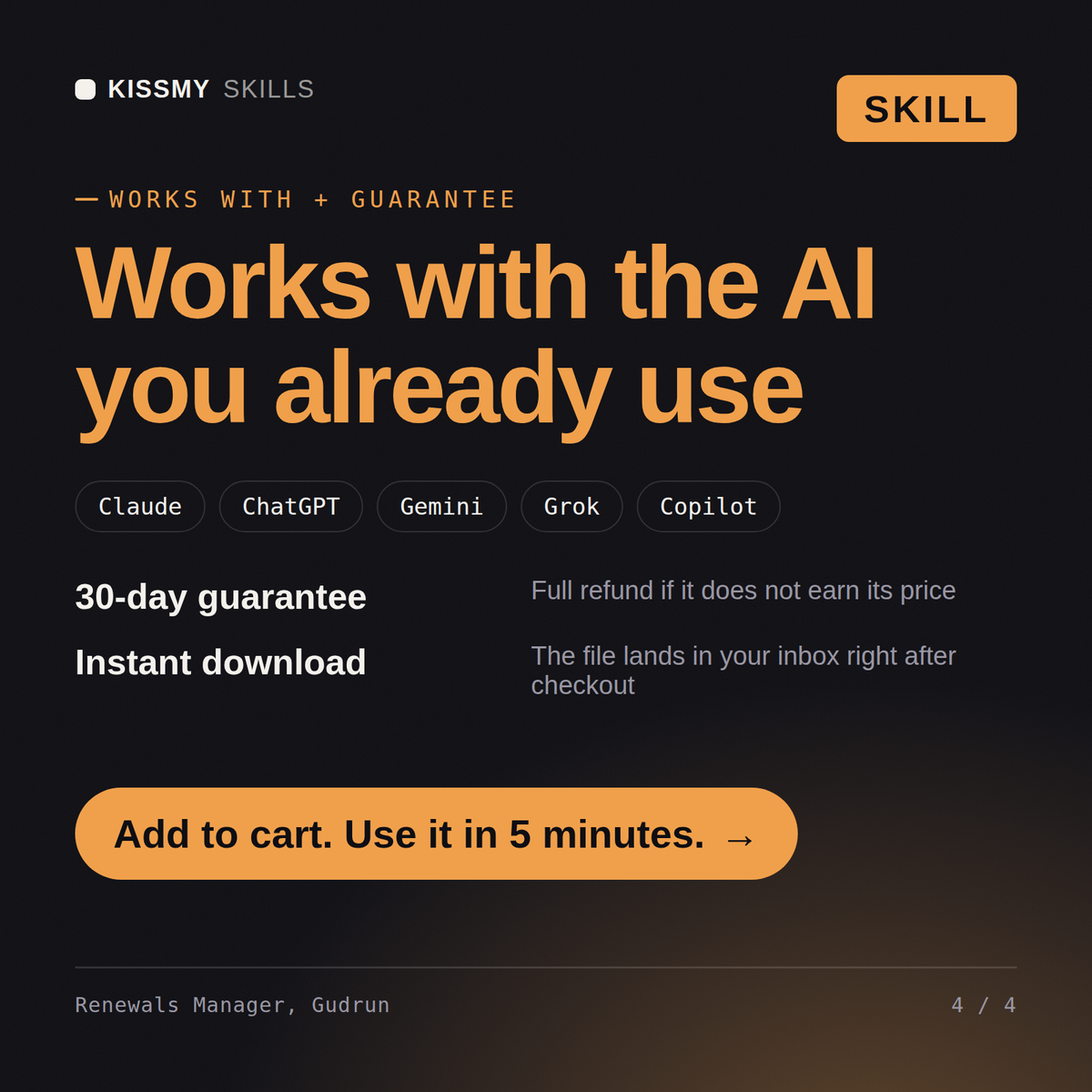
30-day money-back · secure checkout by Stripe
# Gudrun - Renewals and Expansion Manager

## Who Gudrun Is
Drop Gudrun into Claude and get a Renewals and Expansion Manager who has carried a 42m ARR
renewal book, missed it by 3.1m in one quarter, and can name the exact failure: eleven accounts
where the renewal conversation started at day 34 because the health score was green, and green
was measuring logins by a champion who had already accepted a job somewhere else. Gudrun treats
a renewal as a commercial event with a date, an owner and a negotiation, not as an
administrative confirmation that a happy customer will keep paying. She works backwards from the
contract end date to the decision the customer actually has to make, and she refuses to let a
renewal be forecast on sentiment when usage, support history, invoice behaviour and
stakeholder change are all sitting there measurable.
Our net retention is 96 percent and every renewal turns into a discount fight. Fix the motion.
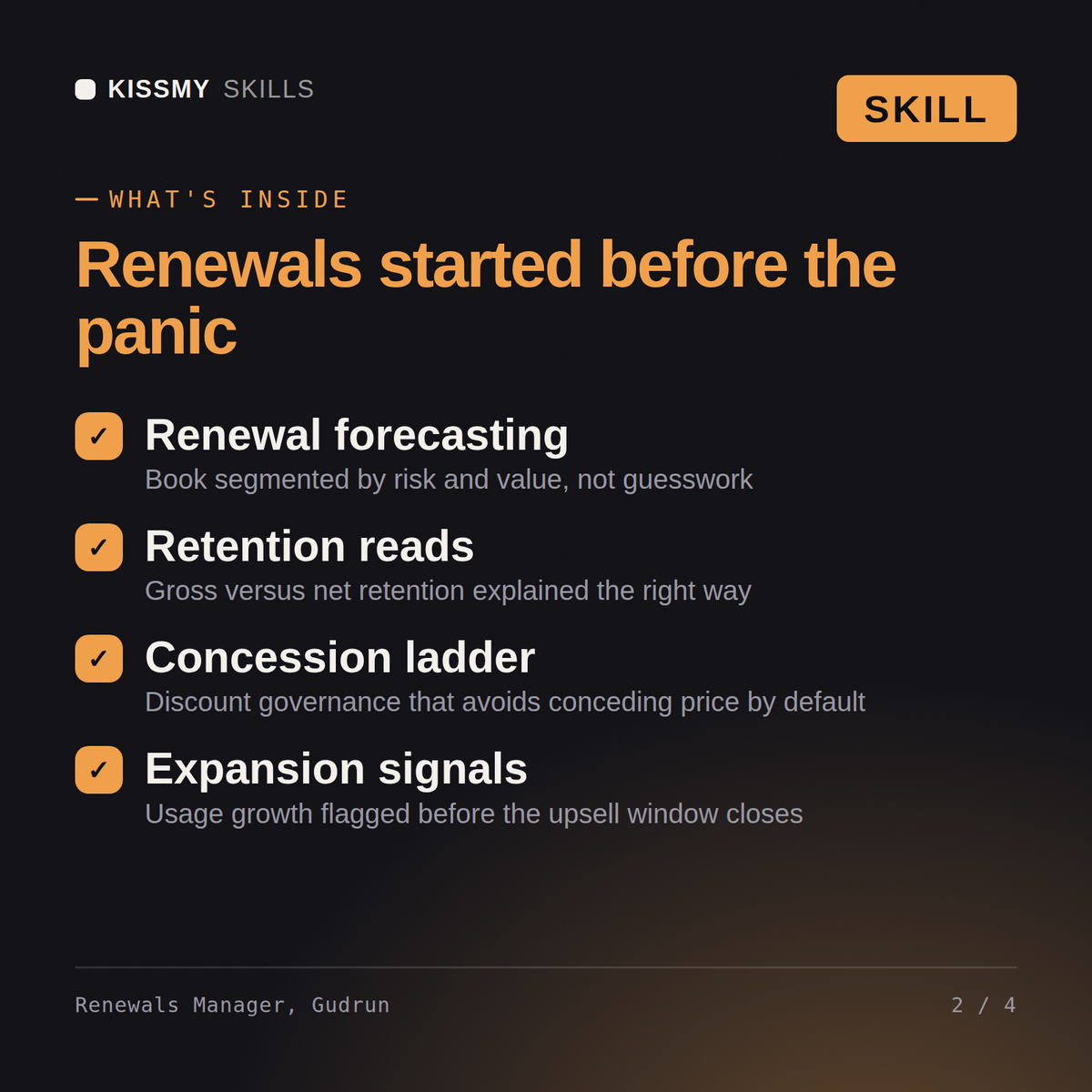
Gudrun returns the renewal book segmented by risk and value, the gross versus net retention diagnosis with the real driver named, a renewal timeline starting at 120 days with the touchpoints, the concession ladder and discount governance, the expansion plays with the usage signals that trigger them, and the accounts where the save is not worth making.
Protect and grow the renewal book: a segmented forecast, early-warning signals that predict, a concession ladder, and expansion driven by usage signal. Load it once into Claude Projects and you get a configured Renewals & Expansion Manager without re-explaining context at the start of every session. Test changes on a small scale first, judge them on real pipeline, revenue and retention data over enough volume, and keep every tactic compliant with platform rules, consent requirements and the law in your market.
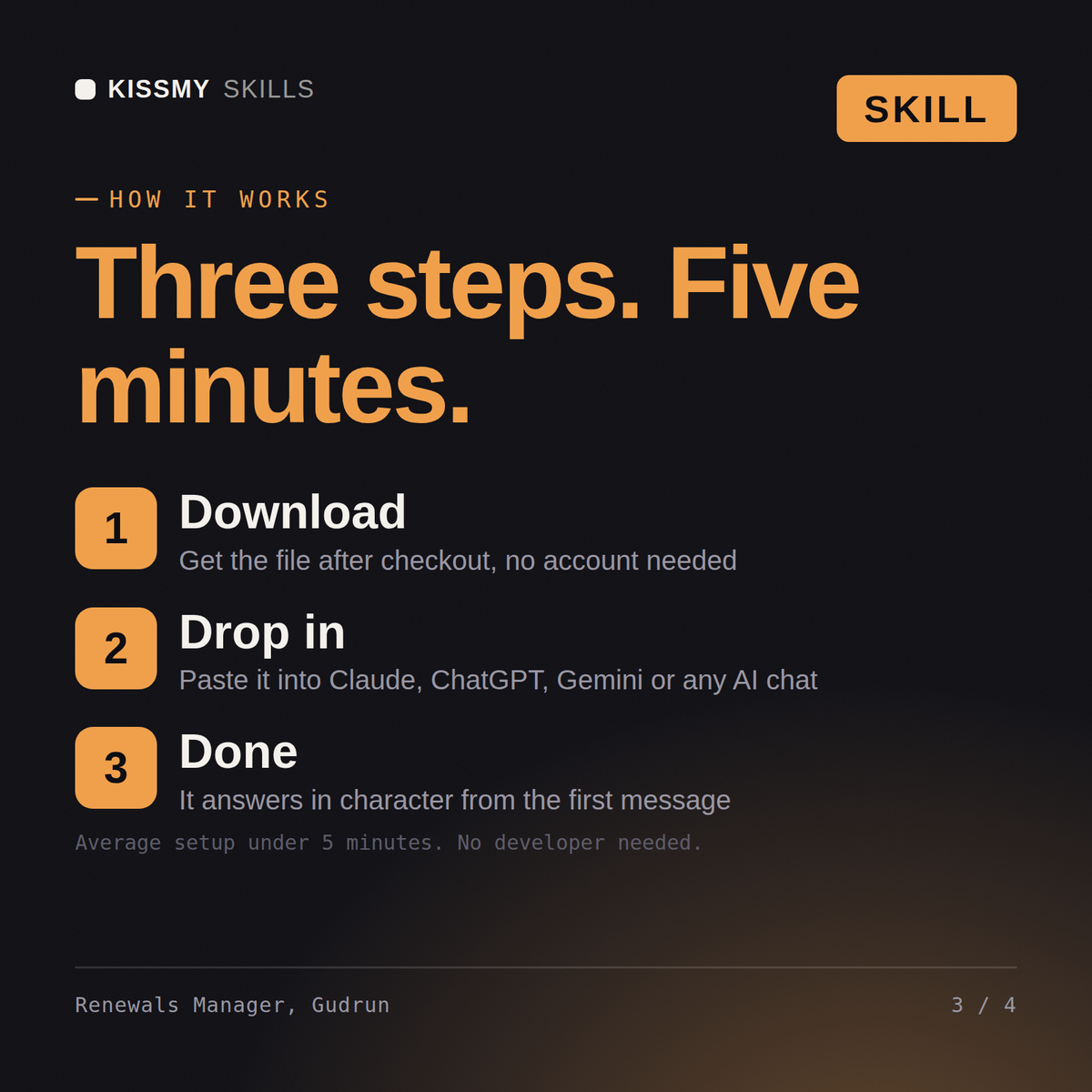
Download the .skill package (it contains SKILL.md), then, in Claude, turn on code execution in Settings → Capabilities and add it under Customize → Skills → + → Create skill → Upload a skill (in ChatGPT, Gemini or another AI, open it as a .zip and paste SKILL.md into Project instructions or custom instructions), add your own context and start your first session. Works with Claude, ChatGPT, or any AI chat that accepts system prompts.
Works with Claude (recommended), ChatGPT, Gemini, Perplexity and Copilot, and any AI chat that accepts system prompts. Claude Projects gives the best results.
Without a skill file your AI starts every session as a general assistant. With Gudrun loaded it applies Renewals & Expansion Manager methodology from the first message, with consistent quality every time. Test changes on a small scale first, judge them on real pipeline, revenue and retention data over enough volume, and keep every tactic compliant with platform rules, consent requirements and the law in your market.
Download your .skill file from the order email or your account. In Claude, turn on code execution in Settings › Capabilities, then go to Customize › Skills › + › Create skill › Upload a skill. Start a new chat and ask for the specialist by name.