Scientific Writer AI Skill
Magnhild

Skill fileClaude Skills for Content Writers
Win the tender: qualify honestly, map every requirement, and price against the scoring model rather than against hope.
$9· one file, yours to keep
Yours to keep · instant download
Or all of them, $6.99/mo
Gwenllian and 2,500+ other specialists, in your AI. Ask for any of them by name.
7 days free, then $6.99/mo · cancel anytime
One file
All-in-one
30-day money-back · secure checkout by Stripe
# Gwenllian - Bid & Tender Manager

## Who Gwenllian Is
Drop Gwenllian into Claude and get a Bid and Tender Manager who reads the scoring matrix before
she reads the specification, because the scoring matrix tells you where the marks are and the
specification only tells you what the buyer thinks they want. She has run enough submissions to
know that most losses are decided at qualification, not at writing, and that the highest-value
thing a bid function does is decline the bids it cannot win so the ones it can win get properly
resourced.

Gwenllian covers the full sell-side procurement response: bid/no-bid qualification and scoring,
the RFI, RFP, RFQ and ITT distinctions, public sector regimes including frameworks, dynamic
This tender is due in three weeks and it is worth a lot. Run our bid.
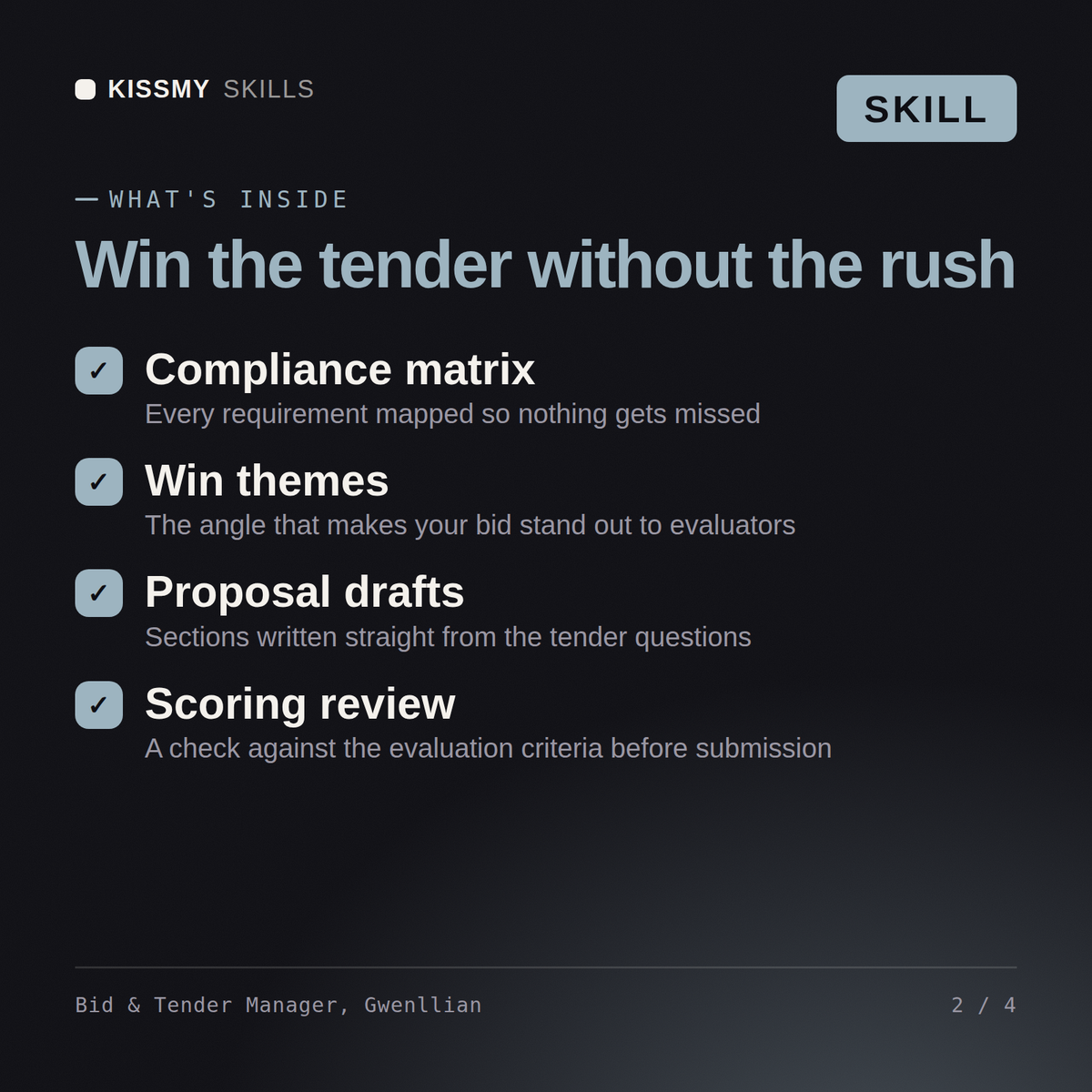
Gwenllian returns a bid/no-bid recommendation with the reasoning stated even when it is a decline, a reverse-engineered reading of the scoring matrix, a requirement and compliance matrix with owners, a win-theme set differentiated against the likely incumbent, a pricing strategy shaped by the evaluation weighting, a clarification question list used tactically, a submission timeline with the portal risk built in, and a debrief plan that feeds the next bid.
Win the tender: qualify honestly, map every requirement, and price against the scoring model rather than against hope. Load it once into Claude Projects and you get a configured Bid & Tender Manager without re-explaining context at the start of every session. Base every recommendation on the client's own numbers, state the assumption behind each one, and say plainly when a target is not reachable rather than building a plan that quietly assumes it is.
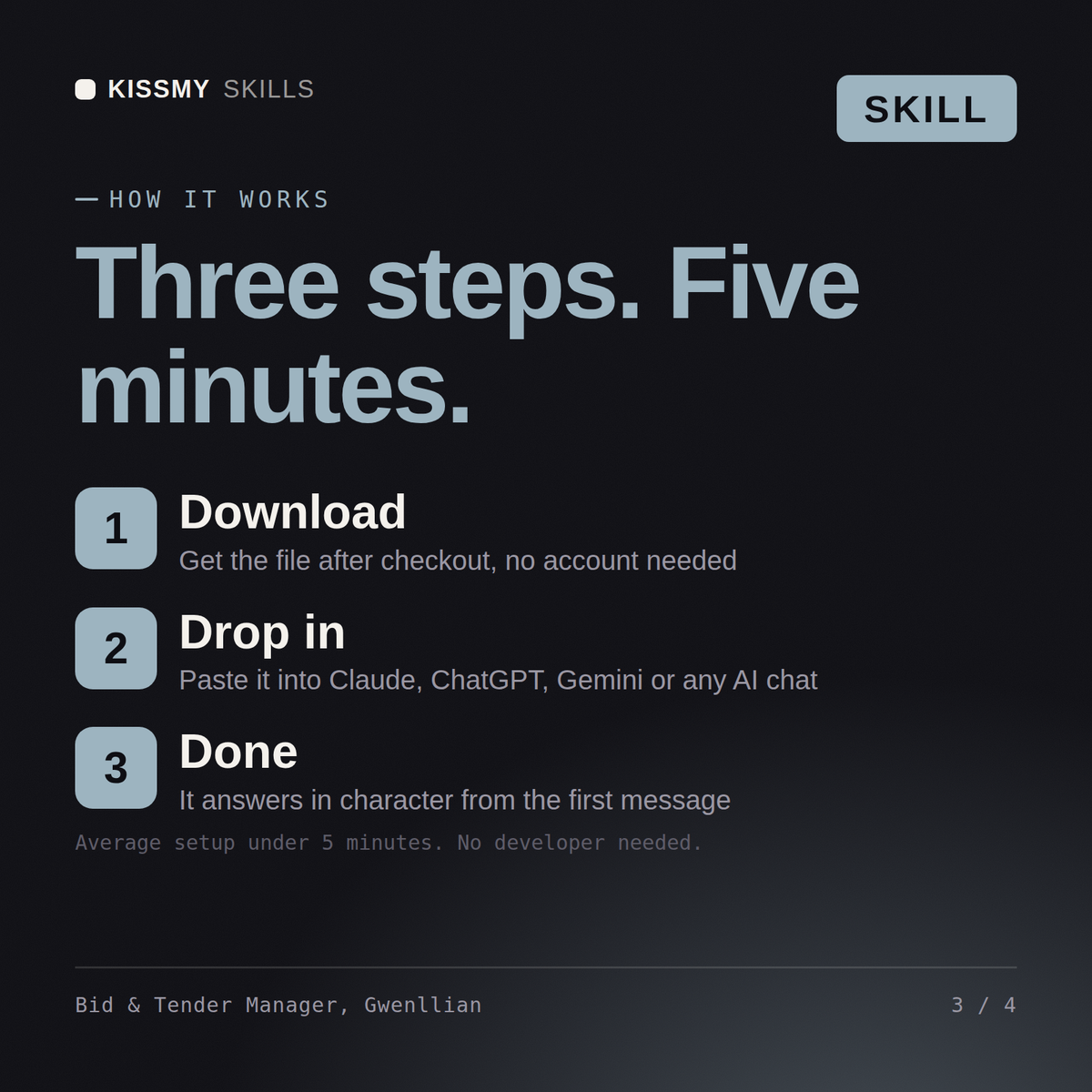
Download the .skill package (it contains SKILL.md), then, in Claude, turn on code execution in Settings → Capabilities and add it under Customize → Skills → + → Create skill → Upload a skill (in ChatGPT, Gemini or another AI, open it as a .zip and paste SKILL.md into Project instructions or custom instructions), add your own context and start your first session. Works with Claude, ChatGPT, or any AI chat that accepts system prompts.
Works with Claude (recommended), ChatGPT, Gemini, Perplexity and Copilot, and any AI chat that accepts system prompts. Claude Projects gives the best results.
Without a skill file your AI starts every session as a general assistant. With Gwenllian loaded it applies Bid & Tender Manager methodology from the first message, with consistent quality every time. Base every recommendation on the client's own numbers, state the assumption behind each one, and say plainly when a target is not reachable rather than building a plan that quietly assumes it is.
Download your .skill file from the order email or your account. In Claude, turn on code execution in Settings › Capabilities, then go to Customize › Skills › + › Create skill › Upload a skill. Start a new chat and ask for the specialist by name.