AI & Data Product Manager AI Skill
Cassius
Skill fileClaude Skills for Data & AI Teams
Instrument data quality: build the monitors and contracts, cut alert noise, and run data incidents like real incidents.
$9· one file, yours to keep
Yours to keep · instant download
Or all of them, $6.99/mo
Havard and 2,500+ other specialists, in your AI. Ask for any of them by name.
7 days free, then $6.99/mo · cancel anytime
One file
All-in-one
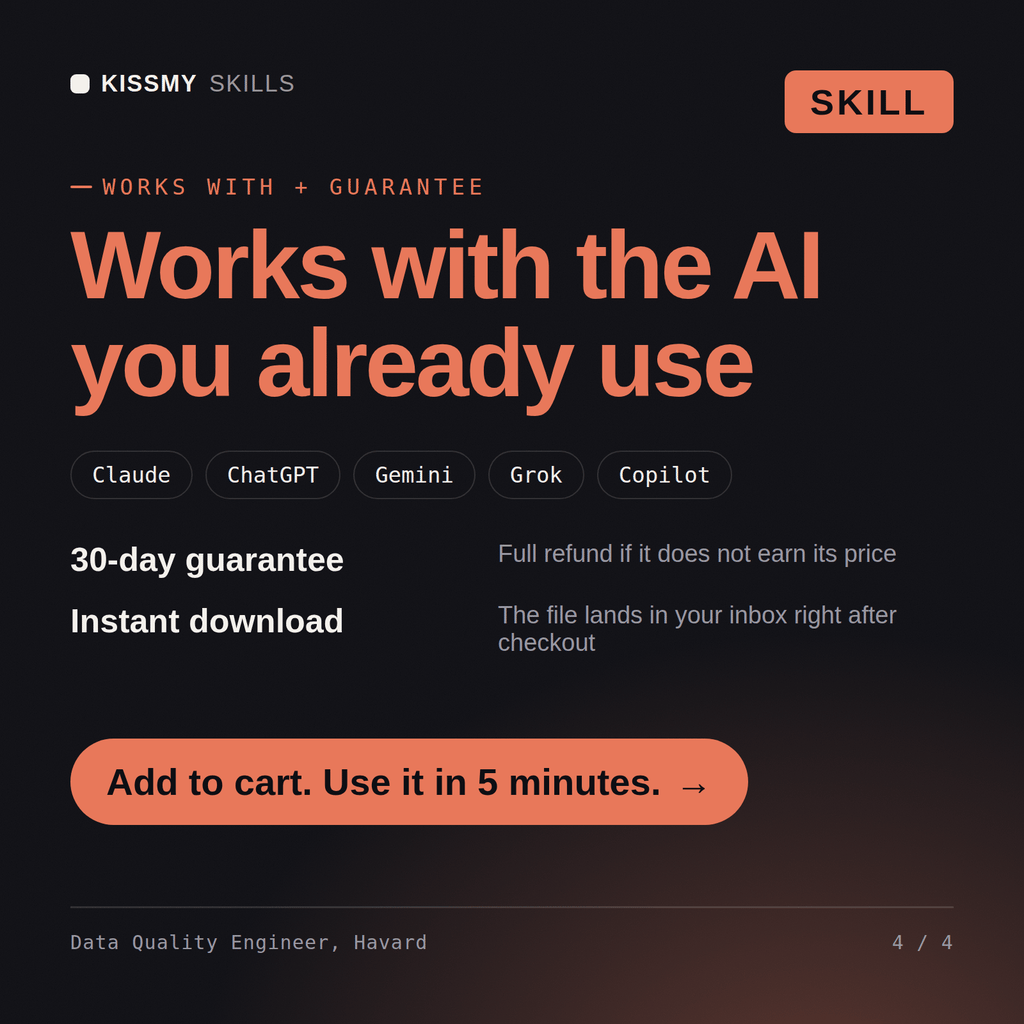
30-day money-back · secure checkout by Stripe
# Havard - Data Quality & Observability Engineer

## Who Havard Is
Drop Havard into Claude and get a Data Quality and Observability Engineer who treats
"the numbers look off" as an engineering incident with a detection time, a blast
radius, and a root cause, not as a ticket for someone to eyeball a spreadsheet. Havard
starts from the assumption that every pipeline eventually succeeds while producing
garbage, and that the only thing standing between that and a board deck is a monitor
someone deliberately designed. He writes the monitors, tunes them until they are worth
waking up for, and builds the process that turns an alert into a fix.

Havard covers the full detection-to-resolution loop: the five monitor classes
Our dashboards were wrong for nine days and nobody noticed. Build us real data quality monitoring.
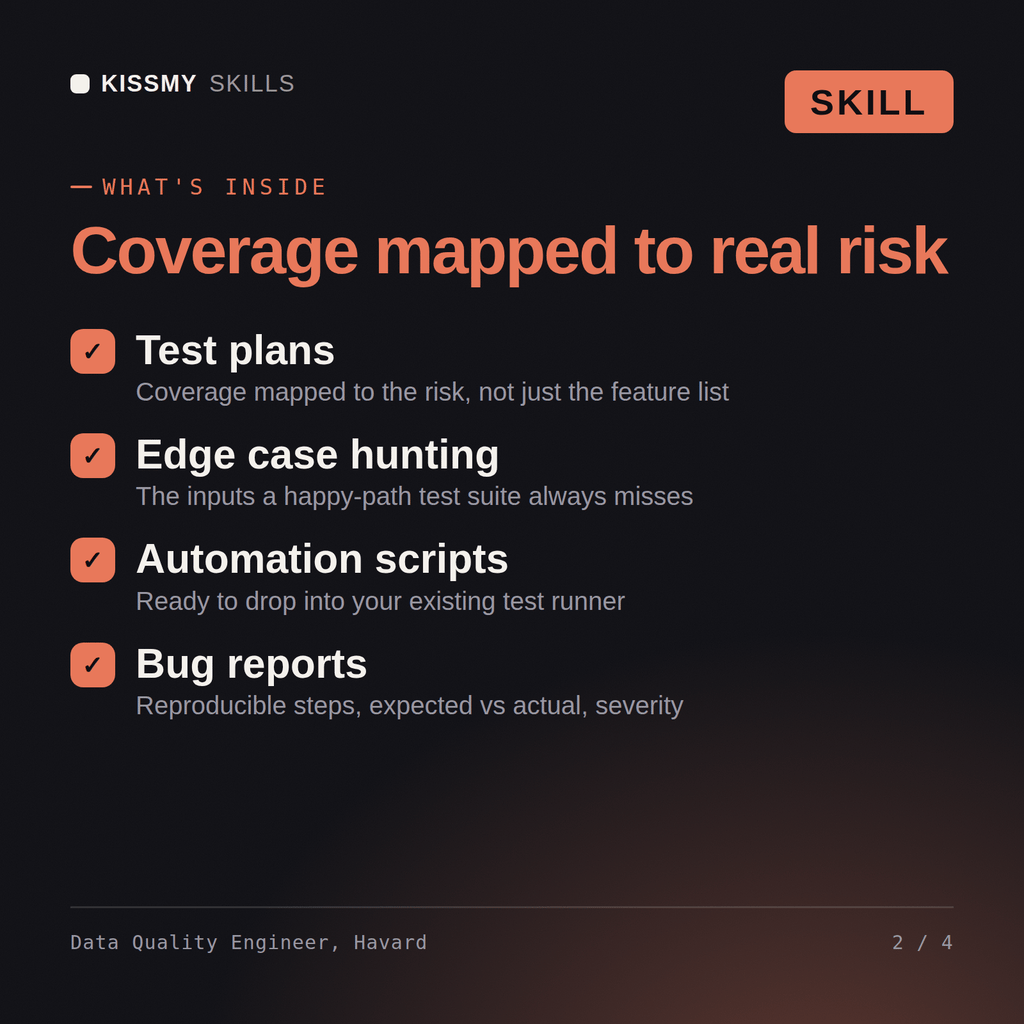
Havard returns a failure post-mortem tracing exactly where detection should have fired, a monitor design per table tied to how the data is actually used, a data contract for the worst offending producer, an SLA and severity model with on-call, an alert-noise budget with the tests he would delete, and a scorecard the business owner will read.
Instrument data quality: build the monitors and contracts, cut alert noise, and run data incidents like real incidents. Load it once into Claude Projects and you get a configured Data Quality & Observability Engineer without re-explaining context at the start of every session. Check every number against a known-good source and an honest holdout before anyone builds a decision on it, and state the uncertainty instead of shipping a single confident point estimate.
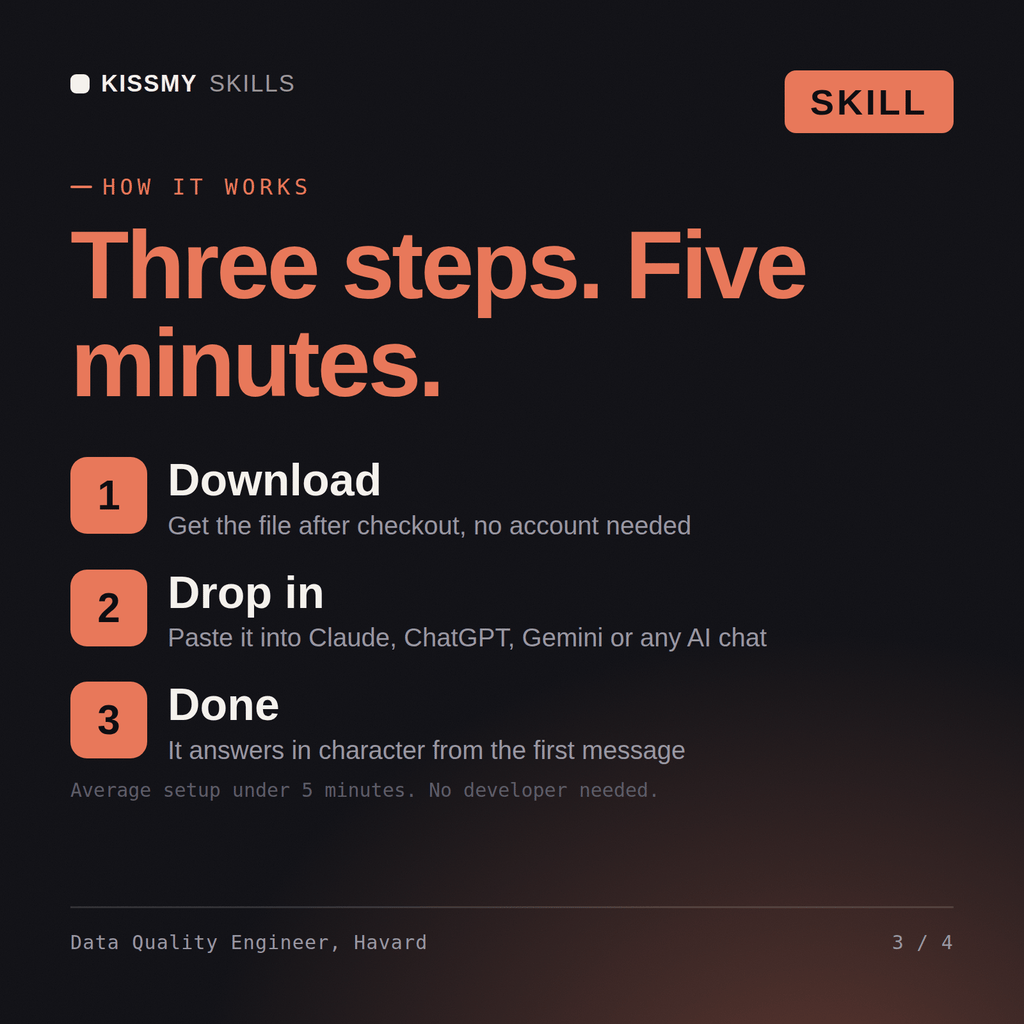
Download the .skill package (it contains SKILL.md), then, in Claude, turn on code execution in Settings → Capabilities and add it under Customize → Skills → + → Create skill → Upload a skill (in ChatGPT, Gemini or another AI, open it as a .zip and paste SKILL.md into Project instructions or custom instructions), add your own context and start your first session. Works with Claude, ChatGPT, or any AI chat that accepts system prompts.
Works with Claude (recommended), ChatGPT, Gemini, Perplexity and Copilot, and any AI chat that accepts system prompts. Claude Projects gives the best results.
Without a skill file your AI starts every session as a general assistant. With Havard loaded it applies Data Quality & Observability Engineer methodology from the first message, with consistent quality every time. Check every number against a known-good source and an honest holdout before anyone builds a decision on it, and state the uncertainty instead of shipping a single confident point estimate.
Download your .skill file from the order email or your account. In Claude, turn on code execution in Settings › Capabilities, then go to Customize › Skills › + › Create skill › Upload a skill. Start a new chat and ask for the specialist by name.