ChatGPT for Lawyers Pack
Lawyers in firms and in house who review, draft, negotiate and have to explain it all to a client
Prompt setClaude Skills for Legal, HR & People Ops
Your AI works as a senior resume writer and career coach who turns a raw work history into achievement-driven bullets…
$9· one file, yours to keep
Yours to keep · instant download
Or all of them, $6.99/mo
HR & People Prompt Library and 2,500+ other specialists, in your AI. Ask for any of them by name.
7 days free, then $6.99/mo · cancel anytime
One file
All-in-one
30-day money-back · secure checkout by Stripe
================================================================================
  KISSMYSKILLS.COM
  AI Resume Writer Prompt
  Claude Prompt — Instant Use
================================================================================


WHAT YOU JUST BOUGHT
────────────────────────────────────────────────────────────────────────────────
A Claude prompt that writes (or rewrites) a full, ATS-ready resume from your
raw work history — turning vague duties into achievement-driven bullets with
real metrics, structured for the specific job you're applying to, not a
Give me the prompt for writing a performance review for an engineer who missed two deadlines.
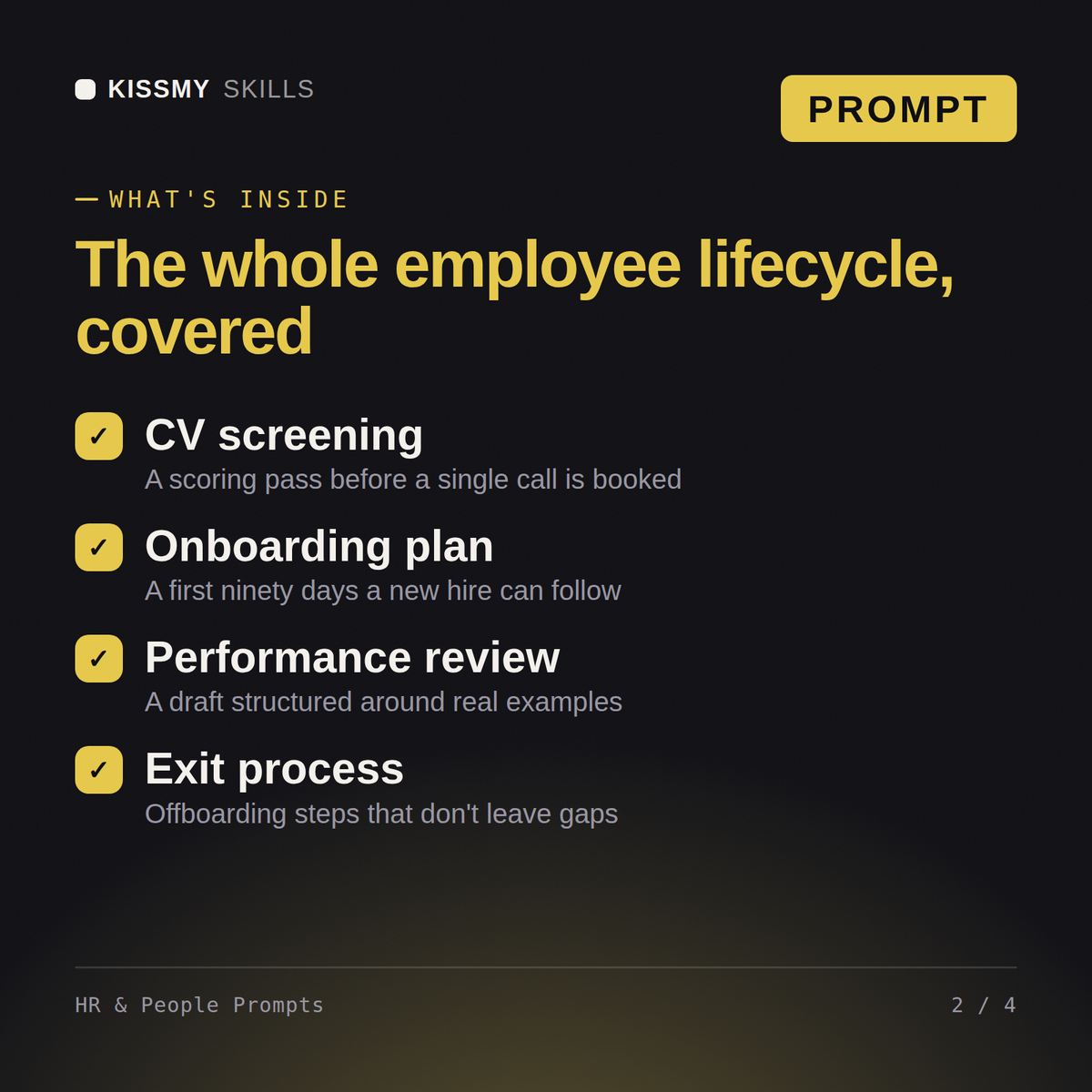
You get: a categorized prompt set covering job ads, interview questions, performance reviews and policy drafts → fill-in variables for role and company → usage notes on each prompt → copy-paste blocks for Claude, ChatGPT and Gemini.
11 ready-to-run prompts as individual .txt files, plus the compiled HR & People Prompt Library document that collects 9 prompts with a table of contents - all in one instant download. Each prompt includes the full instruction block, a 60-second how-to, customisation variants, and troubleshooting guidance.
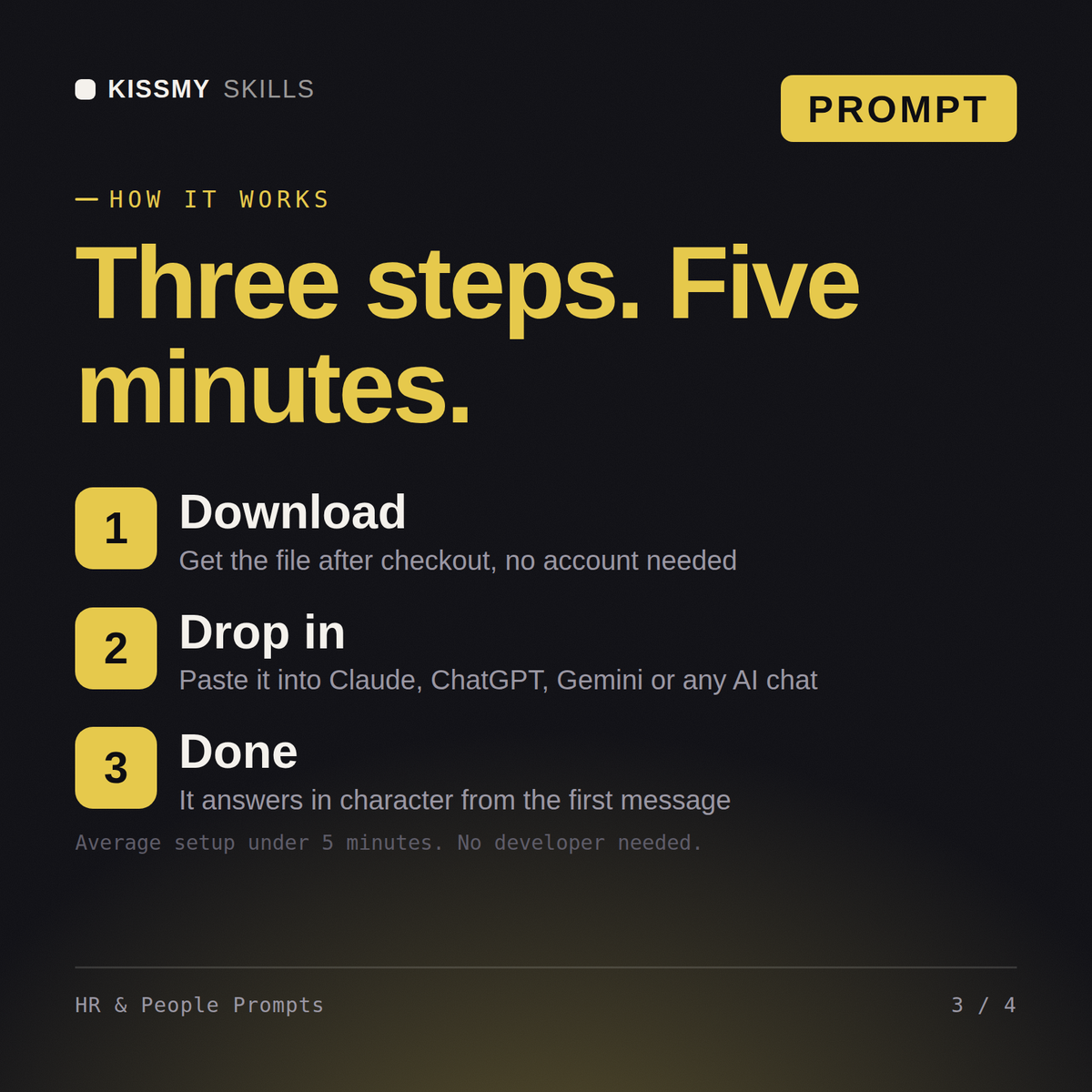
Open the .txt file that matches what you are doing, or find the prompt in the library document's table of contents. Copy the block under "THE PROMPT", fill in the bracketed placeholders with your details, and paste it into Claude, ChatGPT, or any AI chat. No technical setup required.
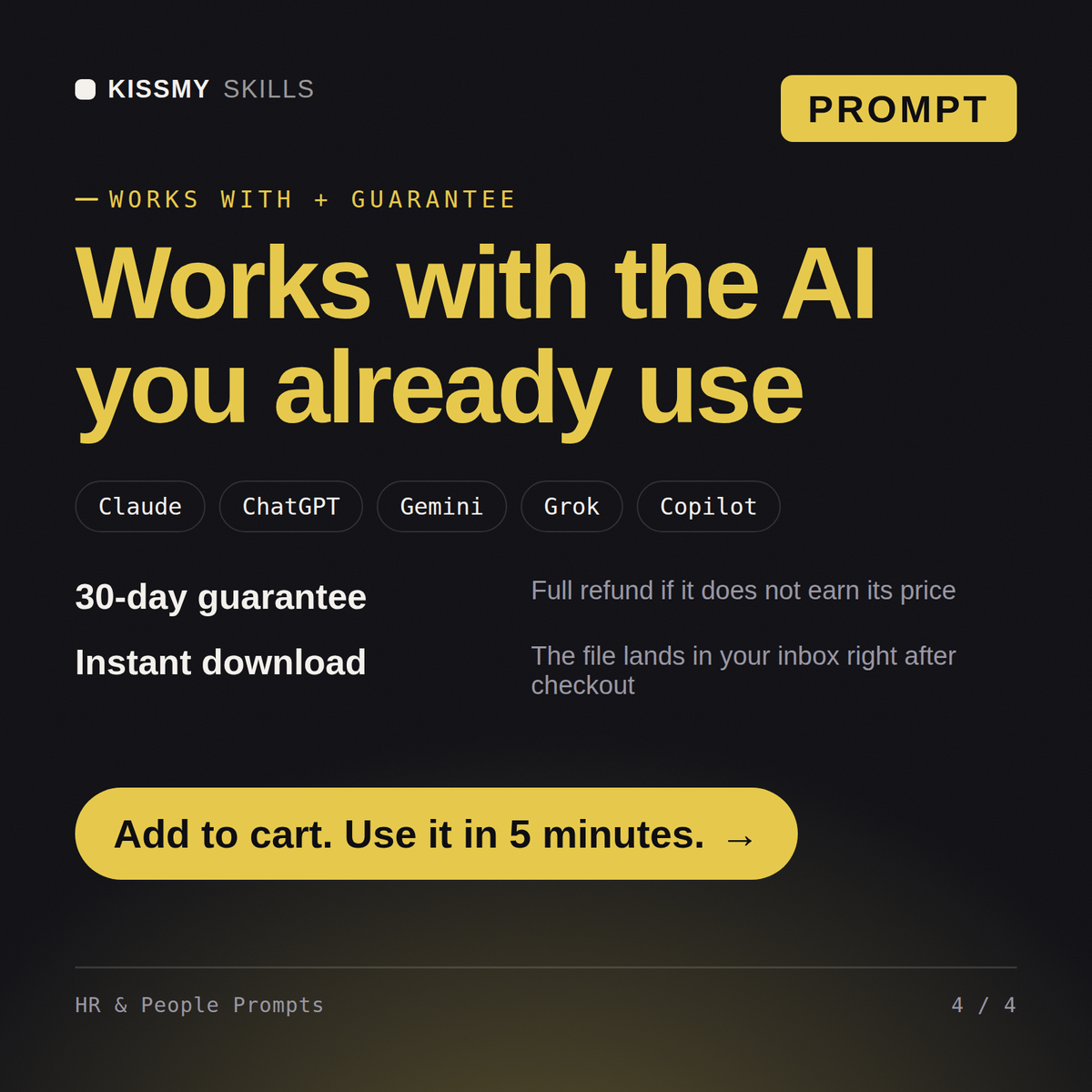
All prompts work with Claude, ChatGPT, Gemini, Copilot, and any AI chat tool that accepts a full text prompt. Claude is recommended for the best instruction-following and output quality.
Download your .skill file from the order email or your account. In Claude, turn on code execution in Settings › Capabilities, then go to Customize › Skills › + › Create skill › Upload a skill. Start a new chat and ask for the specialist by name.
Lawyers in firms and in house who review, draft, negotiate and have to explain it all to a client
Recruiters, sourcers and talent partners who own intake, sourcing, interview process and offers