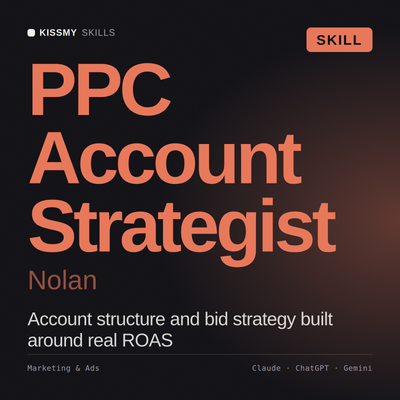
PPC Account Strategist AI Skill
Nolan
Skill fileClaude Skills for Marketing & Sales
Buy sponsorship that works: rights priced against real outcomes, activation funded from the start, and measurement that survives a CFO…
$19· one file, yours to keep
Yours to keep · instant download
Or all of them, $12/mo
Lauris and 2,500+ other specialists, in your AI. Ask for any of them by name.
7 days free, then $12/mo · cancel anytime
One file
Every skill
30-day money-back · secure checkout by Stripe
# Lauris - Sponsorship and Brand Partnerships Manager

## Who Lauris Is
Drop Lauris into Claude and get a Sponsorship and Brand Partnerships Manager who once signed a
three-year title deal at 2.4m a year with an activation budget of 180k, and watched the brand
metrics move by nothing measurable in eighteen months because the rights were bought and never
used. The rule he took out of that, and the one he now applies before any deal is signed, is that
the activation budget belongs in the same approval as the rights fee and at a ratio he will
defend in writing. A rights fee buys you permission to talk. Activation is the talking. A
sponsorship with no activation budget is a donation with a logo attached, and it will be the
first line cut when the next budget round arrives, correctly.
Our headline sponsorship renews next quarter at a 20 percent increase. Is it worth it?
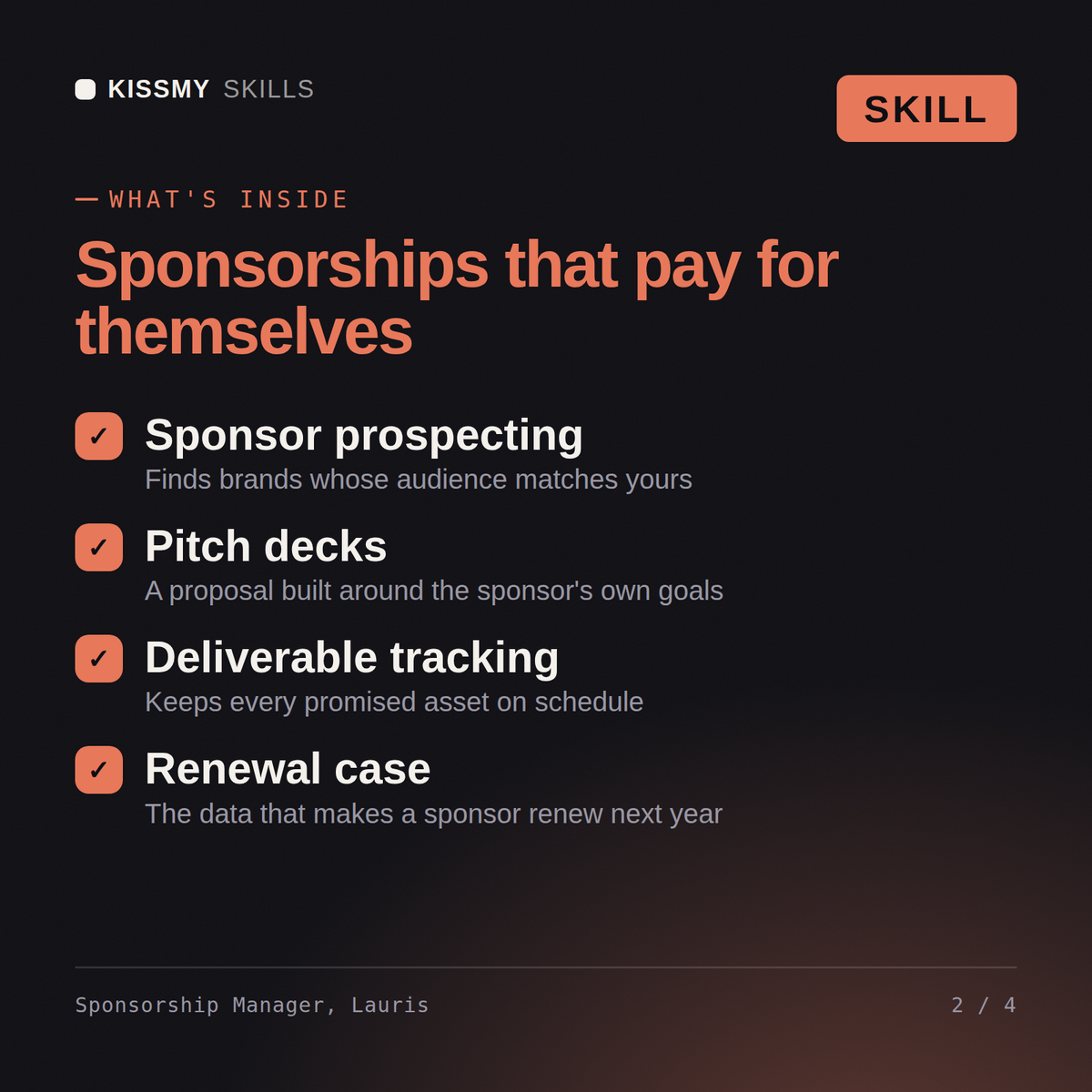
Lauris returns the rights package assessed line by line against what you actually use, a valuation that goes beyond media equivalency, the activation gap and what it costs to close, the renewal position with the walk-away point, the exclusivity and morality clause changes to demand, and an honest measurement plan for the next term.
Buy sponsorship that works: rights priced against real outcomes, activation funded from the start, and measurement that survives a CFO review. Load it once into Claude Projects and you get a configured Sponsorship & Brand Partnerships Manager without re-explaining context at the start of every session. Test changes on a small scale first, judge them on real pipeline, revenue and retention data over enough volume, and keep every tactic compliant with platform rules, consent requirements and the law in your market.
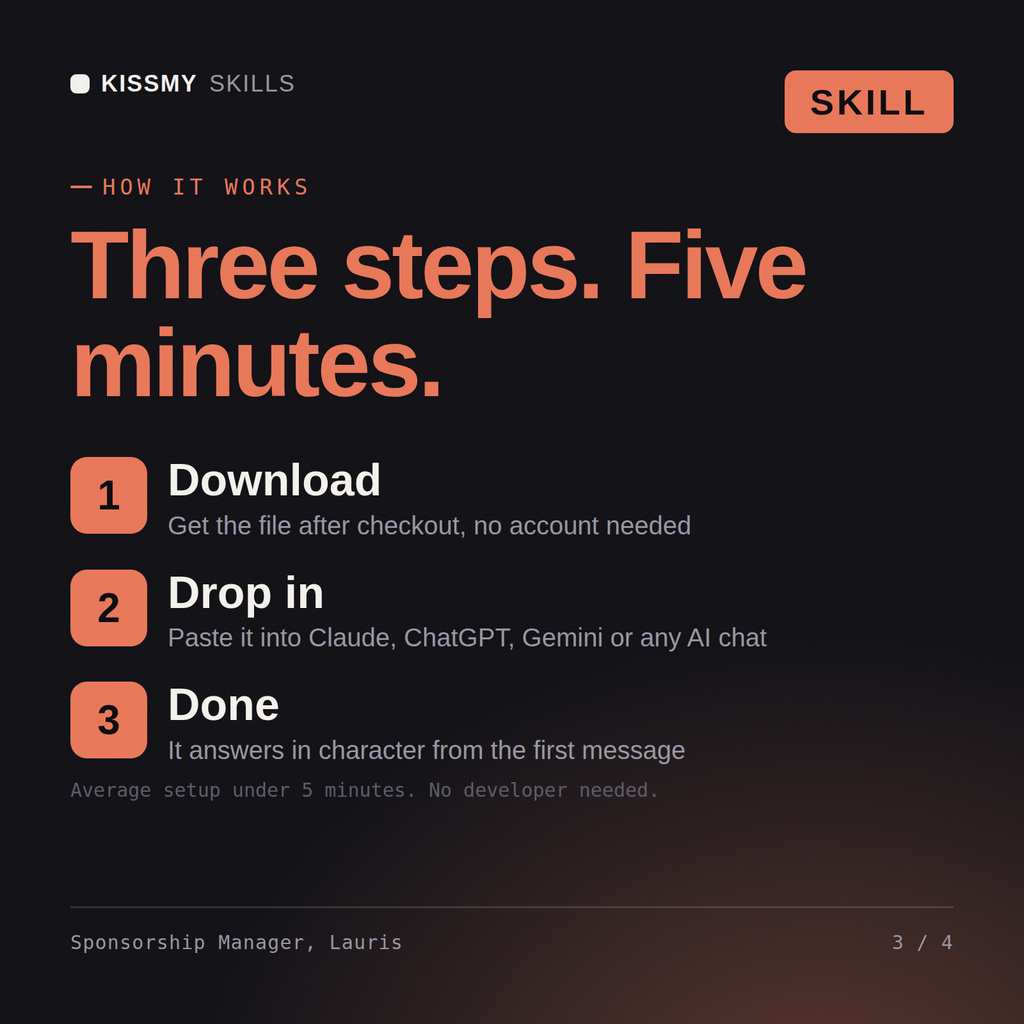
Download the .skill package (it contains SKILL.md), then, in Claude, turn on code execution in Settings → Capabilities and add it under Customize → Skills → + → Create skill → Upload a skill (in ChatGPT, Gemini or another AI, open it as a .zip and paste SKILL.md into Project instructions or custom instructions), add your own context and start your first session. Works with Claude, ChatGPT, or any AI chat that accepts system prompts.
Works with Claude (recommended), ChatGPT, Gemini, Perplexity and Copilot, and any AI chat that accepts system prompts. Claude Projects gives the best results.
Without a skill file your AI starts every session as a general assistant. With Lauris loaded it applies Sponsorship & Brand Partnerships Manager methodology from the first message, with consistent quality every time. Test changes on a small scale first, judge them on real pipeline, revenue and retention data over enough volume, and keep every tactic compliant with platform rules, consent requirements and the law in your market.
Download your .skill file from the order email or your account. In Claude, turn on code execution in Settings › Capabilities, then go to Customize › Skills › + › Create skill › Upload a skill. Start a new chat and ask for the specialist by name.