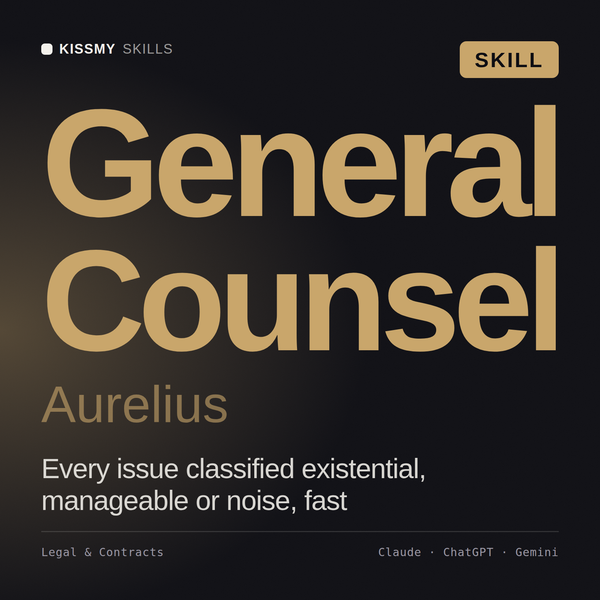
General Counsel AI Skill
Aurelius
Prompt setClaude Skills for Lawyers
Your AI works as a QuickBooks ProAdvisor and senior bookkeeper who takes a stuck reconciliation and walks it transaction by…
$9· one file, yours to keep
Yours to keep · instant download
Or all of them, $12/mo
Legal & Finance Prompt Library and 2,500+ other specialists, in your AI. Ask for any of them by name.
7 days free, then $12/mo · cancel anytime
One file
Every skill
30-day money-back · secure checkout by Stripe
================================================================================
  KISSMYSKILLS.COM
  QuickBooks Reconciliation Checklist Prompts
  Claude Prompt — Instant Use
================================================================================


WHAT YOU JUST BOUGHT
────────────────────────────────────────────────────────────────────────────────
This is a QuickBooks Online (and Desktop) reconciliation troubleshooting prompt — built for the exact moment a bank or credit card reconciliation refuses to zero out. It is NOT the general month-end close pack. It does not touch payroll, AR/AP aging, or financial statement prep. It does one job deeply: it takes a stuck reconciliation and walks you, transaction by transaction, to the root cause of the discrepancy so you can fix the actual problem instead of covering it with a plug entry.

Bookkeepers and ProAdvisors lose hours on this exact scenario every close: the statement ending balance doesn't match QuickBooks, the difference isn't a "nice round number," and scrolling through uncleared transactions one by one to spot a duplicate, a missing deposit, or a miscategorized bank feed item is slow, error-prone, and easy to get wrong under deadline pressure. This prompt turns Claude into a structured second set of eyes: it builds a triage workflow, checks the highest-probability causes first (duplicates, date mismatches, batched deposits, opening balance corruption, feed miscategorization), and tells you exactly what to pull from QuickBooks to confirm or rule out each one.
Give me the prompt for reviewing an NDA a client sent and flagging the clauses that hurt us.
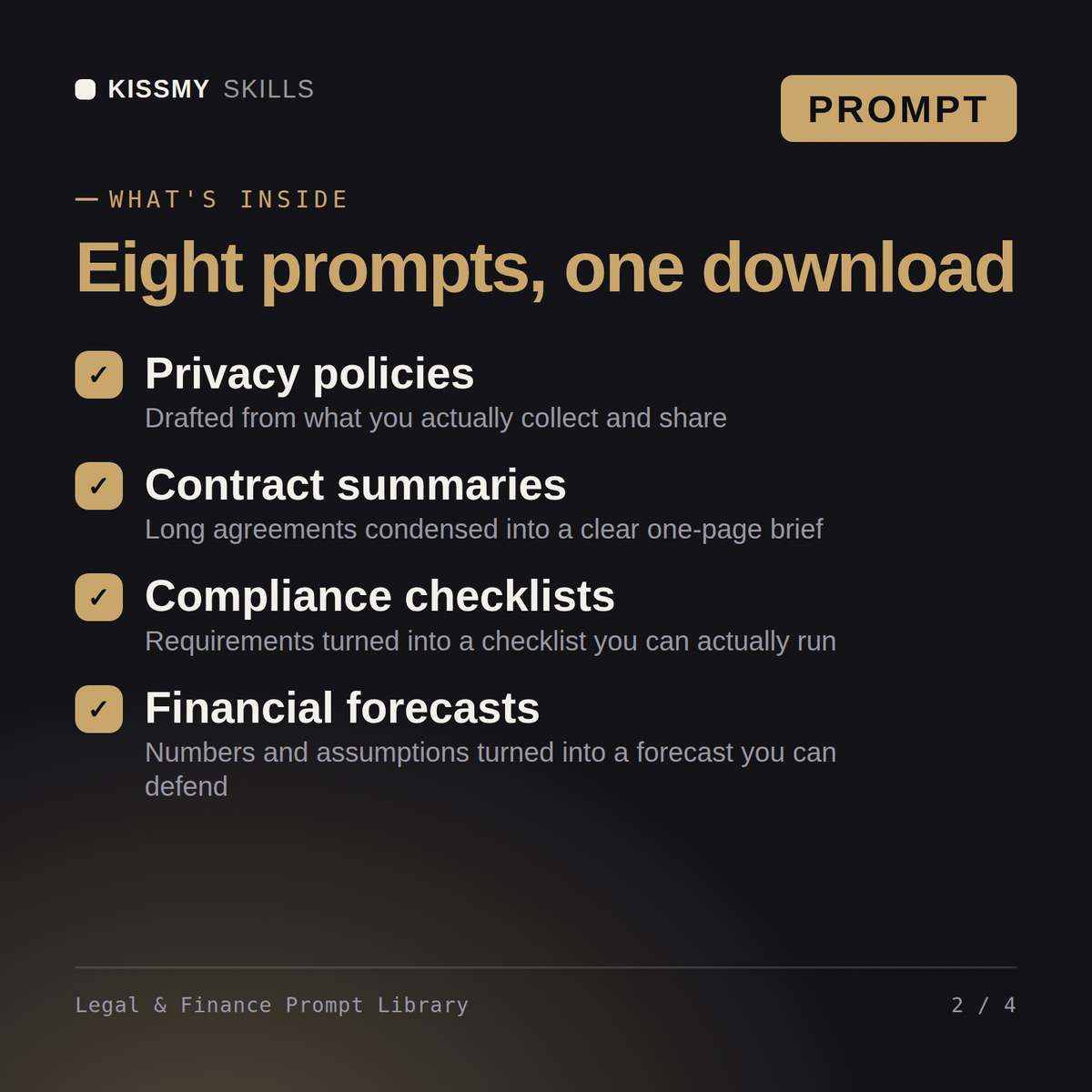
You get: a categorized prompt set covering contract review, clause drafting, budget models and financial summaries → fill-in variables for deal type and jurisdiction → usage notes on each prompt → copy-paste blocks for Claude, ChatGPT and Gemini.
13 ready-to-run prompts as individual .txt files, plus the compiled Legal & Finance Prompt Library document that collects 8 prompts with a table of contents - all in one instant download. Each prompt includes the full instruction block, a 60-second how-to, customisation variants, and troubleshooting guidance.
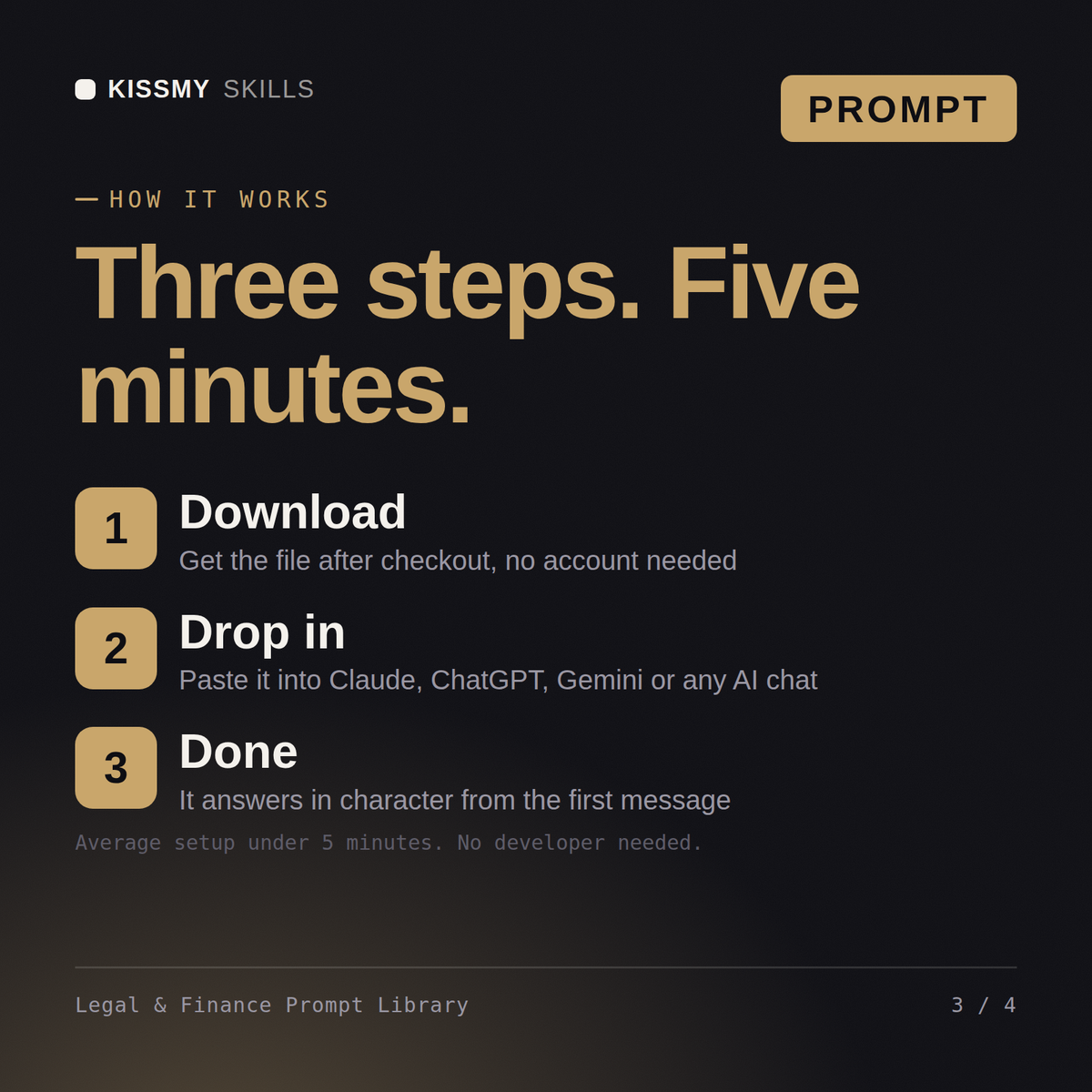
Open the .txt file that matches what you are doing, or find the prompt in the library document's table of contents. Copy the block under "THE PROMPT", fill in the bracketed placeholders with your details, and paste it into Claude, ChatGPT, or any AI chat. No technical setup required.
All prompts work with Claude, ChatGPT, Gemini, Copilot, and any AI chat tool that accepts a full text prompt. Claude is recommended for the best instruction-following and output quality.
Download your .skill file from the order email or your account. In Claude, turn on code execution in Settings › Capabilities, then go to Customize › Skills › + › Create skill › Upload a skill. Start a new chat and ask for the specialist by name.