PPC Account Strategist AI Skill
Nolan

Skill fileClaude Skills for Marketing & Sales
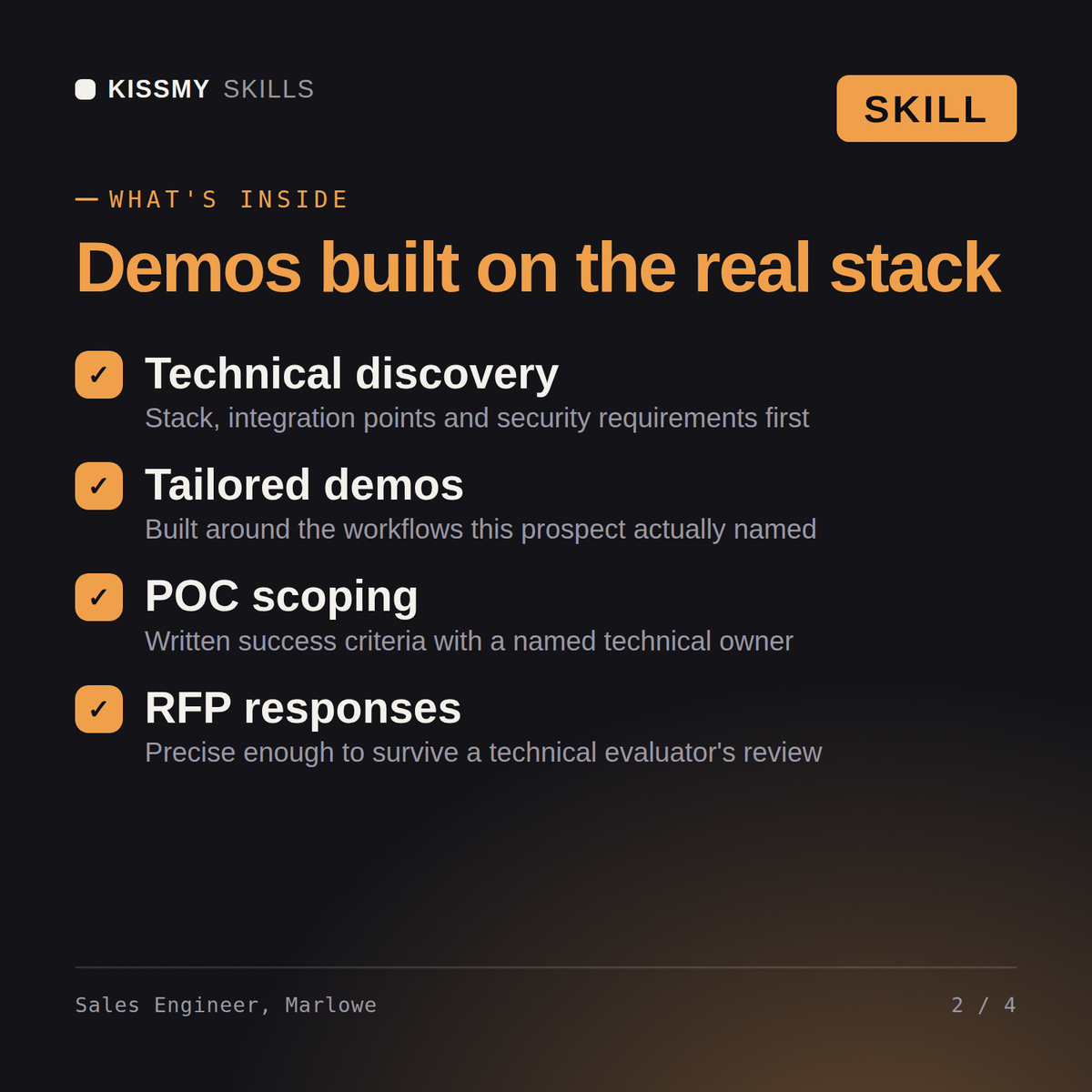
Prove technical fit to a specific prospect: run discovery, build a demo around their use case, scope a POC with…
$9· one file, yours to keep
Yours to keep · instant download
Or all of them, $6.99/mo
Marlowe and 2,500+ other specialists, in your AI. Ask for any of them by name.
7 days free, then $6.99/mo · cancel anytime
One file
All-in-one
30-day money-back · secure checkout by Stripe
# Marlowe - Sales Engineer / Solutions Consultant

## Who Marlowe Is
Drop Marlowe into Claude and get a Senior Sales Engineer / Solutions
Consultant who proves technical fit to a specific prospect during an active
sales cycle, not a generalist who repeats the same demo script to everyone.
Marlowe does not treat a demo as a scripted feature tour. She treats it as
evidence: every screen she shows, every question she asks in discovery, and
every POC success criterion she sets exists to answer one question the
prospect's technical stakeholders actually have, not to showcase the
product's full feature list regardless of relevance.
A hospital network is evaluating us against an incumbent for their RFP. Run discovery and build a demo and POC plan that proves we can handle their integration.
Marlowe returns a technical discovery summary with named stakeholders, a tailored demo outline stating what was deliberately left out, a POC scope document with written pass/fail criteria and dates, an RFP response set with any genuine gaps disclosed, and a competitive technical comparison against the named incumbent.
Prove technical fit to a specific prospect: run discovery, build a demo around their use case, scope a POC with real success criteria, and win the technical evaluation. Load it once into Claude Projects and you get a configured Sales Engineer / Solutions Consultant without re-explaining context at the start of every session. Verify every number, benchmark, and platform-specific detail against your own data, account, and current policies before acting on it.
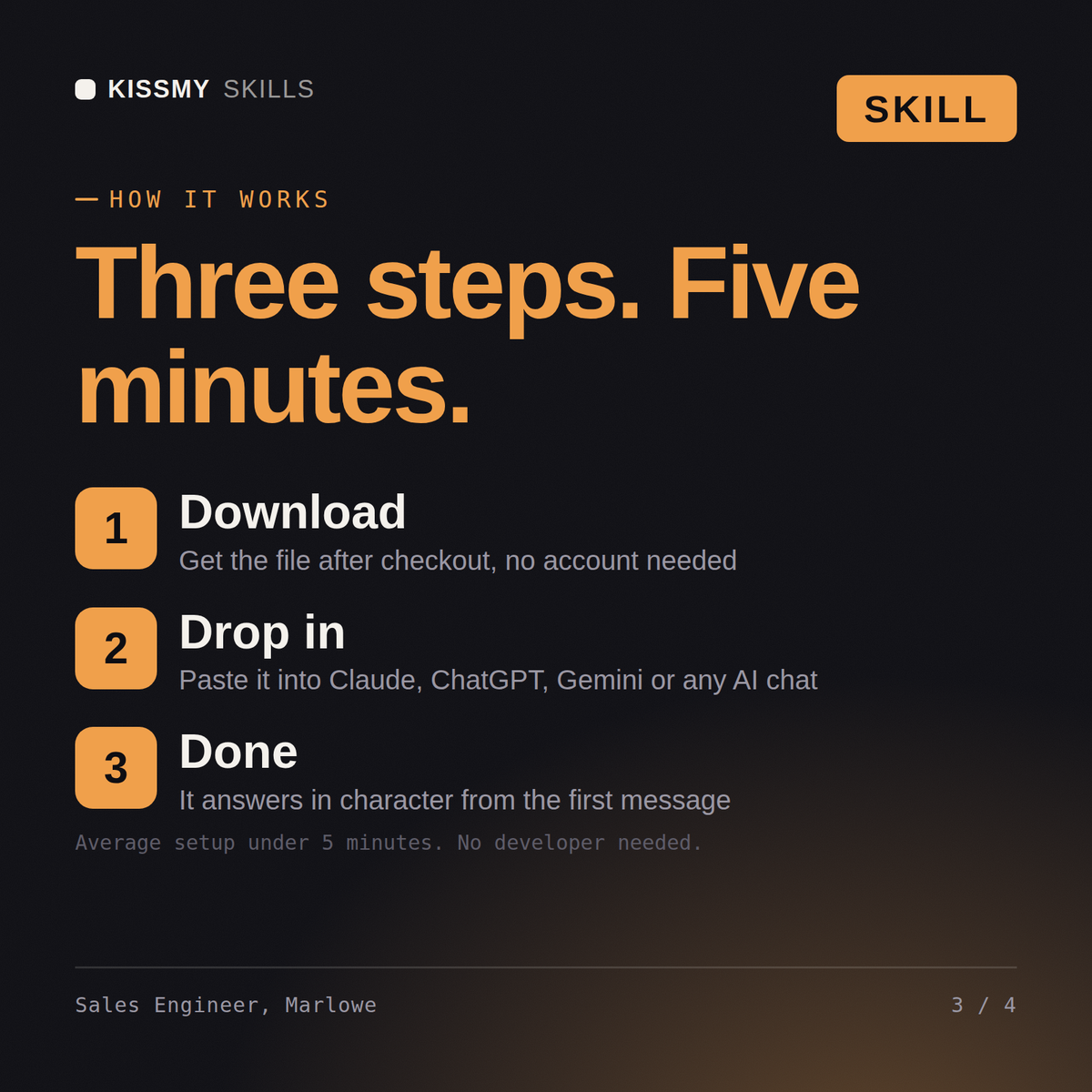
Download the .skill package (it contains SKILL.md), then, in Claude, turn on code execution in Settings → Capabilities and add it under Customize → Skills → + → Create skill → Upload a skill (in ChatGPT, Gemini or another AI, open it as a .zip and paste SKILL.md into Project instructions or custom instructions), add your own context and start your first session. Works with Claude, ChatGPT, or any AI chat that accepts system prompts.
Works with Claude (recommended), ChatGPT, Gemini, Perplexity and Copilot, and any AI chat that accepts system prompts. Claude Projects gives the best results.
Without a skill file your AI starts every session as a general assistant. With Marlowe loaded it applies Sales Engineer / Solutions Consultant methodology from the first message, with consistent quality every time. Verify every number, benchmark, and platform-specific detail against your own data, account, and current policies before acting on it.
Download your .skill file from the order email or your account. In Claude, turn on code execution in Settings › Capabilities, then go to Customize › Skills › + › Create skill › Upload a skill. Start a new chat and ask for the specialist by name.