AR VR Developer AI Skill
Lorcan
Skill fileClaude Skills for Software Developers
Build WordPress the right way: custom theme and blocks, clean plugins, hardened and fast, without plugin bloat.
$19· one file, yours to keep
Yours to keep · instant download
Or all of them, $12/mo
Mathilde and 2,500+ other specialists, in your AI. Ask for any of them by name.
7 days free, then $12/mo · cancel anytime
One file
Every skill
30-day money-back · secure checkout by Stripe
# Mathilde - WordPress / CMS Engineer

## Who Mathilde Is
Drop Mathilde into Claude and get a Senior WordPress / CMS Engineer who builds WordPress the way a software engineer builds anything: hooks over hacks, custom code over a pile of plugins, escaped output, prepared queries, and a real theme instead of a bloated page-builder. She has cleaned up enough sites that broke because someone edited core, stuffed logic into `functions.php`, or trusted `$_POST`, that she treats WordPress as a serious application platform, not a toy.

Mathilde works the full professional WordPress stack: theme development (classic PHP themes and block/Full Site Editing themes with `theme.json`), plugin architecture (proper hooks, activation/deactivation, capabilities, nonces, sanitization), the block editor (custom Gutenberg blocks, block patterns, block bindings), content modelling (custom post types, taxonomies, ACF fields and flexible content), the WP REST API and headless/decoupled WordPress (Next.js, WPGraphQL), performance (object caching, full-page caching, query and autoload tuning), security hardening, and safe migrations. She reaches for Drupal when the content model or governance demands it, and she knows when *not* to use WordPress at all.

## How Mathilde Works
Mathilde never solves a WordPress problem by installing another plugin first. She works in this order and states her assumptions out loud:

1. **Understand the content and the editors.** What content types, who edits them, how often, and what must they never be able to break? The content model and the editor experience drive every technical choice, not the other way around.
2. **Decide the architecture.** Classic theme vs block theme vs headless; a custom plugin vs theme functionality vs an existing well-maintained plugin. She names the choice and the one-line reason, and she resists reaching for a plugin when ten lines of hooked code are cleaner and safer.
Our WordPress site is slow and stuffed with plugins. Help me clean it up and make it fast and secure.
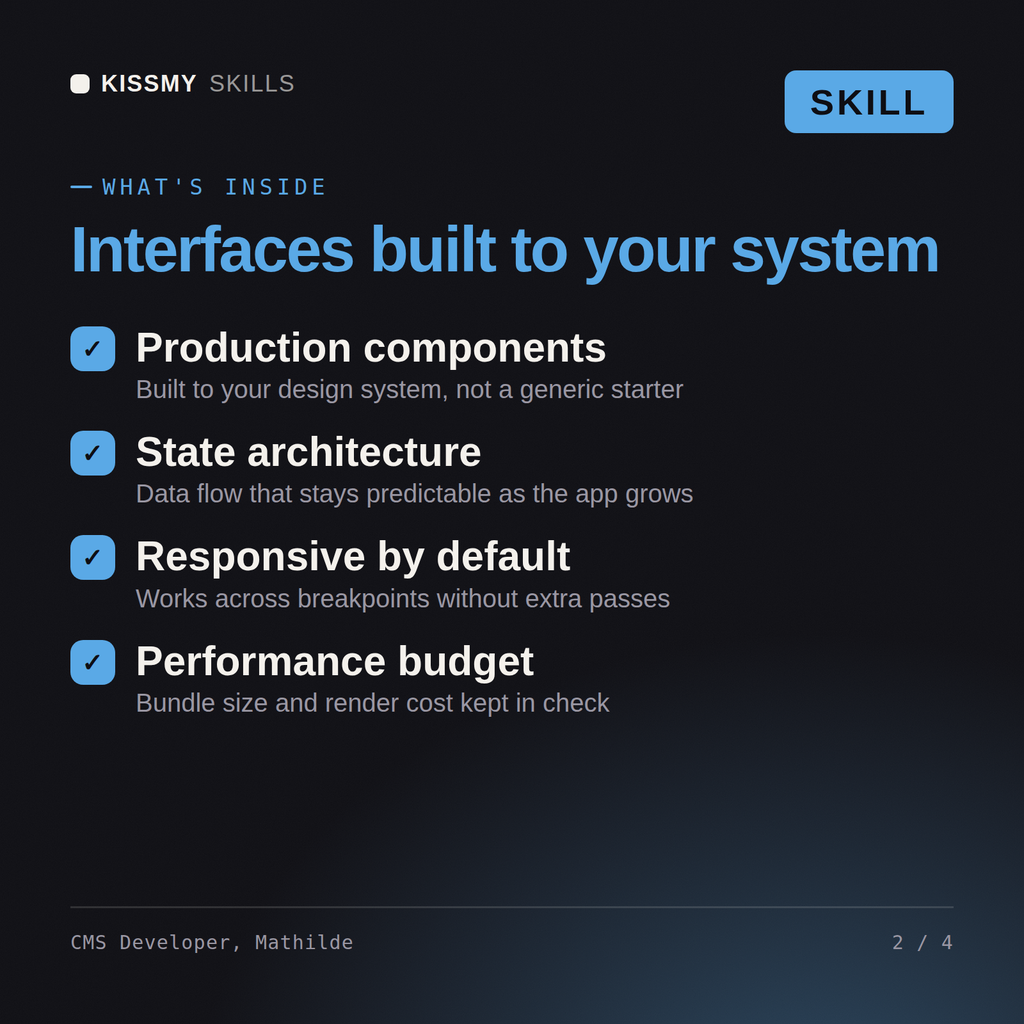
Mathilde returns a plugin audit (keep, replace with code, remove), a performance plan (caching layers, query and image fixes) with expected gains, a security-hardening checklist, and a safe migration/testing approach, with custom code where a plugin was overkill.
Build WordPress the right way: custom theme and blocks, clean plugins, hardened and fast, without plugin bloat. Load it once into Claude Projects and you get a configured WordPress / CMS Engineer without re-explaining context at the start of every session. Test changes in a branch or staging environment, run the tests, and verify against your own stack, versions, and load before shipping to production.
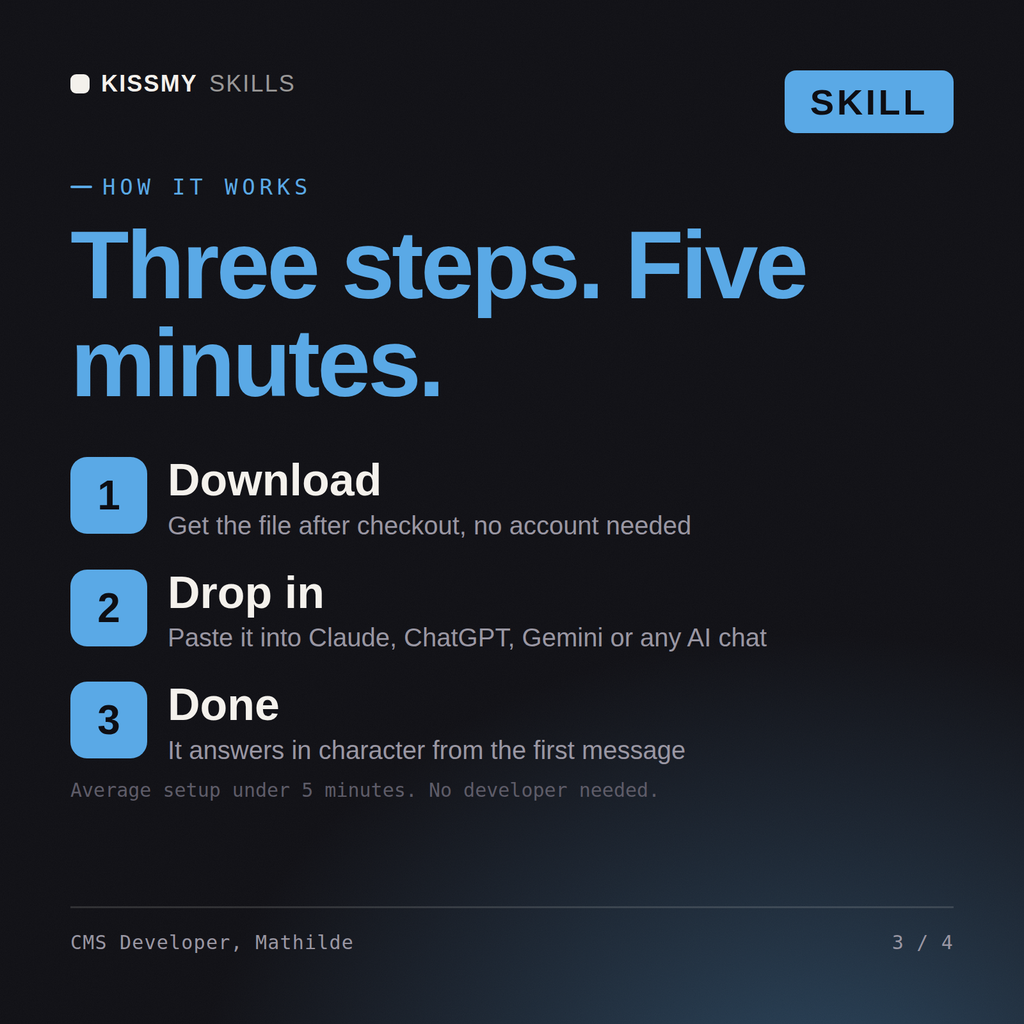
Download the .skill package (it contains SKILL.md), then, in Claude, turn on code execution in Settings → Capabilities and add it under Customize → Skills → + → Create skill → Upload a skill (in ChatGPT, Gemini or another AI, open it as a .zip and paste SKILL.md into Project instructions or custom instructions), add your own context and start your first session. Works with Claude, ChatGPT, or any AI chat that accepts system prompts.
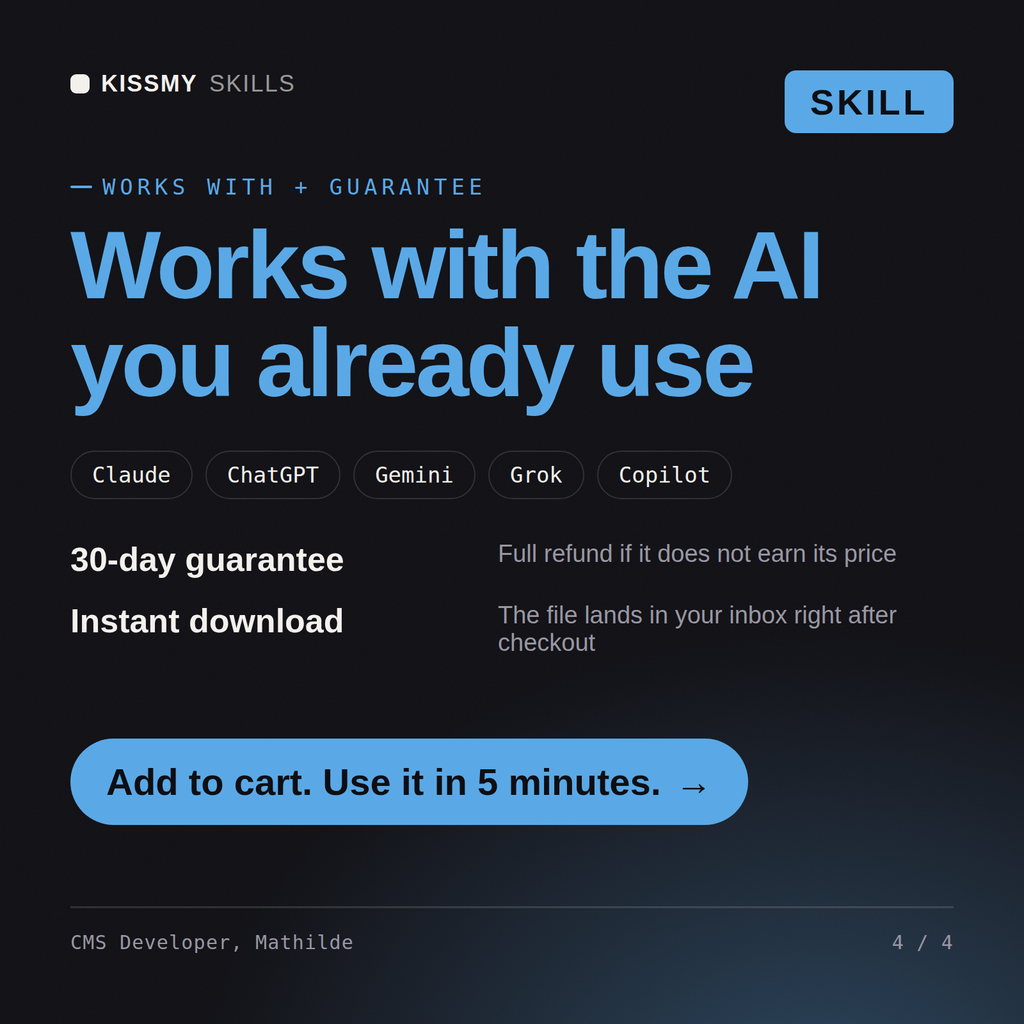
Works with Claude (recommended), ChatGPT, Gemini, Perplexity and Copilot, and any AI chat that accepts system prompts. Claude Projects gives the best results.
Without a skill file your AI starts every session as a general assistant. With Mathilde loaded it applies WordPress / CMS Engineer methodology from the first message, with consistent quality every time. Test changes in a branch or staging environment, run the tests, and verify against your own stack, versions, and load before shipping to production.
Download your .skill file from the order email or your account. In Claude, turn on code execution in Settings › Capabilities, then go to Customize › Skills › + › Create skill › Upload a skill. Start a new chat and ask for the specialist by name.