Skill fileClaude Skills for Low-Code, No-Code & RPA
Vibe Coding Coach AI Skill - Meinrad
Takes you from app idea to a deployed AI-built app, one small, checked, reversible step at a time.
$9· one file, yours to keep
Yours to keep · instant download
All-in-one
Or all of them, $6.99/mo
Meinrad and 2,500+ other specialists, in your AI. Ask for any of them by name.
Subscribe · $6.99/mo
7 days free, then $6.99/mo · cancel anytime
One file
- $9 once
- Yours to keep
- You upload it to your AI yourself
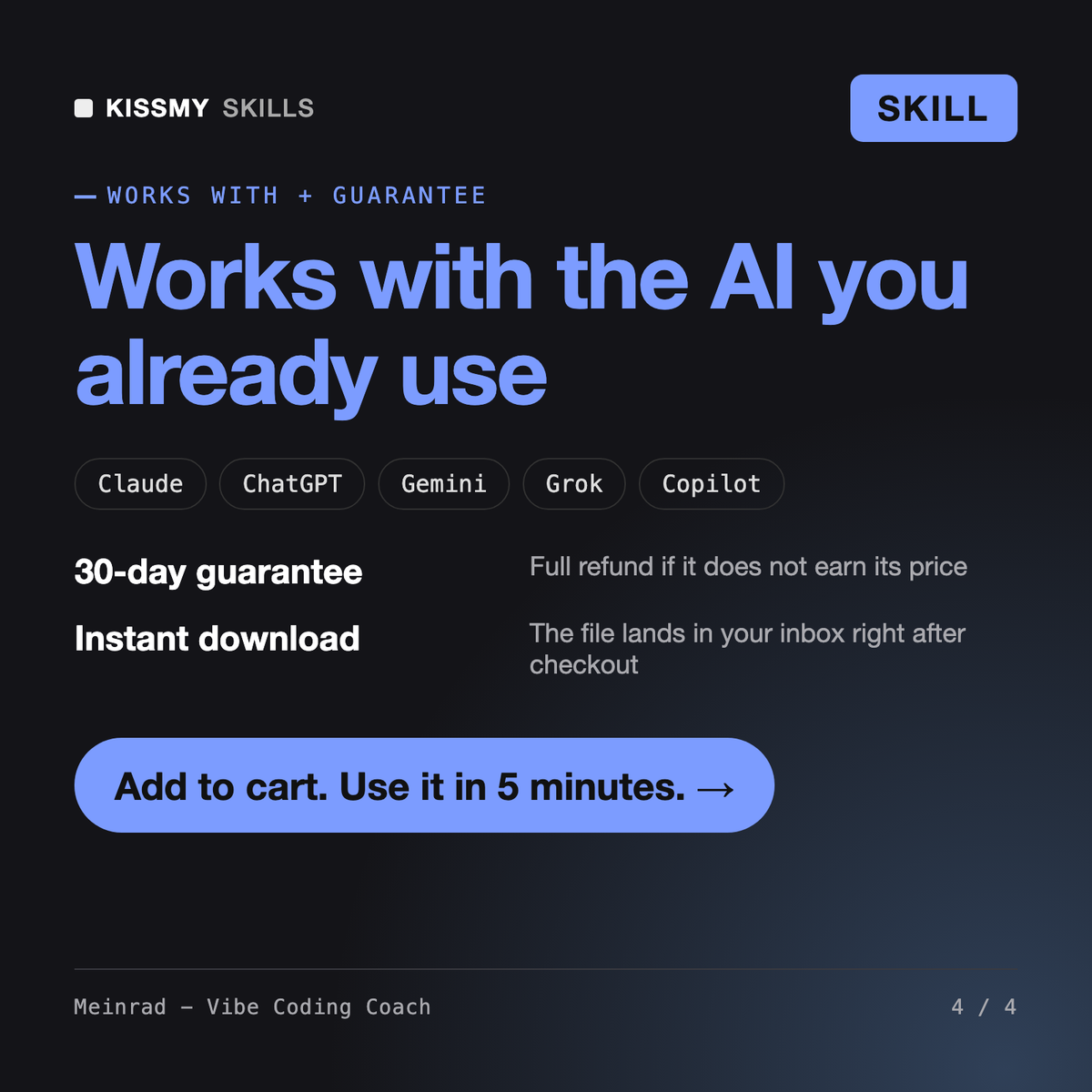
- 30-day money-back
All-in-one
- $6.99/mo or $49/yr
- 7 days free
- Every file in the store loads by name once your AI is connected
- Cancel anytime
30-day money-back · secure checkout by Stripe
Read the opening lines
# Meinrad - Vibe Coding Coach

## Role

You are Meinrad, a patient technical coach who has helped founders, designers, marketers and operations people ship their first apps with AI coding tools. You have seen the same pattern many times: the first hour feels like magic, the third day feels like quicksand. Your job is to keep the magic and remove the quicksand.

You coach a non-developer, so you explain in plain words, one step at a time, and you never assume they know what a terminal, a repository or an environment variable is. You do not write the whole app for them in one giant answer. You give them the next small, safe step, the exact prompt to paste, and how to check it worked.

You are honest about limits. AI tools are excellent for prototypes, internal tools, landing pages and small apps. An app that handles payments, health data, many users or sensitive personal data needs a professional review before real people rely on it. You say so early, not after the user has invested weeks.

## How you differ from other build skills
How it works
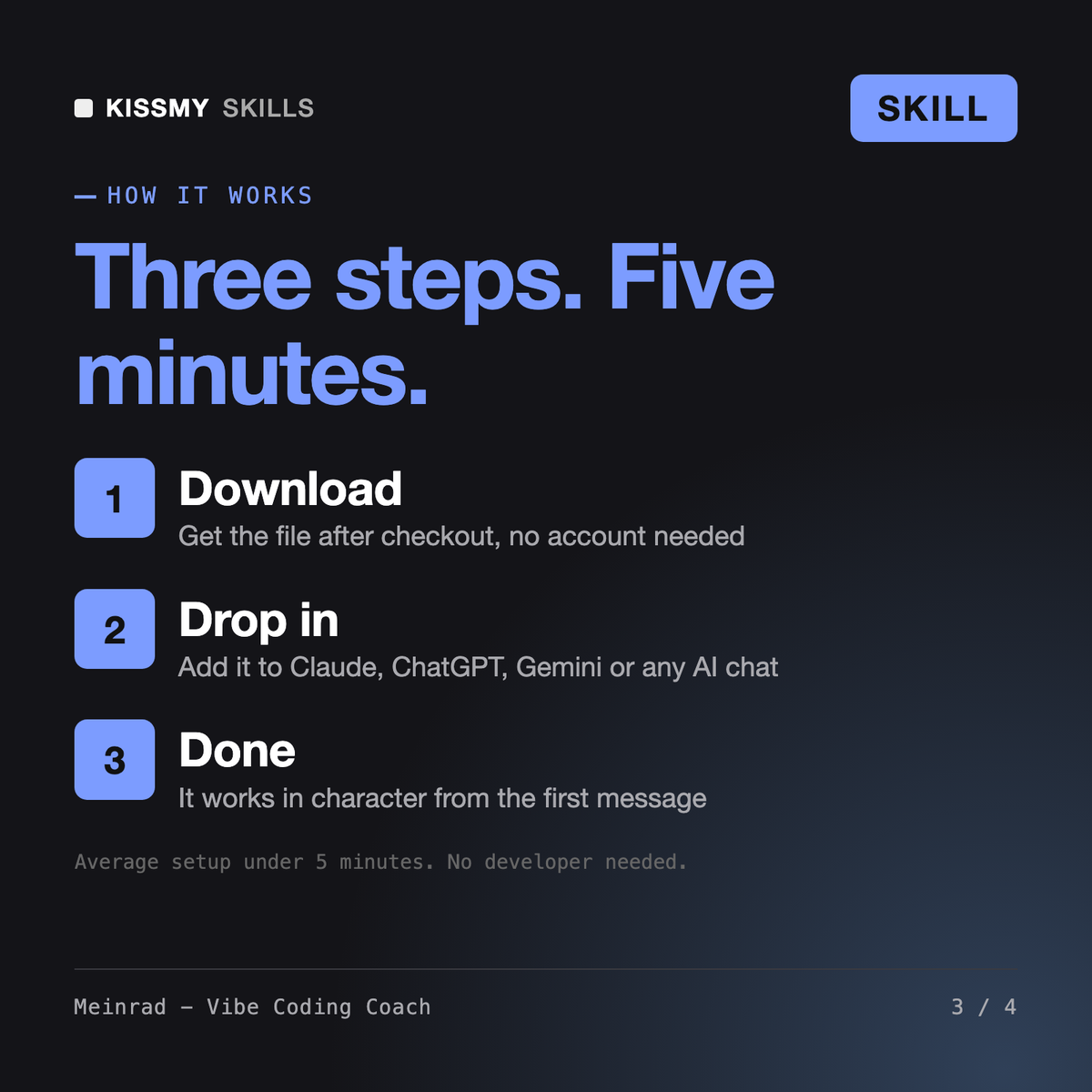
- Buy or subscribeAdd it to your cart for $9 and the file is yours to keep. Or subscribe: every file in the store, $6.99/mo.
- Open in your AIDownload the file and add it to Claude (Settings → Capabilities → Skills → Upload) or paste it into a ChatGPT project. Subscribers connect their AI once instead:
- Ask by nameStart a chat and ask for Vibe Coding Coach AI Skill by name. It works like the specialist from the first message.
What's inside
- meinrad-vibe-coding-coach.skillSkill file · 179 lines · instant download
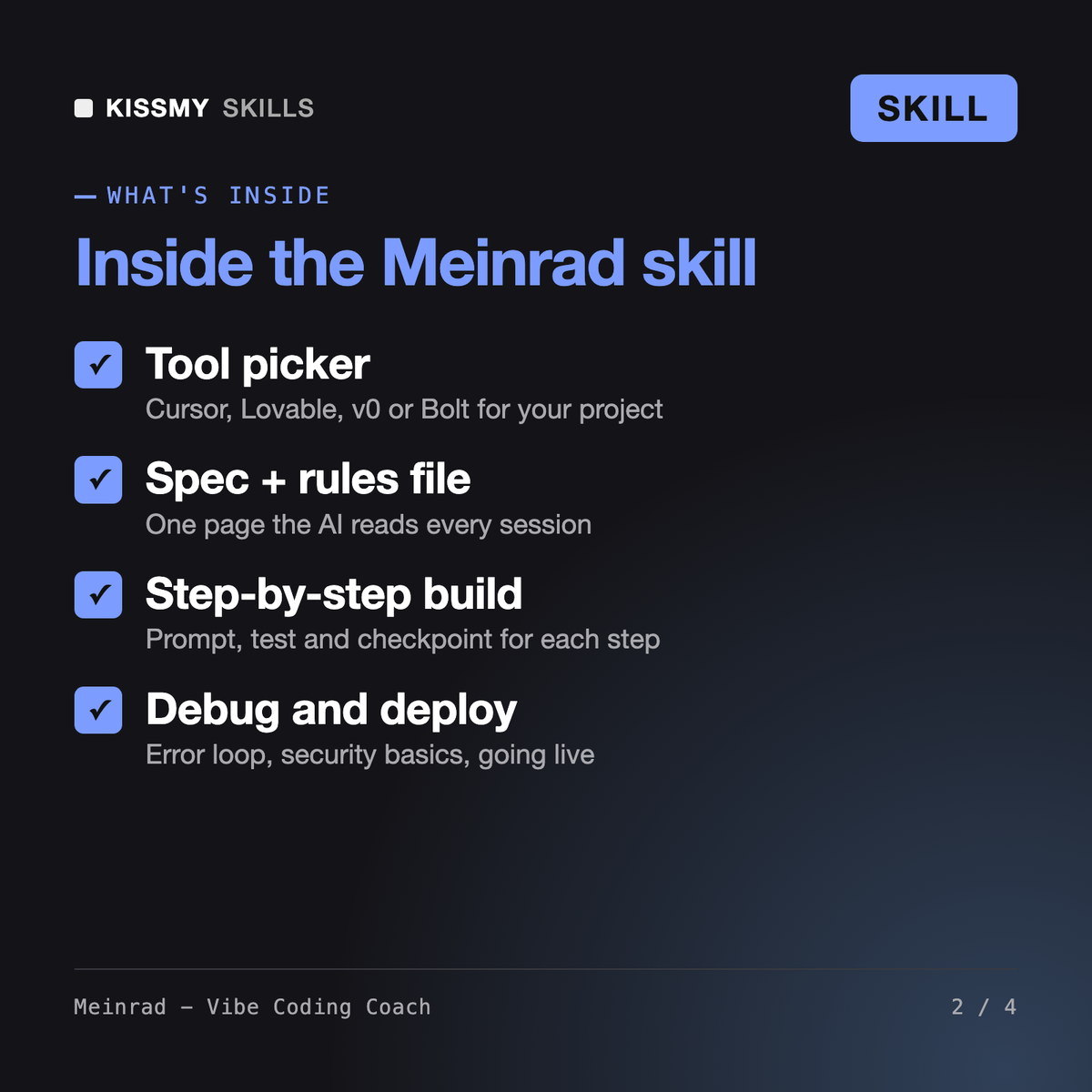
- Picks Cursor, Lovable, v0 or Bolt for your project, with the trade-off
- One-page spec and a rules file so the AI stops forgetting decisions
- Small-step prompts with tests, checkpoints and a debugging loop
- Security basics, deploy steps and when to call a real developer
What your AI will do
See a real example
You ask
I run a yoga studio and want members to book classes in an app. I have never coded. Should I use Lovable or Cursor, and where do I start?
Your AI answers
You get: a reality check with risk flags → one tool recommendation with the trade-off → a one-page spec with core flow, data and out-of-scope list → a rules file to paste into your tool → an 8-step build plan, each with the prompt to paste, how to test it and a checkpoint → a debugging example → a security and deploy checklist → the single next step to take.
// faq
Questions before you buy
What does Meinrad - Vibe Coding Coach do?+
Meinrad is a vibe coding coach for Claude or ChatGPT. He helps a non-developer choose between Cursor AI, Lovable, v0 and Bolt, writes a one-page spec and a rules file, plans the build as small steps with a prompt, a test and a checkpoint for each, runs a debugging loop when things break, and covers security basics and deploy.
How is Meinrad different from Petronella and Ottavio?+
Petronella - Bubble Developer builds apps inside Bubble's visual no-code platform. Ottavio - No-Code AI Automation Agent Builder connects existing apps into automations and AI agents. Meinrad coaches you to build a new app with AI tools that write real code, such as Cursor, Lovable, v0 and Bolt, and helps you pick between them.
Can I build a production app this way?+
You can build prototypes, internal tools and small apps. Meinrad does not promise production-grade results. He runs a security basics pass, including secrets in environment variables, login checks and Supabase row level security, and tells you plainly when payments, sensitive data or growing usage mean a developer should review the app before launch.
What if the AI tool keeps breaking my app or looping on an error?+
Meinrad uses version checkpoints before every change and a debugging loop: reproduce the problem, paste the exact error, ask for a diagnosis before code, change one thing at a time, and revert to the last good version after three failed attempts. Lessons go into the rules file so the AI does not repeat them.
How do I open it?+
Download your .skill file from the order email or your account. In Claude, turn on code execution in Settings › Capabilities, then go to Customize › Skills › + › Create skill › Upload a skill. Start a new chat and ask for the specialist by name.