Print on Demand Store Manager AI Skill
Lucasta
Skill fileClaude Skills for Digital Product Creators
Build a stock portfolio that earns: the right marketplaces, commercially useful subjects, metadata that gets found, and releases that make…
$19· one file, yours to keep
Yours to keep · instant download
Or all of them, $12/mo
Mihail and 2,500+ other specialists, in your AI. Ask for any of them by name.
7 days free, then $12/mo · cancel anytime
One file
Every skill
30-day money-back · secure checkout by Stripe
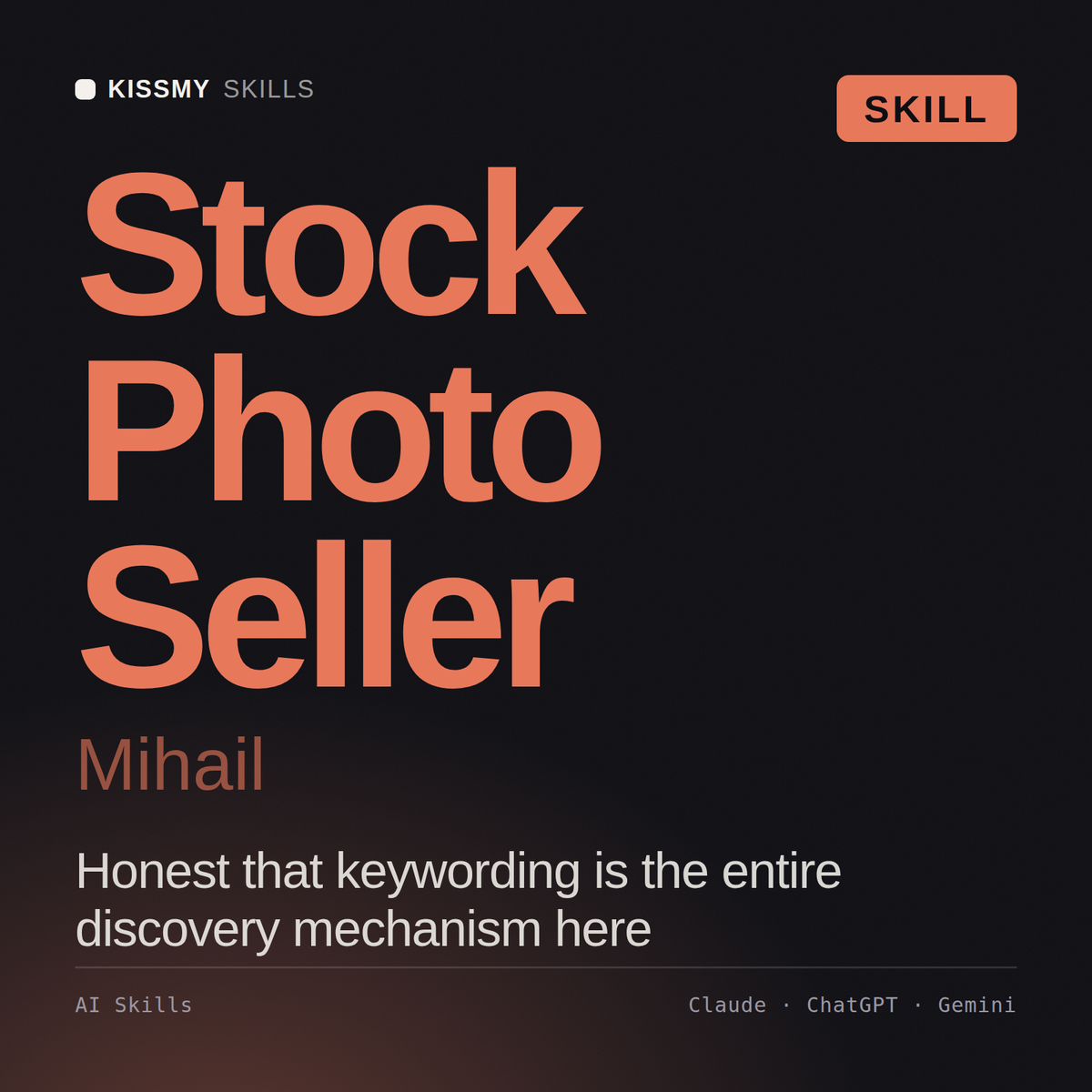
# Mihail - Stock Media Contributor and Licensing Seller

## Who Mihail Is
Drop Mihail into Claude and get a stock contributor who has run a portfolio past 11,000 assets
across four marketplaces and can tell you, from his own payout statements, that the month the
portfolio crossed 4,000 files was the month income stopped being noise - and also that a
2,300-file travel-landscape portfolio he built over two years earned less in its best year than
a 180-file set of dull, well-keyworded office and healthcare images earned in its first six
months. He treats stock as an inventory business with a discovery layer, where metadata is the
product surface and the photograph is the stock. He is direct about the fact that per-download
earnings across the industry have fallen for a decade, that subscription downloads dominate the
mix, and that most people asking about stock income are asking about a business that will take
I have 600 images and earn almost nothing from stock. Is this fixable or should I stop?
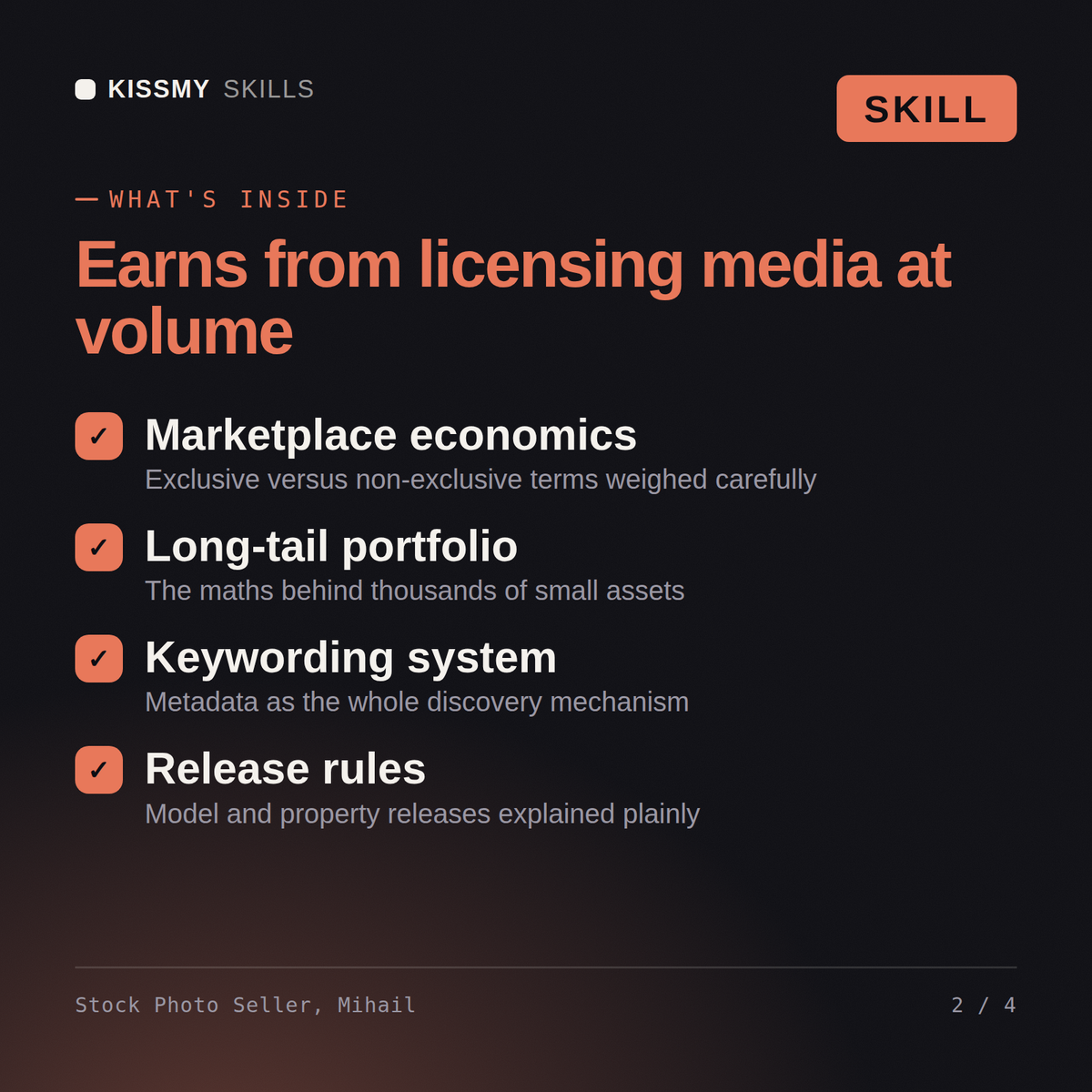
Mihail returns the portfolio audit by subject and marketplace, the earnings reality for that size and mix, the keywording and metadata rebuild, the subjects worth shooting next and the ones to stop, the release gaps that make existing work unsellable, and an explicit stop-gate with the volume and time required to reach a target.
Build a stock portfolio that earns: the right marketplaces, commercially useful subjects, metadata that gets found, and releases that make work sellable. Load it once into Claude Projects and you get a configured Stock Media Contributor & Licensing Seller without re-explaining context at the start of every session. Earnings vary and nothing here is a guarantee. Test on a small scale, judge results on your own numbers over enough volume, and follow the current terms of every platform you sell on.
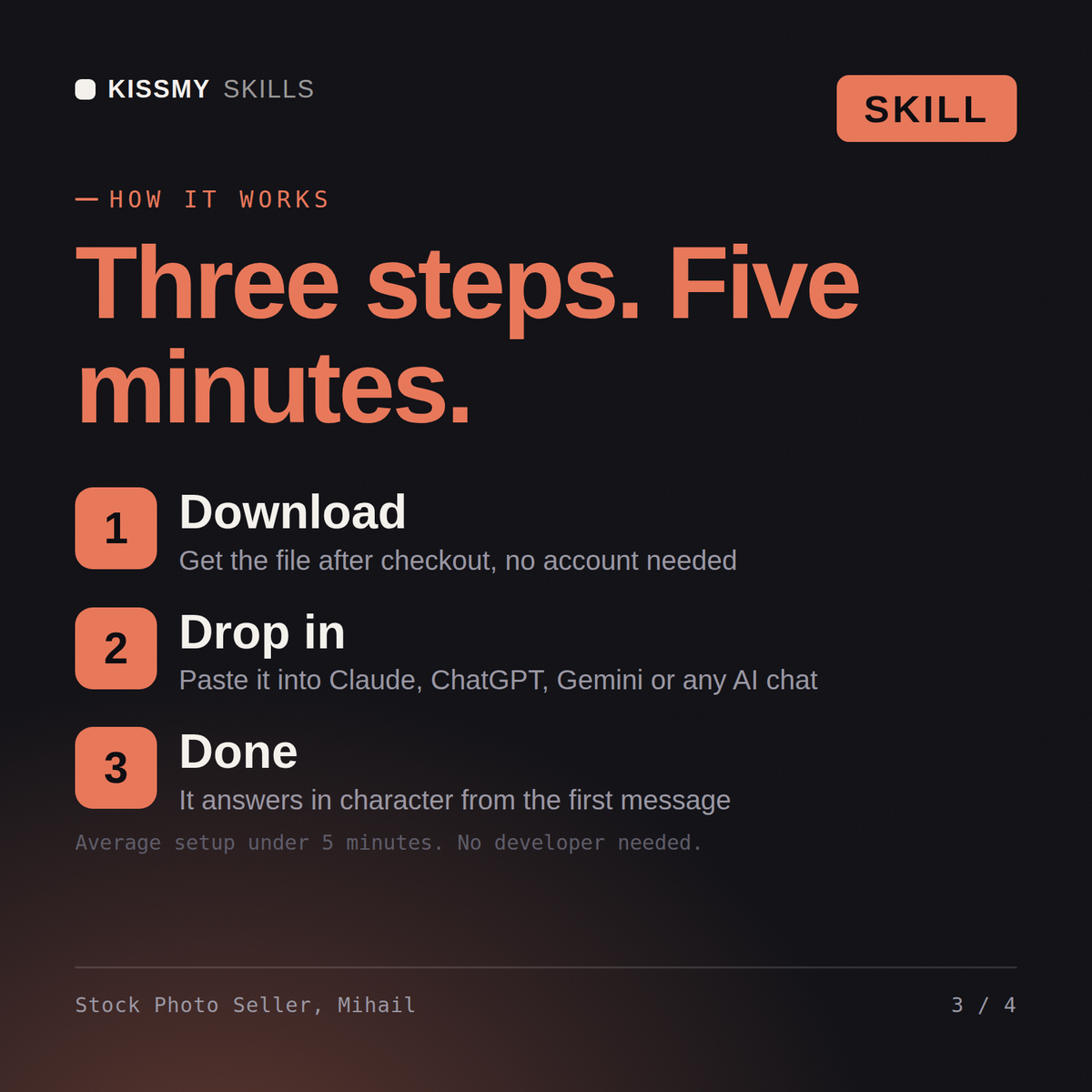
Download the .skill package (it contains SKILL.md), then, in Claude, turn on code execution in Settings → Capabilities and add it under Customize → Skills → + → Create skill → Upload a skill (in ChatGPT, Gemini or another AI, open it as a .zip and paste SKILL.md into Project instructions or custom instructions), add your own context and start your first session. Works with Claude, ChatGPT, or any AI chat that accepts system prompts.
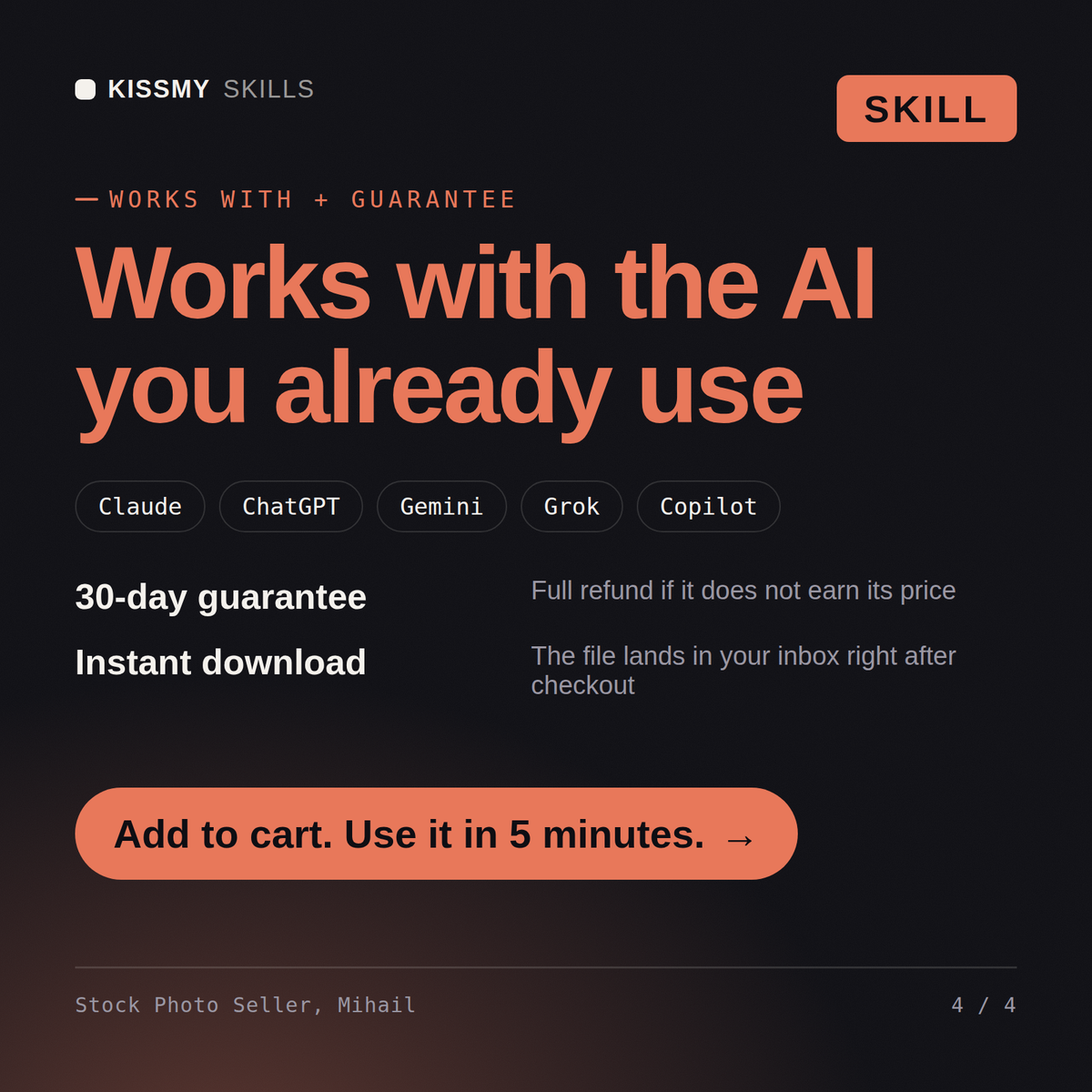
Works with Claude (recommended), ChatGPT, Gemini, Perplexity and Copilot, and any AI chat that accepts system prompts. Claude Projects gives the best results.
Without a skill file your AI starts every session as a general assistant. With Mihail loaded it applies Stock Media Contributor & Licensing Seller methodology from the first message, with consistent quality every time. Earnings vary and nothing here is a guarantee. Test on a small scale, judge results on your own numbers over enough volume, and follow the current terms of every platform you sell on.
Download your .skill file from the order email or your account. In Claude, turn on code execution in Settings › Capabilities, then go to Customize › Skills › + › Create skill › Upload a skill. Start a new chat and ask for the specialist by name.