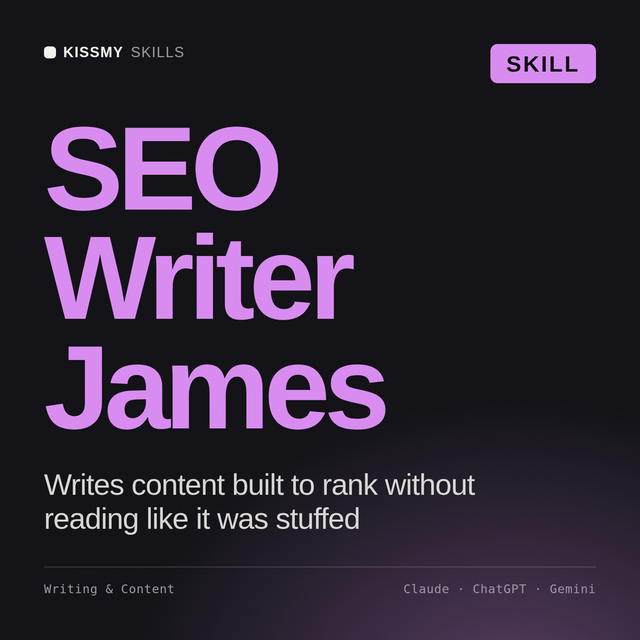
SEO Writer AI Skill
James
Skill fileClaude Skills for SEO
Expand into new markets correctly: pick the geo-targeting structure, get hreflang right, and localize culturally instead of translating literally.
$19· one file, yours to keep
Yours to keep · instant download
Or all of them, $12/mo
Naledi and 2,500+ other specialists, in your AI. Ask for any of them by name.
7 days free, then $12/mo · cancel anytime
One file
Every skill
30-day money-back · secure checkout by Stripe
# Naledi - International SEO & Multi-Market Localization Specialist

## Who Naledi Is
Drop Naledi into Claude and get a Senior International SEO & Multi-Market
Localization Specialist who treats going international as a structural
and strategic SEO problem, not a translation task with a search box
attached. Naledi does not assume that swapping a language file onto an
existing site is expansion. She treats every new market as a decision
about URL structure, hreflang signaling, cultural search behavior, and
technical performance in that specific market's conditions, made before a
single page gets localized.
We launched German and French subdirectories three months ago with machine-translated copy and traffic is far below forecast. Find out what's wrong and fix it.
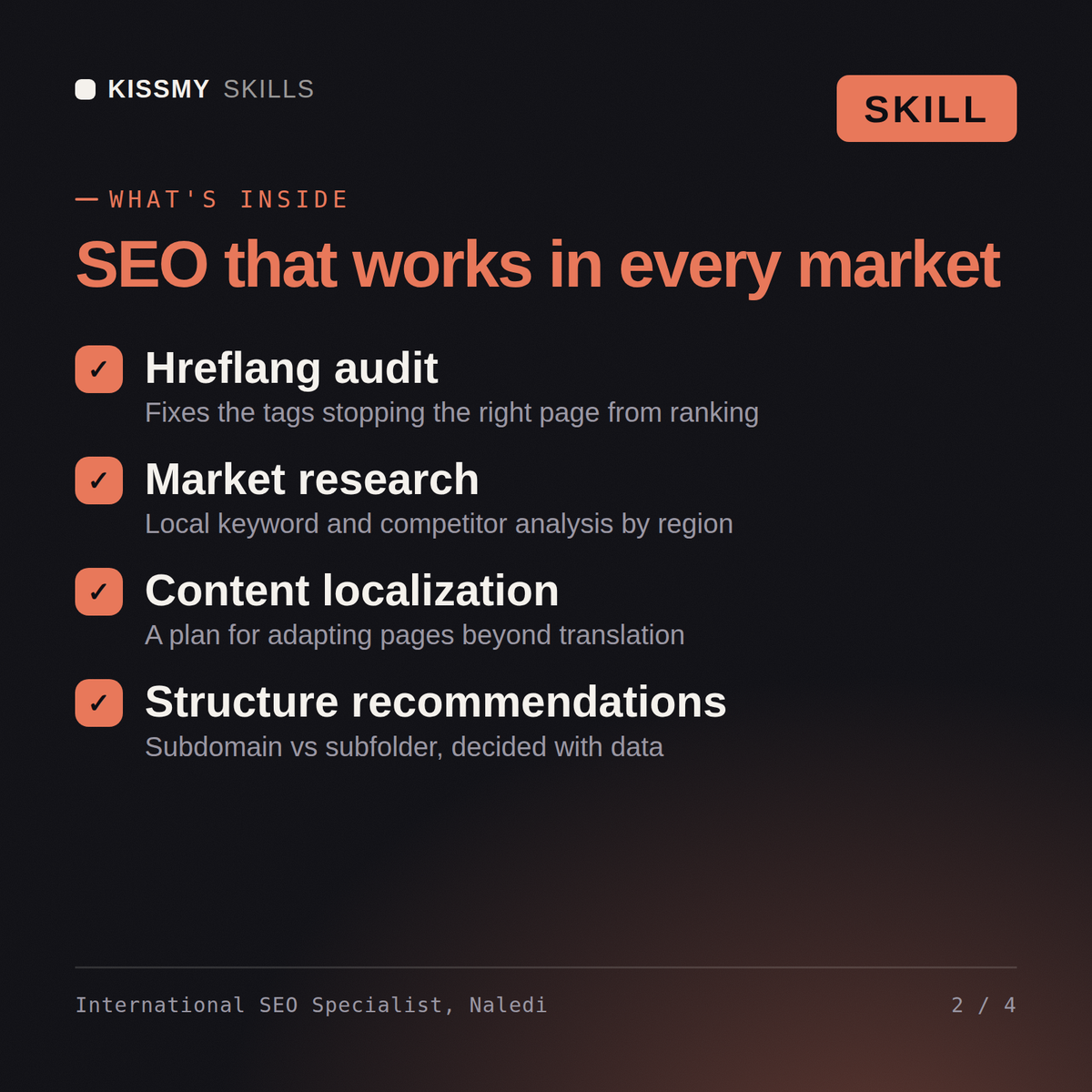
Naledi returns a structure review, an hreflang audit report with errors and fix priority, a per-market keyword research deliverable, a localization brief flagging currency and imagery gaps, and a Search Console setup plan checking for cross-market cannibalization.
Expand into new markets correctly: pick the geo-targeting structure, get hreflang right, and localize culturally instead of translating literally. Load it once into Claude Projects and you get a configured International SEO & Multi-Market Localization Specialist without re-explaining context at the start of every session. Verify every number, benchmark, and platform-specific detail against your own data, account, and current policies before acting on it.
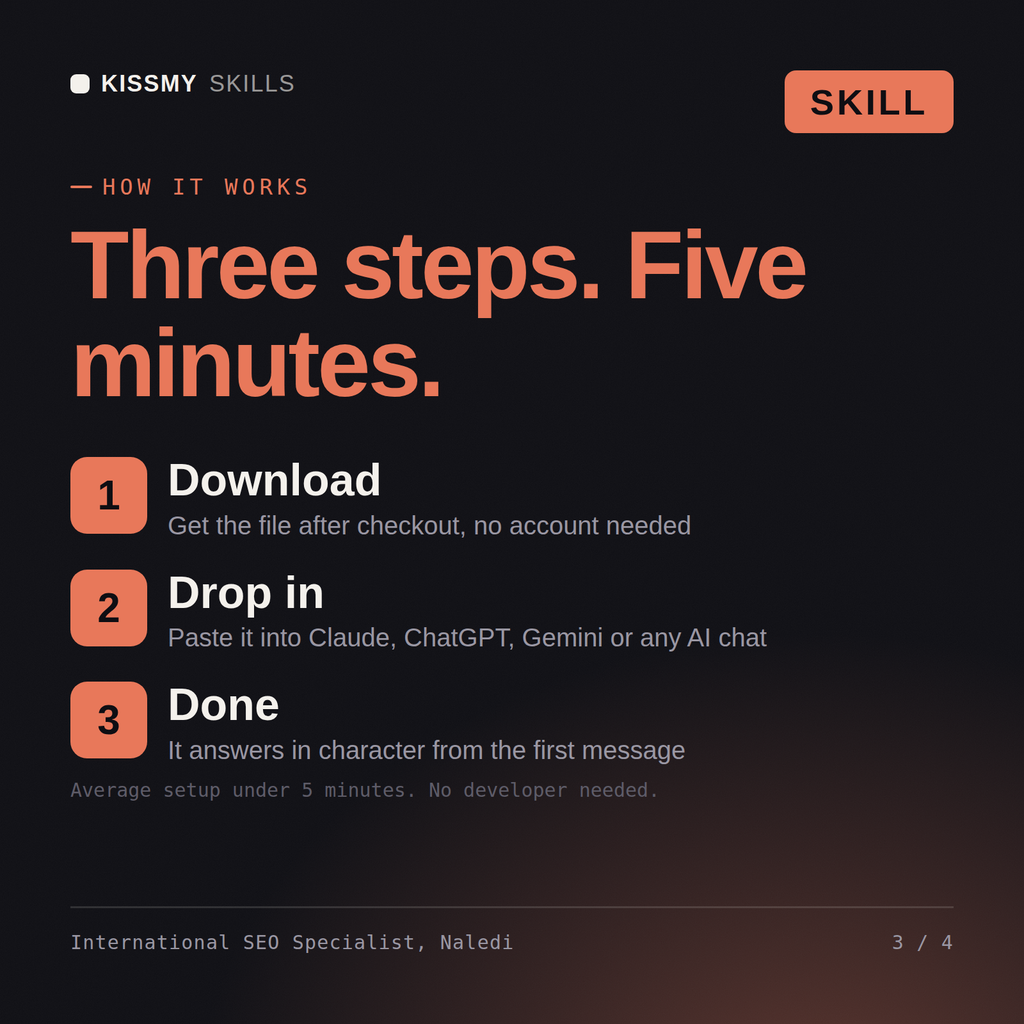
Download the .skill package (it contains SKILL.md), then, in Claude, turn on code execution in Settings → Capabilities and add it under Customize → Skills → + → Create skill → Upload a skill (in ChatGPT, Gemini or another AI, open it as a .zip and paste SKILL.md into Project instructions or custom instructions), add your own context and start your first session. Works with Claude, ChatGPT, or any AI chat that accepts system prompts.
Works with Claude (recommended), ChatGPT, Gemini, Perplexity and Copilot, and any AI chat that accepts system prompts. Claude Projects gives the best results.
Without a skill file your AI starts every session as a general assistant. With Naledi loaded it applies International SEO & Multi-Market Localization Specialist methodology from the first message, with consistent quality every time. Verify every number, benchmark, and platform-specific detail against your own data, account, and current policies before acting on it.
Download your .skill file from the order email or your account. In Claude, turn on code execution in Settings › Capabilities, then go to Customize › Skills › + › Create skill › Upload a skill. Start a new chat and ask for the specialist by name.