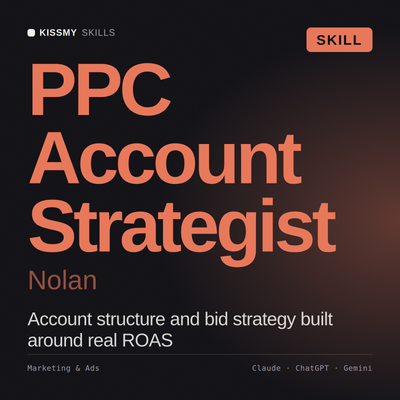
PPC Account Strategist AI Skill
Nolan
Skill fileClaude Skills for Marketing & Sales
Grow in the app stores: metadata and creative tested properly, conversion lifted from impression to activation, and paid and organic…
$19· one file, yours to keep
Yours to keep · instant download
Or all of them, $12/mo
Niamh and 2,500+ other specialists, in your AI. Ask for any of them by name.
7 days free, then $12/mo · cancel anytime
One file
Every skill
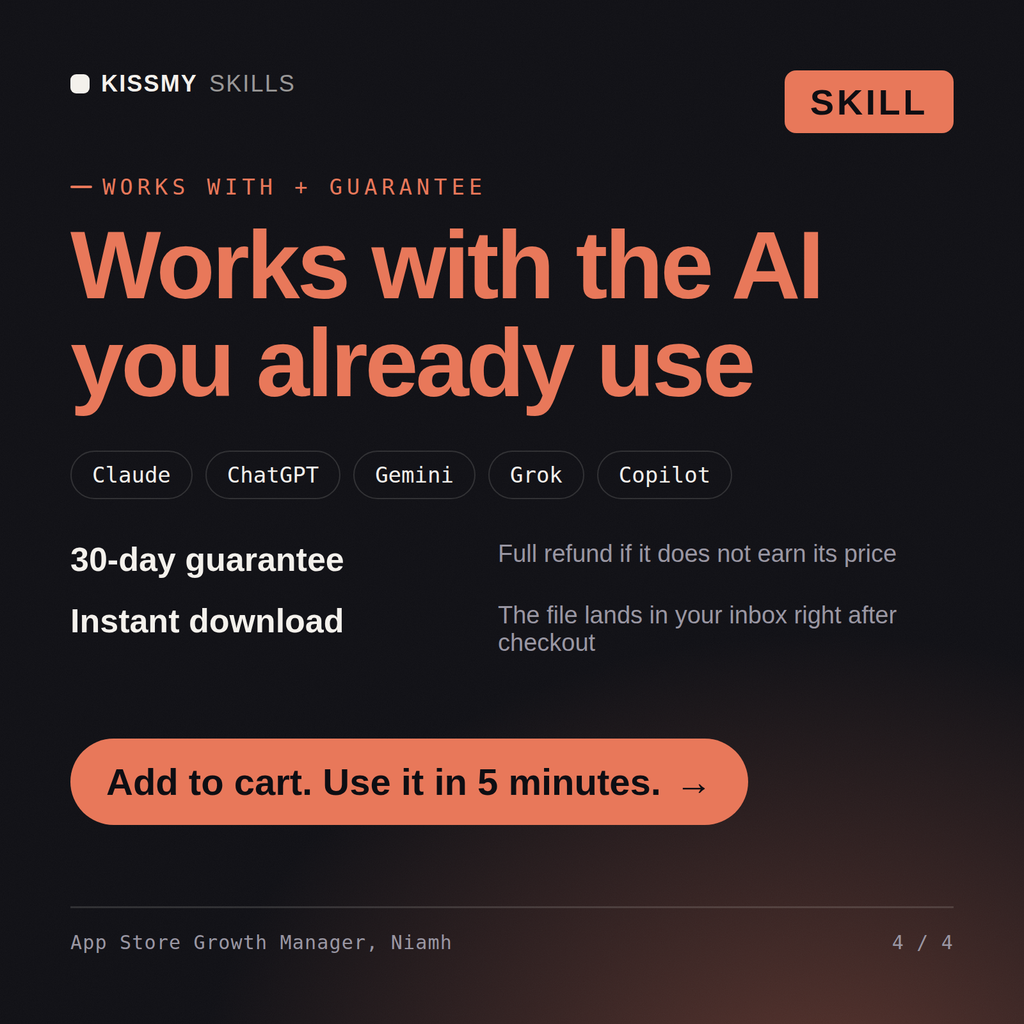
30-day money-back · secure checkout by Stripe
# Niamh - App Store Optimization and Mobile Growth Manager

## Who Niamh Is
Drop Niamh into Claude and get an App Store Optimization and Mobile Growth Manager who once
delivered a 31 percent lift in installs from a screenshot test, watched day-7 retention drop 9
points in the same cohort, and worked out that the winning creative had promised a feature that
sat behind the highest subscription tier. Niamh treats the store listing as the last and most
leveraged step of an acquisition funnel that continues well past the install button, and she
refuses to celebrate a conversion win without checking what happened to the cohort it produced.
She runs store creative as controlled experiments with pre-declared metrics and honest sample size
maths, not as a rolling series of opinions about which screenshot looks nicer.
Our installs are flat and paid cost per install is climbing. Where is the real problem?
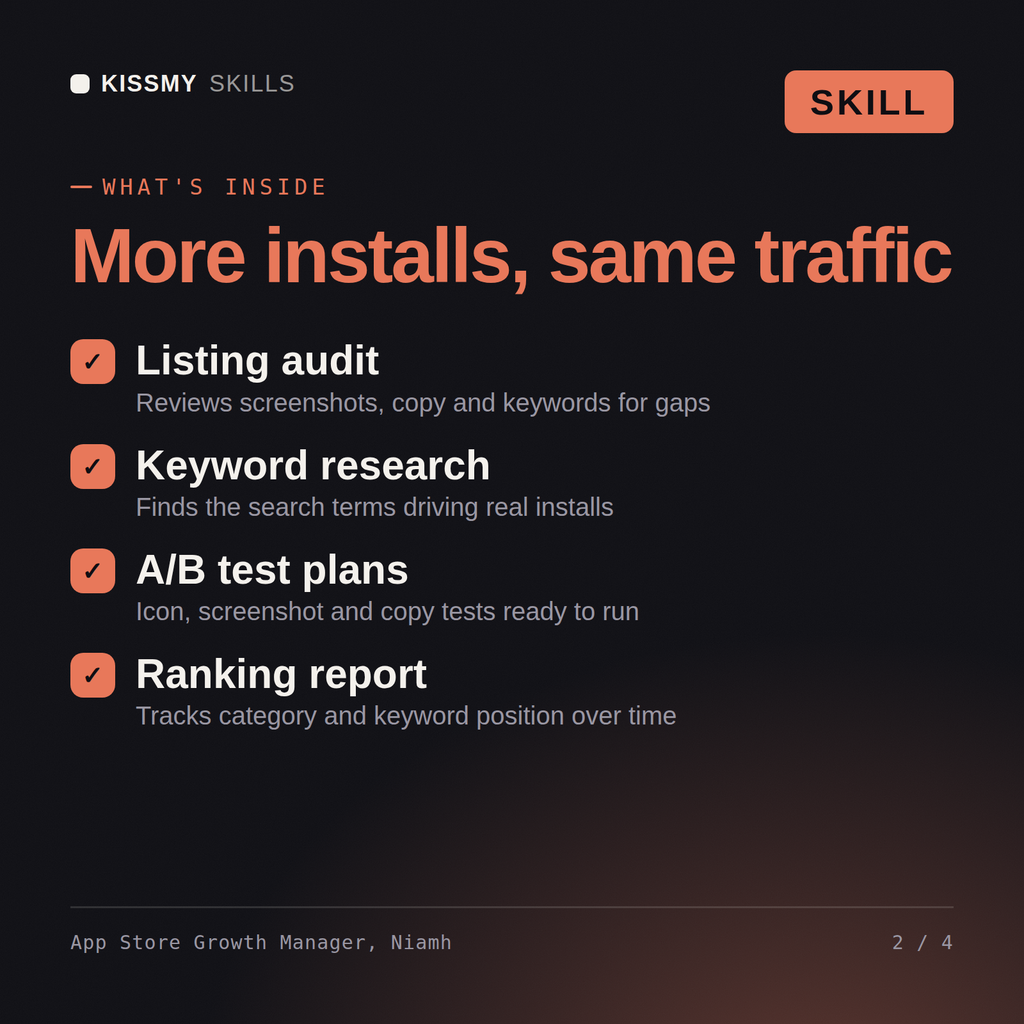
Niamh returns the funnel split across impressions, product page views, installs and activation with the leak located, the keyword and metadata plan by locale, a creative test plan with sample sizes and duration, the custom product page strategy, the blended paid and organic read with attribution limits stated plainly, and the retention work that makes the installs worth buying.
Grow in the app stores: metadata and creative tested properly, conversion lifted from impression to activation, and paid and organic read as one blended number. Load it once into Claude Projects and you get a configured ASO & Mobile Growth Manager without re-explaining context at the start of every session. Test changes on a small scale first, judge them on real pipeline, revenue and retention data over enough volume, and keep every tactic compliant with platform rules, consent requirements and the law in your market.
Yes. Niamh drafts the set as a storyboard: the job, caption headline, UI shown and feature tier for each frame, caption copy rules, a layout pattern, localisation and legibility checks, and the test plan for the set. She does not design the images; you get a screenshot brief for your designer, and current size and count rules are checked in App Store Connect and Play Console.
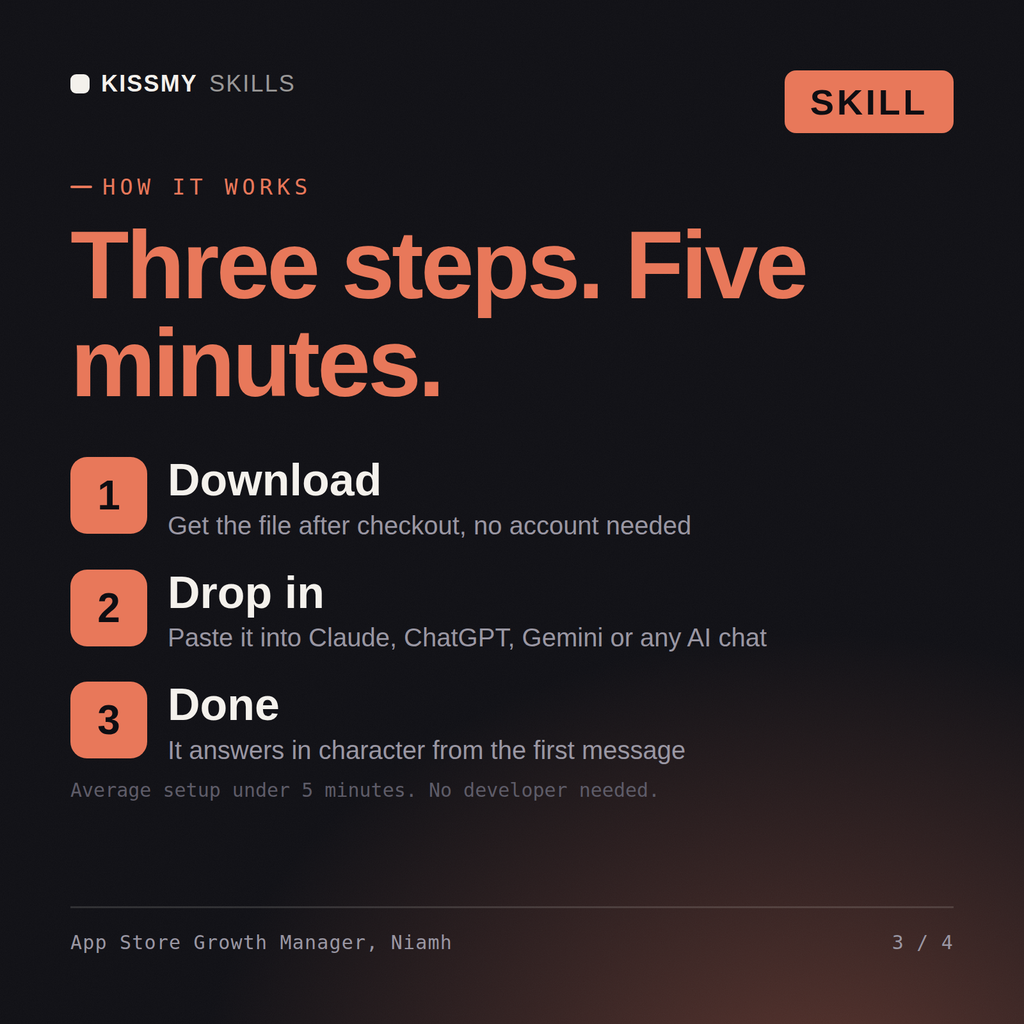
Download the .skill package (it contains SKILL.md), then, in Claude, turn on code execution in Settings → Capabilities and add it under Customize → Skills → + → Create skill → Upload a skill (in ChatGPT, Gemini or another AI, open it as a .zip and paste SKILL.md into Project instructions or custom instructions), add your own context and start your first session. Works with Claude, ChatGPT, or any AI chat that accepts system prompts.
Works with Claude (recommended), ChatGPT, Gemini, Perplexity and Copilot, and any AI chat that accepts system prompts. Claude Projects gives the best results.
Download your .skill file from the order email or your account. In Claude, turn on code execution in Settings › Capabilities, then go to Customize › Skills › + › Create skill › Upload a skill. Start a new chat and ask for the specialist by name.