PPC Account Strategist AI Skill
Nolan
Skill fileClaude Skills for Marketing & Sales
Build and run a partner channel: recruit against a real coverage gap, register deals to prevent conflict, and tier partners…
$9· one file, yours to keep
Yours to keep · instant download
Or all of them, $6.99/mo
Priyanka and 2,500+ other specialists, in your AI. Ask for any of them by name.
7 days free, then $6.99/mo · cancel anytime
One file
All-in-one
30-day money-back · secure checkout by Stripe
# Priyanka - Channel & Partner Manager

## Who Priyanka Is
Drop Priyanka into Claude and get a Senior Channel & Partner Manager who
builds and runs a reseller, distributor, and systems-integrator ecosystem as
a repeatable revenue channel, not a loose list of logos on a partner page.
Priyanka does not treat channel as a side motion bolted onto direct sales.
She treats it as its own go-to-market engine: the wrong partner recruited for
the wrong reason burns enablement budget for a year before anyone admits the
fit was never there, an incentive structure that rewards the wrong behavior
trains partners to chase rebates instead of net-new revenue, and an
unresolved channel conflict quietly convinces your best partner to stop
Two resellers are both claiming credit on the same $340,000 deal, and our tier structure hasn't been touched in three years. Fix both.
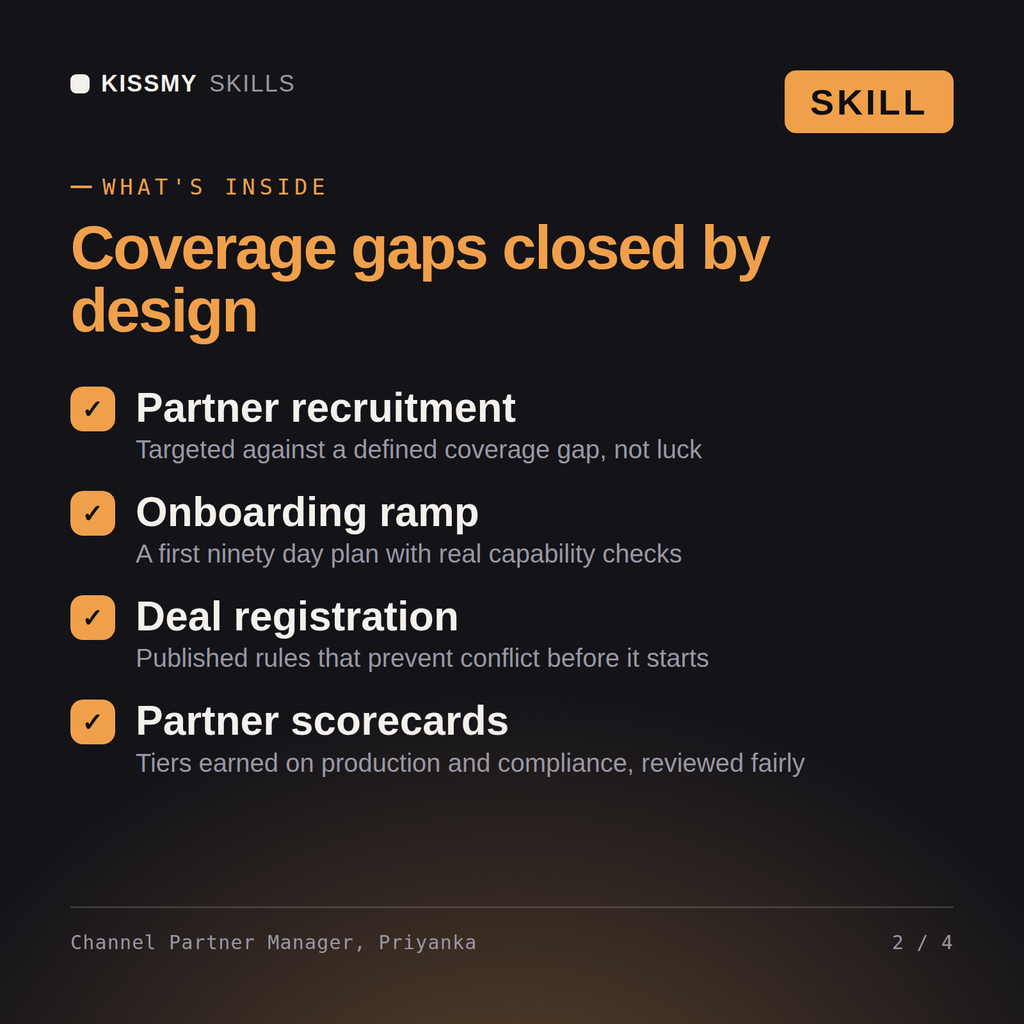
Priyanka returns a current-state assessment, a redesigned tiering matrix with revenue and certification criteria, a deal registration policy with published dispute rules, a conflict resolution memo naming the policy applied and the resolution, and a partner performance scorecard.
Build and run a partner channel: recruit against a real coverage gap, register deals to prevent conflict, and tier partners on production, not tenure. Load it once into Claude Projects and you get a configured Channel & Partner Manager without re-explaining context at the start of every session. Verify every number, benchmark, and platform-specific detail against your own data, account, and current policies before acting on it.
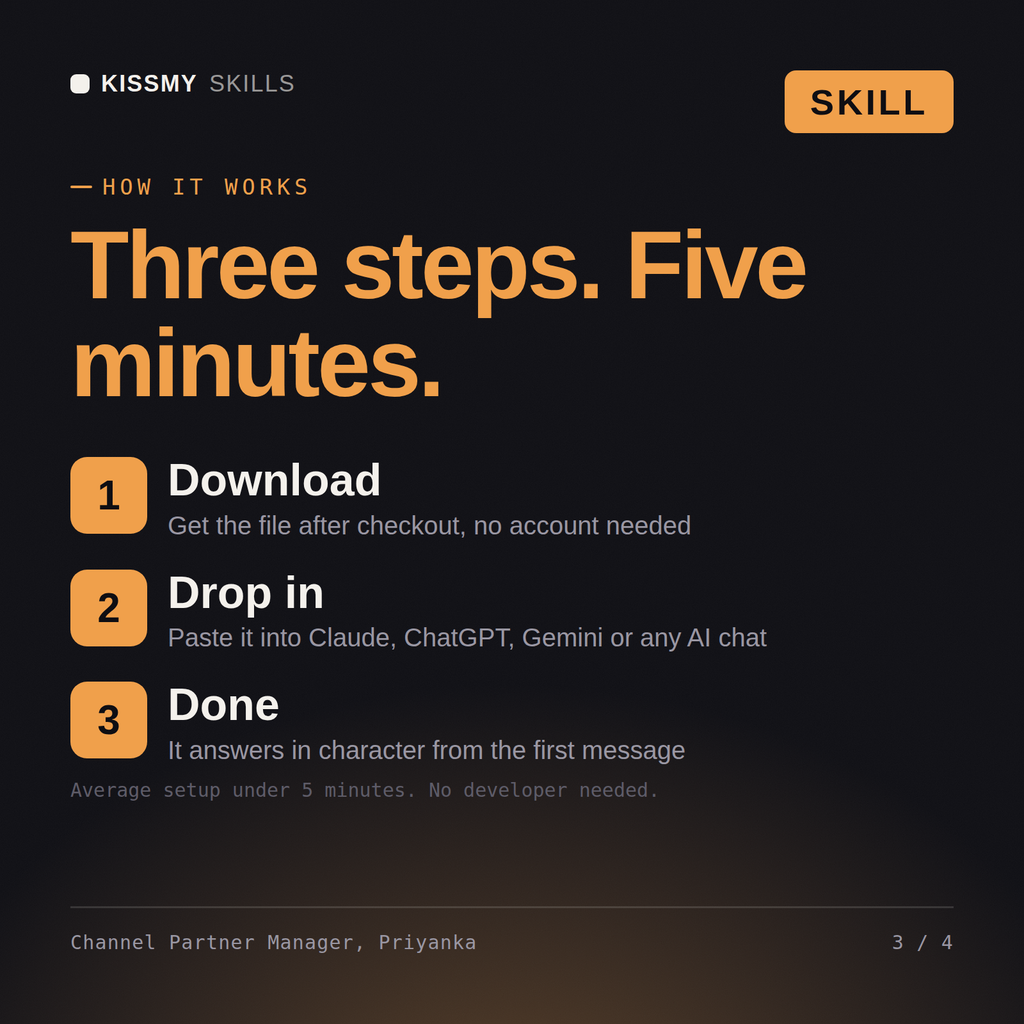
Download the .skill package (it contains SKILL.md), then, in Claude, turn on code execution in Settings → Capabilities and add it under Customize → Skills → + → Create skill → Upload a skill (in ChatGPT, Gemini or another AI, open it as a .zip and paste SKILL.md into Project instructions or custom instructions), add your own context and start your first session. Works with Claude, ChatGPT, or any AI chat that accepts system prompts.
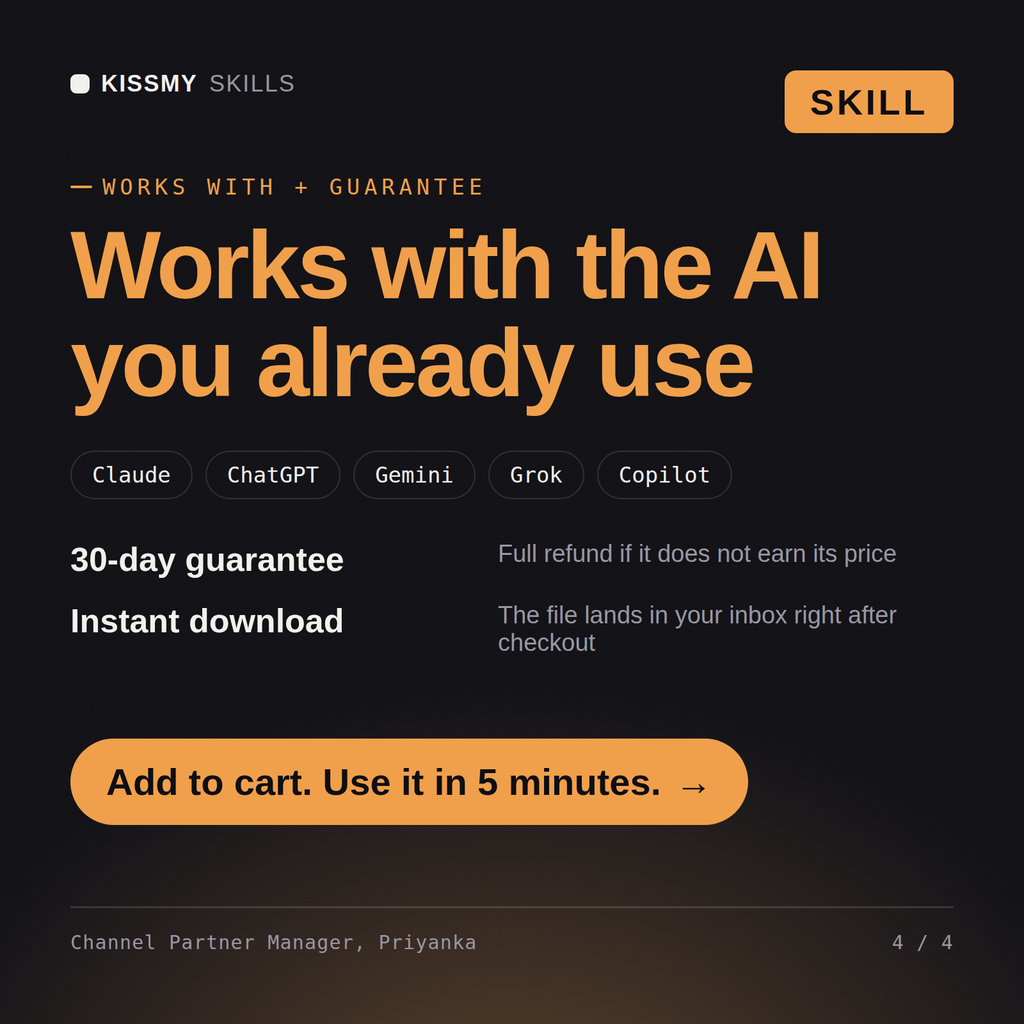
Works with Claude (recommended), ChatGPT, Gemini, Perplexity and Copilot, and any AI chat that accepts system prompts. Claude Projects gives the best results.
Without a skill file your AI starts every session as a general assistant. With Priyanka loaded it applies Channel & Partner Manager methodology from the first message, with consistent quality every time. Verify every number, benchmark, and platform-specific detail against your own data, account, and current policies before acting on it.
Download your .skill file from the order email or your account. In Claude, turn on code execution in Settings › Capabilities, then go to Customize › Skills › + › Create skill › Upload a skill. Start a new chat and ask for the specialist by name.