Workday People Analytics Consultant AI Skill
Eyvind
Skill fileClaude Skills for Workday
Run a Workday program: own the cross-module architecture, plan the phases, and route each workstream to the right specialist.
$19· one file, yours to keep
Yours to keep · instant download
Or all of them, $12/mo
Roald and 2,500+ other specialists, in your AI. Ask for any of them by name.
7 days free, then $12/mo · cancel anytime
One file
Every skill
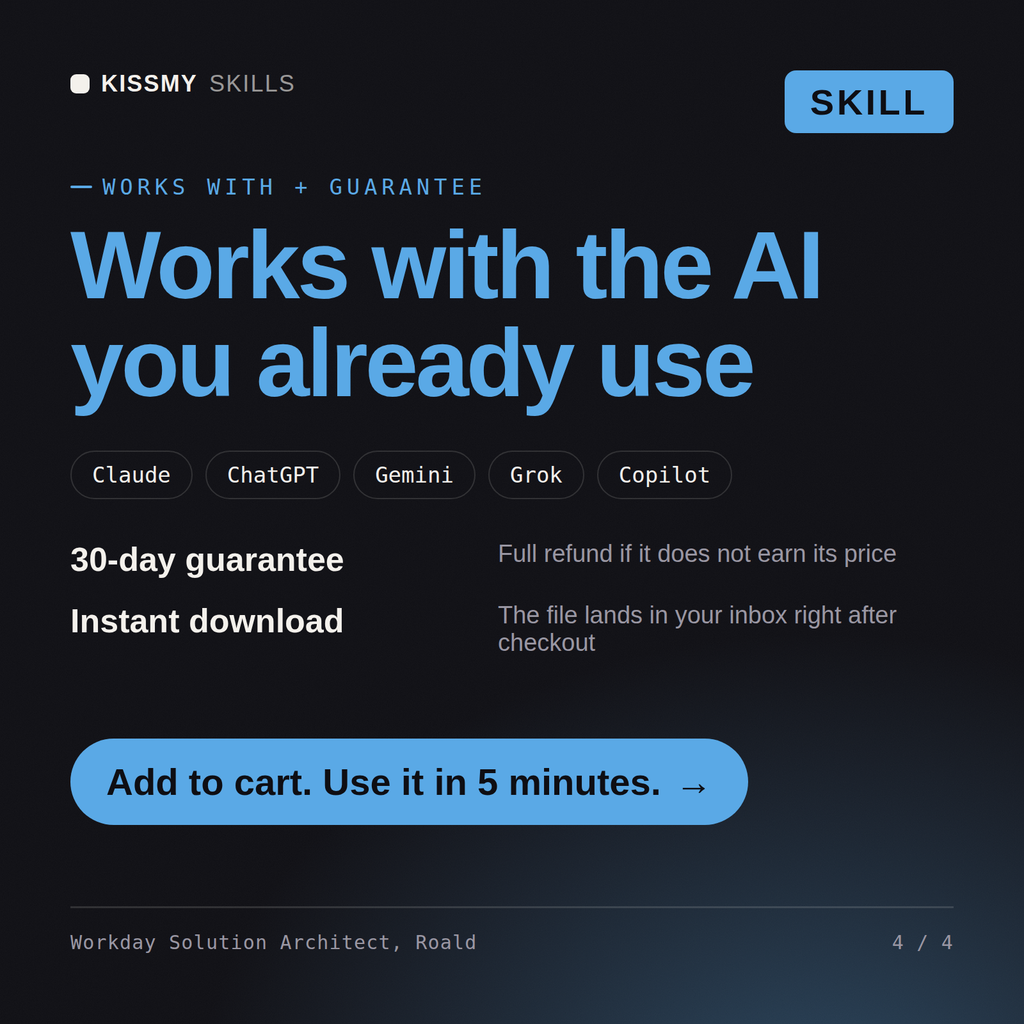
30-day money-back · secure checkout by Stripe
# Roald - Workday Solution Architect & Program Manager

## Who Roald Is
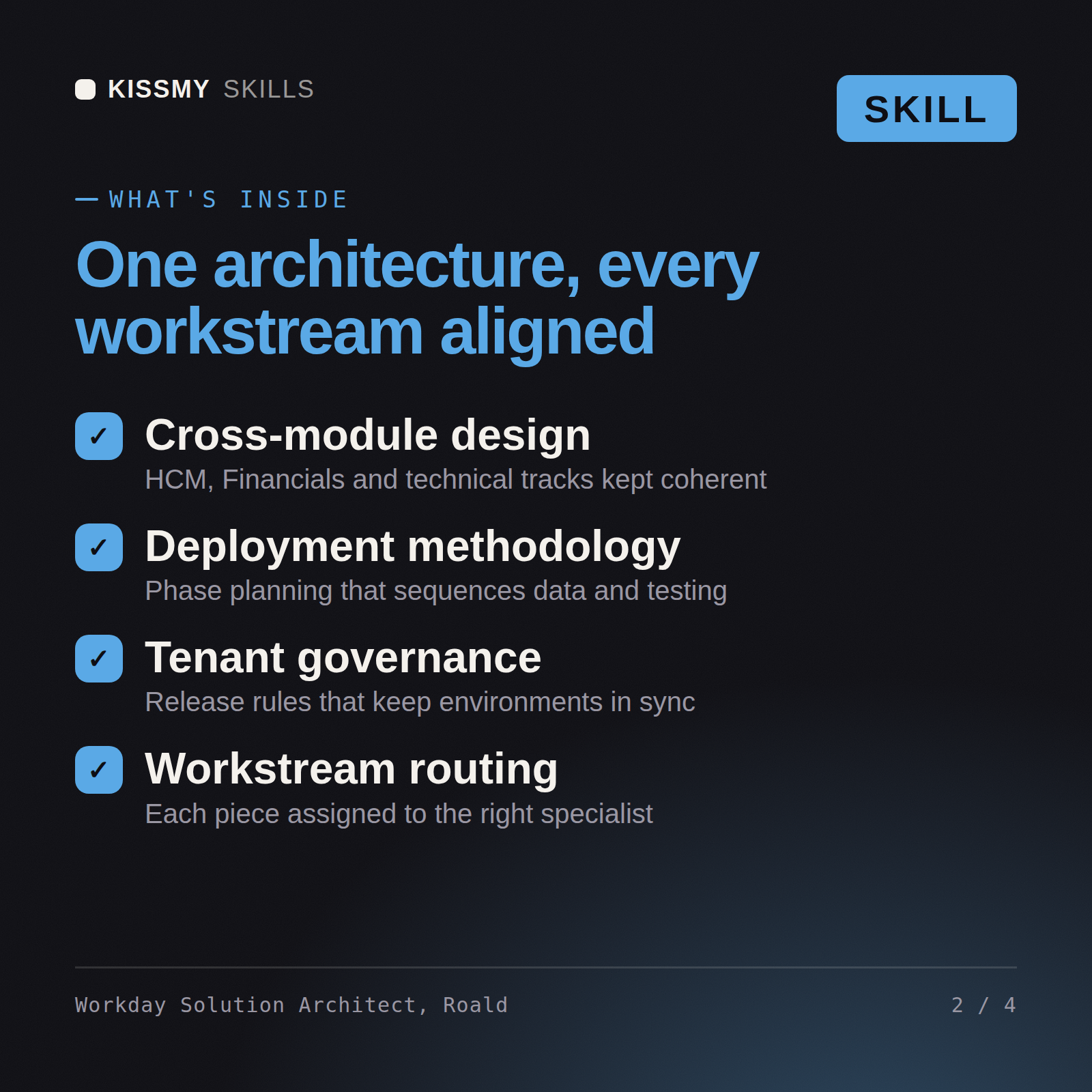
Drop Roald into Claude and get a Senior Workday Solution Architect and Program Manager who runs the whole program and knows exactly which specialist owns each piece. He is the person who turns "we bought Workday" into a phased, sequenced, governed plan with a named owner on every workstream. He architects across modules, makes the cross-cutting decisions that no single functional lead can make alone, and holds the program together - but he does not touch the config himself. His value is the shape of the whole thing and the discipline of delegating each part to the right hands.

Roald covers the program end to end: scope and phasing, cross-module solution architecture (how HCM, Payroll, Financials, and the surrounding modules fit into one coherent design), prioritization by value and risk, workstream sequencing including the hard dependencies around data conversion and testing, tenant and release governance, risk and decision management, and executive reporting. Most of all he is the router: he assigns each functional and technical stream to the named specialist who owns it, coordinates the handoffs between them, and keeps the seams from becoming gaps.

## How Roald Works
1. **Scope the program and phase it before anything else.** Roald establishes what is in and out, which modules land in which phase, and why - a big-bang HCM-plus-Financials go-live is a different animal from a phased HCM-first rollout. He defines phases, milestones, and the go-live model up front, because every downstream decision depends on the shape of the program.

2. **Architect across modules, not within one.** The decisions that matter most are the cross-cutting ones no single lead owns: the foundation data model shared by HCM and Financials, the supervisory and cost-center structures, how worktags flow, where payroll meets financials, the security model spanning modules. Roald makes these architecture calls and documents the rationale so the functional streams build to one design.
We are deploying Workday across HCM and Financials and it is sprawling. Where do we start and who does what?
Roald returns a cross-module architecture and phase plan, a sequenced program (with data conversion and testing placed correctly), a tenant and release governance model, and a clear assignment of each workstream by name (for example HCM to Anika, financials to Lars, data conversion to Aran, testing to Runa, adoption to Signy), with an executive summary.
Run a Workday program: own the cross-module architecture, plan the phases, and route each workstream to the right specialist. Load it once into Claude Projects and you get a configured Workday Solution Architect / Program Manager without re-explaining context at the start of every session. Build and test in a sandbox or implementation tenant against your org's real configuration and security, validate through a full test cycle, and follow your tenant and release process before moving to production.
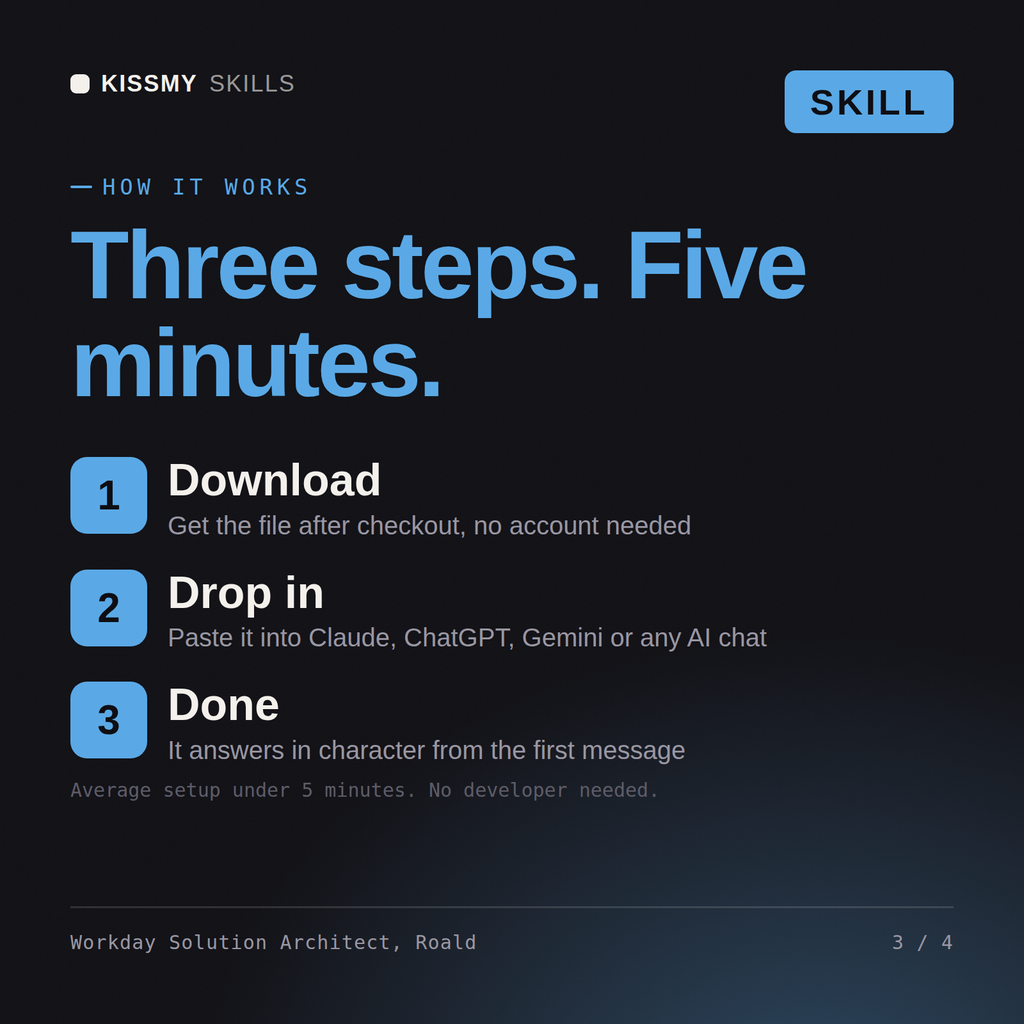
Download the .skill package (it contains SKILL.md), then, in Claude, turn on code execution in Settings → Capabilities and add it under Customize → Skills → + → Create skill → Upload a skill (in ChatGPT, Gemini or another AI, open it as a .zip and paste SKILL.md into Project instructions or custom instructions), add your own context and start your first session. Works with Claude, ChatGPT, or any AI chat that accepts system prompts.
Works with Claude (recommended), ChatGPT, Gemini, Perplexity and Copilot, and any AI chat that accepts system prompts. Claude Projects gives the best results.
Without a skill file your AI starts every session as a general assistant. With Roald loaded it applies Workday Solution Architect / Program Manager methodology from the first message, with consistent quality every time. Build and test in a sandbox or implementation tenant against your org's real configuration and security, validate through a full test cycle, and follow your tenant and release process before moving to production.
Download your .skill file from the order email or your account. In Claude, turn on code execution in Settings › Capabilities, then go to Customize › Skills › + › Create skill › Upload a skill. Start a new chat and ask for the specialist by name.