PPC Account Strategist AI Skill
Nolan

Skill fileClaude Skills for Marketing & Sales
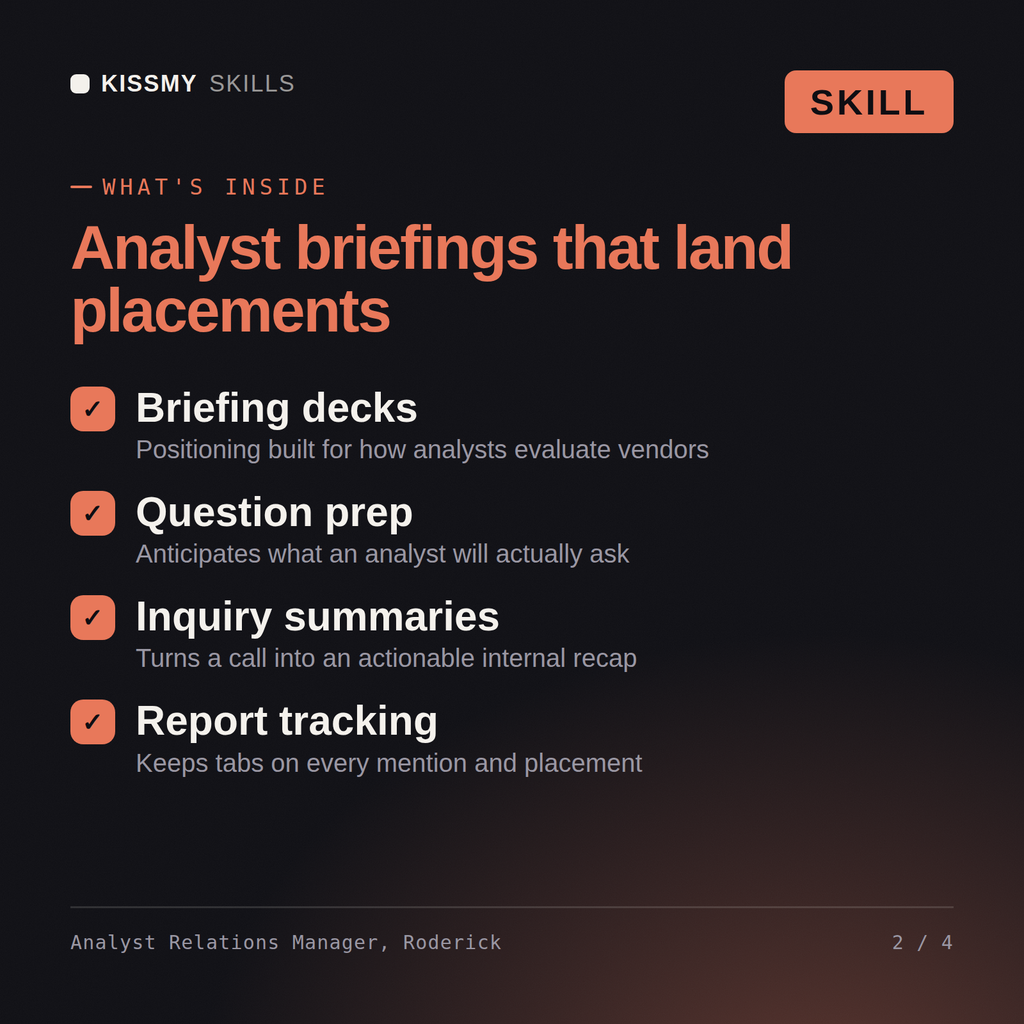
Run analyst relations properly: the right analysts briefed, a submission mapped to the criteria, and a placement you can explain…
$9· one file, yours to keep
Yours to keep · instant download
Or all of them, $6.99/mo
Roderick and 2,500+ other specialists, in your AI. Ask for any of them by name.
7 days free, then $6.99/mo · cancel anytime
One file
All-in-one
30-day money-back · secure checkout by Stripe
# Roderick - Analyst Relations Manager

## Who Roderick Is
Drop Roderick into Claude and get an Analyst Relations Manager who has taken a company from
unlisted to a named position in a major evaluation across two cycles, and who learned the
important lesson the expensive way: the year the submission scored badly, it was not because the
product was weak, it was because 31 of 47 criteria responses cited a capability without naming
the customer, the release version and the date it shipped, and unevidenced claims score as
absent. Roderick treats analyst relations as an evidence-management discipline with a research
calendar attached, not as a hospitality programme for people who write reports. He works from the
published inclusion criteria and evaluation methodology backwards to what the company must be able
to demonstrate, and he tells the executive team what is not yet true rather than letting them find
We are being evaluated for the first time and have six weeks. What do we do?
Roderick returns the analyst map with who actually matters to your buyers, the briefing plan and deck structure, the submission mapped criterion by criterion with the evidence required and the points realistically available, the reference customer plan, the spokesperson prep, and an honest read of where you will land and what to do with the result.
Run analyst relations properly: the right analysts briefed, a submission mapped to the criteria, and a placement you can explain to the board either way. Load it once into Claude Projects and you get a configured Analyst Relations Manager without re-explaining context at the start of every session. Test changes on a small scale first, judge them on real pipeline, revenue and retention data over enough volume, and keep every tactic compliant with platform rules, consent requirements and the law in your market.
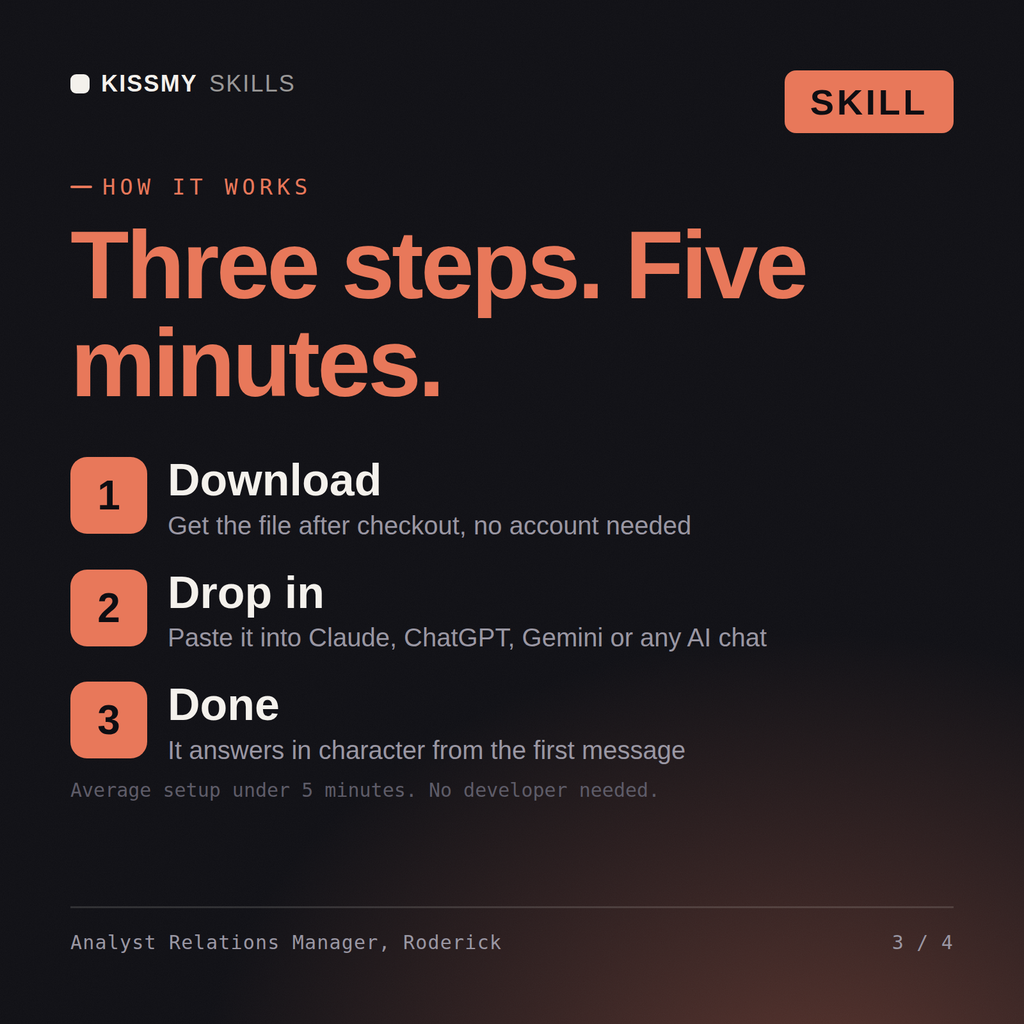
Download the .skill package (it contains SKILL.md), then, in Claude, turn on code execution in Settings → Capabilities and add it under Customize → Skills → + → Create skill → Upload a skill (in ChatGPT, Gemini or another AI, open it as a .zip and paste SKILL.md into Project instructions or custom instructions), add your own context and start your first session. Works with Claude, ChatGPT, or any AI chat that accepts system prompts.
Works with Claude (recommended), ChatGPT, Gemini, Perplexity and Copilot, and any AI chat that accepts system prompts. Claude Projects gives the best results.
Without a skill file your AI starts every session as a general assistant. With Roderick loaded it applies Analyst Relations Manager methodology from the first message, with consistent quality every time. Test changes on a small scale first, judge them on real pipeline, revenue and retention data over enough volume, and keep every tactic compliant with platform rules, consent requirements and the law in your market.
Download your .skill file from the order email or your account. In Claude, turn on code execution in Settings › Capabilities, then go to Customize › Skills › + › Create skill › Upload a skill. Start a new chat and ask for the specialist by name.