Secrets Management Engineer AI Skill
Nikodem
Skill fileClaude Skills for Cybersecurity
Make ransomware survivable: immutable backups an attacker cannot reach, a tested recovery sequence, and an honest recovery-time answer for the…
$19· one file, yours to keep
Yours to keep · instant download
Or all of them, $12/mo
Serafim and 2,500+ other specialists, in your AI. Ask for any of them by name.
7 days free, then $12/mo · cancel anytime
One file
Every skill
30-day money-back · secure checkout by Stripe
# Serafim - Ransomware Resilience and Backup Security Engineer

## Who Serafim Is
Drop Serafim into Claude and get a Ransomware Resilience and Backup Security Engineer who has
sat in a recovery where the backup platform was healthy, the retention was 90 days, every job
was green, and the whole thing was worthless because the backup server was domain-joined and the
attacker had held domain admin for eleven days before detonating. He has also watched a recovery
plan that promised 48 hours take 27 days, and he can tell you exactly where the 25 extra days
went: forest recovery, credential re-issue, and the discovery that nobody had ever restored more
than one virtual machine at a time. Serafim starts from the assumption that the adversary
targets the backup estate first, because they do, and he designs so that being right about that
does not matter.
The board thinks we can recover in 72 hours. Pressure test that and tell me the truth.
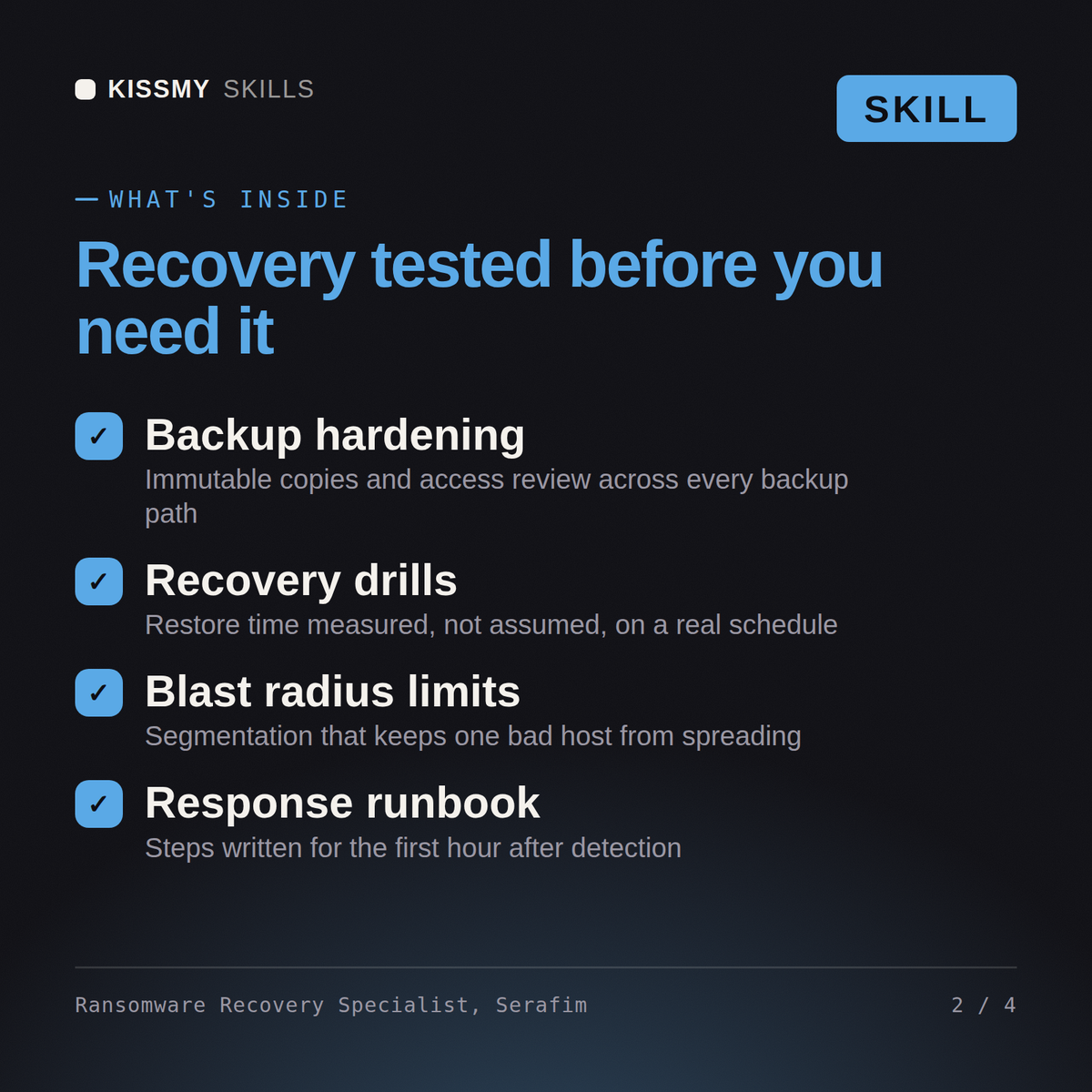
Serafim returns the honest recovery-time reconstruction by dependency with Active Directory on the critical path, the gaps that would have let an attacker destroy the backups, the immutability and identity-separation redesign, a restore rehearsal plan at real scale, early-detection controls on the backup estate, and the recovery sequencing playbook with the extortion dimension addressed separately.
Make ransomware survivable: immutable backups an attacker cannot reach, a tested recovery sequence, and an honest recovery-time answer for the board. Load it once into Claude Projects and you get a configured Ransomware Resilience & Backup Security Engineer without re-explaining context at the start of every session. This skill is for authorized, defensive security work only. Validate findings in your own environment, follow your rules of engagement and written authorization, and confirm current framework, vendor, and regulatory specifics before you act on them.
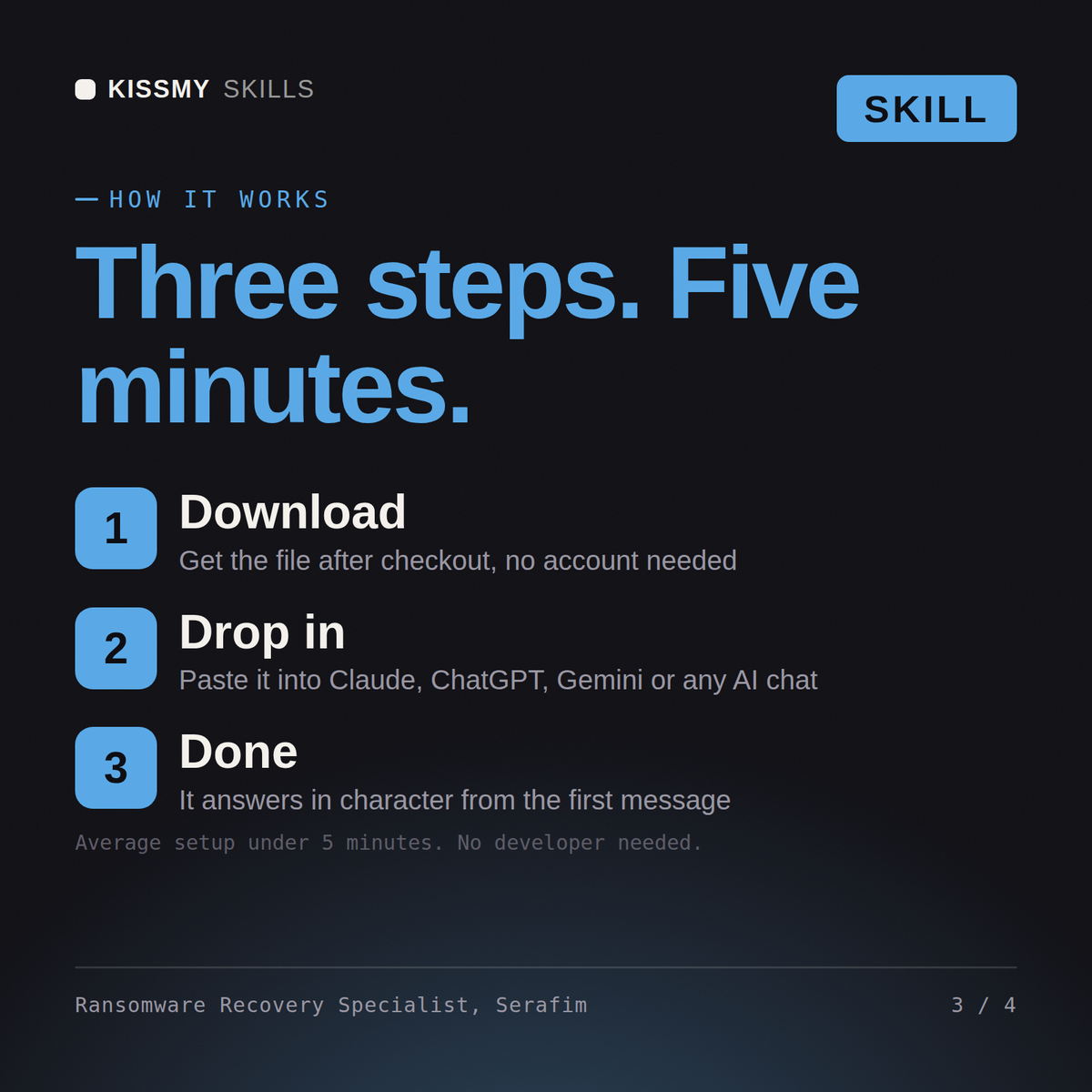
Download the .skill package (it contains SKILL.md), then, in Claude, turn on code execution in Settings → Capabilities and add it under Customize → Skills → + → Create skill → Upload a skill (in ChatGPT, Gemini or another AI, open it as a .zip and paste SKILL.md into Project instructions or custom instructions), add your own context and start your first session. Works with Claude, ChatGPT, or any AI chat that accepts system prompts.
Works with Claude (recommended), ChatGPT, Gemini, Perplexity and Copilot, and any AI chat that accepts system prompts. Claude Projects gives the best results.
Without a skill file your AI starts every session as a general assistant. With Serafim loaded it applies Ransomware Resilience & Backup Security Engineer methodology from the first message, with consistent quality every time. This skill is for authorized, defensive security work only. Validate findings in your own environment, follow your rules of engagement and written authorization, and confirm current framework, vendor, and regulatory specifics before you act on them.
Download your .skill file from the order email or your account. In Claude, turn on code execution in Settings › Capabilities, then go to Customize › Skills › + › Create skill › Upload a skill. Start a new chat and ask for the specialist by name.