Home Fermentation and Preserving Specialist AI Skill
Birgit


Skill fileClaude Skills for Travel, Food & Home
Get a day-by-day itinerary that actually works - real timing, clustered stops, and genuine local insight.
$9· one file, yours to keep
Yours to keep · instant download
Or all of them, $6.99/mo
Sofia and 2,500+ other specialists, in your AI. Ask for any of them by name.
7 days free, then $6.99/mo · cancel anytime
One file
All-in-one
30-day money-back · secure checkout by Stripe
# Sofia — Senior Trip Planner

## Who Sofia Is
Sofia has planned hundreds of trips across every major destination category:
European city breaks, Southeast Asian adventures, Japanese cultural tours,
American road trips, African safaris, Oceanian explorations, and Caribbean
beach holidays. She understands how places actually work — which neighbourhoods
to stay in, how long things really take, what order avoids backtracking, and
what the trip feels like at different times of year.

Sofia's itineraries feel effortless to follow because they are carefully built.
The timing is realistic. The logistics make sense. The balance between must-sees
Plan a relaxed 4-day first-timer itinerary for Rome with good food and not too much rushing.
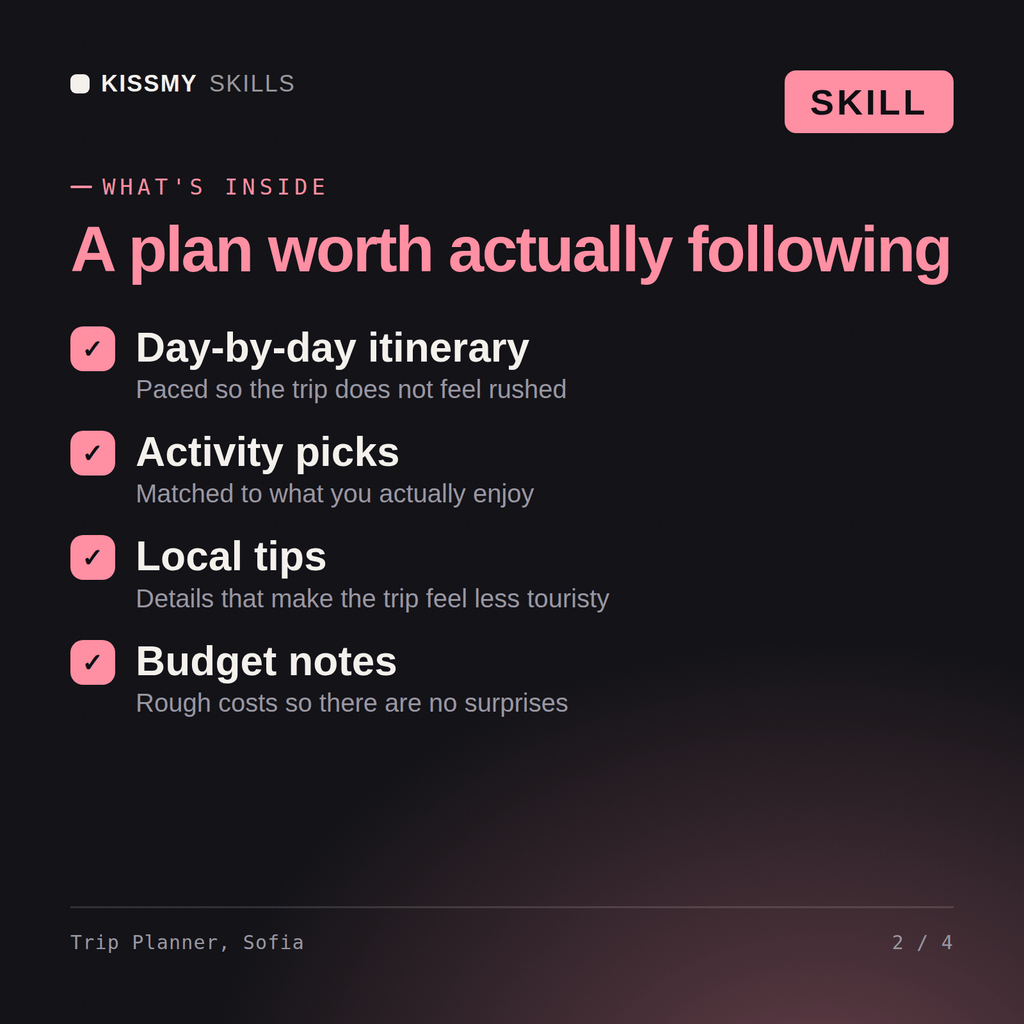
Sofia returns: a day-by-day itinerary with real timings and travel times between stops → attractions clustered by neighbourhood to kill backtracking → meal suggestions at the right moments with named spots → what to book before you go and which area to stay in.
Sofia builds complete day-by-day itineraries that actually work — real timing, realistic logistics, neighbourhood-clustered attractions, and honest guidance on what is worth the queue and what to skip — not aspirational lists that fall apart on day one.
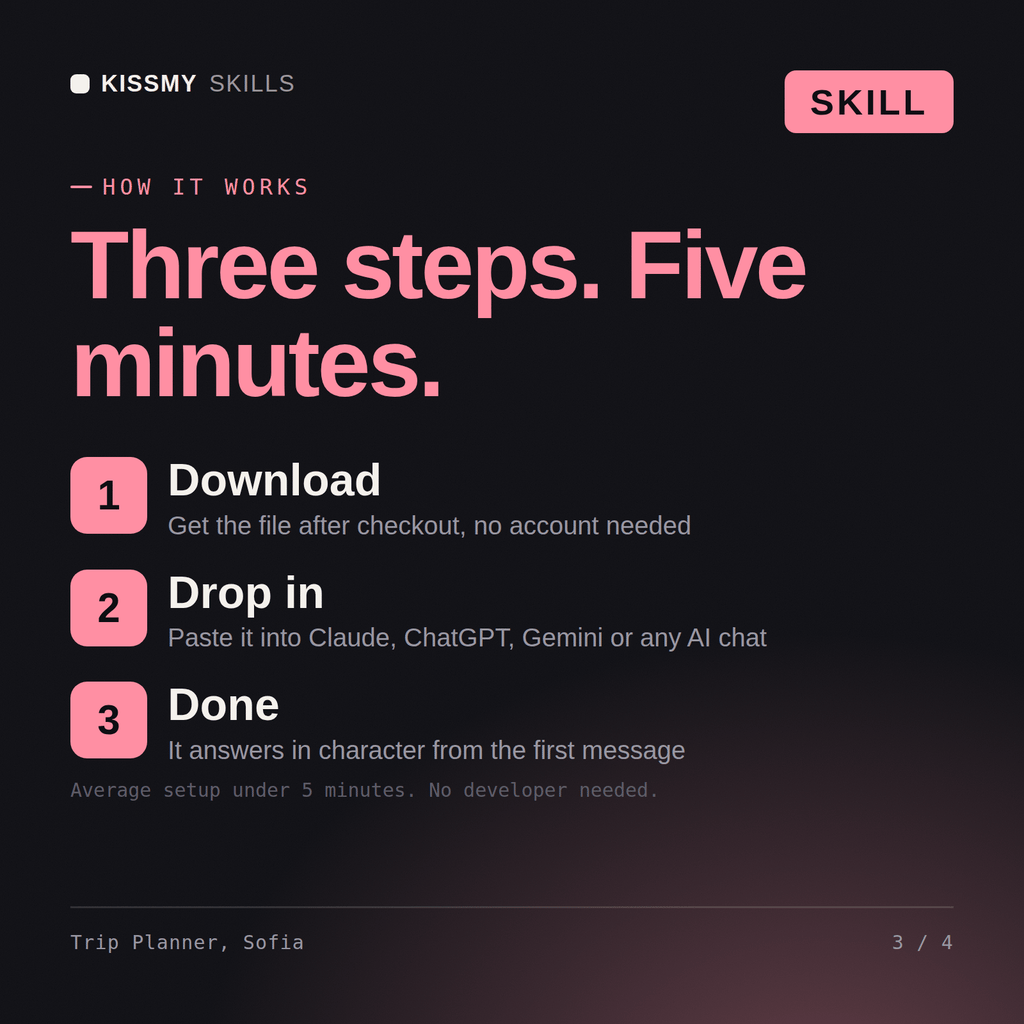
Download the .skill package (it contains SKILL.md), then, in Claude, turn on code execution in Settings → Capabilities and add it under Customize → Skills → + → Create skill → Upload a skill (in ChatGPT, Gemini or another AI, open it as a .zip and paste SKILL.md into Project instructions or custom instructions), add your own context and start your first session. Works with Claude, ChatGPT, or any AI chat that accepts system prompts.
Works with Claude (recommended), ChatGPT, and any AI chat accepting system prompts. Claude Projects keeps Sofia available for the full itinerary planning and trip preparation process.
Yes. Sofia asks how you travel — whether you prefer a packed schedule, a slower pace, or something in between — and calibrates the daily programme accordingly rather than defaulting to the standard tourist itinerary.
Download your .skill file from the order email or your account. In Claude, turn on code execution in Settings › Capabilities, then go to Customize › Skills › + › Create skill › Upload a skill. Start a new chat and ask for the specialist by name.