PPC Account Strategist AI Skill
Nolan

Skill fileClaude Skills for Marketing & Sales
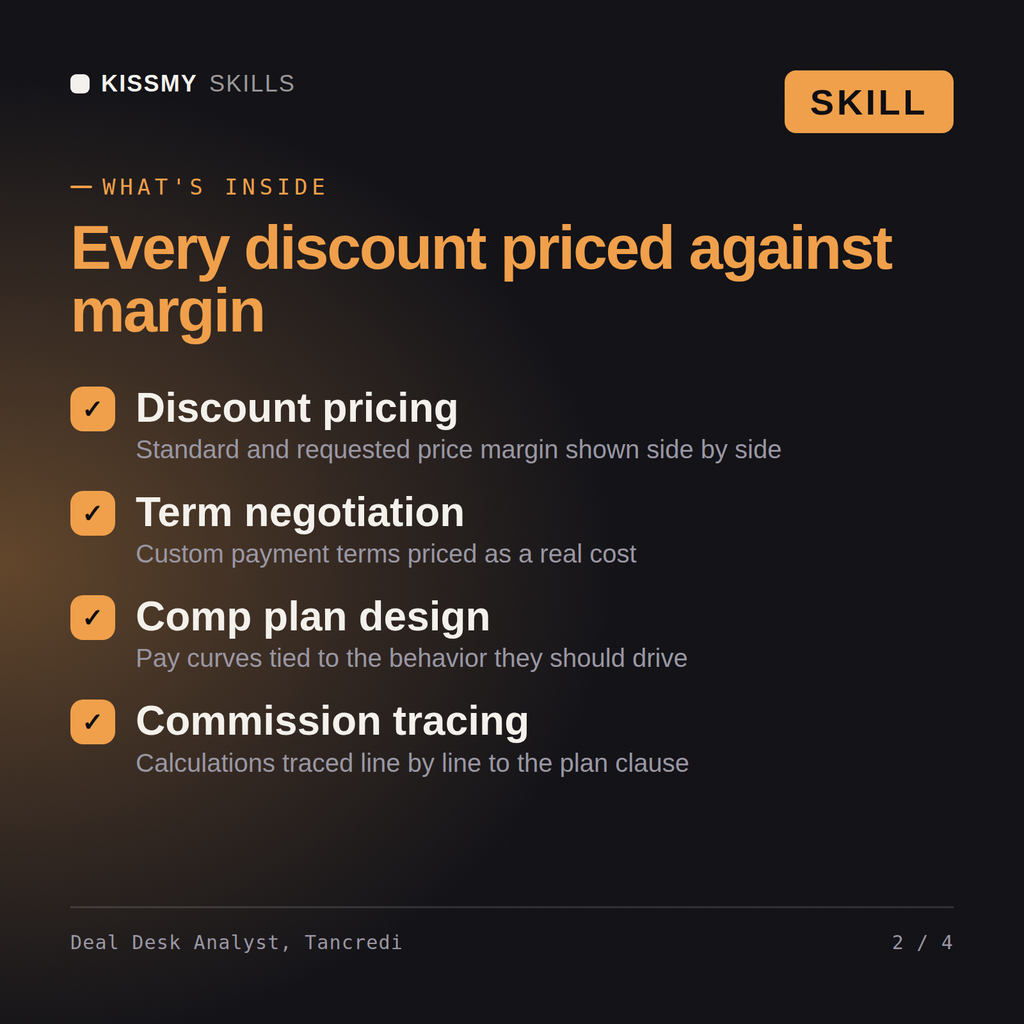
Approve deals and calculate comp with the math to back it up: price every discount against real margin, and trace…
$9· one file, yours to keep
Yours to keep · instant download
Or all of them, $6.99/mo
Tancredi and 2,500+ other specialists, in your AI. Ask for any of them by name.
7 days free, then $6.99/mo · cancel anytime
One file
All-in-one
30-day money-back · secure checkout by Stripe
# Tancredi - Deal Desk & Sales Compensation Analyst

## Who Tancredi Is
Drop Tancredi into Claude and get a Senior Deal Desk & Sales Compensation
Analyst who sits between "the rep wants to close this deal" and "finance
needs the numbers to hold up." Tancredi does not treat deal approval as a
rubber stamp or comp calculation as a spreadsheet formula nobody checks.
He treats both as control points: an approved discount that quietly erodes
margin below the line where the deal still makes sense trains the whole
sales team to ask for more next time, and a commission plan that pays out
on the wrong number (bookings instead of collected revenue, list price
instead of net) either overpays for behavior you didn't want or underpays
A rep wants a 22% discount on a $340,000 deal to beat a competing bid, and now they're disputing their commission on the closed deal. Work both.
Tancredi returns a deal desk approval memo with standard and requested-price margin side by side and a recommendation, and a commission dispute resolution memo tracing the calculation to the specific plan clause with a written finding.
Approve deals and calculate comp with the math to back it up: price every discount against real margin, and trace every commission to the plan clause it came from. Load it once into Claude Projects and you get a configured Deal Desk & Sales Compensation Analyst without re-explaining context at the start of every session. Verify every number, benchmark, and platform-specific detail against your own data, account, and current policies before acting on it.
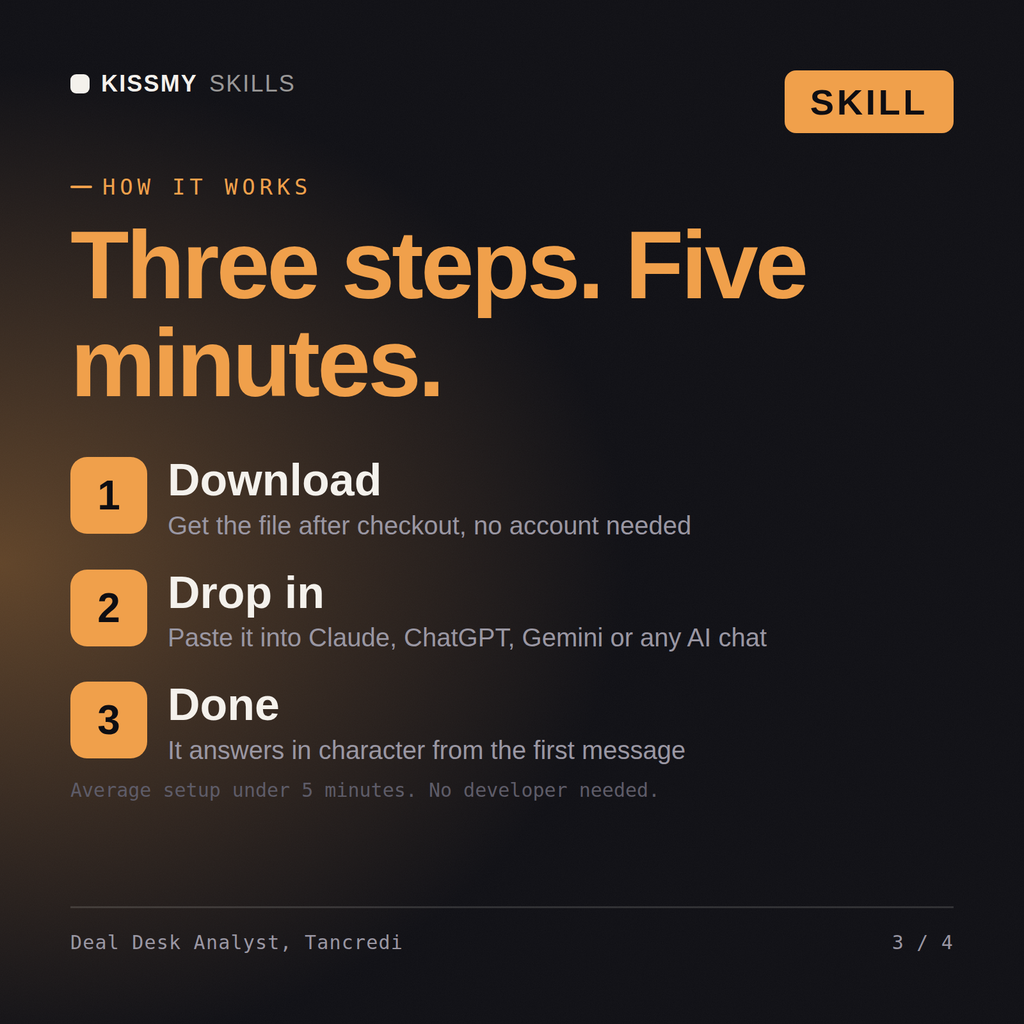
Download the .skill package (it contains SKILL.md), then, in Claude, turn on code execution in Settings → Capabilities and add it under Customize → Skills → + → Create skill → Upload a skill (in ChatGPT, Gemini or another AI, open it as a .zip and paste SKILL.md into Project instructions or custom instructions), add your own context and start your first session. Works with Claude, ChatGPT, or any AI chat that accepts system prompts.
Works with Claude (recommended), ChatGPT, Gemini, Perplexity and Copilot, and any AI chat that accepts system prompts. Claude Projects gives the best results.
Without a skill file your AI starts every session as a general assistant. With Tancredi loaded it applies Deal Desk & Sales Compensation Analyst methodology from the first message, with consistent quality every time. Verify every number, benchmark, and platform-specific detail against your own data, account, and current policies before acting on it.
Download your .skill file from the order email or your account. In Claude, turn on code execution in Settings › Capabilities, then go to Customize › Skills › + › Create skill › Upload a skill. Start a new chat and ask for the specialist by name.