Prompt setAI Meal Planning & Cooking Prompts
Travel & Lifestyle Prompt Library
Your AI works as a creative home cook and food writer who works from the ingredients, dietary restrictions, cuisine and…
$9· one file, yours to keep
Yours to keep · instant download
All-in-one
Or all of them, $6.99/mo
Travel & Lifestyle Prompt Library and 2,500+ other specialists, in your AI. Ask for any of them by name.
Subscribe · $6.99/mo
7 days free, then $6.99/mo · cancel anytime
One file
- $9 once
- Yours to keep
- You upload it to your AI yourself
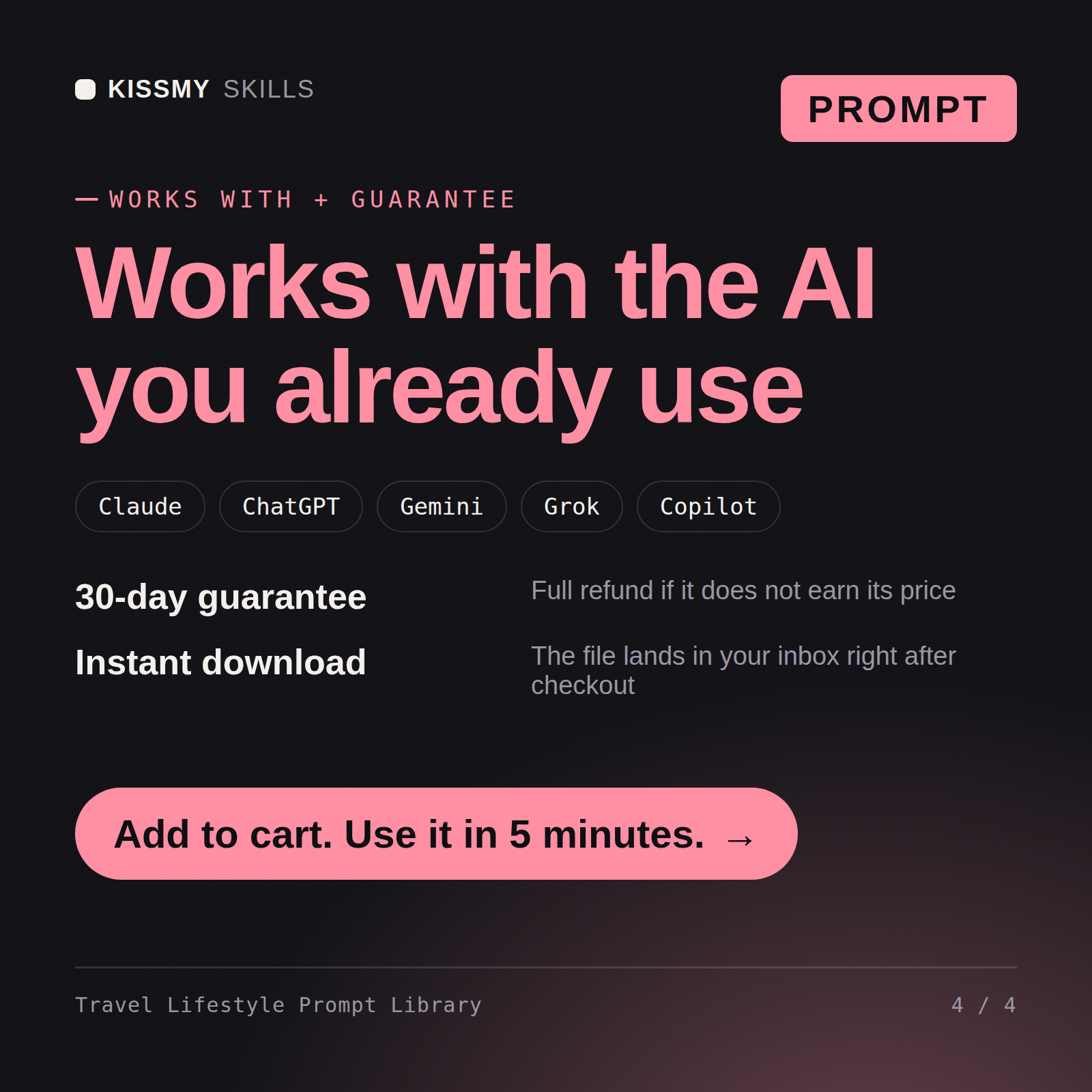
- 30-day money-back
All-in-one
- $6.99/mo or $49/yr
- 7 days free
- Every file in the store loads by name once your AI is connected
- Cancel anytime
30-day money-back · secure checkout by Stripe
Read the opening lines
================================================================================
  KISSMYSKILLS.COM
  1. AI Recipe Generator
  Claude Prompt — Instant Use
================================================================================


WHAT YOU JUST BOUGHT
────────────────────────────────────────────────────────────────────────────────
A Claude prompt that generates complete, cookable recipes from whatever you
have — available ingredients, dietary restrictions, cuisine preference, cooking
time, and skill level — with full method, quantities, substitutions, and tips
How it works
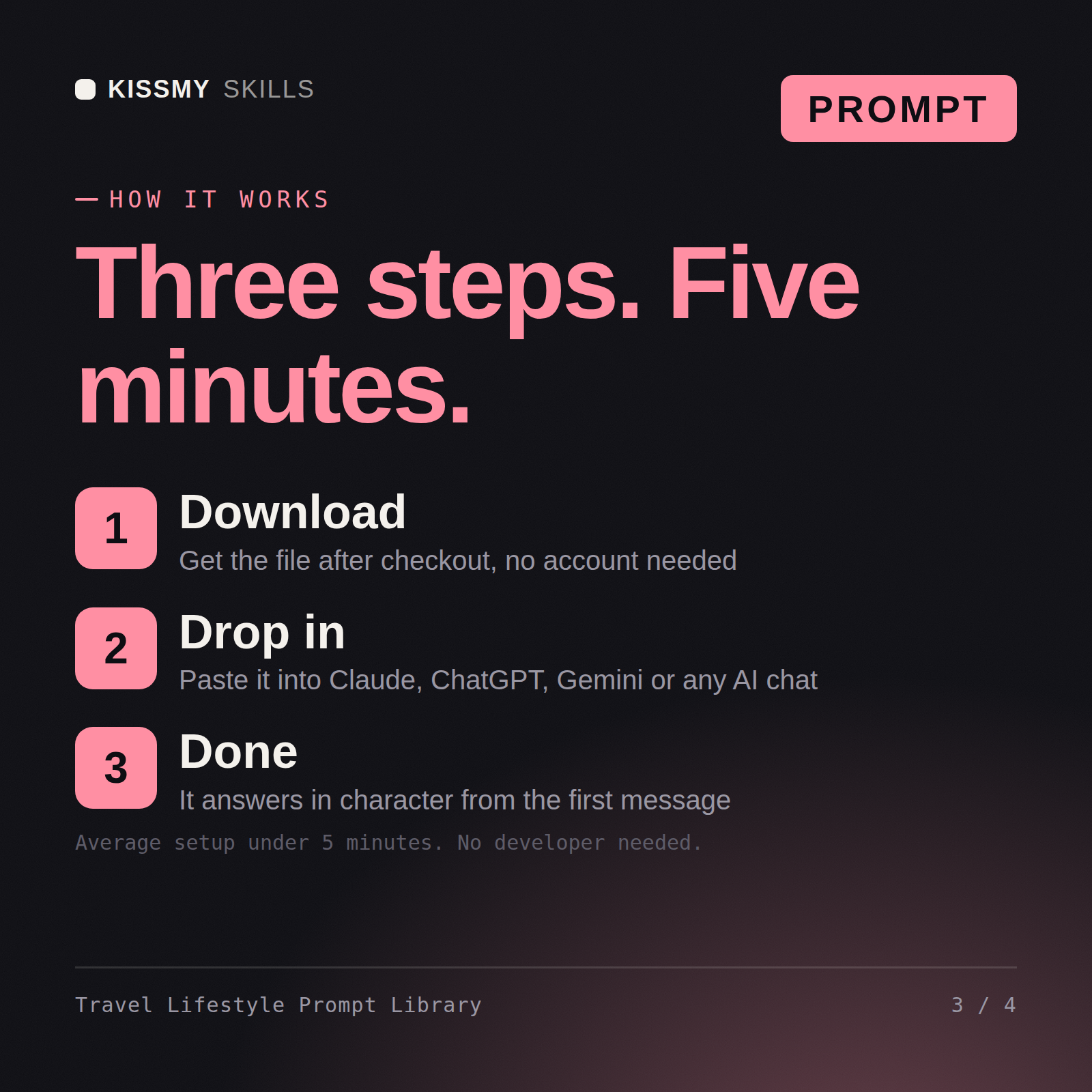
- Buy or subscribeAdd it to your cart for $9 and the file is yours to keep. Or subscribe: every file in the store, $6.99/mo.
- Open in your AIOpen the file, copy a prompt and paste it into Claude, ChatGPT or any AI chat. Subscribers connect their AI once instead:
- Ask by nameAsk your AI for Travel & Lifestyle Prompt Library by name, or fill in the parts in brackets and send.
What's inside
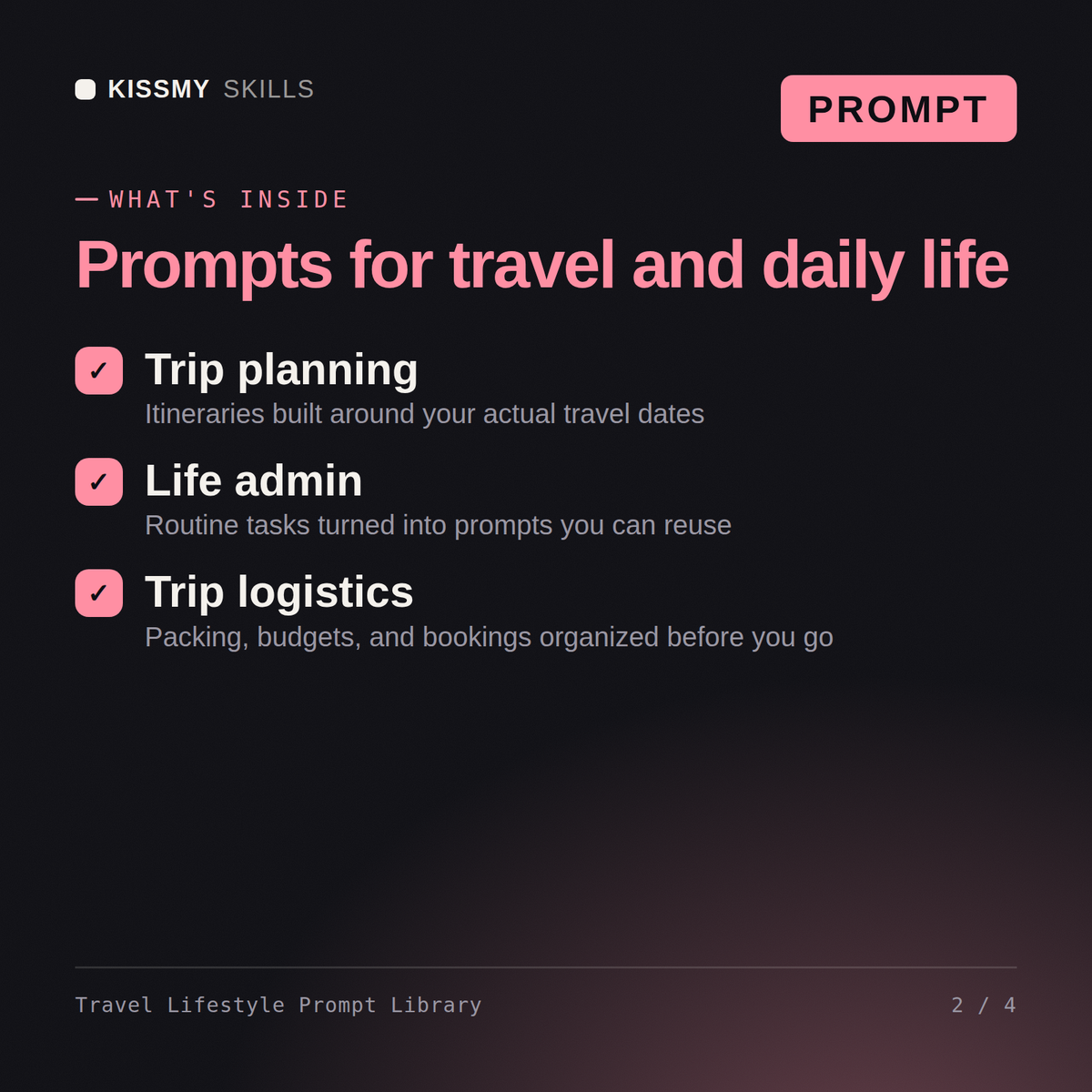
- travel-lifestyle-prompt-libraryPrompt set · 230 lines · instant download
- Prompt groups: itineraries, packing lists, budgets and local picks
- Fill-in variables for dates, party size and budget ceiling
- Usage notes on each prompt on how to narrow the results
- Copy-paste blocks formatted for Claude, ChatGPT and Gemini
What your AI will do
See a real example
You ask
Find me the prompt for planning a ten-day Japan itinerary with two kids and a fixed budget.
Your AI answers
You get: a categorized prompt set covering itineraries, packing lists, budgets and local recommendations → fill-in variables for dates, party size and budget → usage notes on each prompt → copy-paste blocks for Claude, ChatGPT and Gemini.
// faq
Questions before you buy
What's included in the Travel & Lifestyle Prompt Library?+
14 ready-to-run prompts as individual .txt files, plus the compiled Travel & Lifestyle Prompt Library document that collects 5 prompts with a table of contents - all in one instant download. Each prompt includes the full instruction block, a 60-second how-to, customisation variants, and troubleshooting guidance.
How do I use the prompts in this library?+
Open the .txt file that matches what you are doing, or find the prompt in the library document's table of contents. Copy the block under "THE PROMPT", fill in the bracketed placeholders with your details, and paste it into Claude, ChatGPT, or any AI chat. No technical setup required.
Which AI tools work with these prompts?+
All prompts work with Claude, ChatGPT, Gemini, Copilot, and any AI chat tool that accepts a full text prompt. Claude is recommended for the best instruction-following and output quality.
How do I open it?+
Download your .skill file from the order email or your account. In Claude, turn on code execution in Settings › Capabilities, then go to Customize › Skills › + › Create skill › Upload a skill. Start a new chat and ask for the specialist by name.