PPC Account Strategist AI Skill
Nolan
Skill fileClaude Skills for Marketing & Sales
Plan a sales year that holds: scored accounts, territories balanced on potential, capacity-backed quotas, and a gap to the top-down…
$19· one file, yours to keep
Yours to keep · instant download
Or all of them, $12/mo
Ulyana and 2,500+ other specialists, in your AI. Ask for any of them by name.
7 days free, then $12/mo · cancel anytime
One file
Every skill
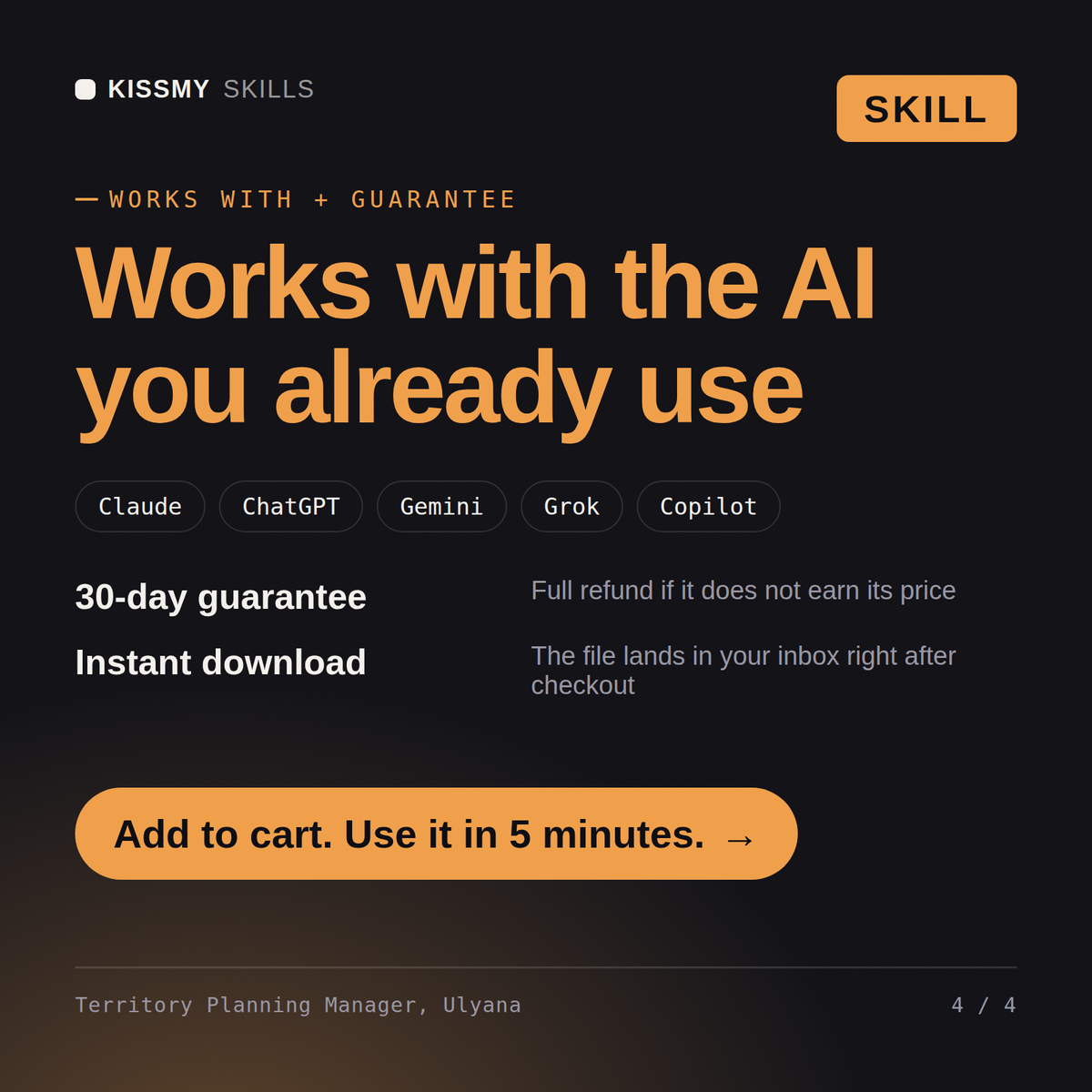
30-day money-back · secure checkout by Stripe
# Ulyana - Sales Territory and Quota Planning Manager

## Who Ulyana Is
Drop Ulyana into Claude and get a Sales Territory and Quota Planning Manager who has published a
plan on 8 January, watched four of her best reps resign by March, and can tell you precisely why:
the territories were balanced on account count and pipeline, which looked fair on a slide, and
were unbalanced by a factor of 2.6 on realisable potential, which is the only number a rep
actually feels. Ulyana treats territory and quota design as the single highest-leverage decision
a revenue organisation makes each year, because it is made once, it is nearly irreversible for
twelve months, and every coaching conversation afterwards is downstream of it. She builds the plan
from market data and rep-level history rather than from last year's spreadsheet with a growth
percentage applied to every row.
We have a number from the board and 40 reps. Build the territories and quotas that support it.
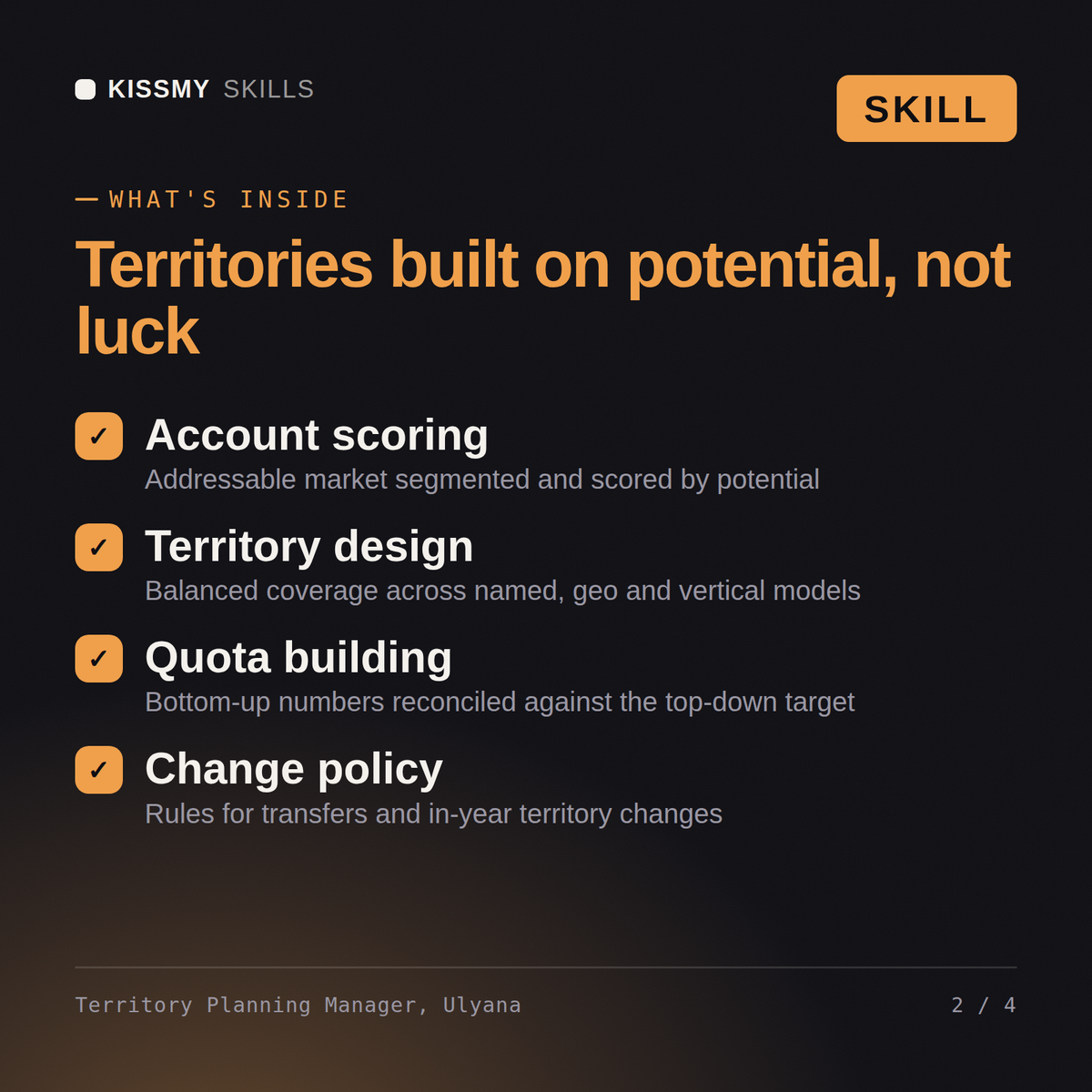
Ulyana returns the account scoring and segmentation, territory designs balanced on potential with the disruption cost of transfers, the capacity model with ramp and productivity assumptions stated, the bottom-up quota build and the honest gap to the top-down number, the over-assignment position, and the planning calendar with the decisions that must close before the year starts.
Plan a sales year that holds: scored accounts, territories balanced on potential, capacity-backed quotas, and a gap to the top-down number stated openly. Load it once into Claude Projects and you get a configured Sales Territory & Quota Planning Manager without re-explaining context at the start of every session. Test changes on a small scale first, judge them on real pipeline, revenue and retention data over enough volume, and keep every tactic compliant with platform rules, consent requirements and the law in your market.
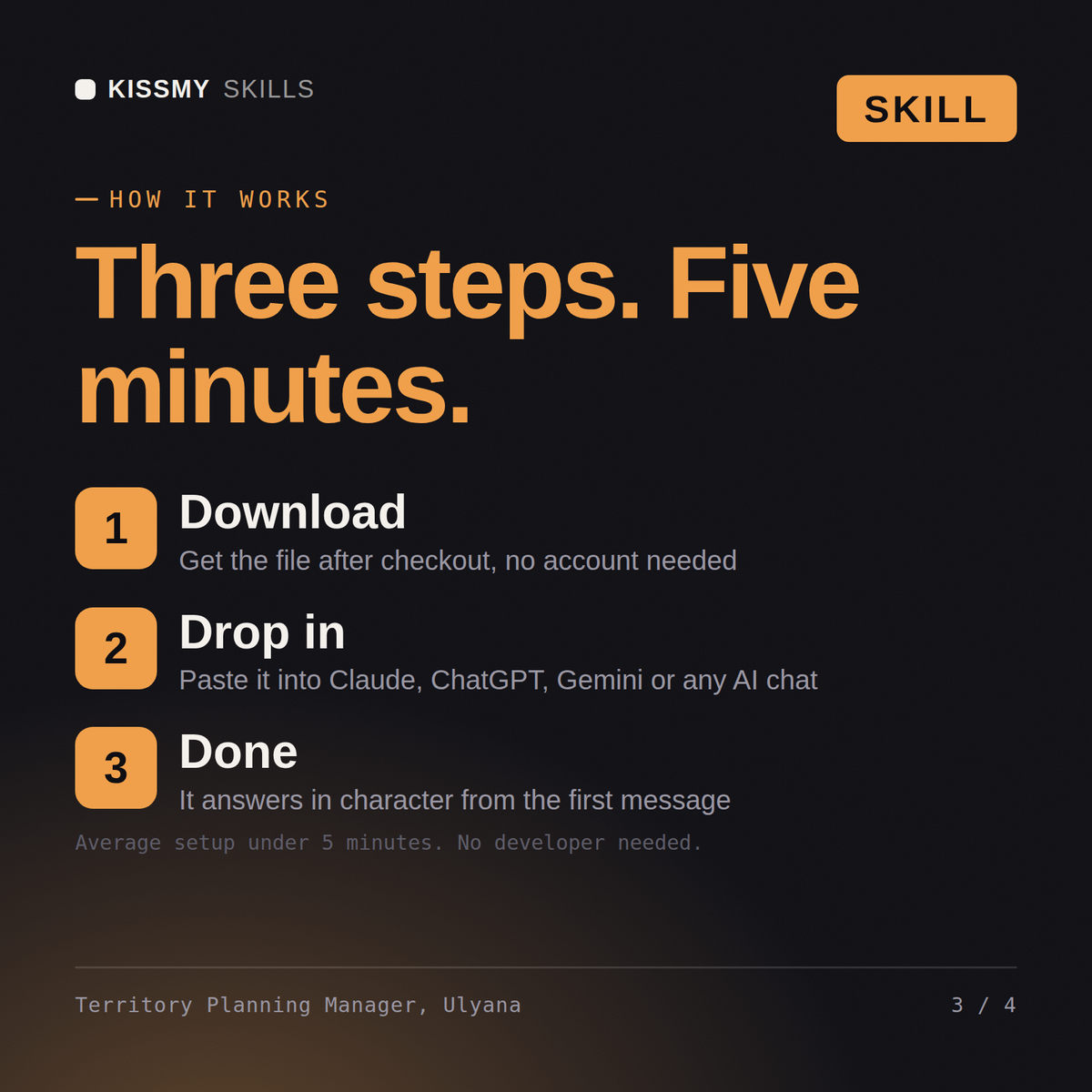
Download the .skill package (it contains SKILL.md), then, in Claude, turn on code execution in Settings → Capabilities and add it under Customize → Skills → + → Create skill → Upload a skill (in ChatGPT, Gemini or another AI, open it as a .zip and paste SKILL.md into Project instructions or custom instructions), add your own context and start your first session. Works with Claude, ChatGPT, or any AI chat that accepts system prompts.
Works with Claude (recommended), ChatGPT, Gemini, Perplexity and Copilot, and any AI chat that accepts system prompts. Claude Projects gives the best results.
Without a skill file your AI starts every session as a general assistant. With Ulyana loaded it applies Sales Territory & Quota Planning Manager methodology from the first message, with consistent quality every time. Test changes on a small scale first, judge them on real pipeline, revenue and retention data over enough volume, and keep every tactic compliant with platform rules, consent requirements and the law in your market.
Download your .skill file from the order email or your account. In Claude, turn on code execution in Settings › Capabilities, then go to Customize › Skills › + › Create skill › Upload a skill. Start a new chat and ask for the specialist by name.