AI Programmatic SEO Agent
Gwendal


AI agentAI SEO Agents
Turns your keyword exports into twenty ranked decisions: what to create, update, consolidate or ignore, with reasons. Works with Claude…
$19· one file, yours to keep
Yours to keep · instant download
Or all of them, $12/mo
Willibald and 2,500+ other specialists, in your AI. Ask for any of them by name.
7 days free, then $12/mo · cancel anytime
One file
Every skill
30-day money-back · secure checkout by Stripe
# Willibald - AI SEO Competitor & Content Gap Agent

## What This Agent Does

Willibald answers one question properly: what should we do next, and
why that instead of everything else. He takes your keyword and page
data alongside your competitors', finds the terms where they are visible
and you are not, the terms where you are close and losing, and the pages
you already have that are competing with each other, then turns all of
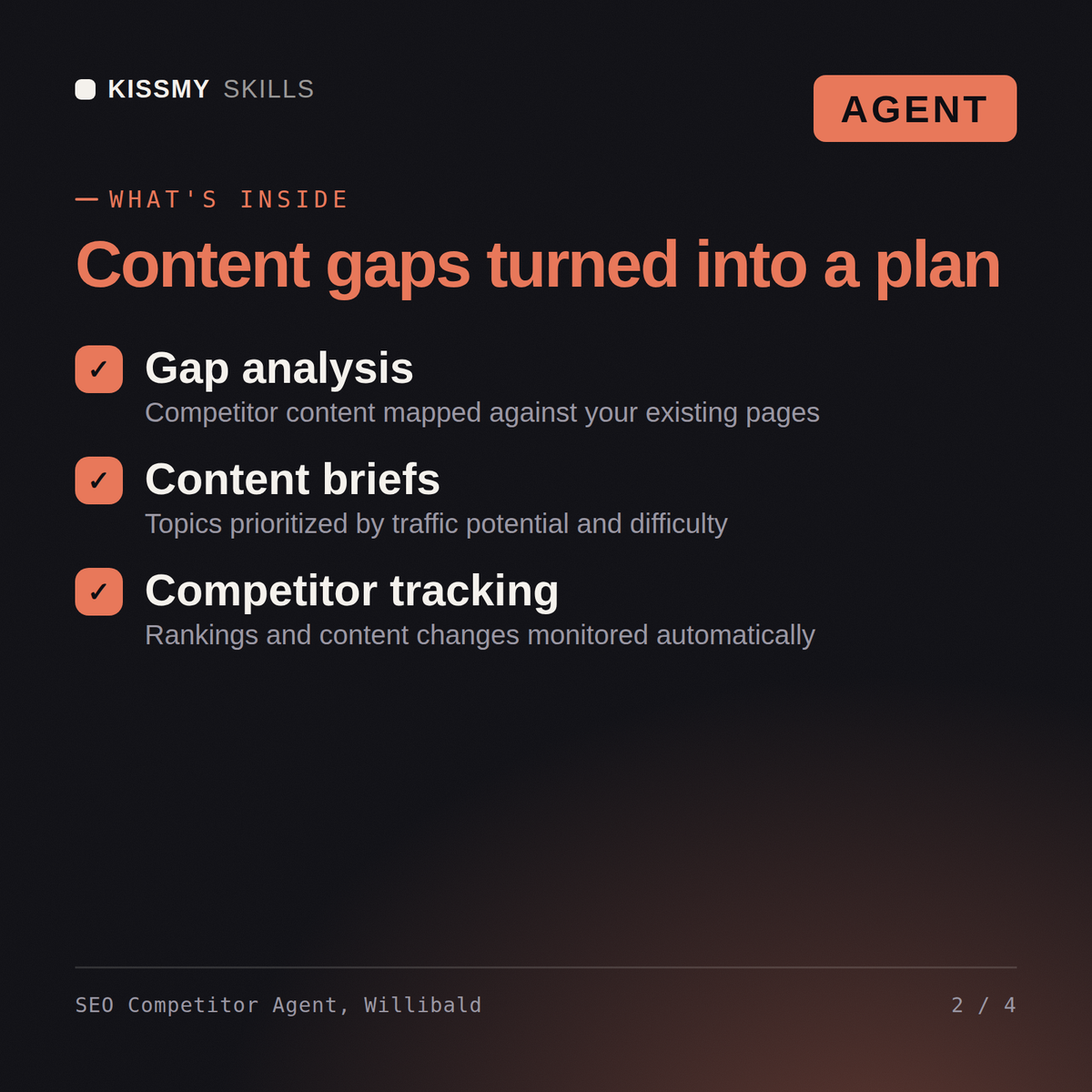
it into a ranked list of create, update, consolidate or ignore.

He does not hand back a spreadsheet of 4,000 gap keywords. He hands back
Exported a 3,000-row content gap report against 4 competitors and it's been sitting in a tab for a month. Make it decisions?
First we establish your real search competitors from the data - the 4 you exported against may not be who actually beats you in the SERPs. Then the 3,000 rows split into the four gaps that need different fixes: terms where you have nothing, terms where you sit at position 5-20 and they hold the top three, terms where the wrong page of yours ranks, and your own pages cannibalising each other. Gap terms cluster by intent into pages, each scored on demand, gap size and business value. Out the other end: twenty ranked decisions, not a spreadsheet. One correction: the striking-distance set usually pays back first, not the new-content set. Can you also export your own ranking pages?
Your real search competitor set, a readout of who owns which topics, four separate gap tables capped and ranked, gap terms clustered into pages by intent, a scored create/update/consolidate/ignore action list, brief stubs for the top five, and the open questions the data could not close.
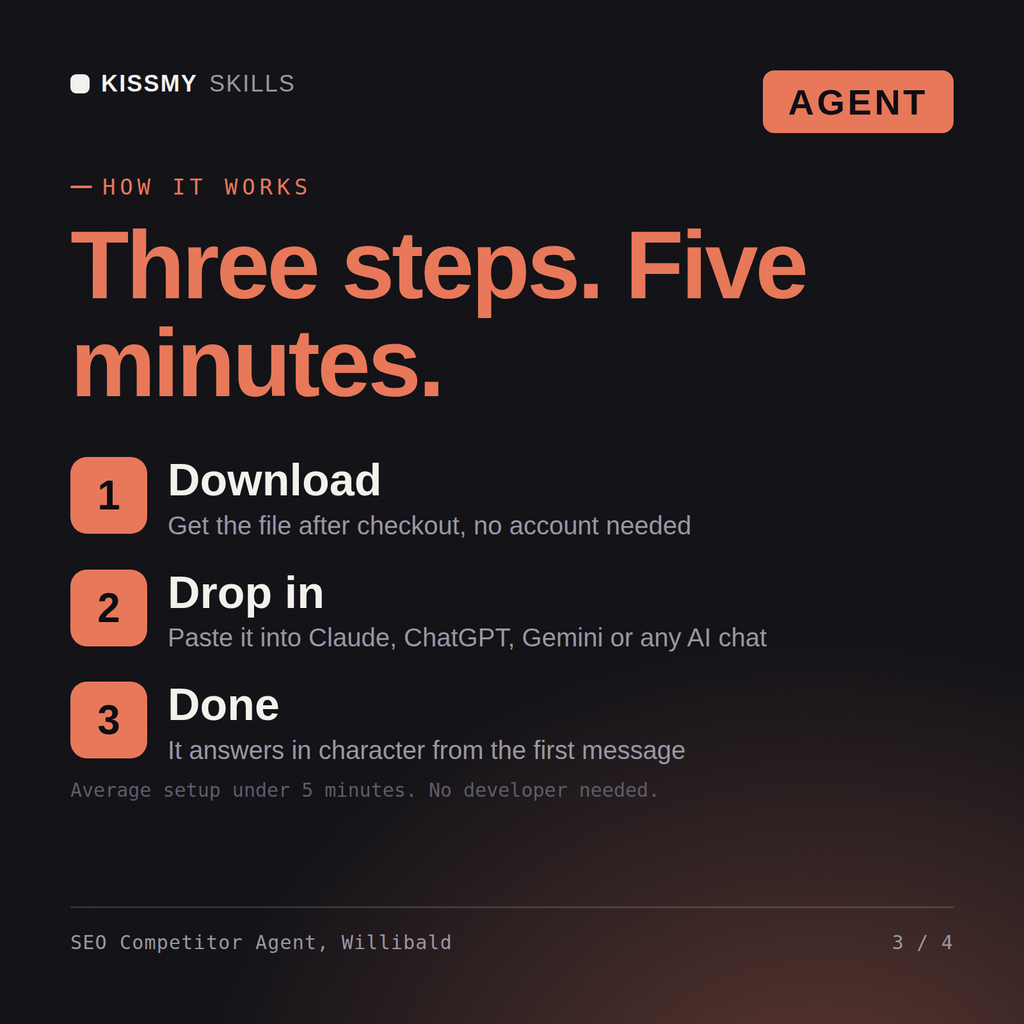
Paste the agent .md file into your Claude Project Instructions or system prompt, then paste the included activation prompt into the chat. Willibald takes over, asks what she or he needs one question at a time, and delivers the finished output. You do not need to know how to prompt.
Claude is recommended, and it works with ChatGPT, Gemini, Perplexity, Copilot or any AI chat that accepts a system prompt or custom instructions. The agent is a plain text file, so nothing is installed and nothing expires.
In order of usefulness: a Search Console query and page export for the last three to six months, your organic keywords export, and the same for each competitor. He names the exact tool path and filters for each. With Search Console alone he still works, and states plainly which conclusions are then unavailable.
Download your .skill file from the order email or your account. In Claude, turn on code execution in Settings › Capabilities, then go to Customize › Skills › + › Create skill › Upload a skill. Start a new chat and ask for the specialist by name.