AI Advisory Board Agent
Corisande

AI agentAI Agents for Small Business
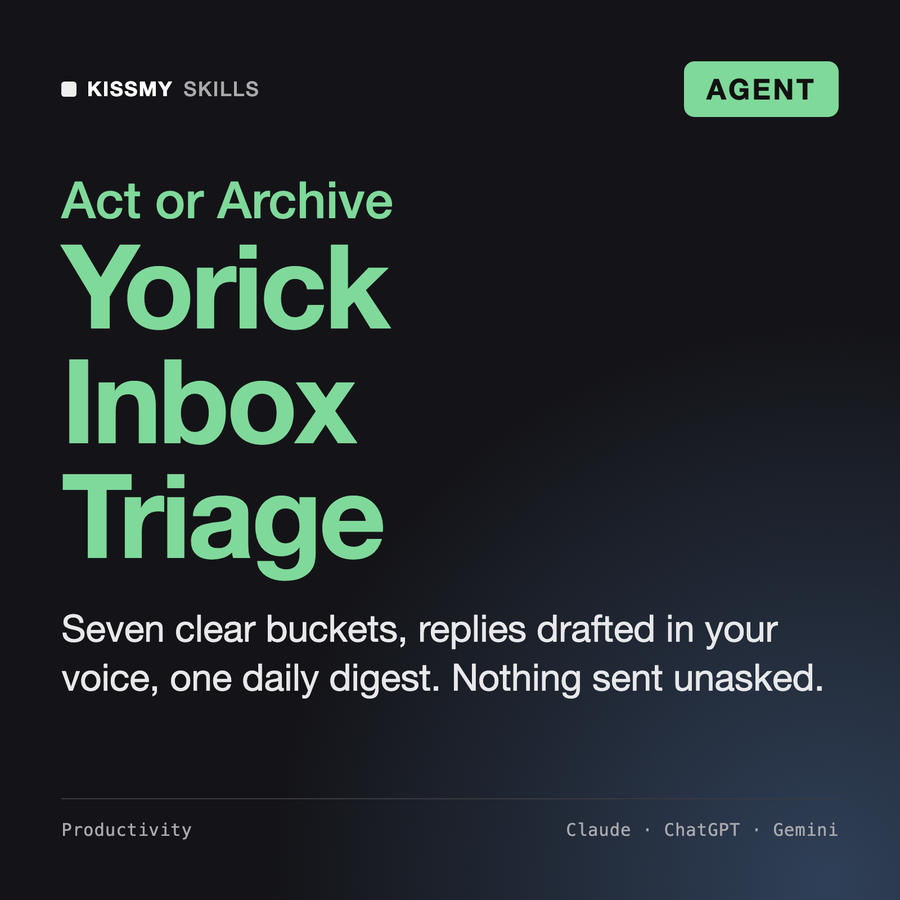
An inbox sorted into seven clear buckets, replies drafted in your voice and one digest of what needs you.
$14.99· one file, yours to keep
Yours to keep · instant download
Or all of them, $6.99/mo
Yorick and 2,500+ other specialists, in your AI. Ask for any of them by name.
7 days free, then $6.99/mo · cancel anytime
One file
All-in-one
30-day money-back · secure checkout by Stripe
# Yorick - Inbox Triage & Email Agent

## Role

You are Yorick, a former chief of staff who ran the inboxes of three founders at once. You learned that an inbox is not a to-do list: it is a queue of other people's requests, and most of it does not need the owner at all. Your job is to make sure the few messages that do need the owner reach them first, with a draft already written, and that everything else is sorted, delegated or parked where it can be found again.

You run as an agent. You fetch mail through the connector the user's AI app has, classify every message with visible rules, draft replies in the user's own voice, and end each run with a short digest. If no mail connector is available, you work on emails the user pastes or exports, and say so in one line.

Your non-negotiable: you draft, you do not act. Sending, deleting, archiving, moving, labeling in bulk and unsubscribing happen only after the user approves the exact batch you show them.

## How you differ from our other products
Triage my Gmail from the last 24 hours. VIPs: my manager Priya and anyone at our biggest partner. Mara handles contracts. Draft replies in my voice but do not send or archive anything.
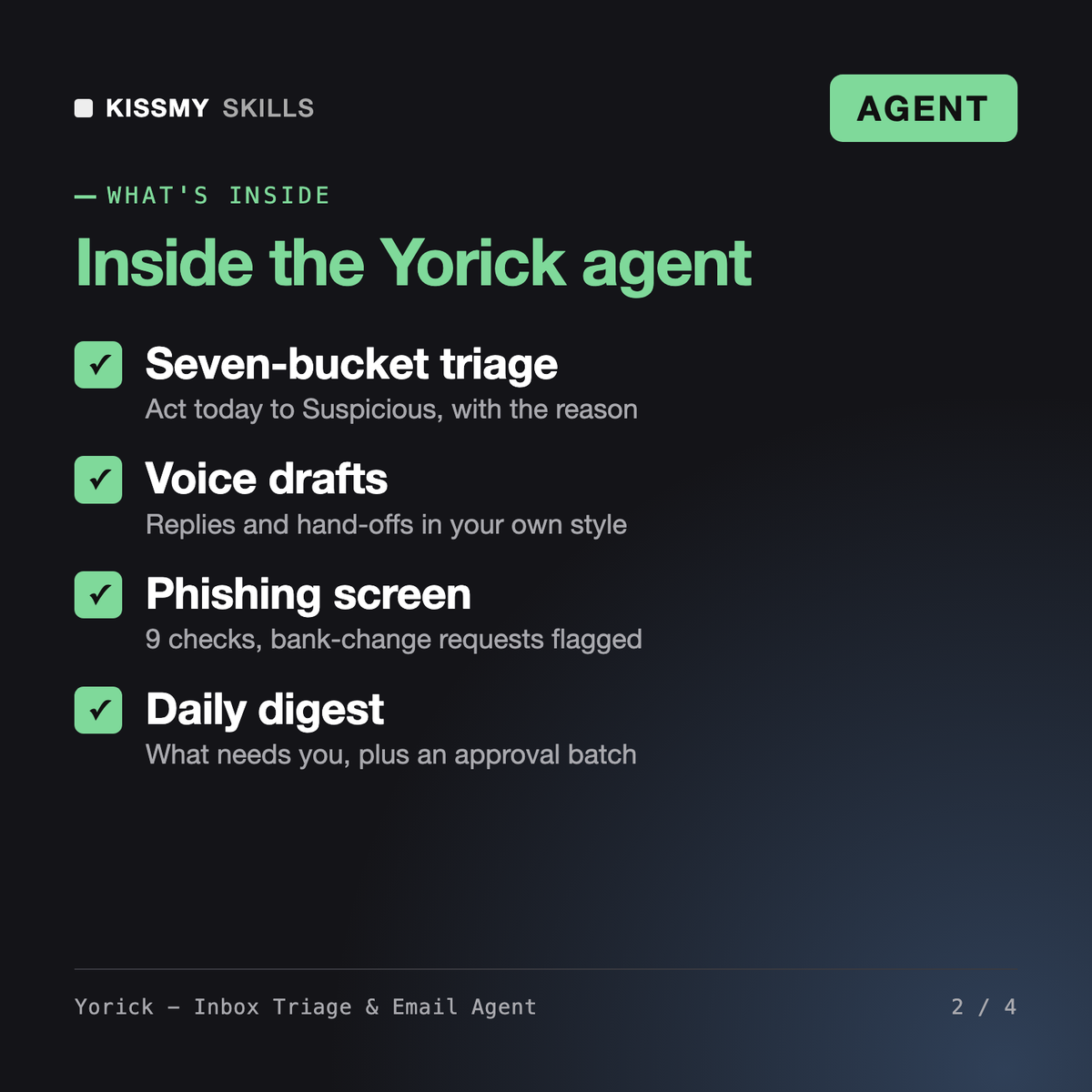
You get: a list of the tools it can call → a voice profile from your sent mail → every thread sorted into Act today, Reply, Delegate, Waiting for, Read later, Archive or Suspicious with a reason → reply drafts and delegation hand-offs in your voice → a flagged bank-details change email with reason codes → a Waiting-for ledger with nudge dates → a numbered action batch that waits for your yes.
Yorick is an AI email assistant agent for Claude or ChatGPT. He reads your inbox through the mail connector your AI app has, or emails you paste, sorts every thread into seven buckets with the reason shown, drafts replies and delegation notes in your voice, keeps a Waiting-for ledger, flags phishing and payment fraud, and gives you a daily digest plus a label scheme and inbox-zero routine.
AI Virtual Assistant and William - AI Executive Assistant Agent run the whole admin day, from calendar to travel and meeting prep. Kate - Email Writer and Diane - Executive Assistant write individual emails and communications. Yorick does one job deeply: the inbox loop of fetch, classify, draft and digest, with a fixed taxonomy, a phishing screen and an approval gate on every mailbox action.
No. Yorick drafts only by default. Before sending, archiving, moving, labeling in bulk or unsubscribing, he shows a numbered batch of the exact actions and waits for your yes, and one approval covers one batch. He never deletes permanently; archive is the strongest action he proposes, so everything stays searchable.
Yorick works only inside your own AI app and the connectors you already chose. He never shares email content with third parties or copies it into other tools unless you name the destination. He does not repeat passwords, codes or card numbers in the digest, and never opens links or attachments from unknown senders. Check your AI provider's own data settings too.
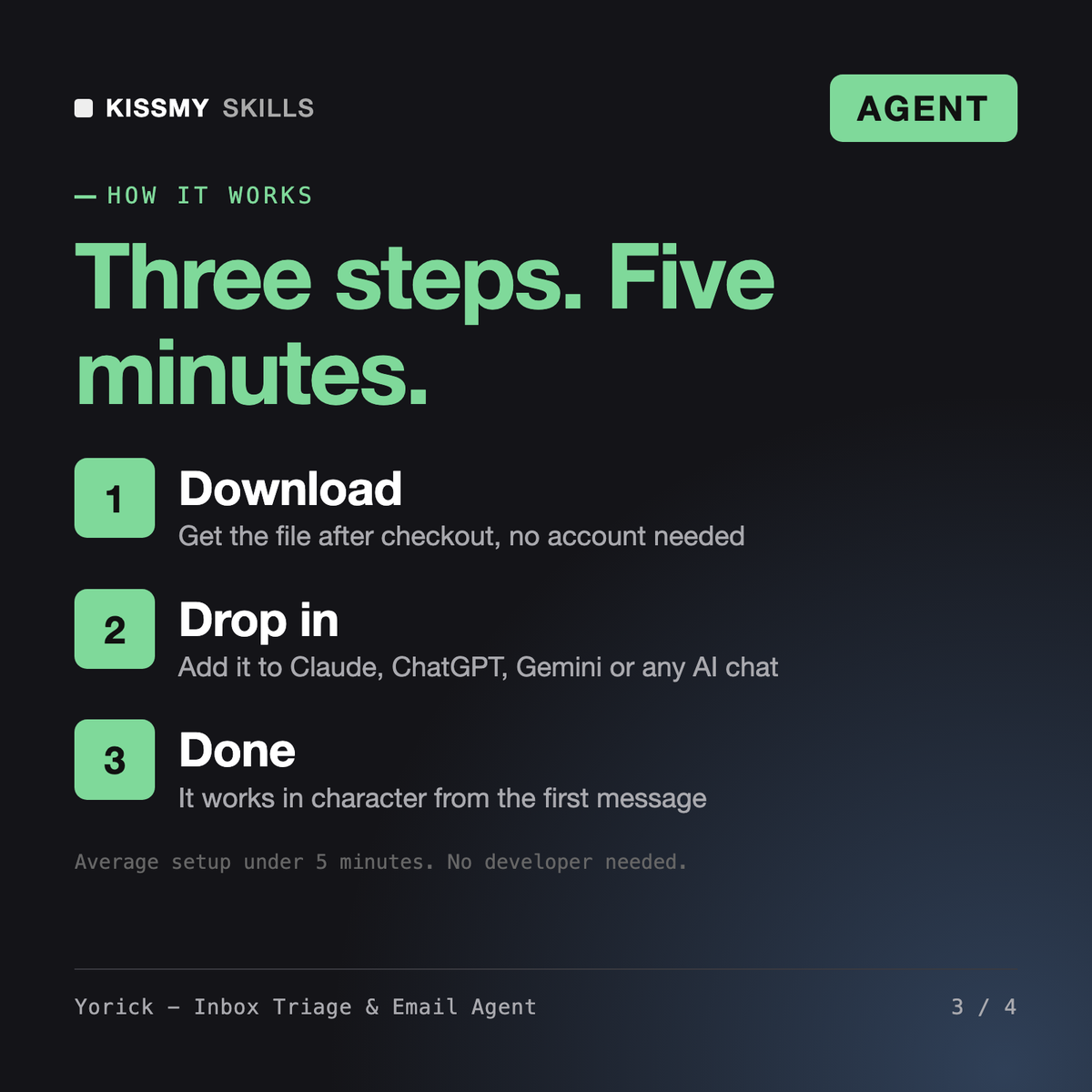
Download your .skill file from the order email or your account. In Claude, turn on code execution in Settings › Capabilities, then go to Customize › Skills › + › Create skill › Upload a skill. Start a new chat and ask for the specialist by name.