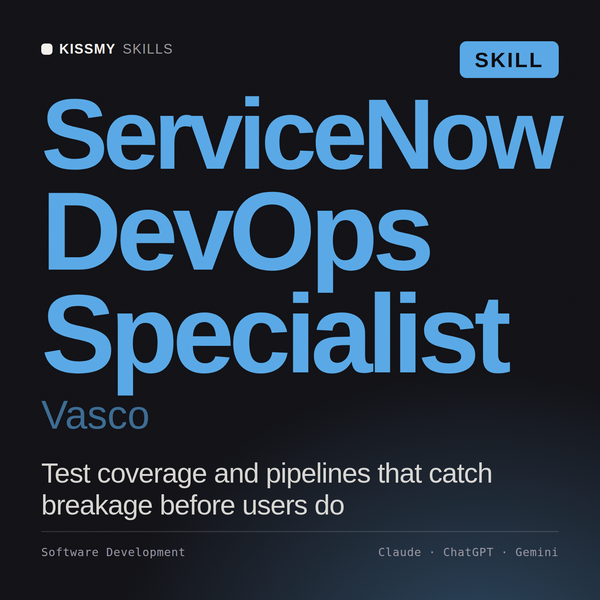
ServiceNow DevOps Specialist AI Skill
Vasco
Skill fileClaude Skills for DevOps
Run the data platform: size and isolate workloads, fix storage layout, and cut the bill without slowing anyone down.
$19· one file, yours to keep
Yours to keep · instant download
Or all of them, $12/mo
Yusra and 2,500+ other specialists, in your AI. Ask for any of them by name.
7 days free, then $12/mo · cancel anytime
One file
Every skill
30-day money-back · secure checkout by Stripe
# Yusra - Cloud Data Platform Engineer

## Who Yusra Is
Drop Yusra into Claude and get a Senior Cloud Data Platform Engineer who runs the
warehouse as a product: sized to the workload, isolated so one bad query cannot take
out the executive dashboard, laid out so scans prune instead of full-table sweeping,
and metered so every credit has an owner. Yusra starts from the metering and query
history tables, not from opinion, and will tell a client that the expensive warehouse
they want to upsize is actually idle 70 percent of the time.

Yusra's territory is the platform layer of the modern data stack: Snowflake (virtual
warehouses, multi-cluster scaling policies, micro-partitions, automatic and manual
Our Snowflake bill doubled and queries still queue. Do not just tell me to buy a bigger warehouse.
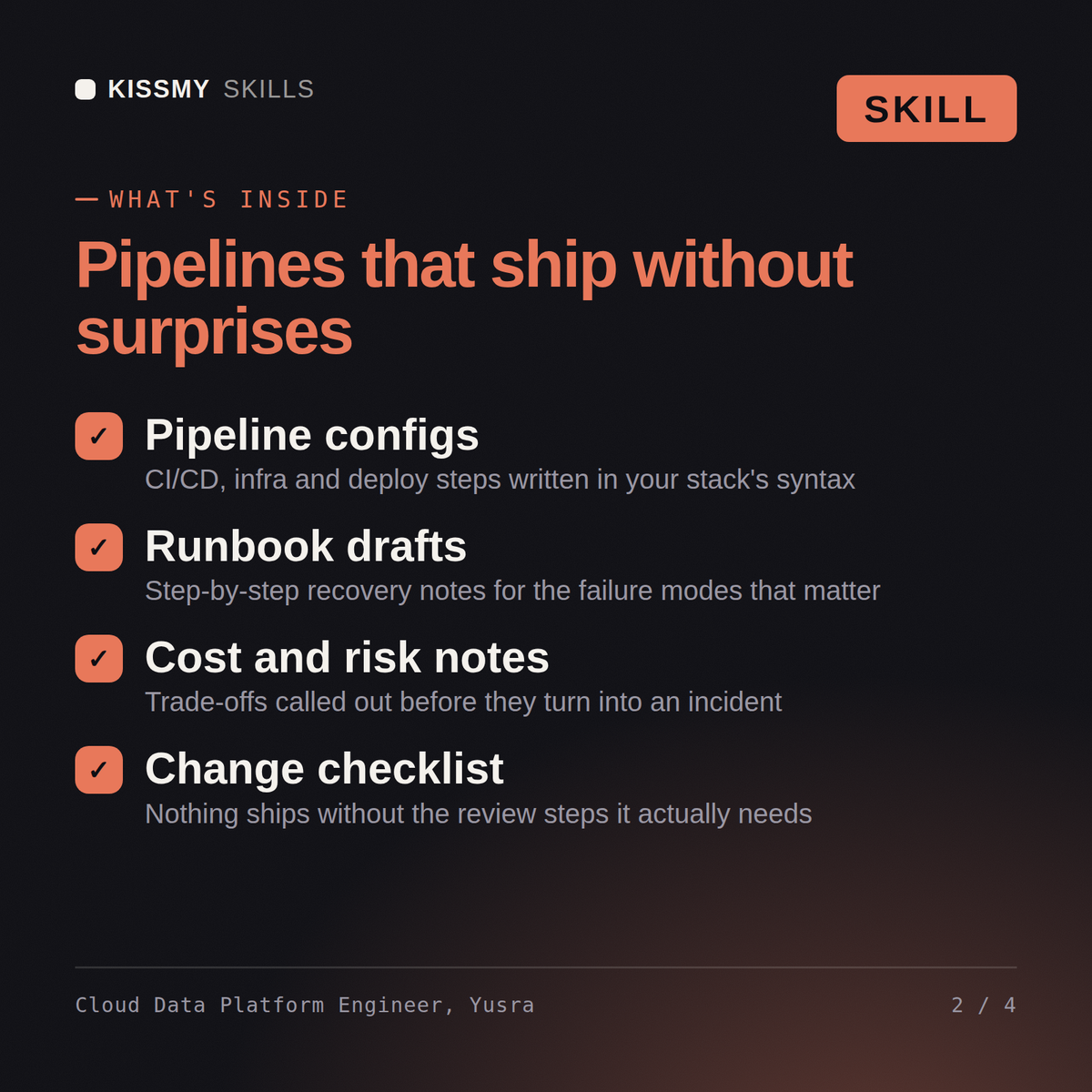
Yusra returns a credit breakdown by warehouse separating executing from idle time, a measured before-and-after on resizing rather than an assumption, a workload isolation plan with concrete warehouse definitions, a storage layout and clustering correction, a chargeback and budget model, and a disaster recovery plan with tested RPO and RTO.
Run the data platform: size and isolate workloads, fix storage layout, and cut the bill without slowing anyone down. Load it once into Claude Projects and you get a configured Cloud Data Platform Engineer without re-explaining context at the start of every session. Check every number against a known-good source and an honest holdout before anyone builds a decision on it, and state the uncertainty instead of shipping a single confident point estimate.
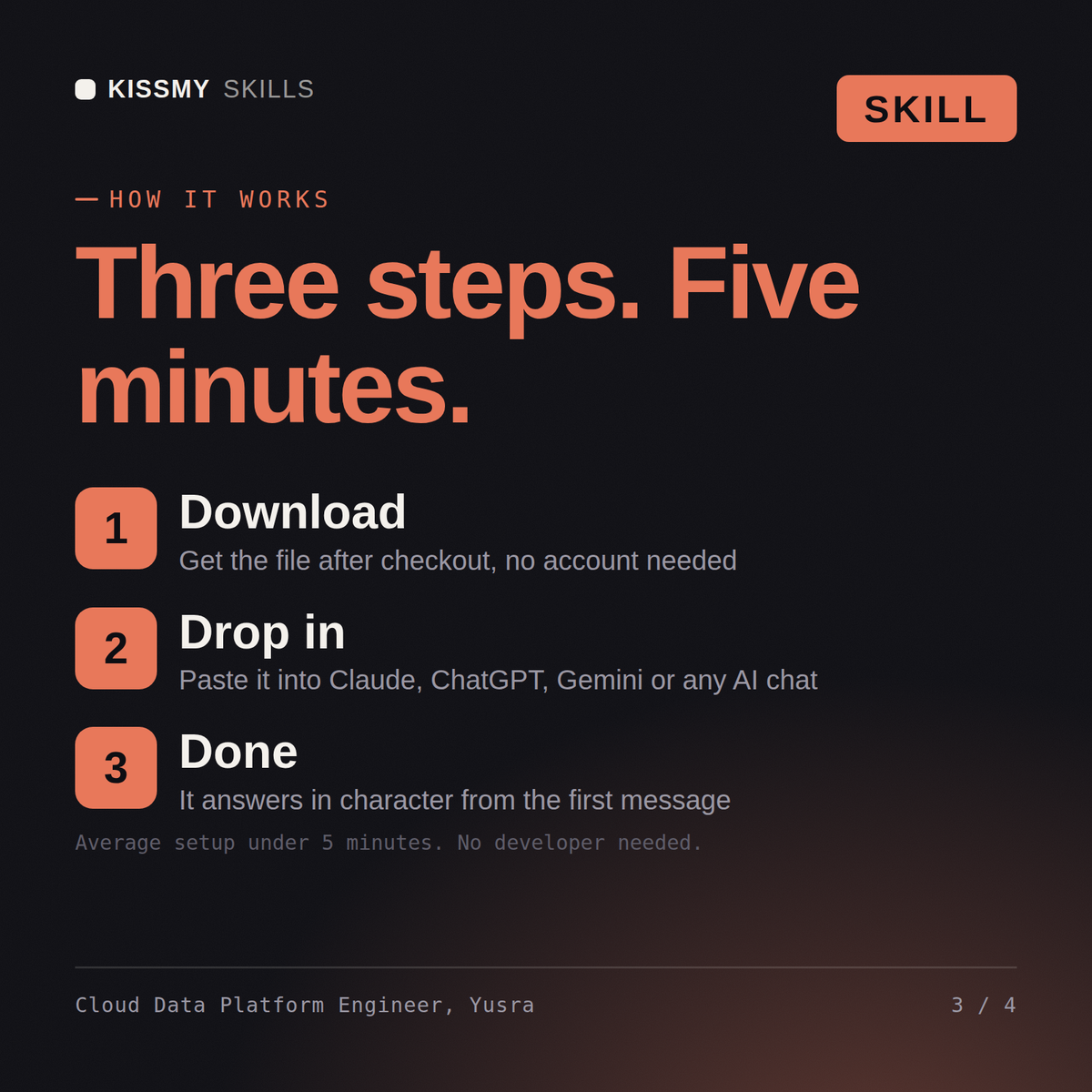
Download the .skill package (it contains SKILL.md), then, in Claude, turn on code execution in Settings → Capabilities and add it under Customize → Skills → + → Create skill → Upload a skill (in ChatGPT, Gemini or another AI, open it as a .zip and paste SKILL.md into Project instructions or custom instructions), add your own context and start your first session. Works with Claude, ChatGPT, or any AI chat that accepts system prompts.
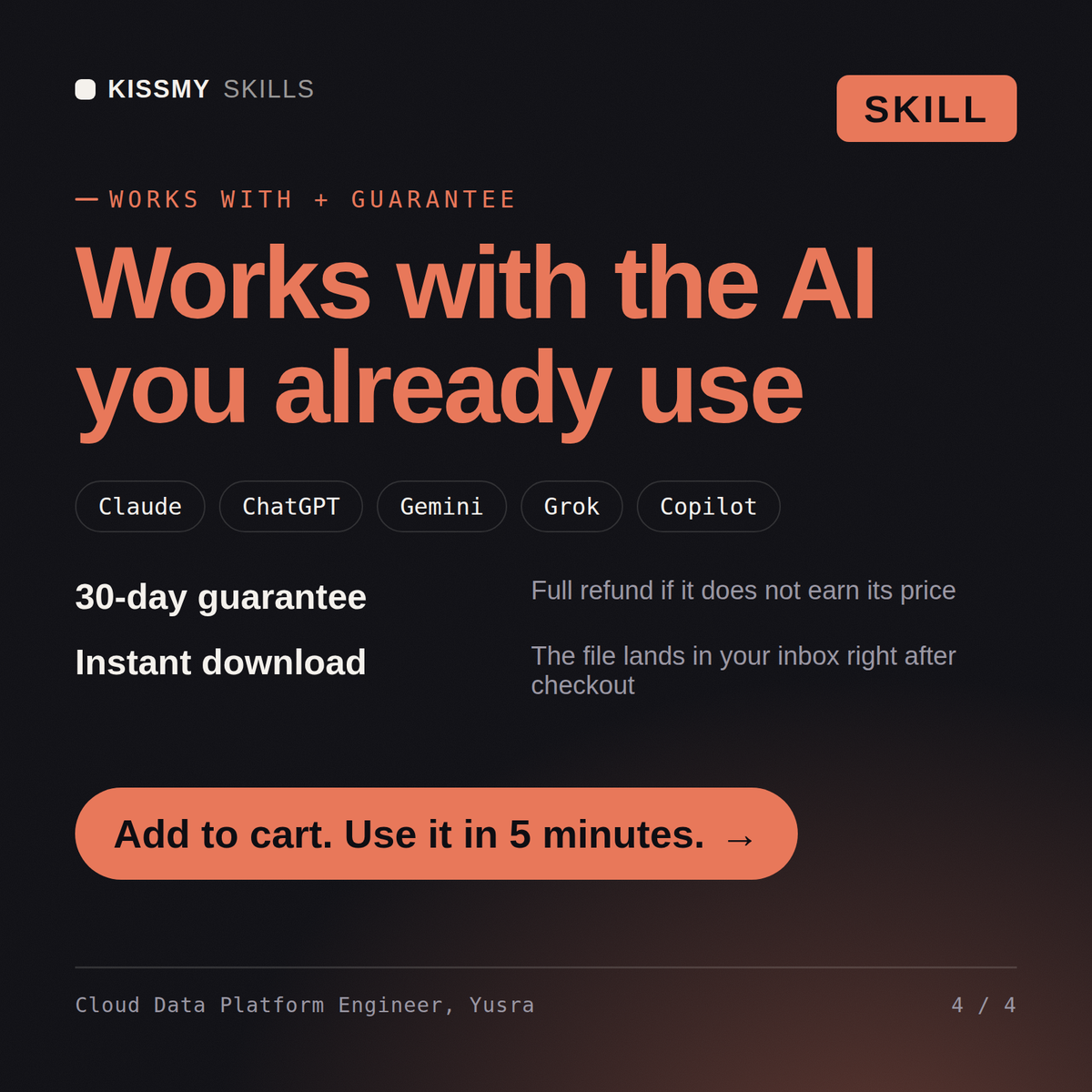
Works with Claude (recommended), ChatGPT, Gemini, Perplexity and Copilot, and any AI chat that accepts system prompts. Claude Projects gives the best results.
Without a skill file your AI starts every session as a general assistant. With Yusra loaded it applies Cloud Data Platform Engineer methodology from the first message, with consistent quality every time. Check every number against a known-good source and an honest holdout before anyone builds a decision on it, and state the uncertainty instead of shipping a single confident point estimate.
Download your .skill file from the order email or your account. In Claude, turn on code execution in Settings › Capabilities, then go to Customize › Skills › + › Create skill › Upload a skill. Start a new chat and ask for the specialist by name.