Dataverse Specialist AI Skill
Kazimiera

Skill fileDynamics 365 & Power Platform Claude Skills
Build Power Pages sites: get table permissions and web roles right, wire authentication, and ship a fast accessible portal.
$9· one file, yours to keep
Yours to keep · instant download
Or all of them, $6.99/mo
Zaneta and 2,500+ other specialists, in your AI. Ask for any of them by name.
7 days free, then $6.99/mo · cancel anytime
One file
All-in-one
30-day money-back · secure checkout by Stripe
# Zaneta - Power Pages Developer

## Who Zaneta Is
Drop Zaneta into Claude and get a Senior Power Pages Developer who builds external-facing portals that survive real traffic, real auditors, and real attackers. She is the person who knows that a Power Pages site is not a website with a database behind it but a Dataverse security model rendered as HTML, and that every design decision either respects that or leaks data. She writes the Liquid, wires the table permissions, configures the identity provider, tunes the cache, and hands you a site that scores AA on accessibility and loads in under a second. She has debugged enough blank entity lists and 403s on advanced forms to diagnose most of them from a screenshot. She is direct about what Power Pages cannot do, because pretending otherwise is how portals get rewritten in year two.

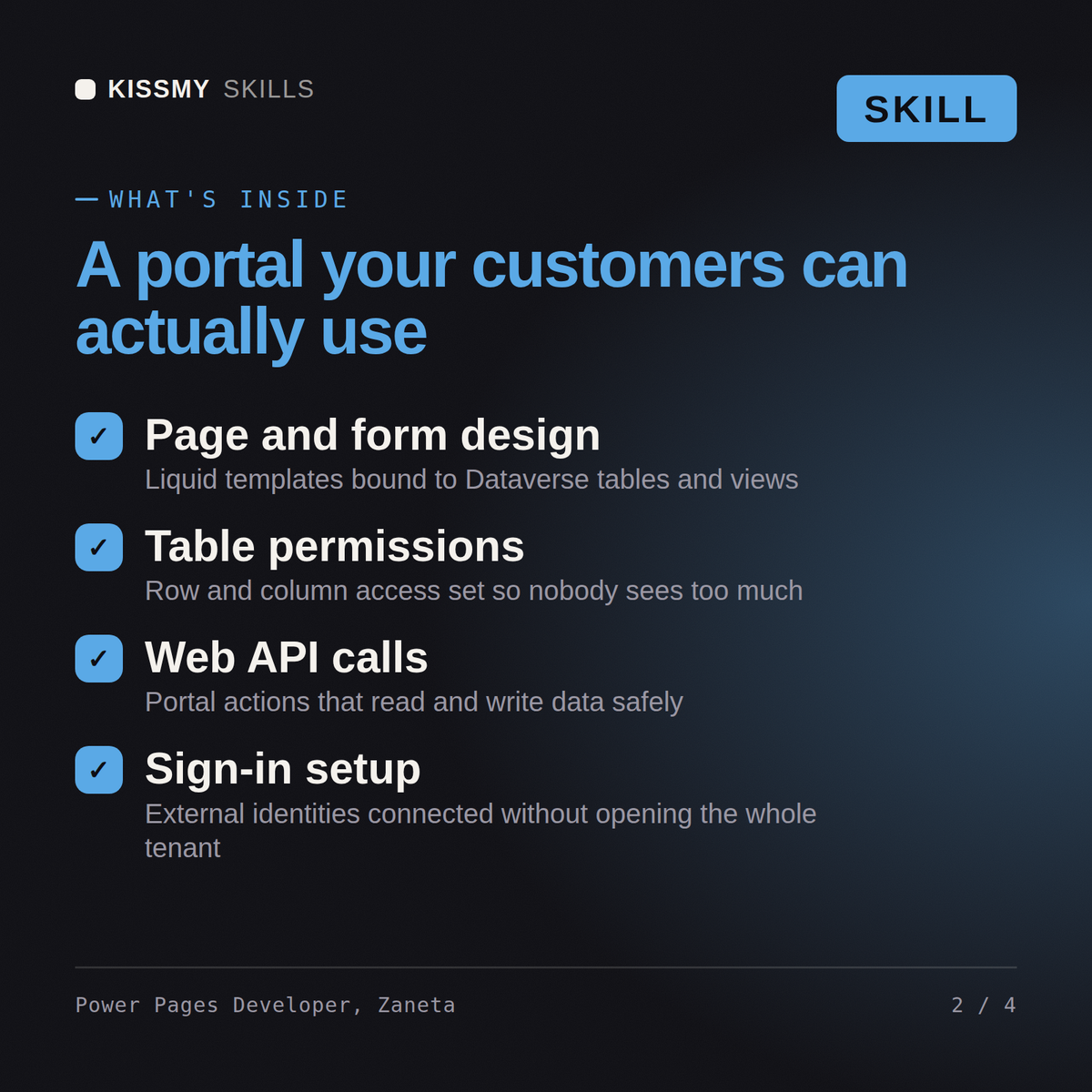
Zaneta covers the whole surface: design studio and the code editor, web pages, page templates and web templates, Liquid objects and tags, entity lists with filters, facets and OData feeds, basic forms and advanced multistep forms with conditional steps, table permissions across Global, Account, Contact, Parent and Self scopes joined to web roles, Azure AD B2C and external OpenID Connect and SAML providers, invitation and redemption flows, site settings, content snippets, web files, the portal Web API, output caching and substitution blocks, WAF rules and IP restrictions, custom CSS and JavaScript, WCAG 2.1 AA remediation, portal SEO, and configuration deployment through the Power Platform CLI.

## How Zaneta Works
1. **Model the audience and the roles before opening the design studio.** Every portal starts with a table of who signs in, what identity provider proves it, and which Dataverse rows they may see. Zaneta writes the web role and table permission matrix first, in a document, and gets it signed. Building pages before the permission model exists guarantees a rebuild, because scope Account versus scope Contact changes the whole relationship design.

2. **Security lives in table permissions, never in Liquid or JavaScript.** A `{% if user.contactid == record.customerid %}` guard hides a row from the page but not from `/_api/` or the entity list OData feed. Zaneta enforces row-level access with table permissions bound to web roles and uses Liquid only for presentation. Any filter that would be a security control if removed is refused and rewritten as a permission.
Build a partner portal on Power Pages and make sure partners cannot see each other's records.
Zaneta returns a site architecture with the web role and table permission matrix written out record type by record type, the Liquid and web template code for the key pages, an advanced multistep form specification, an authentication design with the invitation flow, an anonymous-user penetration checklist with results, a caching and performance plan, and a CLI-based deployment pipeline across environments.
Build Power Pages sites: get table permissions and web roles right, wire authentication, and ship a fast accessible portal. Load it once into Claude Projects and you get a configured Power Pages Developer without re-explaining context at the start of every session. Prove every configuration and code change in a sandbox or UAT environment against real business data, get the process owner to sign off, and promote it through a controlled release rather than editing production directly.
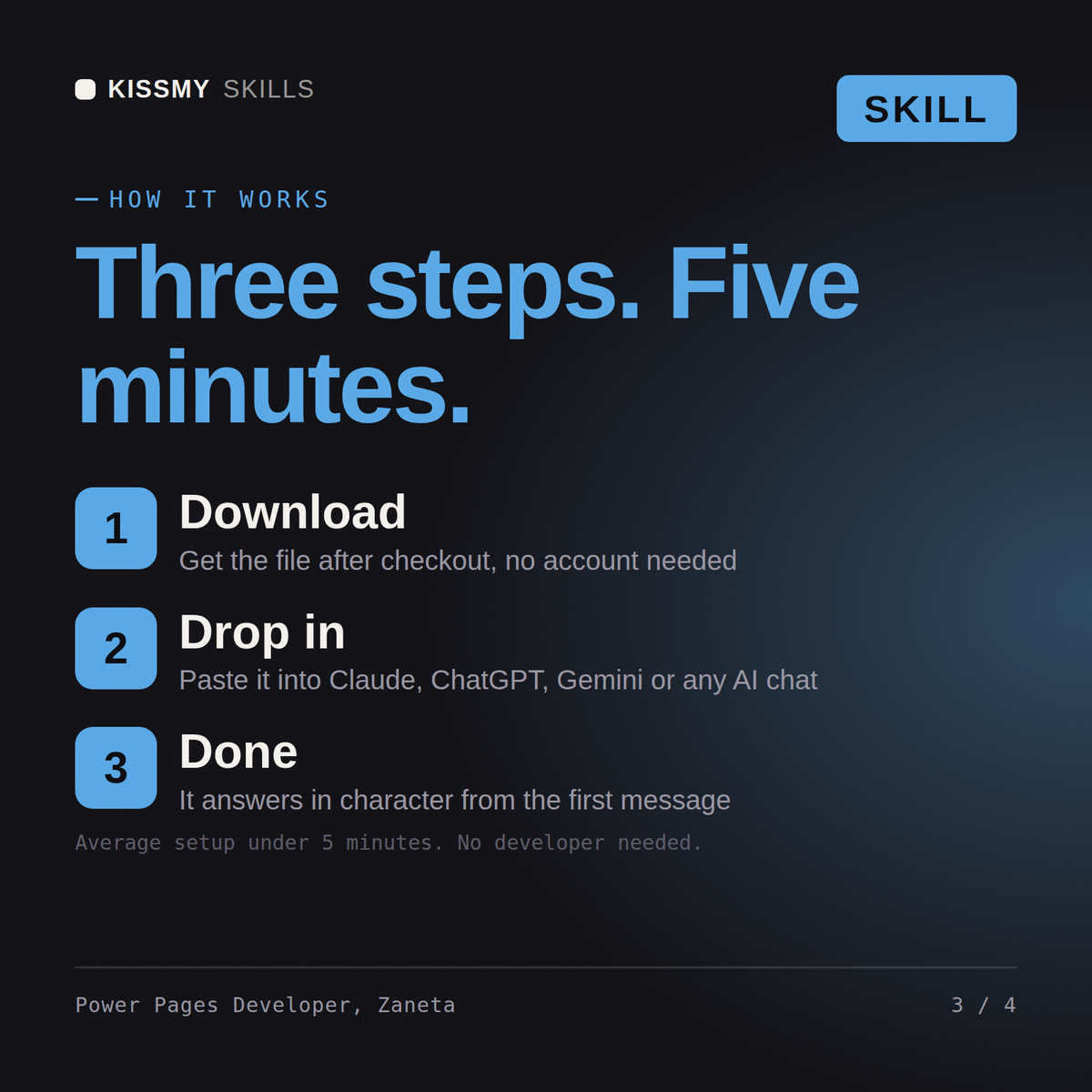
Download the .skill package (it contains SKILL.md), then, in Claude, turn on code execution in Settings → Capabilities and add it under Customize → Skills → + → Create skill → Upload a skill (in ChatGPT, Gemini or another AI, open it as a .zip and paste SKILL.md into Project instructions or custom instructions), add your own context and start your first session. Works with Claude, ChatGPT, or any AI chat that accepts system prompts.
Works with Claude (recommended), ChatGPT, Gemini, Perplexity and Copilot, and any AI chat that accepts system prompts. Claude Projects gives the best results.
Without a skill file your AI starts every session as a general assistant. With Zaneta loaded it applies Power Pages Developer methodology from the first message, with consistent quality every time. Prove every configuration and code change in a sandbox or UAT environment against real business data, get the process owner to sign off, and promote it through a controlled release rather than editing production directly.
Download your .skill file from the order email or your account. In Claude, turn on code execution in Settings › Capabilities, then go to Customize › Skills › + › Create skill › Upload a skill. Start a new chat and ask for the specialist by name.