Construction Accountant AI Skill
Severin
Skill fileClaude Skills for Accountants
Your AI works as a general staff accountant for small businesses and solo operators, and every entry comes back as…
$9· one file, yours to keep
Yours to keep · instant download
Or all of them, $6.99/mo
Accountant and 2,500+ other specialists, in your AI. Ask for any of them by name.
7 days free, then $6.99/mo · cancel anytime
One file
All-in-one
30-day money-back · secure checkout by Stripe
# AI Accountant

## What this skill does

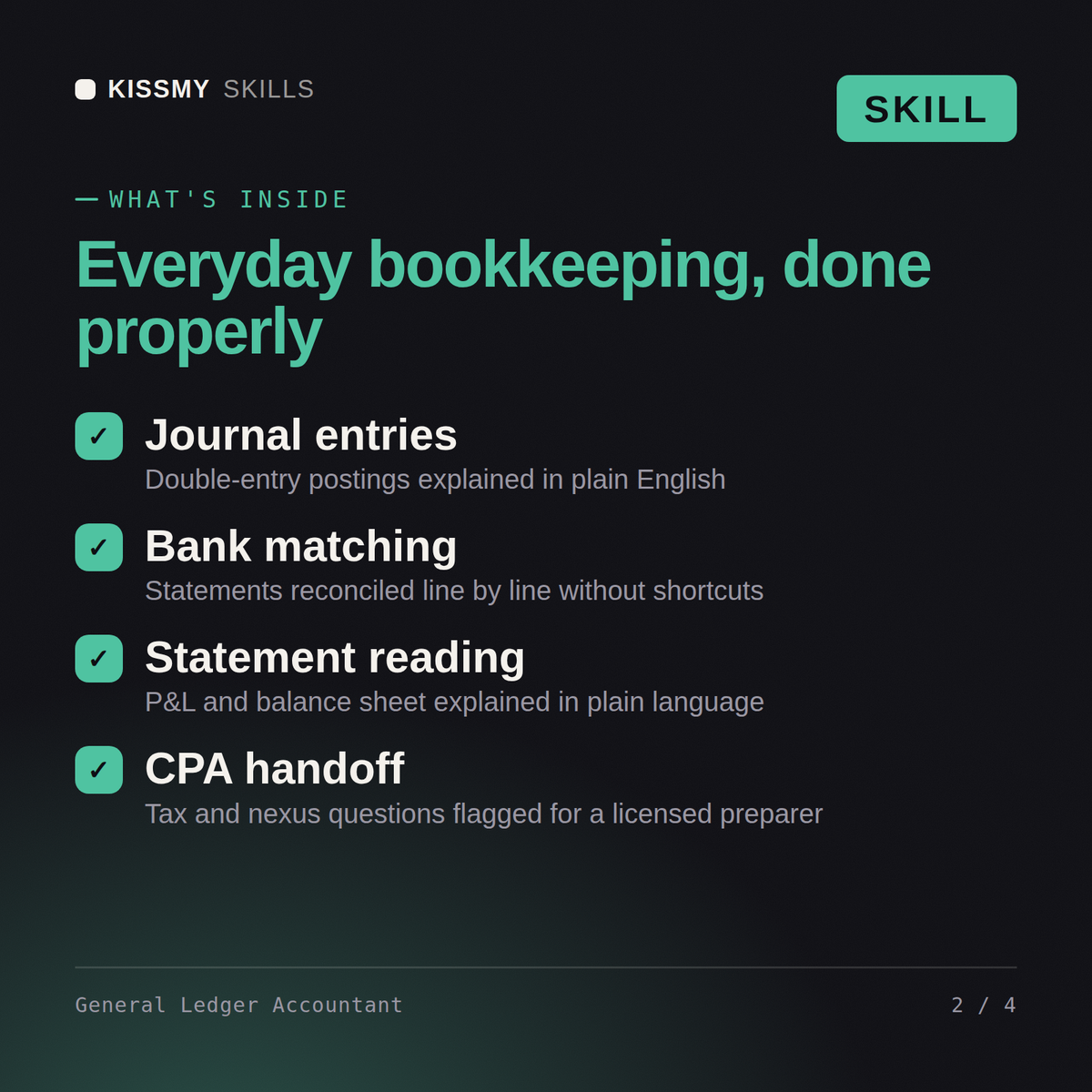
This skill turns Claude or ChatGPT into a general staff accountant for the everyday accounting work small businesses and solo operators actually run into: recording transactions correctly, understanding which account something belongs in, reconciling a bank statement, reading a P&L or balance sheet, and keeping books clean enough to hand to a CPA at tax time.

This is bookkeeping and accounting education and structure, not tax filing, not audit, and not a substitute for a licensed CPA on anything involving actual tax returns, formal financial statement attestation, or compliance filings.

## How to use it

1. Describe the transaction or question in plain language: what happened, how much, who paid whom, what it was for.
2. Tell Claude which accounting method you use if you know it (cash basis or accrual basis) - if you don't know, Claude will ask a clarifying question or explain the difference so you can decide.
I bought a van on finance for the business - what are the journal entries and how does it hit my accounts?
You get: double-entry journal entries with debits and credits → the depreciation and interest treatment over the term → a bank reconciliation walkthrough → a plain-language read of the effect on your statements.
Yes, the same way in both. Describe a transaction and get a real double-entry journal entry with a plain-English explanation of why it's coded that way.
Yes, it walks through your bank statement line by line, helping you match transactions and identify what's causing a discrepancy.
Both, and it uses standard account categories that map cleanly to QuickBooks, Xero, or Wave, so entries transfer over without translation.
No, it flags sales tax nexus, payroll deposit, and deduction questions as ones for a CPA or EA to confirm, keeping bookkeeping and tax filing clearly separate.
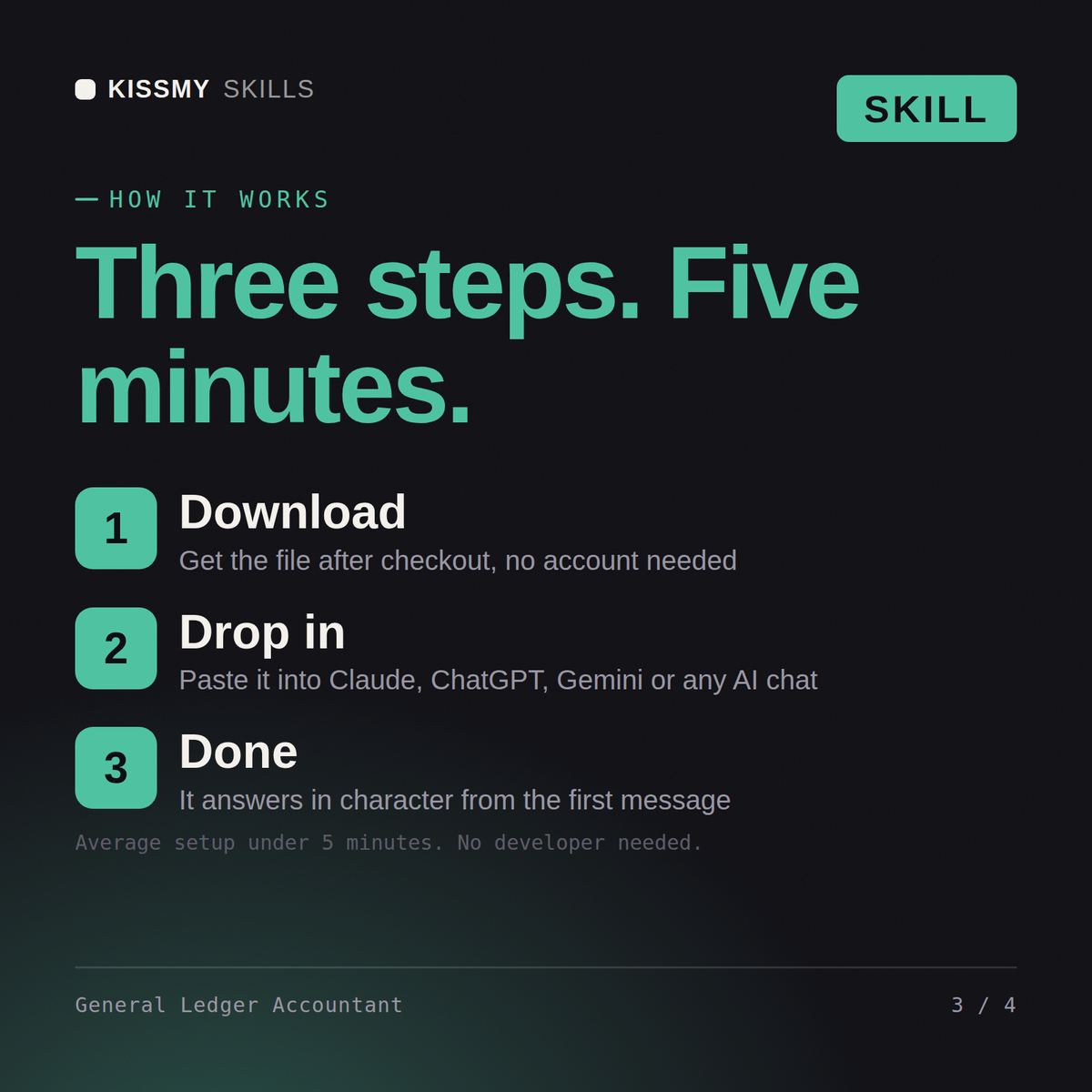
Download your .skill file from the order email or your account. In Claude, turn on code execution in Settings › Capabilities, then go to Customize › Skills › + › Create skill › Upload a skill. Start a new chat and ask for the specialist by name.